
Fed up with contact center software solutions that fail?
Enterprise support is more than just phone calls, chat, email, or messaging, but it all happens simultaneously across all channels, and your simple helpdesk tools aren't up to the challenge.
The definition of enterprise-grade changes every day: your platform should be able to scale to thousands of users, have latency under 100 milliseconds in voice AI, and comply with regulations such as the EU AI Act.
This Article breaks down the top 11 enterprise contact center platforms, how their architecture actually works, and exactly what to check before you commit.
What is an Enterprise Contact Center?
An enterprise contact center is not just a department that answers phone calls anymore. The department has developed into a connected, AI-based center for all customer interactions. Modern enterprise call center solutions are different from old, separate call centers.
In enterprise contact center solutions, these journeys play out across many different channels. For instance, they include both voice and digital platforms. This big change has come about because of rapid advancements in artificial intelligence (AI), cloud computing, and data analytics.
Consequently, picking out the right enterprise contact center solution has become one of the most important technology decisions for operational efficiency, brand loyalty, and even revenue growth.

Fed up with contact center software solutions that fail?
Enterprise support is more than just phone calls, chat, email, or messaging, but it all happens simultaneously across all channels, and your simple helpdesk tools aren't up to the challenge.
The definition of enterprise-grade changes every day: your platform should be able to scale to thousands of users, have latency under 100 milliseconds in voice AI, and comply with regulations such as the EU AI Act.
This Article breaks down the top 11 enterprise contact center platforms, how their architecture actually works, and exactly what to check before you commit.
Vendor Matrix: Top Platforms at a Glance
What Is an Enterprise Contact Center Solution?
An enterprise contact center solution is a software system that manages customer conversations, agent schedules, and performance data for large companies. It takes in data fast, applies routing rules, and sends each task to a human agent or an AI agent, based on who's free and who fits best.
As per a Salesforce report, 83% of customers expect to solve complex problems by speaking with one person, but 53% say support interactions feel fragmented.
Enterprise vs. SMB Contact Centers: 7 Real Differences
Call Center vs. Contact Center
A call center will handle only telephone calls over the telephone network or VoIP, but a contact center deals with everything – voice, email, SMS, web chat, WhatsApp, social media, video, etc. With an efficient enterprise-level solution, a customer is able to start chatting and then transition to a call.
How Enterprise Contact Center Architecture Works
Current systems have a layered architecture. Each layer can be replaced individually, meaning that a business can replace its AI or database without having to change the telephone system that sits below it.
CCaaS Core: This is the underlying layer. CCaaS software deals with the bare signal for every communication made. For voice calls, it relies on SIP Trunking and WebRTC to transmit the sound via the Internet. This layer was designed for 99.999% availability, and this is achieved through clustered servers that run all the time. No matter how the communication is received, this layer translates it into the same form.
Routing Engine: The next layer makes decisions about where each message or phone call is routed after receipt. Previous systems simply allocated each call to the agent that had been sitting idle for the longest duration. The more advanced systems employ prediction-based algorithms to do the routing based on information such as phone numbers, caller behavior, and mood.
CRM and Data Layer: This is where the system’s memory lies. With the help of REST APIs and webhooks, the system remains connected to applications such as Salesforce, Zendesk, or SAP. Once an inbound call comes, this layer brings up the whole history of the customer to the agent’s desktop screen. As soon as the agent edits a record, the change reflects in the CRM immediately as well. Understanding these call center integrations is absolutely crucial.
AI Orchestration Layer: This is the top layer, performing all heavy-duty processing. It performs operations such as running language models and NLP for self-service, translation of language in real time, and coaching of agents. To ensure that conversations over voice remain natural, this requires extremely fast database access – less than 100 milliseconds. It also performs screening of each and every conversation.
McKinsey’s report shows that Generative AI could boost customer operations productivity by 30 - 45% of function costs, cutting human-serviced contacts up to 50%
The 11 Best Enterprise Contact Center Solutions
1. Thunai
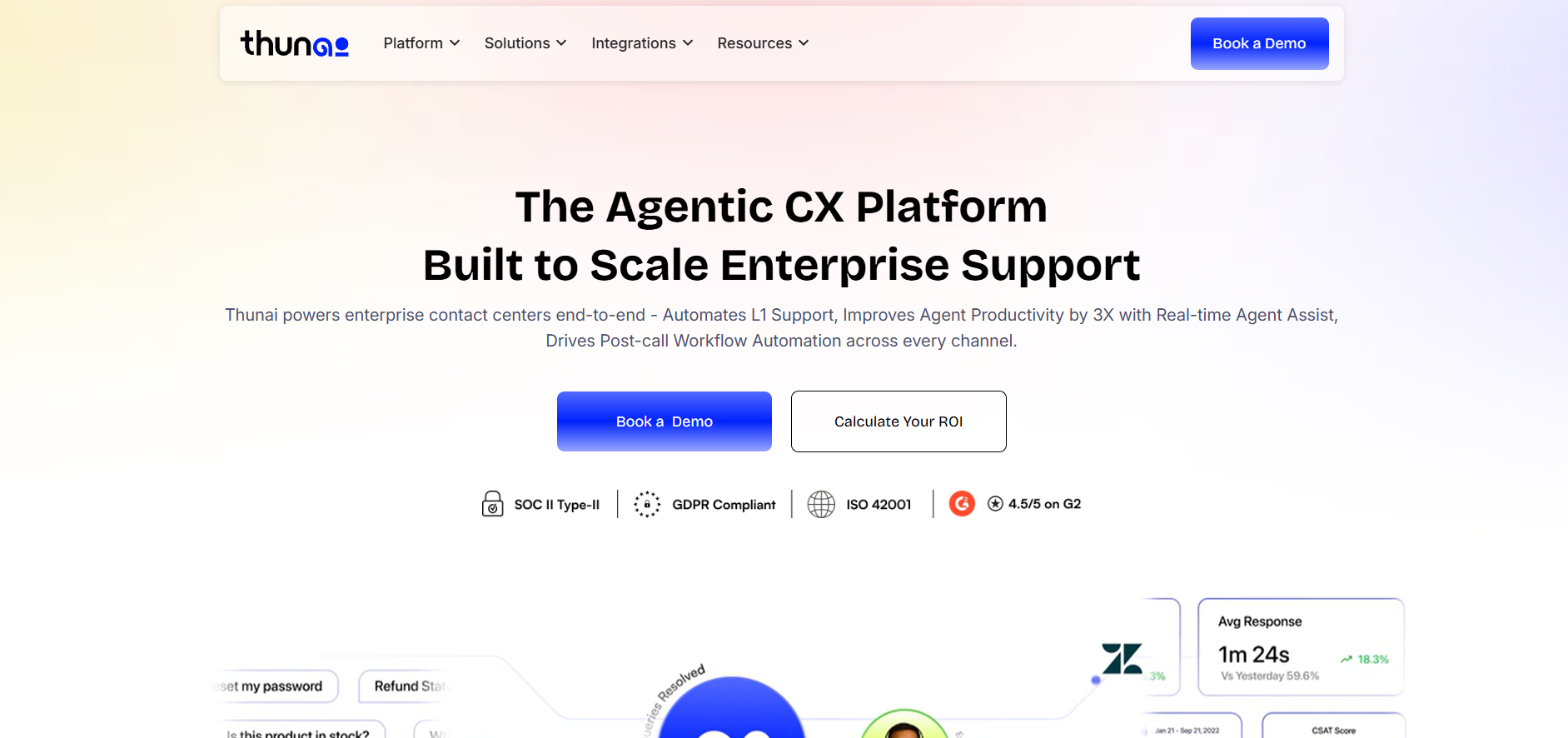
Thunai is built around a central AI brain that learns on its own. It works as a digital labor layer, handling calls, chats, and back-office tasks across a whole company. Exploring on Contact Center Automation reveals how platforms like Thunai change the labor model.
Features:
- Voice agents sound close to human, support over 150 languages, and query databases in under 100 milliseconds.
- Scores 100% of calls for quality automatically and handles data entry on its own.
Pros:
- Strong fit for companies that want to cut manual work fast with AI that actually finishes tasks.
- Highly accessible entry point plans start at $9 a month, with custom pricing available for larger deployments.
Cons:
- As a newer platform, it doesn't have the decades of legacy telecom infrastructure that older vendors have.
- Newer market presence means less of a track record at massive, long-established enterprise scale compared to legacy vendors.
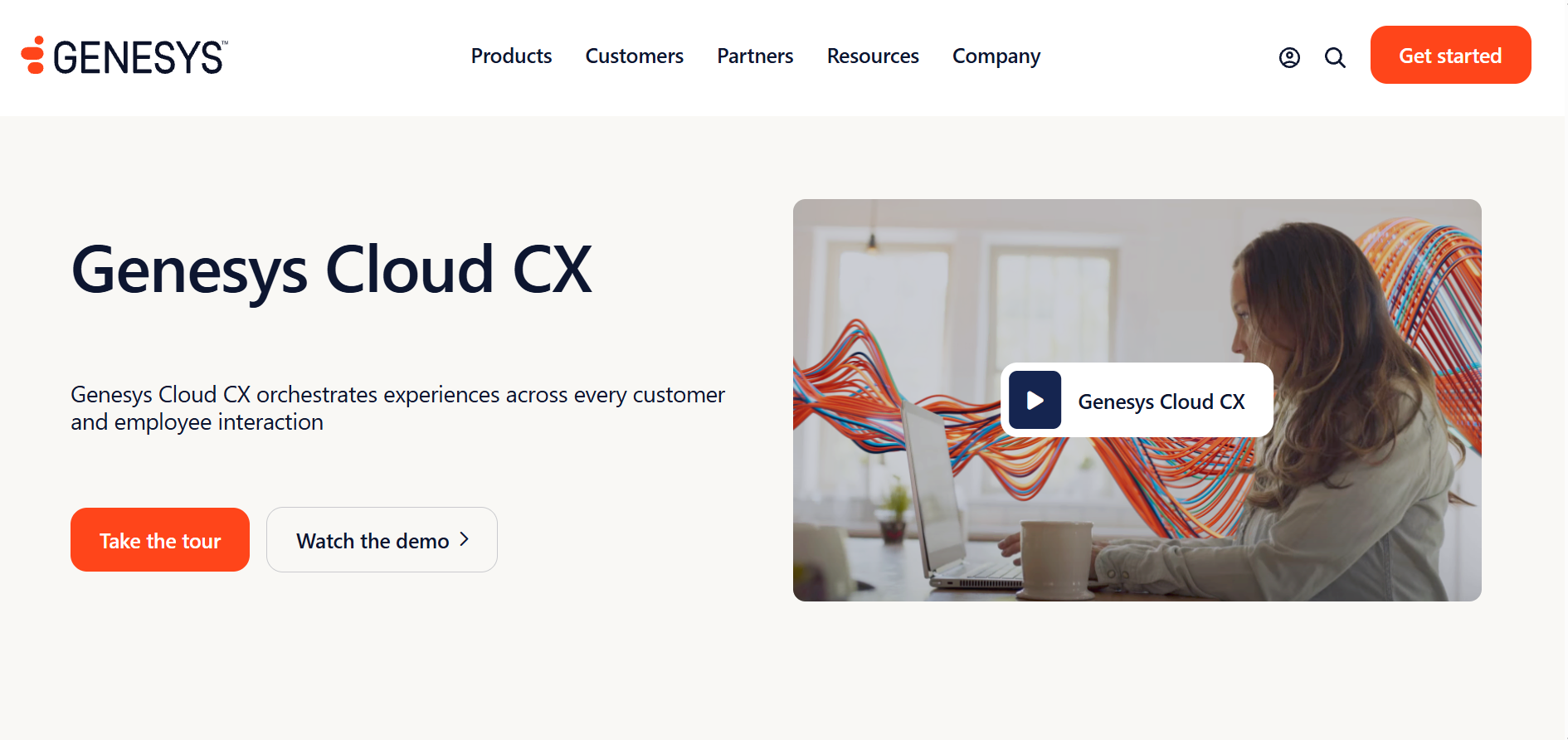
2. Genesys (Cloud CX)
Genesys leads the market for complex, high-volume customer operations and offers predictive routing and journey mapping across every channel.
Features:
- Holds SOC 2, GDPR, HIPAA, and PCI-DSS certifications, covering most global compliance needs out of the box.
- Advanced AI features, including predictive routing and journey mapping, are built across its tiers.
Pros:
- Suits large multinational companies needing deep CRM integration across complex customer journeys.
- Clear tiered pricing structure from $75/user/month for voice only up to $240 for the full suite makes it easy to scale up feature by feature.
Cons:
- Advanced AI features often run on token-based pricing, so costs can spike during busy periods.
- Full-suite pricing at $240/user/month puts it among the pricier options for smaller enterprise teams.
3. NICE CXone
NICE CXone is an all-in-one suite favored by large outsourcing firms and high-volume call centers.

Features:
- Enlighten AI engine, trained on billions of real interactions, powers quality scoring and agent coaching.
- Holds FedRAMP authorization, making it a solid choice for U.S. government work.
Pros:
- Good fit for large teams that need strict quality control across thousands of agents.
- Custom pricing at $110 to $150 per user per month comes with workforce tools already included.
Cons:
- Platform depth means it usually takes real setup time and professional services to configure.
- Custom pricing model makes it harder to estimate exact costs without a vendor quote.
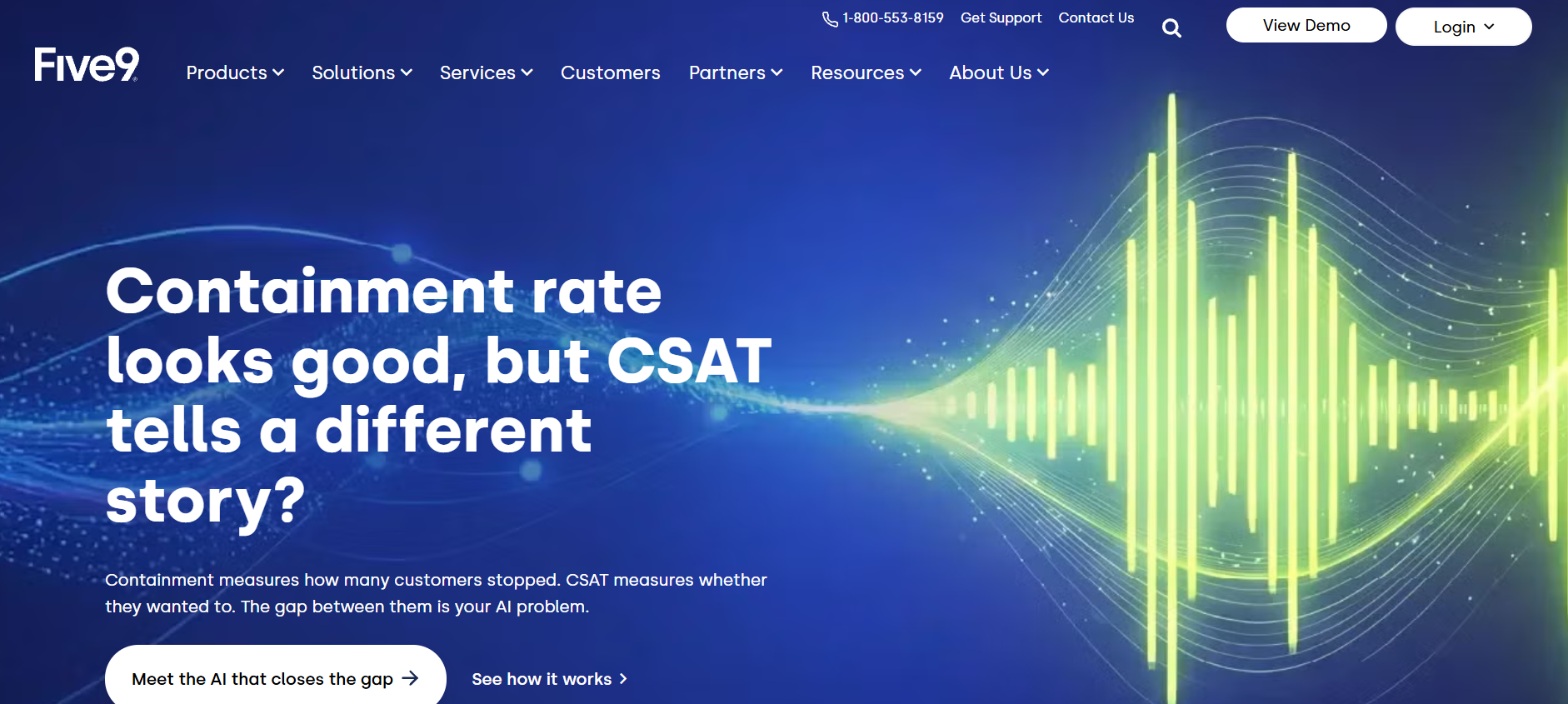
4. Five9
Five9 built its name on strong outbound dialing and has since added a full inbound suite.
Features:
- Predictive dialer includes automatic TCPA compliance checks, which matters for large outbound campaigns.
- Holds PCI-DSS, SOC 2, HIPAA, and GDPR certifications.
Pros:
- Works well for companies running heavy outbound sales or collections.
- Automatic TCPA compliance built into the dialer reduces legal risk on large campaigns.
Cons:
- Digital channels are less mature than its voice tools.
- Cost rises quickly with added AI and analytics from $119 per user per month on Core up to $250.
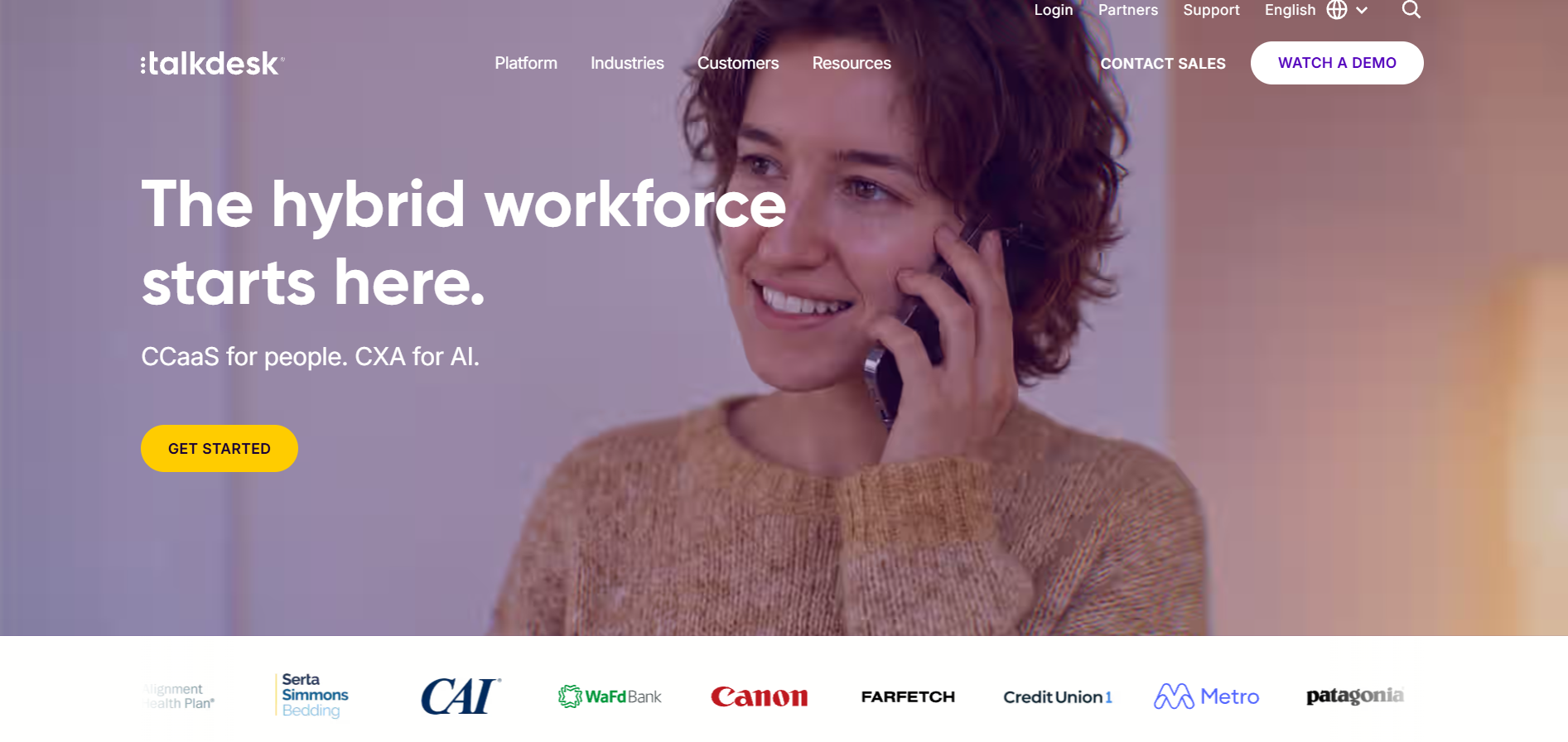
5. Talkdesk
Talkdesk offers pre-built "industry clouds" for healthcare, retail, and banking. These connect back-office operations directly to the contact center.
Features:
- AI Coach tools sit right inside the agent's workspace.
- HIPAA, PCI-DSS, and GDPR compliant.
Pros:
- Strong choice for regulated industries wanting ready-made, industry-specific setups.
- Clear tiered pricing gives a straightforward entry point: Digital Essentials at $85/user/month, Voice Essentials at $105.
Cons:
- With AI and workforce solutions layered on top of the foundation plan, the price increases dramatically, reaching up to $165 for the Elite and about $225 for industrial clouds.
- The use of different pricing plans may affect the accuracy of estimating the final price because of not know which modules a business would need.
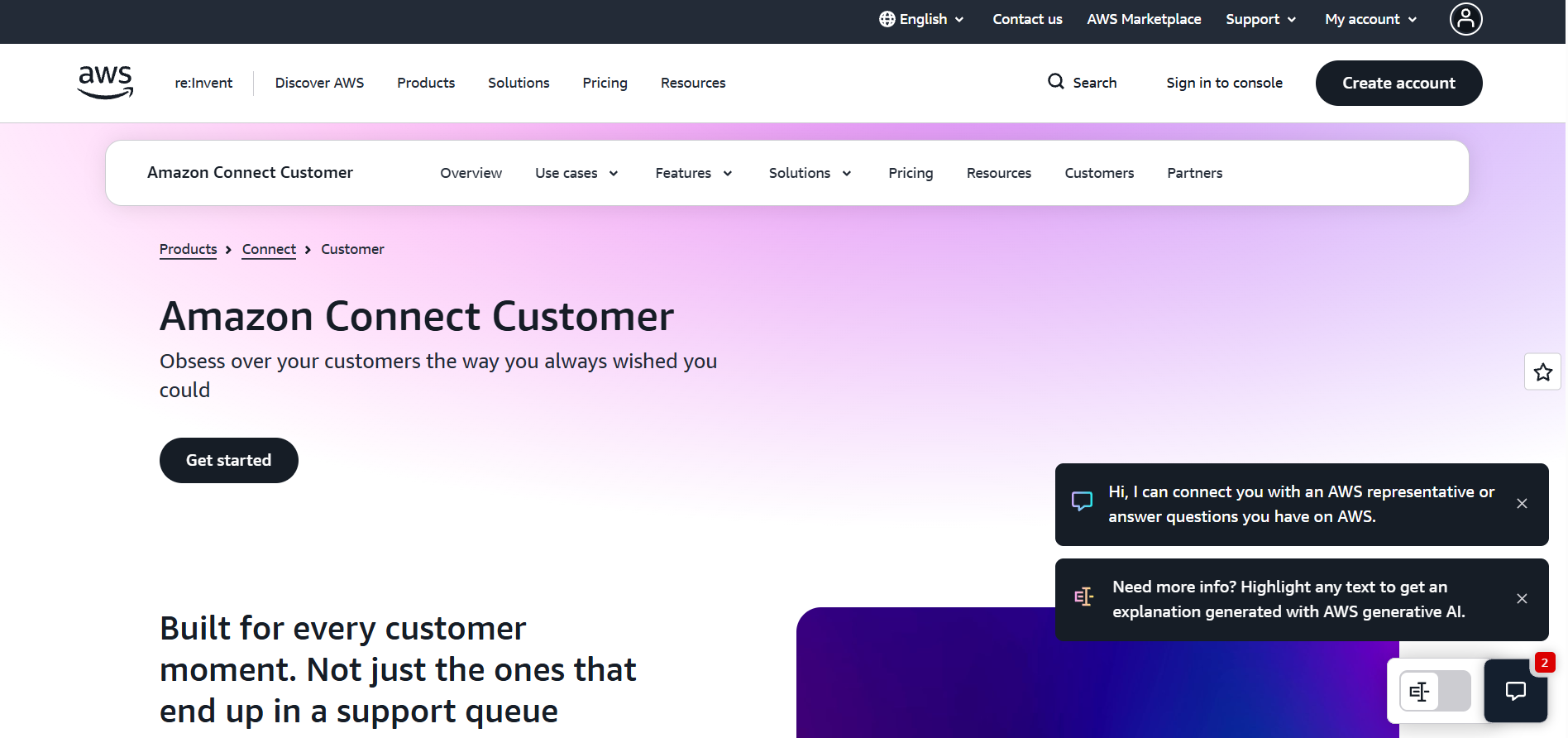
6. Amazon Connect
Amazon Connect is a flexible, pay-as-you-go platform built on AWS and connects natively to Amazon Lex for voice AI and Amazon Bedrock for generative AI. Reviewing in Amazon Connect provides clarity on how micro-charges aggregate.
Features:
- Inherits AWS’s security stance, including HIPAA, SOC 2, and PCI-DSS.
- No per-seat pricing model; you just pay according to minutes, messages, and API calls used.
Pros:
- Designed specifically for businesses with internal engineering capability that prefer complete routing logic control.
- Usage-based pricing automatically grows in sync with actual usage; no idle seat cost.
Cons:
- Not available out-of-the-box, meaning that users have to develop their own administration tools.
- Full control over routing logic means more upfront engineering work compared to plug-and-play vendors.
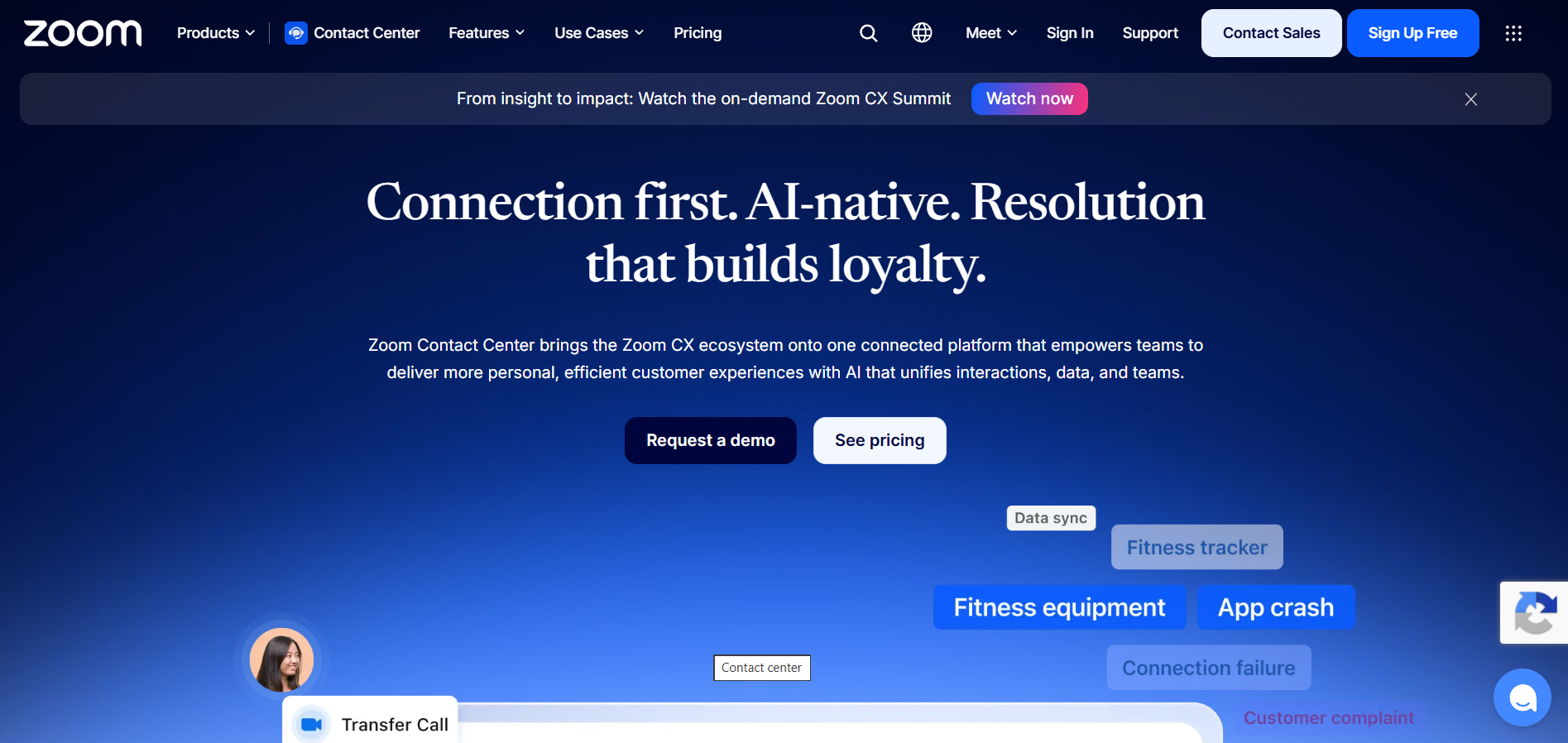
7. Zoom Contact Center
Zoom Contact Center runs on Zoom's video infrastructure and brings a familiar interface to customer support.
Features:
- Ability to escalate to video directly from chat or call, helpful for telehealth or financial services.
- AI Companion is included in the package free of charge in all packages; transcription, summarization, sentiment analysis.
Pros:
- Automatic PII redaction and encryption at rest provided out of the box without additional fees.
- Suitable for businesses using Zoom, offering bundled pricing for $69/agent/month for Essentials, $99 for Premium, and $149 for Elite with workforce tools.
Cons:
- Global routing and legacy enterprise capabilities are not yet catching up with their competition.
- AI Companion is strong on the surface, but deeper enterprise-grade routing needs may outgrow it at scale.
8. Cisco Webex Contact Center
Webex Contact Center is the main cloud path for companies still on Cisco's on-site phone hardware.
Features:
- Can support up to 36,000 concurrent agents, among the highest available in the market.
- Provides AI Assistant summaries and automation via Webex Connect, although more advanced AI requires an additional partner solution.
Pros:
- Compliant with GDPR and FedRAMP, thus well suited for large corporations and government organizations already working with Cisco's solutions.
- High concurrency limit means it scales well for massive, global agent teams.
Cons:
- Migrating fully from on-site Cisco hardware to this cloud version takes real time.
- Deeper AI capabilities often require a partner add-on rather than coming built in.
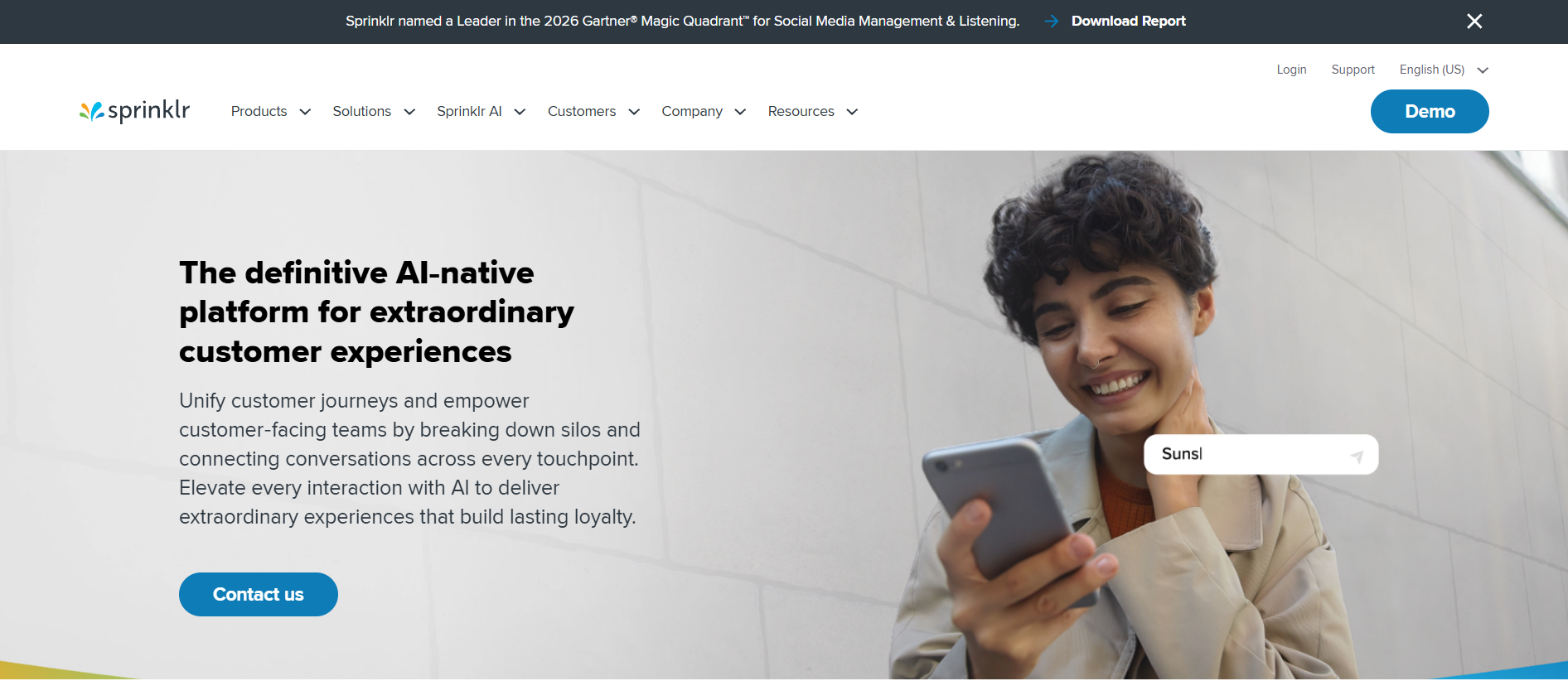
9. Sprinklr
Sprinklr started as a social media tool and grew into a full customer experience platform and handles dozens of digital and social channels from one interface, better than most competitors.
Features:
- Native on all text-based mediums, performing intent analysis and automatic categorization.
- Holds SOC 2, ISO, and GDPR certifications.
Pros:
- Suited for retail & media brands that primarily offer their services via chat & social media, not voice-based channels.
- Pricing is fully custom, built around the specific modules and channel usage a company actually needs.
Cons:
- Voice and phone routing is newer and less developed than what legacy vendors offer.
- Fully custom pricing makes it harder to estimate costs upfront compared to vendors with fixed per-seat rates.
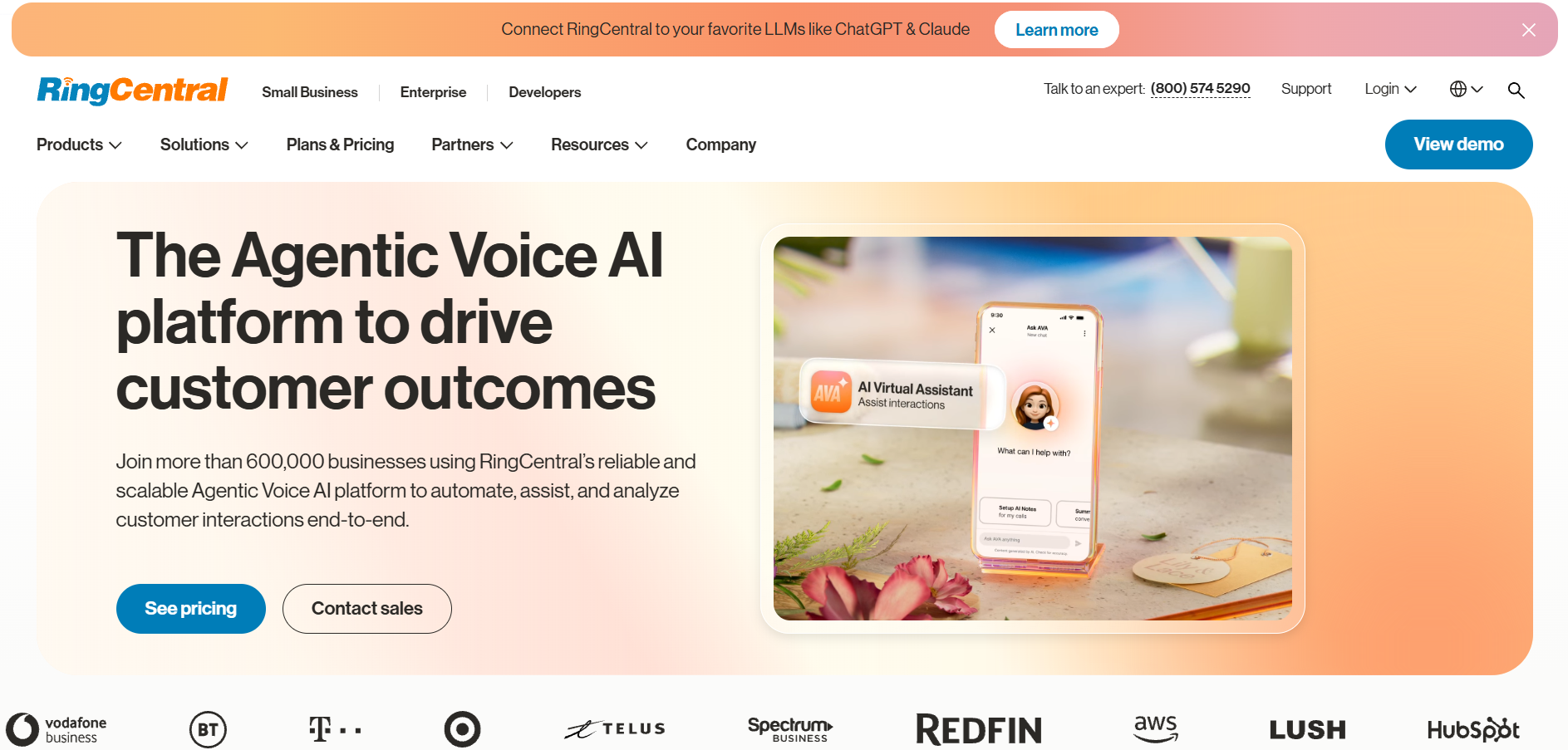
10. RingCentral (RingCX)
RingCentral's contact center product, RingCX, ties together internal phone systems and external customer support on one bill.
Features:
- Agents can hand off complex calls to internal experts easily.
- RingSense AI provides transcripts and call summaries.
Pros:
- SOC 2- and HIPAA-compliant, covering standard enterprise security needs.
- Good for businesses that need a provider for their internal and external telephone infrastructure, and prices are bundled at very competitive rates from about $19.99 per user/month.
Cons:
- Complex workforce management often needs third-party add-ons rather than native tools.
- Global routing rules also often require third-party integrations to handle properly.
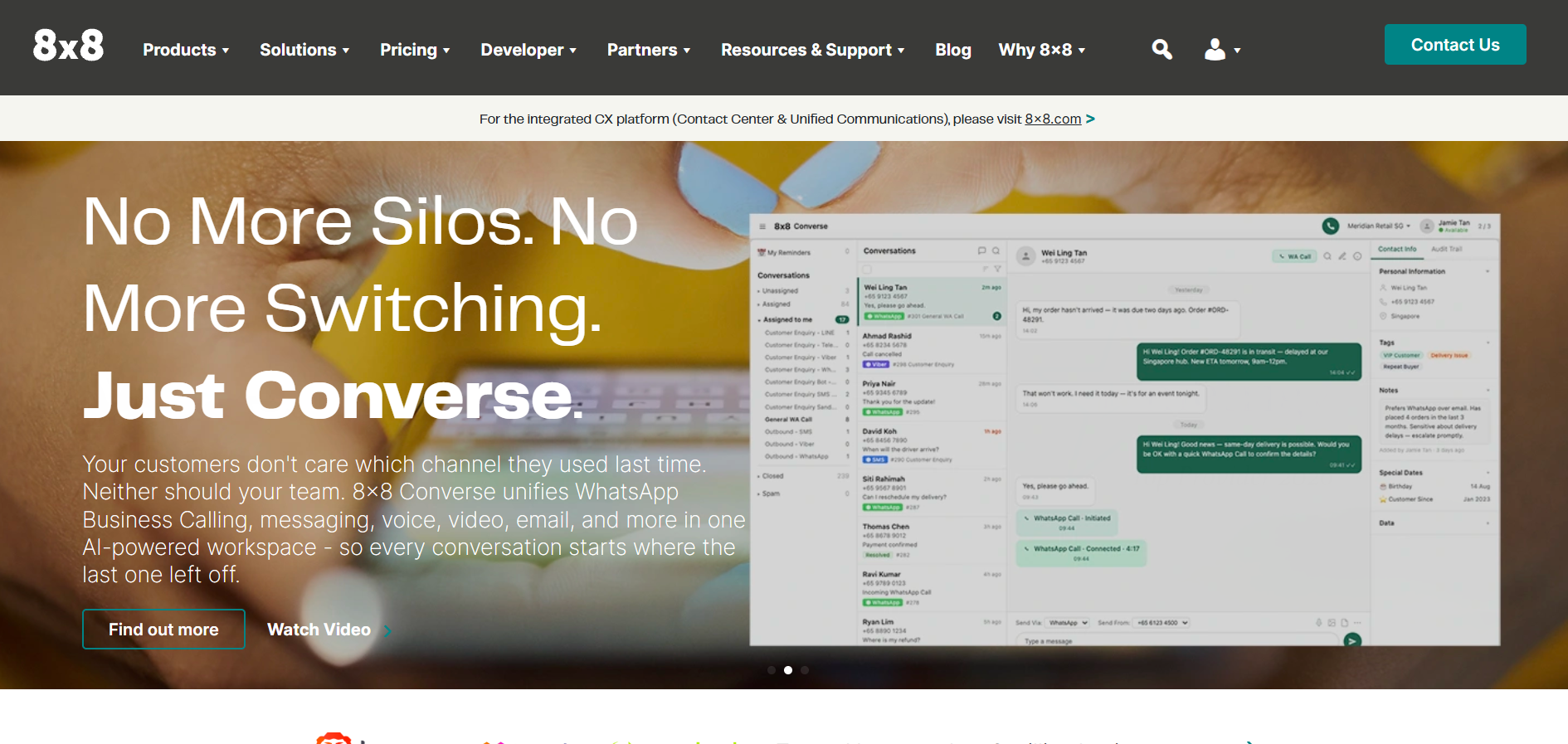
11. 8x8 Contact Center
8x8 combines unified communications and contact center tools under one vendor, running on its own global network.
Features:
- Connects customer information and internal employee communication directly without any need for additional middleware.
- Has certifications for PCI-DSS, HIPAA, and SOC 2.
Pros:
- Perfectly matches teams that work remotely and prefer to use just one admin panel.
- Flexible pricing starts from $60 up to $180 per user per month.
Cons:
- The lack of AI and quality tools makes it less competitive than other AI-oriented companies featured in this review.
- Bigger price range ($60–$180) allows costs to grow very quickly if a higher tier or more channels are chosen.
9 Criteria for Evaluating Enterprise Contact Center Software
Buying enterprise software is a major decision. Here's what to check, beyond the feature list.
- Scale and concurrency: Confirm the platform can handle a volume spike without slowing down or dropping calls, on both voice and digital channels.
- Routing sophistication: Basic skill-based routing isn't enough anymore. Look for predictive routing that uses past outcomes and live sentiment to pick the right agent.
- AI containment rate: This is the real measure of ROI. Good AI agents should resolve 30% to 50% of routine questions without a human, by reading and writing to your CRM directly.
From Gartner's 2026 survey, 84% of leaders also plan to add new skills to the agent role as AI reshapes frontline work. - Integration depth: Check the platform's REST APIs, webhooks, and pre-built CRM connectors. Also check the API rate limits they can cause sync failures during busy periods.
- Compliance certifications: Confirm encryption at rest and in transit, automatic PII redaction, and support for data residency laws like SOC 2, HIPAA, PCI-DSS, and GDPR.
- Uptime SLAs: Enterprise platforms usually promise 99.99% to 99.999% uptime. Read the contract closely how downtime is measured and what you get if it's missed.
- Global voice quality: Latency hurts both human calls and AI response times. Check the vendor's network of local points of presence and carrier relationships.
- Admin control: Business teams should be able to update IVR flows, routing rules, and AI prompts without waiting on IT.
- Total cost of ownership: Licensing is only part of the bill. Add telecom usage, AI token costs, recording storage, and setup fees before comparing vendors.
Security and Compliance Requirements for Enterprise Deployments
Contact centers handle some of a company's most sensitive data, like card numbers, health records, and login credentials.
Standard requirements include SOC 2 Type II audits, PCI-DSS for payments, and HIPAA (with a signed Business Associate Agreement) for healthcare data.
AI governance rules are catching up fast. Starting August 2, 2026, the EU AI Act requires any company using AI in customer service for EU consumers to disclose that use during the interaction itself, not buried in a policy page.
Companies must also offer a fast path to a human agent, disclose any emotion detection or biometric tracking, and show that staff are trained in how the AI works.
What Enterprise Contact Center Software Costs
Per-seat vs. consumption pricing
Genesys, NICE, and Talkdesk charge a flat monthly fee per agent, from around $75 for basic voice up to $240 for full omnichannel and analytics.
This is predictable, but you pay for idle seats during slow periods. Amazon Connect and similar platforms charge only for minutes, messages, and API calls used.
This scales well with demand, but busy agents can push costs above what a flat seat price would cost.
Hidden costs
The listed price rarely matches the final bill. Telephony charges for inbound and outbound calls are usually billed separately.
Many platforms also charge extra for generative AI use, billed per query or per minute of transcription.
Setting up API mapping, workflow building, and integration work often adds hundreds of thousands of dollars before a company even goes live.
FAQs on Enterprise Contact Center Solution
What is a CCaaS platform?
CCaaS (Contact Center as a Service) is a cloud model where the vendor runs the phone infrastructure, routing, and agent tools over the internet. Companies don't need to buy or maintain their own telecom hardware.
What defines an enterprise contact center?
It runs at global scale, often with thousands of agents at once. It routes across every channel, connects to CRM and ERP systems through open APIs, and meets strict security and compliance standards.
How much does enterprise contact center software cost?
Per-user pricing usually runs $75 to $250 per agent per month, depending on the feature tier. Consumption-based platforms bill by the minute and API calls instead, scaling with actual use.
What's the difference between omnichannel and multichannel?
Multichannel means a company offers phone, email, and chat, but keeps them in separate systems. Omnichannel connects all of them into one thread, so a customer can switch from chat to phone without repeating themselves.
How does AI affect contact center latency?
For voice AI to sound natural, it has to process speech, query a database, generate a reply, and speak it back fast. Enterprise platforms aim for under 100 milliseconds to avoid awkward pauses and keep containment rates high.
What compliance rules matter most for contact centers?
SOC 2 for general data security, PCI-DSS for card payments, HIPAA for health data, GDPR for EU privacy, and now the EU AI Act for AI transparency and human fallback.
Can an enterprise contact center connect to any CRM?
Most leading platforms offer open APIs, webhooks, and pre-built connectors for tools like Salesforce, ServiceNow, and SAP. Older or highly customized CRMs may need custom development work.
Why does workforce management matter at enterprise scale?
With thousands of agents handling unpredictable volume across every channel, manual scheduling doesn't work. AI-based forecasting predicts spikes, builds shift schedules, and tracks adherence in real time.