Ever had a conversation with a support bot that just gave you a link and ended things there? And that is the difference between an ordinary bot and a support agent with artificial intelligence.
It will be able to check on your orders currently pending, perform a refund and transfer any difficult situation to a human being while providing them with all the required information.
In this guide, you’ll learn how to pick the best AI customer support software from 10 top platforms, including what each one costs.
Which is the best AI customer support software for your team?
Start with your situation, then check the shortlist.
What AI support software does, and what it doesn’t
The market has three tiers, and teams often mix them up.
Tier one is the legacy chatbot. Uses predefined algorithms and decision trees. Sends a link and leaves the customer to figure things out themselves. Avoids issues rather than addressing them.
Tier two is the true AI support platform. Serves as an autonomous agent. It interprets open-ended queries, verifies live inventories, and is even capable of issuing a refund. It does the job rather than just communicating.
Tier three is the helpdesk with AI features. Here, the AI assists your human agents by drafting emails and summarizing old calls. That’s handy, but it isn’t autonomous.
The problem arises when the company purchases an ordinary chatbot expecting a smart agent. The smart solution will be able to connect securely to your order system and CRM without any guessing. It handles routine work from start to finish. When a case gets hard, it passes it to a human along with a full summary.
How we picked these platforms
To find the best AI customer support software, we looked at real-world performance rather than vendor claims.
We evaluated the actual performance of each software rather than their claims by the respective vendors. There are many vendors who make claims of perfect resolution. Tuned, live deployments land well below that. So we judged every tool on three points.
Protected CSAT: A closed ticket means little if the customer leaves angry. It had to resolve problems without bringing satisfaction below the human standard.
No hallucination: Requires the use of a tool for secure RAG (retrieval-augmented generation), which means that the response will always be based on the information stored in the company database rather than an educated guess of the machine.
Pricing transparency: Could be one of the three pricing models, namely pay-per-resolution, pay-per-seat, and enterprise. Regardless of what pricing model is used, it should be clear right from the start.
Side-by-side comparison
Here’s how the best AI customer support software compares on handoff and channels.
The 10 Best AI Customer Support Software Platforms in 2026
Thunai: Best for contact centers looking for voice, chat, and agent assist under one roof.
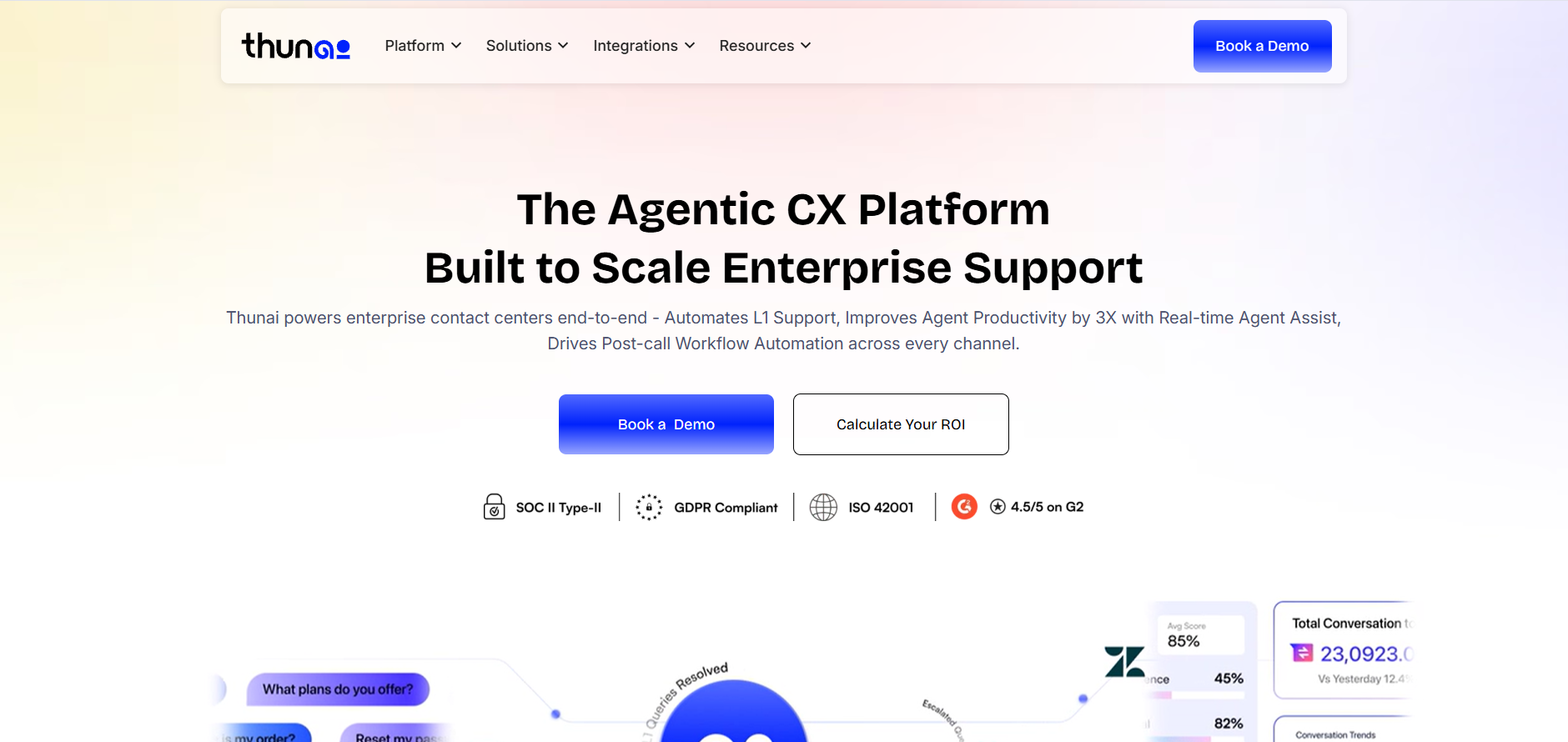
What it is: Support teams often juggle separate tools for calls, agent help, and follow-up work. People like having one connected platform, so fewer things fall through the cracks between automation and human agents.
Features:
- Voice agents that communicate naturally in more than 50 regional languages and eliminate the IVR hell
- Live agent assist that shows the right policy or product detail on screen during active calls
- After-call automation that writes summaries and updates the CRM
Pros:
- Cuts handle time and agent paperwork
- Compliant to SOC 2 Type II and HIPAA
Cons:
- All in one solution will result in more configuration than a specialized application
Fin by Intercom - Best For: Teams that are currently on Intercom.
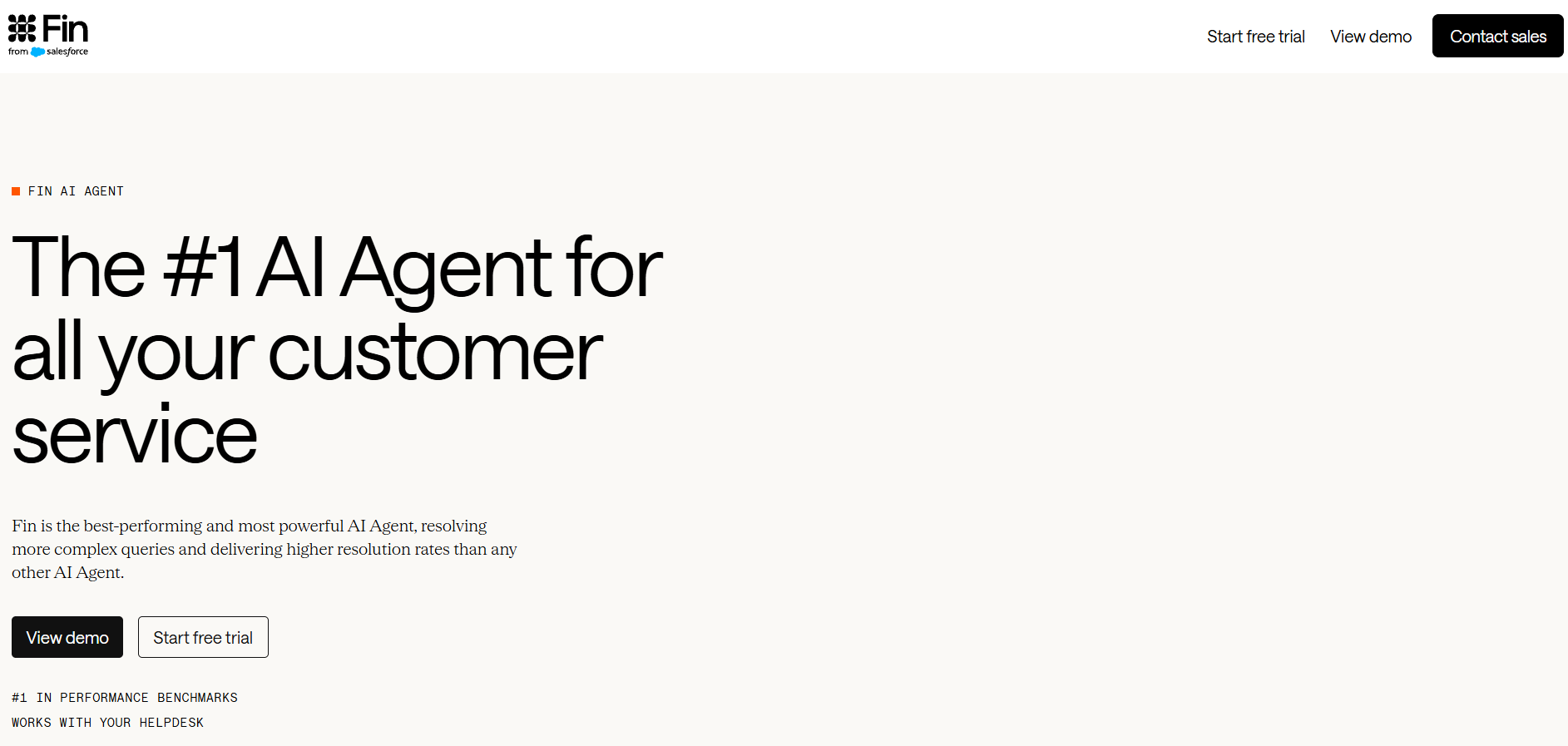
What it is: Repetitive questions keep human agents away from harder issues. People like that answers come from verified information and sound like their own brand, so customers get consistent help around the clock.
Features:
- Works across chat, email, SMS, and voice
- Simple per-resolution pricing, counted only when the customer doesn't follow up
- Can also sit in front of Zendesk or Salesforce
Pros:
- Quick, self-serve setup for existing Intercom users
- Pay only for fully resolved questions
Cons:
- Teams outside Intercom must pay a monthly base plan that includes only a limited number of resolutions
Zendesk - Best for: businesses that need all their channels in one workspace.
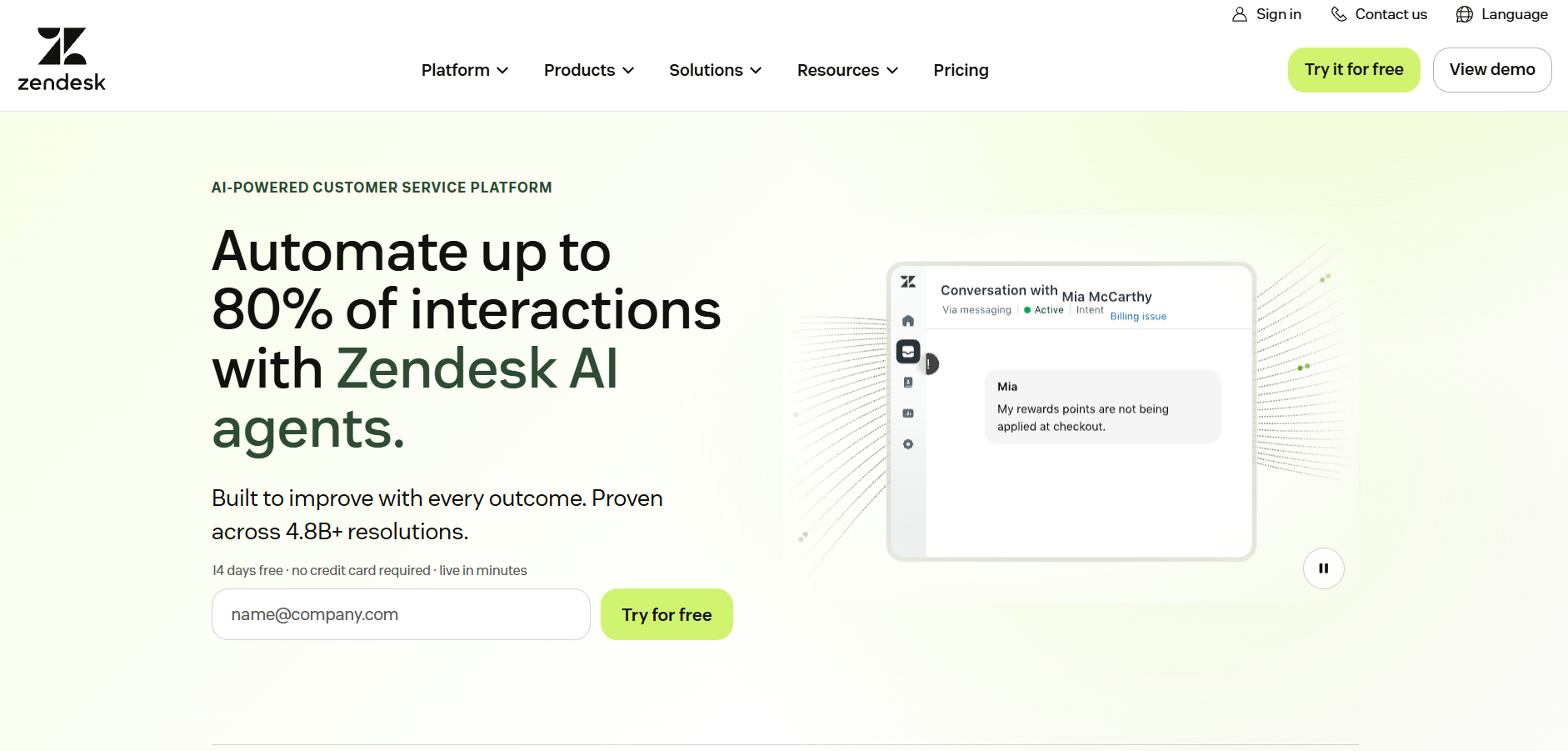
What it is: Customer conversations get scattered across email, chat, phone, and social. People like having a single place where the whole team works, so nothing gets lost and everyone sees the same history.
Features:
- Macro suggestions and tone changes to speed up agent replies
- One-click draft answers
- Smart ticket sorting across channels
Pros:
- Trusted by thousands of large companies
- $55 per seat pricing on the Suite Team plan to begin with
Cons:
- The more advanced AI comes with an extra cost
Freshdesk - Best for: companies that require automation but don't wish to engage in lengthy IT projects.
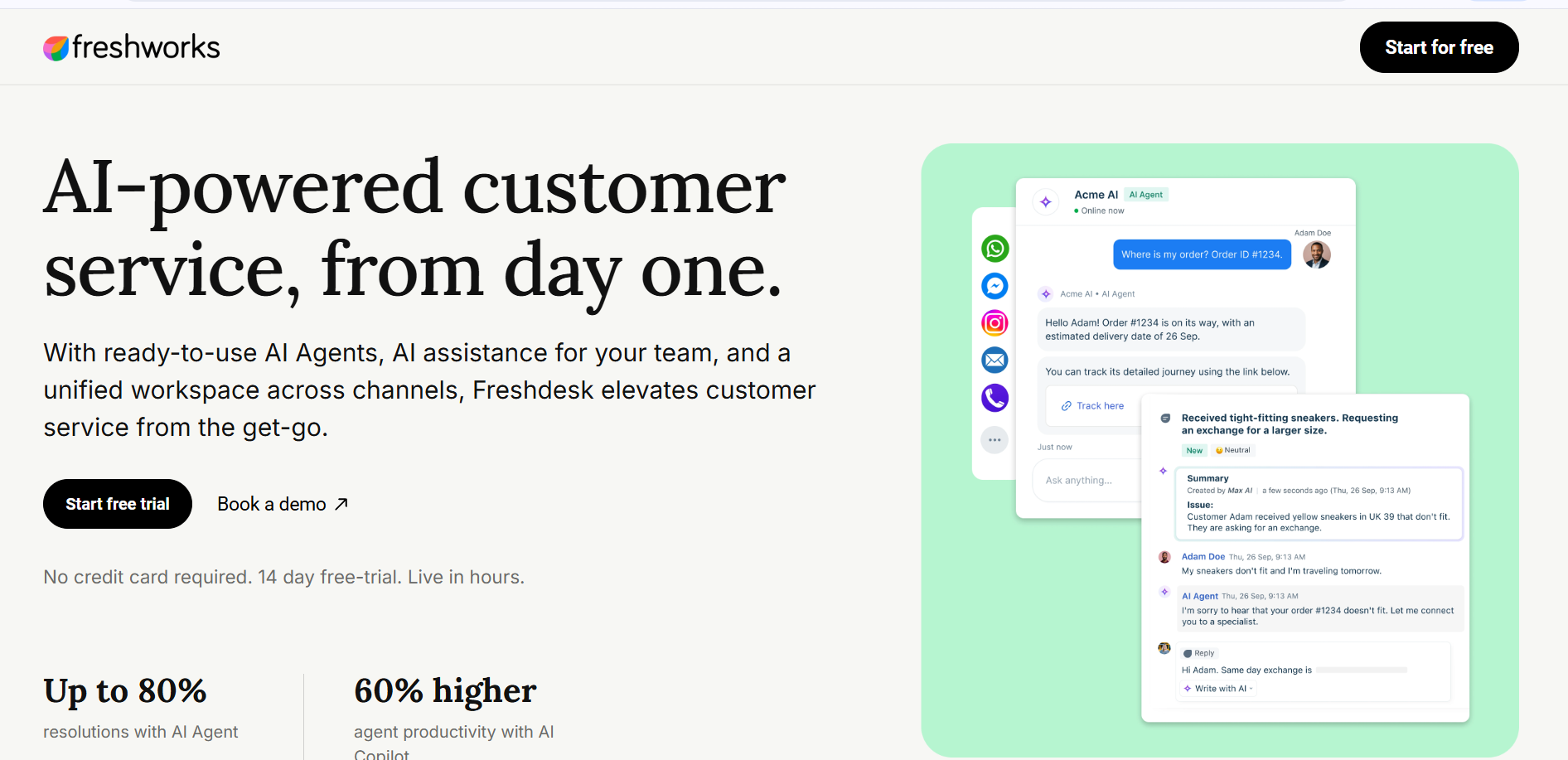
What it is: Support is often treated as separate from the teams that drive revenue. People like that service experiences feed into the wider account relationship, which helps B2B companies protect and grow existing customers.
Features:
- Freddy AI sorts tickets and suggests replies
- Automates routine tasks to reduce manual work
- Clean interface with a fast rollout
Pros:
- Affordable per-agent pricing that suits growing teams
- Quick to roll out, without a long IT project
Cons:
- AI session bundles cost extra, which can add up with heavy AI use
HubSpot Service Hub - Best for: B2B businesses heavily involved in HubSpot CRM.
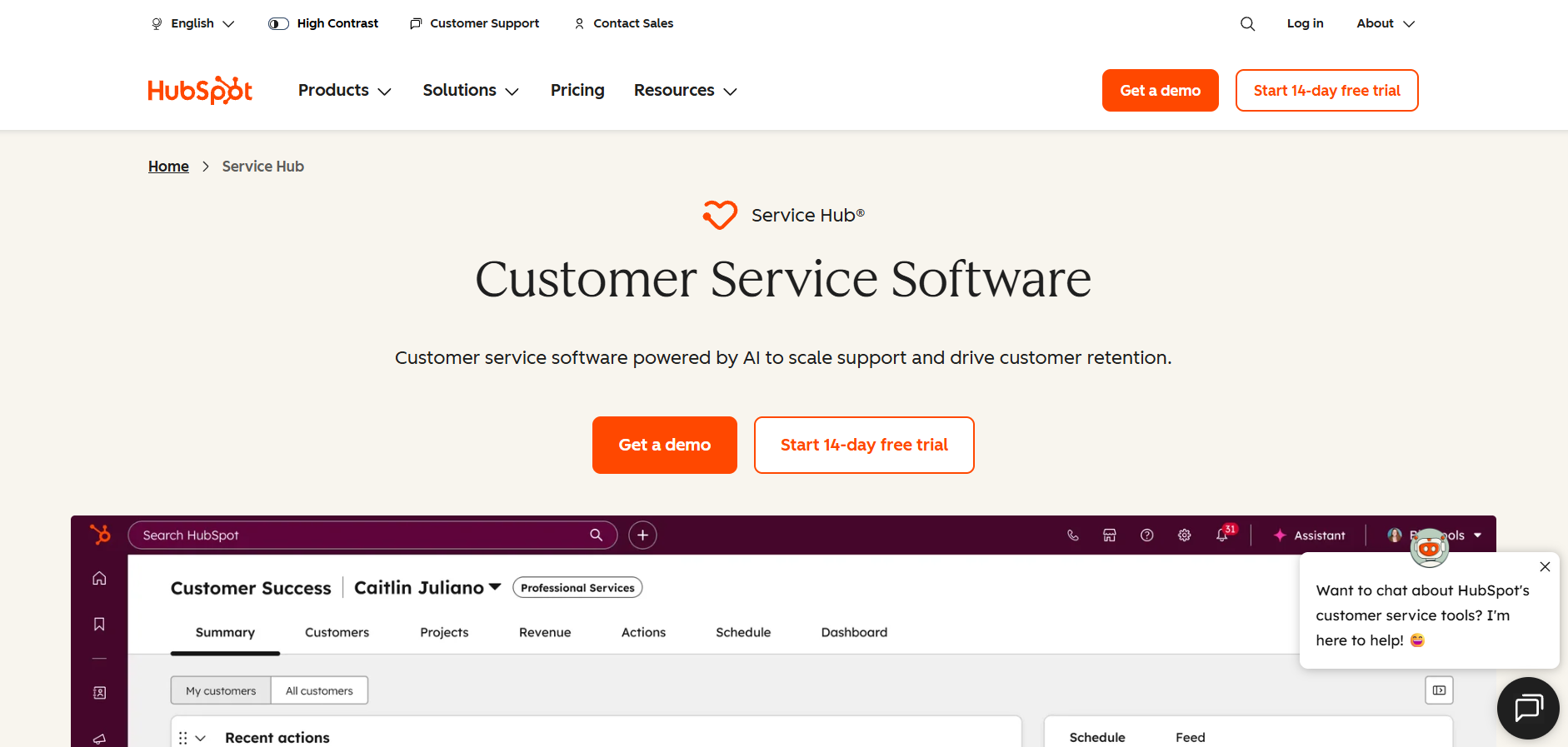
What it is: Support is often treated as separate from the teams that drive revenue. People like that service experiences feed into the wider account relationship, which helps B2B companies protect and grow existing customers.
Features:
- Shared inbox and ticketing in one place
- AI drafting tools to speed up replies
- Full customer journey view, including past sales calls and marketing emails
Pros:
- Agents have complete context before they type a word
- Connects support seamlessly with sales and marketing data
Cons:
- Most suitable for those organizations who use the HubSpot CRM.
Ada - Best for: Large businesses like Fortune 500 firms which need very controllable chatbots.
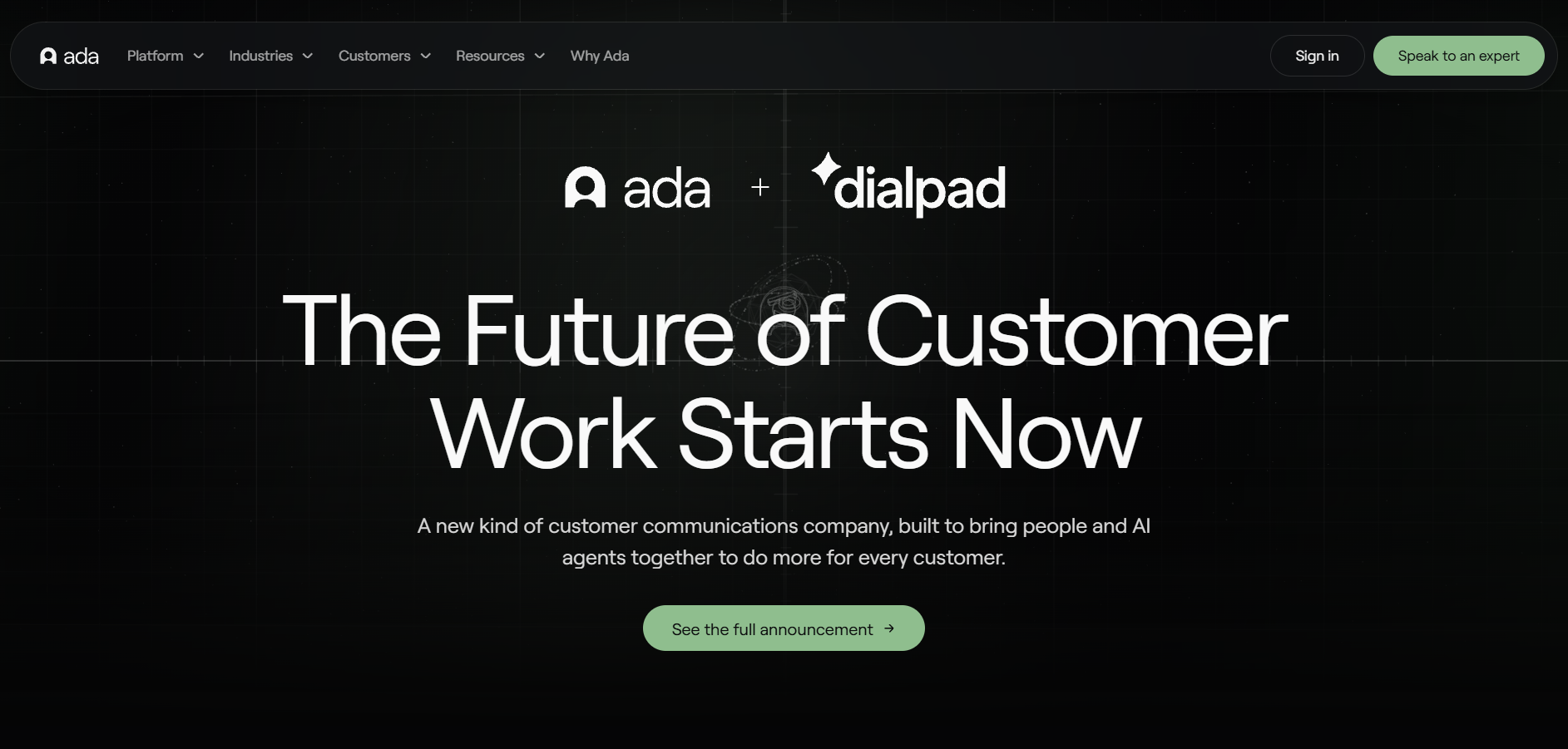
What it is: Putting AI in front of customers at huge scale is risky, since one wrong answer can become a compliance problem. People like the peace of mind that comes from knowing what the AI will and won’t say.
Features:
- It can design AI chatbots for messaging, emails, and voice communications.
- Connects deeply with Salesforce and Zendesk
- Designed for tightly controlled, compliant deployments at enterprise scale
Pros:
- Built to handle very large operations
- Integration with CRM and helpdesk software systems that organizations are using
Cons:
- Highly committed service with expensive pricing which depends on the number of conversations.
Decagon - Best for: large teams that want generative AI deflection.
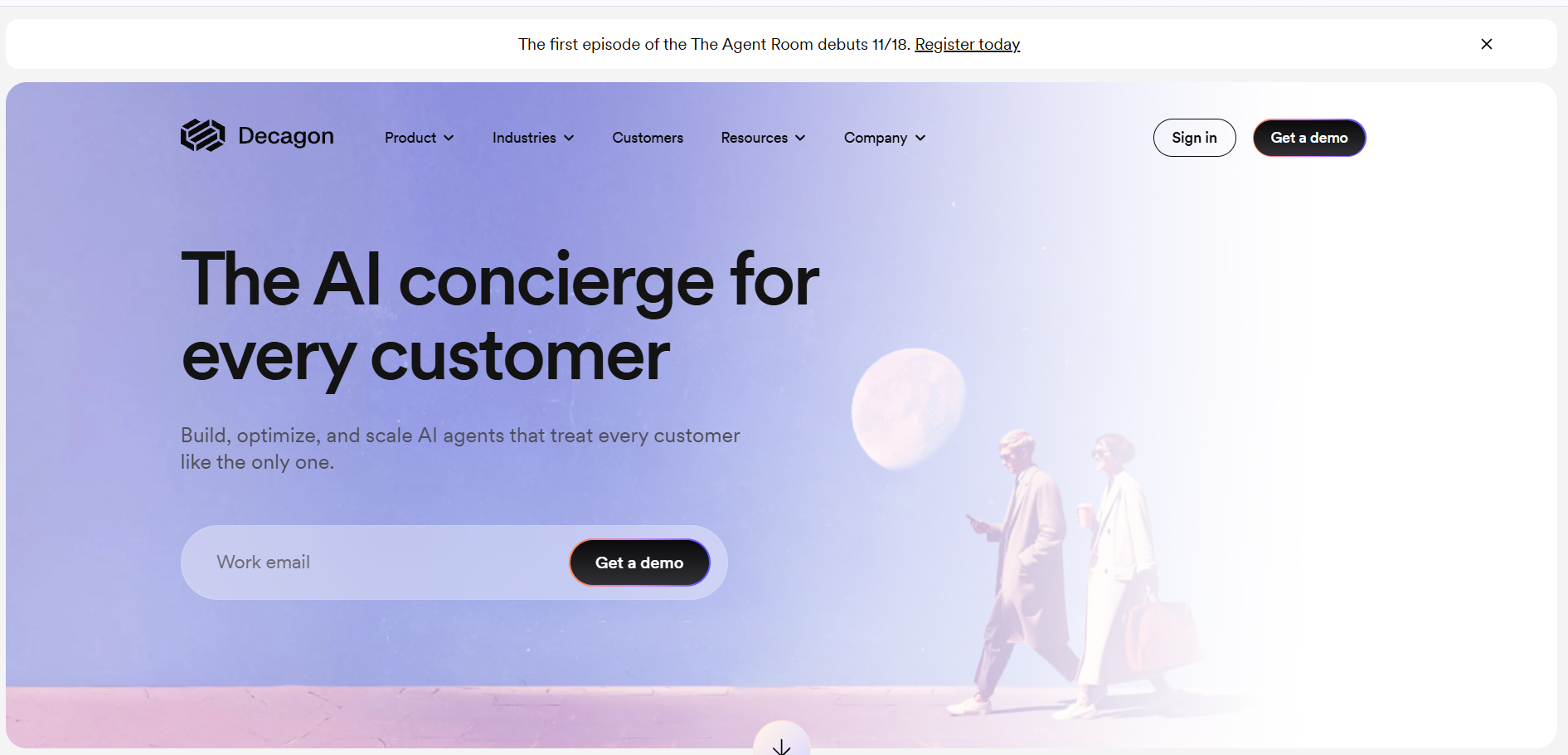
What it is: Most chatbots stall on tricky questions and force customers to repeat themselves to a human. People like that more issues get fully settled by AI, leaving agents free for sensitive cases.
Features:
- Handles multi-step questions across chat, email, and voice
- Plugs into helpdesks like Zendesk and Salesforce
- Delivers natural, context-rich conversations
Pros:
- Outcome-based pricing, so you pay for resolved issues
- Strong at handling complex questions beyond simple FAQs
Cons:
- Requires an enterprise contract with a high yearly minimum
Gorgias - Best for: online stores on Shopify.
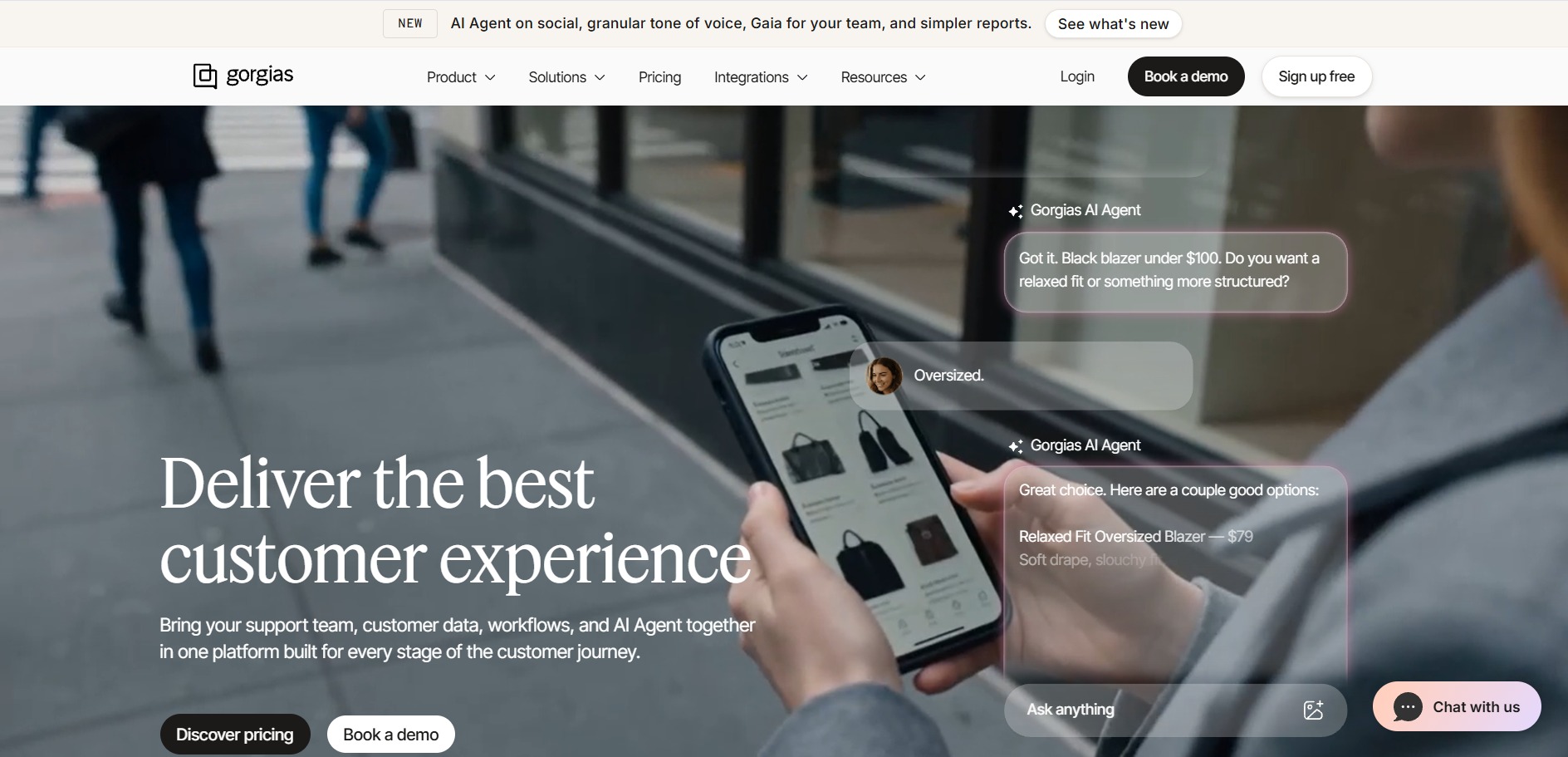
What it is: Online stores spend their days answering “where is my order?” across multiple tabs. People like that support feels like part of the store itself, so busy sales periods are easier to handle.
Features:
- Order tracking, Returns management, and Order editing
- Works for both human agents and AI
- Includes basic helpdesk features with a small AI allowance
Pros:
- Live order data means faster, more accurate replies
- Pricing follows ticket volume, not seats
Cons:
- Based on e-commerce functionality, it means that it adds less value outside the Shopify e-commerce store
Help Scout - Best for: easy email support that is also humane.
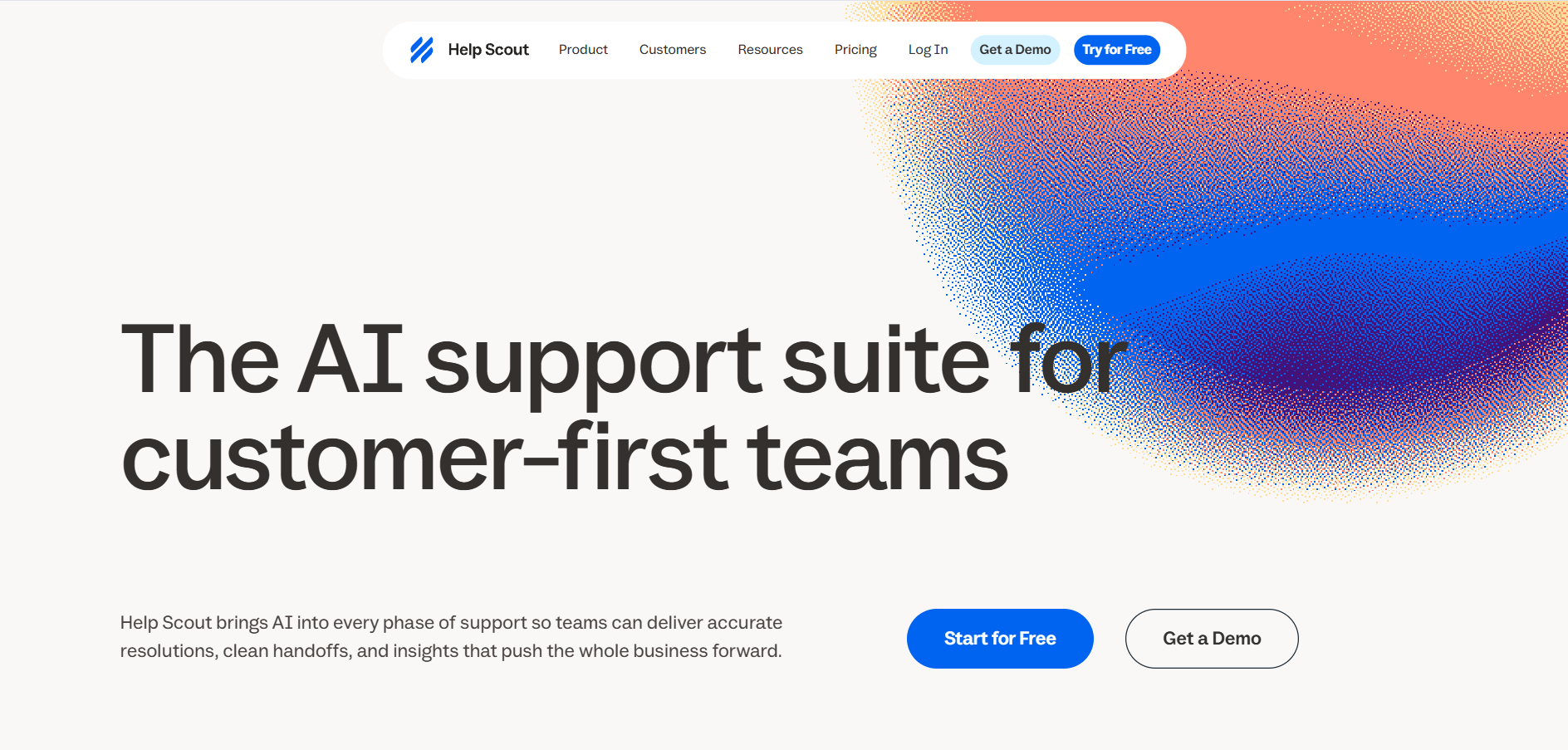
What it is: Streamlined team-oriented inbox for emails and chats. Works well for smaller to medium-sized teams who are seeking a touch of humanity without a sophisticated ticketing system.
Features:
- Shared inbox for email and live chat
- Private notes for internal collaboration
- Collision detection so two people never send the same reply
Pros:
- Keeps support personal and easy to manage
- Lightweight setup without a heavy ticket system
Cons:
- Less suited to large teams that need advanced ticketing and automation
Zoho Desk - Best FOR: Teams currently using their Zoho Sales & Marketing solutions.
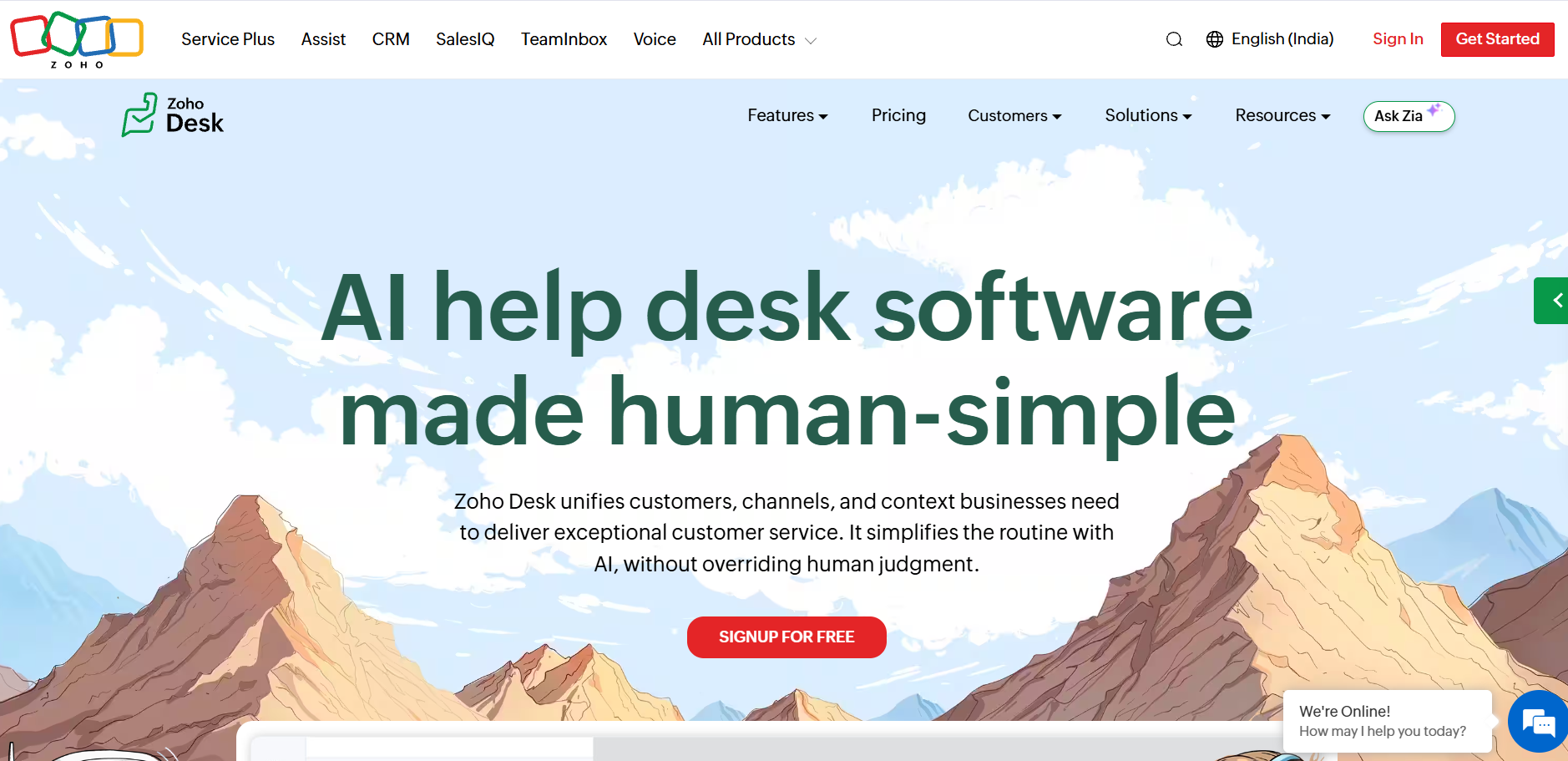
What it is: Solves the problem of businesses outgrowing email-only support without wanting a complex, expensive platform. People like that it covers the essentials in a simple package that’s easy to justify.
Features:
- Zia reads ticket sentiment and suggests tags
- Warns managers about unhappy customers
- Integrates smoothly with other Zoho products
Pros:
- Very affordable entry point for growing teams
- Works naturally alongside the wider Zoho ecosystem
Cons:
- The AI is basic compared to more advanced tools
How to keep AI replies accurate, including order details
AI falls apart when it relies on old PDFs and static documents. To stay accurate, it has to connect to live systems.
Take a simple question: “Where is my order?” A link to your shipping policy is a poor answer. A good AI checks your order system, finds the tracking number, and gives the exact delivery date.
Here’s a five-point checklist:
- Directly link your AI system to your customer relationship management and inventory systems.
- Set strict confidence limits for automatic responses.
- Develop a direct mechanism for transitioning to a live representative.
- Restrict the AI to taking only reversible actions.
- Audit all responses through automatic scoring systems.
Two of these deserve a closer look.
Confidence levels. Define a minimal confidence level. When the AI fails to reach it, it will stop trying and transfer the chat to an operator who has the entire transcript. The customer must never be asked to repeat anything.
QA/Audit. Employ automatic QA or AI call scoring for auditing of every call, not just sampling. This way, mistakes, policies that have been made up, and non-compliance are detected and fixed.
Where AI ends and your agents begin
AI performs tasks that are predictable, whereas humans handle unpredictable tasks.
Live sentiment analysis picks up when the frustration level increases on the part of the customer and brings in the supervisor for intervention. It makes the process very seamless for your agents to know exactly what the customer wants as well as their previous experience with them.
With the human controlling the whole operation, the machine works in the background, listening to the conversation and giving advice according to the company policy.
Connecting AI to your CRM and ticketing system
AI without backend integration is a pricey version of a FAQ search function. The true power of it lies in its tight integration with your systems of record – Salesforce, ServiceNow, or Zendesk.
Integration happens through three major channels.
REST APIs: It’s how systems normally communicate with one another.
Webhooks: They are real-time events. For instance, you have a shipping delay detected in your logistics application. A webhook informs your AI platform about it, and your AI emails customers who may be affected before they get in touch with you. You’ve answered the question before someone asked it.
Model Context Protocol (MCP): An open protocol allowing large language models to query external data sources.
All of them combined transform your databases into something functional and alive.
What it costs to scale: pricing models compared
Pricing is where the best AI customer support software can differ most as you scale. Vendors typically use one of three models.
Per resolution pricing: Fin and Decagon charge based on the number of tickets that the AI solves. Even though there are no hidden costs, the cost could go through the roof during peak periods.
Per seat pricing: Zendesk and HubSpot charge based on the number of human agents with AI either included or as an additional service. The cost is easy to predict, but you may end up paying for more seats than you require due to automation.
Flat rate pricing: Ada charges based on volume while Thunai offers flat rate or customizable volume rates.
Where Thunai fits
Why Thunai is one of the best AI customer support software options for contact centers is that Thunai connects support automation with real-time agent assistance. It has voice agents that have the capability to handle natural conversations in more than 50 languages. This is done without using IVR menus and solves complex questions.
Live conversations are transcribed by Thunai with relevant information about policies and products to help reduce the handling time.
Case summary creation and updating CRM records is done automatically after every call, which reduces manual tasks.
Thunai uses a combination of both AI automation and real-time human support to increase efficiency in contact centers.
The best AI customer support software is the one that connects to your live systems, hands off cleanly to humans, and prices fairly at your busiest volume. Ready to see it with your own call and ticket data? Book a Demo
FAQs about Best AI customer support software
What is the best AI customer support software for high query volume?
If you need to deal with extremely high volumes, select a platform that is meant for scalability and deflection. This includes such platforms as Ada and Decagon, both of which are quite popular among multinationals that have to deal with hundreds of thousands of queries. Thunai is also great for this.
Can there be a combination of human representatives and AI-powered customer support?
Yes, and it works best when combined in hybrid fashion. The AI takes care of solving simple, repeated queries in the queue. In the case of complicated issue or a frustrated customer, live sentiment analysis transfers the conversation to a human who receives a complete summary of the previous exchange.
How do I automate my responses and make sure the orders are right?
All you need to do is integrate your AI software with your order management software as well as with your CRM via APIs or Model Context Protocol so that the AI system has access to details like your tracking number and inventory numbers. This way, the client gets a helpful answer rather than an explanation of your shipping policy from a link.
Which AI customer support solutions support Salesforce, HubSpot, Zendesk, and ServiceNow integrations?
Most high-end platforms provide native integrations. Fin by Intercom provides native integrations for Zendesk and Salesforce. Thunai integrates with Salesforce, Genesys, Webex, and legacy helpdesk systems. Tools that support the Model Context Protocol can also connect to ServiceNow to read and update incident records.
How does AI streamline customer support?
It answers Level 1 questions instantly, 24 hours a day, so customers stop waiting for simple fixes. For your team, it drafts replies, summarizes long email threads, and handles post-call data entry. That lowers handle times and costs, and it helps prevent burnout.
What’s the difference between an AI customer support platform and a chatbot?
A chatbot follows fixed rules and fails when a customer asks something unexpected. An AI support platform uses large language models to understand intent and hold natural conversations. It checks live databases for answers and completes tasks, like refunds, on its own.
How much does AI customer support software cost?
It varies a lot by model. Per-resolution tools like Fin charge only for successful resolutions. Seat-based tools like Zendesk charge each agent monthly. Enterprise volume tools like Ada usually need annual contracts. Ask each vendor for a quote based on your own volume.
How much volume can AI resolve on its own?
Treat vendor claims as upper limits. Marketing often promises near-total automation, but real, tuned deployments handle a solid share of Level 1 questions, not all of them. Your result depends on how well the AI connects to your knowledge base and your action systems.
Does AI customer support cover voice as well as chat and email?
Yes. Modern enterprise platforms support voice. Thunai runs native voice agents that answer calls, talk naturally, and handle requests in dozens of regional languages. Voice sits alongside your chat and email in one setup.