.png)

Are you occupied with answering many emails and meeting follow-up messages rather than performing any constructive work during the whole day?
Best AI for executive assistants can help get rid of repetitive work and allow you to have extra time every week.
This article will discuss the leading AI for executive assistants and their relevant characteristics, as well as how modern executive assistants are evolving.
Why executives need help right now
Back to back calls. Constant decisions. Even the most organized leader burns out under this load.
Human assistants help. But they can't work around the clock. And outsourced help often needs heavy supervision.
This is where AI tools for executive assistants step in. We tested dozens of them. Here's what actually works.
How we tested these tools
We weren't simply reading the spec sheets; we tested every single tool in action, using it to draft emails, schedule meetings in a busy calendar, and transcribe actual meetings.
Each tool was then ranked for how quickly it could be set up, its accuracy, depth of integration with apps like Slack and CRM, and true costs after you factor in the number of seats and overages.
The AI Trinity: The Three Essential Capabilities to Look for in AI Tools for Executive Assistants
Good AI tools for executive assistants fall into three buckets. Each one removes a different kind of admin burden.
1. Generative AI: the thinking partner
Generative AI tools do the heavy thinking. This includes ChatGPT, Claude, Copilot, Gemini, and purpose built systems like Thunai.
They read, summarize, and write. That means faster, smarter decisions.
Here's what that looks like in practice:
- Executive briefings. Instead of reading forty pages, the AI scans reports and board minutes. It hands back a one page summary of risks and next steps.
- Email drafting. Say: "Decline Friday's lunch but suggest late February, friendly tone." The AI writes a natural, polished reply. Thunai's email assistant does exactly this.
- Content at scale. Keynotes, announcements, LinkedIn posts AI speeds up the writing without losing your voice.
Generative AI isn't just a tool. It's a thinking partner.
2. Smart scheduling: the coordination engine
Time is an executive's most valuable resource. This category protects it.
- Smart time blocking. Tools like Clockwise and Reclaim.ai rearrange meetings to protect focus time. Your day stops feeling chaotic.
- Automated logistics. No more emailing five people to find a slot. Scheduling tools or a system like Thunai handle the back and forth.
- Calendar intelligence. The AI scans weeks ahead. It flags overload, travel conflicts, and packed days. Then it suggests fixes.
With good AI tools for executive assistants on scheduling, your calendar becomes a plan not a pile of obligations.
3. Meeting documentation: the execution accelerator
Meetings produce decisions and action items. But most people walk away with messy notes, or none at all.
- Automated capture. Otter.ai, Fireflies.ai, and Thunai's Meeting Assistant transcribe calls and pull out decisions and tasks automatically.
- Knowledge search. Instead of digging through folders, just ask: "What was the agreed budget for Project Phoenix?" You get an answer, not a file hunt.
- Workflow automation. Tools like Zapier or native automation inside platforms like Thunai turn meeting notes into tasks in Notion, Asana, or Trello. No manual entry.
This alone saves hours of note-taking and follow-up every week.
II. AI Tools Making the Biggest Impact for Executive Assistants
1. Thunai
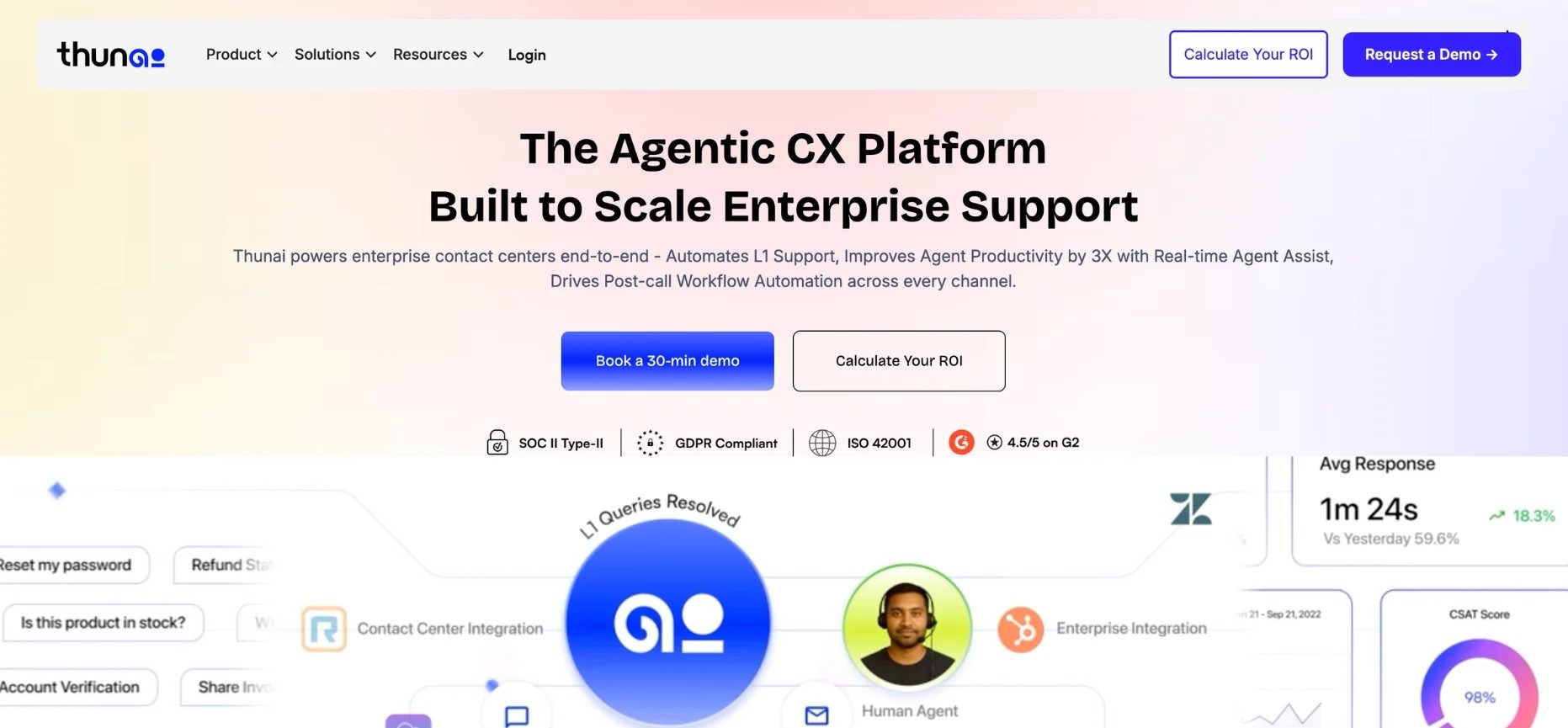
Thunai is an agentic AI platform for customer service and operational support (thunai).
This AI tool for executive assistants ingests company data such as documents, videos, CRM, transcripts into a central as “Thunai Brain” and then deploys specialized AI agents (voice, chat, email, etc.) that act on that knowledge Backed by high-profile AI investors.
Thunai emphasizes multilingual support for more than 150+ languages and claims very high accuracy.
Key features: Thunai’s core is the Thunai Brain
- A Voice Agent that handles live calls in 80+ languages, auto-generating tickets and summaries.
- A Chat Agent that fields customer chats with context-aware, script-free replies from the Brain.
- Email Agent to receive and respond to emails contextually.
- Enterprise integrations (CRM, Helpdesk applications, knowledge base) and analytics dashboards.
- It is worth mentioning that all plans support unlimited users.
Pricing:
- Thunai uses a freemium/usage model.
- A free tier grants 100 AI credits and 1 AI agent; paid tiers start around $7 to 9 per user/month (billed annually).
- For example, one review notes “free (100 credits, 1 agent); paid from $9 to $499/user/month” depending on usage.Thunai's AI pricing offers overall cost efficiency.
Pros:
- Reviewers praise Thunai’s automation and scalability.
- Multilingual capability and easy deployment (minimal onboarding) earn strong marks and some users highlight a “modern, feature-rich” experience with robust integrations.
Cons:
- On the downside, its relative newness means few third-party reviews exist.
- Users caution it’s best suited for high-volume enterprise use: its only notable limitations are that it can struggle with nuanced “delicate escalations” (AI lacks human empathy) and must rely on a well-maintained knowledge base.
2. Google Gemini
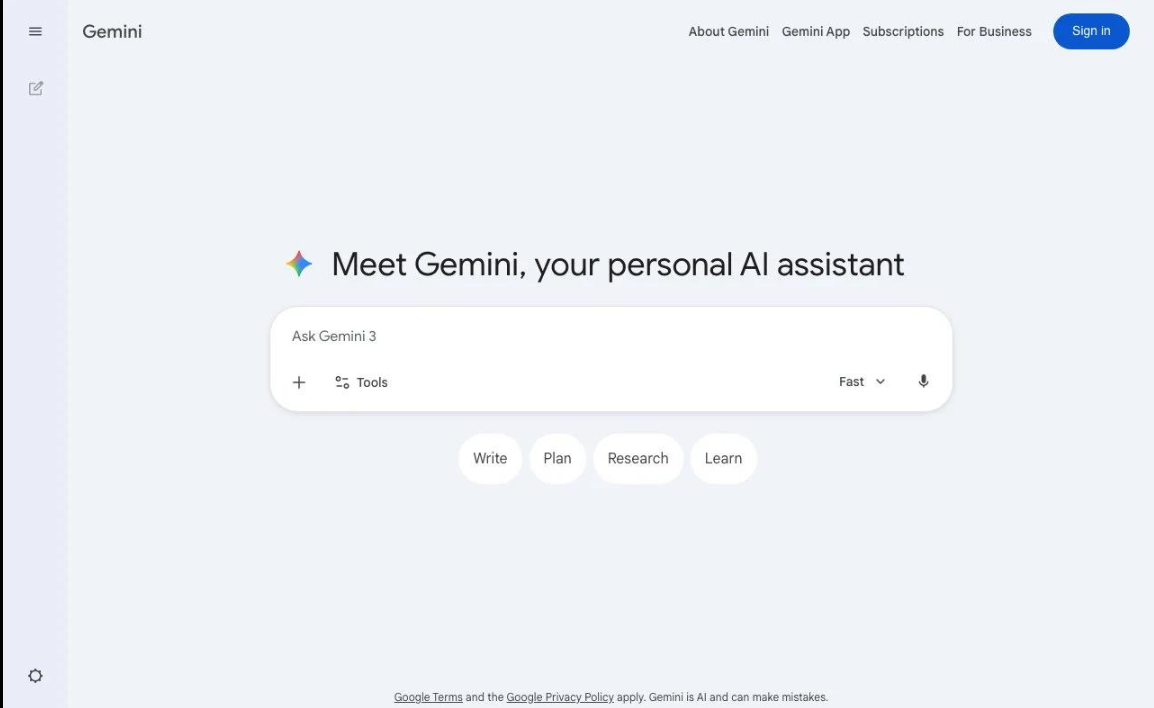
Gemini is Google’s family of large AI models and chatbot, successor to Bard.
Google’s advanced, natively multimodal AI assistant, positioned as the primary AI interface within the Google ecosystem.
This AI tool for executive assistants is a Multimodal LLM integrated across Google’s product Gemini 3 is touted as Google’s “most intelligent AI model,” and Google claims the Pro model outperforms its predecessor on all benchmarks.
Features:
- Gemini offers free chat via web or app (with Gemini Basic on standard LLM tiers) and paid tiers.
- It is multimodal: understanding text, images, audio or video, and generating all of these. Advanced models (Gemini Pro/Ultra) excel at coding, translation, reasoning, and even artistic tasks (e.g. image and video generation with Google AI tools).
- Gemini Ultra (included in Google AI Premium “Ultra” plan) adds a “Deep Think” mode for long-form reasoning.
Pricing:
- The basic Gemini chatbot is free for anyone with a Google account.
- The “Gemini Advanced” add-on costs $19.99/mo and grants access to Gemini’s highest LLMs and features like video generation.
- EDU and Enterprise users can also access Gemini via Google Cloud services.
Pros:
- Exceptional ease of use and intuitive interface.
- Seamless integration with Google services is highly valued, enhancing drafting efficiency.
- Includes 2TB storage for the Google AI Ultra plan.
Cons:
- Tech media point out that free Gemini is useful, but less creative or accurate than paid models.
- One Reddit user found Gemini “impressive” in capability but criticized its “horrible and barely functional” chat-history interface.
3. ChatGPT (OpenAI)
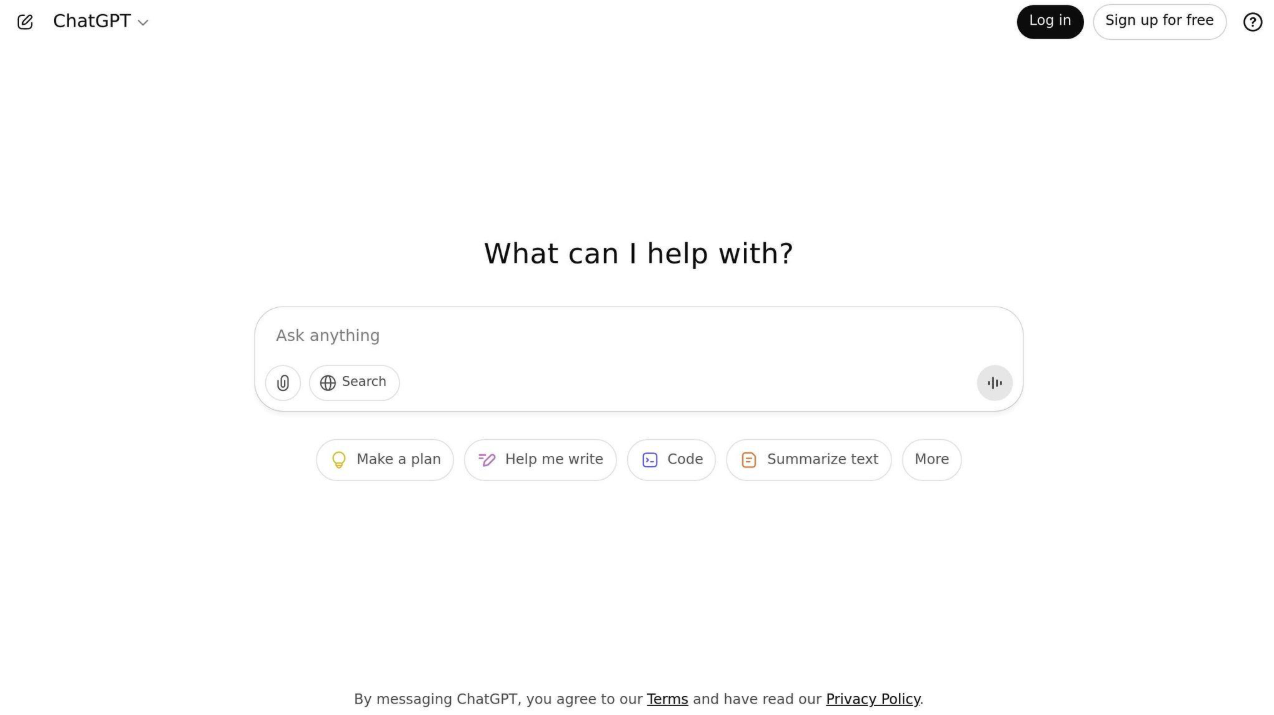
ChatGPT is the most famous AI chatbot product developed by OpenAI, which was rolled out in November 2022 using the GPT-3.5 technology.
This executive assistant AI application achieved 100 million
ChatGPT is a versatile generative AI for writing, coding, Q&A, and more.
Features of ChatGPT include conversational chat, “Custom GPTs,” an ecosystem of plugins (e.g., web browsers, document search engines), voice/chat, video/chat capabilities, and advanced code assistants.
ChatGPT also has “Copilot” style AI for Office and other workflows.
Pricing Tiers:
- There is a free option provided by ChatGPT as the starting point for usage.
- ChatGPT Plus plan will cost you $20/month, whereas ChatGPT Pro plan will charge $200/month.
- Plans for teams and enterprise customers can cost about $30-$50/user/month.
Features:
- ChatGPT excels at drafting emails, writing code, summarizing documents, tutoring, and its natural language understanding and creativity.
- The GPT Store offers hundreds of specialized chatbots for wellness coaches, travel planners and more.
- Unique tools include “Code Interpreter” analysing user uploaded data files and GPT memory for custom data retention per user.
Pros:
- ChatGPT makes repetitive writing tasks far faster, especially in the Plus plan.
- G2 mentions pros like extensive GPT libraries and strong generative ability, and cons like outdated information (for free tier) and hallucinations.
Cons:
- However, common complaints are that it sometimes “mixes up” different contexts or requires very precise prompts.
- Users also note the UI is straightforward but can feel bland the productivity comes from the AI, not fancy UX.
4. Perplexity AI
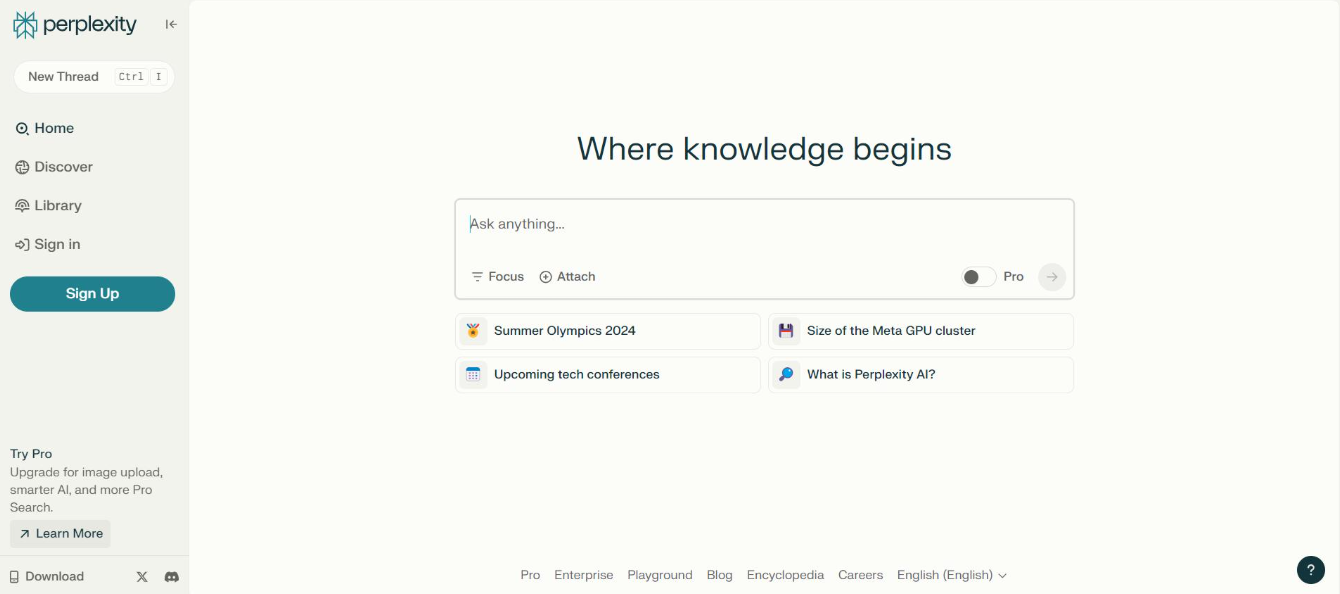
Perplexity.ai is an AI-powered “answer engine” that blends web search and AI reasoning.
This is one of the best AI tools for executive assistants that works like a search interface, where you can ask a question, and it fetches live information from the web, then synthesizes an answer with citations.
Unlike traditional search, Perplexity’s chatbot format produces concise, conversational answers with linked sources.
Features:
- Perplexity gives users a chatbox that answers with real-time data from the internet.
- Key tools include “Labs” experimental add-ons for custom charts, slide generation, text-to-image, and Excel-like sheets and a “Copilot” mode for guiding complex tasks.
- Recent updates add a “Code Copilot” which lets you run code inside the interface (e.g. Python analysis).
Pricing:
- A Perplexity Pro subscription ($20/month) increases usage caps and unlocks features like unlimited answer length, file uploads, and advanced Labs.
- The Pro plan includes 8000 answer characters and priority usage.
Pros:
- Perplexity’s speed and accuracy on factual queries.
- One review notes it “blends web search with AI reasoning to deliver concise, sourced answers” and that it’s faster than Google for quick questions.
Cons:
- On forums, some warn that Perplexity’s cap limits and response format (sometimes very brief or verbose) can be annoying.
- A discussion thread points out that Perplexity frequently adjusts limits without notice, and that it’s primarily meant for search, not free-form chat.
5. Fireflies.ai
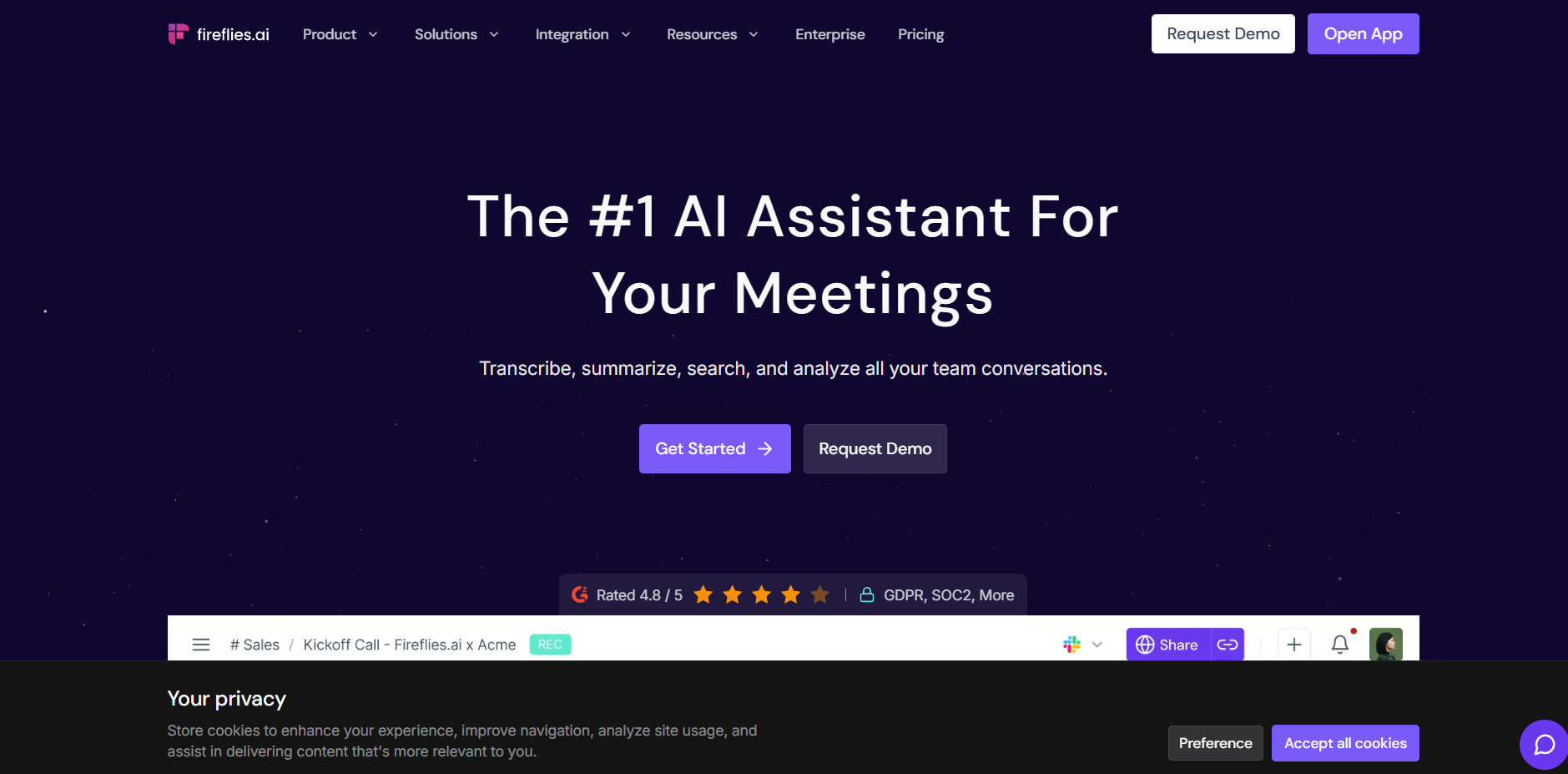
Fireflies.ai is another AI meeting assistant (founded in 2016) that serves as an AI tool for executive assistants for transcription and conversation intelligence.
Like Thunai, it captures meetings and also brands itself as an “AI Teammate” that transcribes, summarizes and analyzes voice conversations.
Fireflies also provides analytics: you can search across transcripts, measure talk-time per speaker, and generate team-level summaries and can integrates with common tools (Zoom, Google Meet, Slack, CRMs) and even dialers (Aircall, RingCentral).
Features:
- Fireflies features like AskFred, an AI that can retrospectively answer questions about any meeting contents and live meeting assistance.
- Fireflies can auto-join scheduled calls, or you can use a Chrome extension for on-the-fly recording.
- A notable feature is Live Assist this assistant can chime in during a live call with suggested responses or data lookups.
Pricing:
- Fireflies provides four packages which are free, pro, business and enterprise.
- The Free package has unlimited transcription but capped storage capacity of 800 minutes/seat.
- The pro plan costs $10/user/mo (yearly) and comprises 8,000 minutes storage, unlimited AI summaries, talk-time analytics, and all other basic integrations.
- The business plan ($19/user/mo yearly) includes unlimited storage, video recordings and advanced analytics.
Pros:
- One of the major advantages for Fireflies is’ high accuracy and summarization.
- Otter’s competitor Fireflies is noted for easy setup with Zoom/Google Meet, Even Thunai can make it easier.
Cons:
- On the downside, critics point out similar issues: errors with names (especially unusual or accented names) and dependence on audio quality.
- One user lamented that the UI still labels speakers generically, requiring post-editing. Another minor drawback: some wish for multi-language UI (one reviewer noted the absence of a Spanish interface).
6. Superhuman (Email Client)
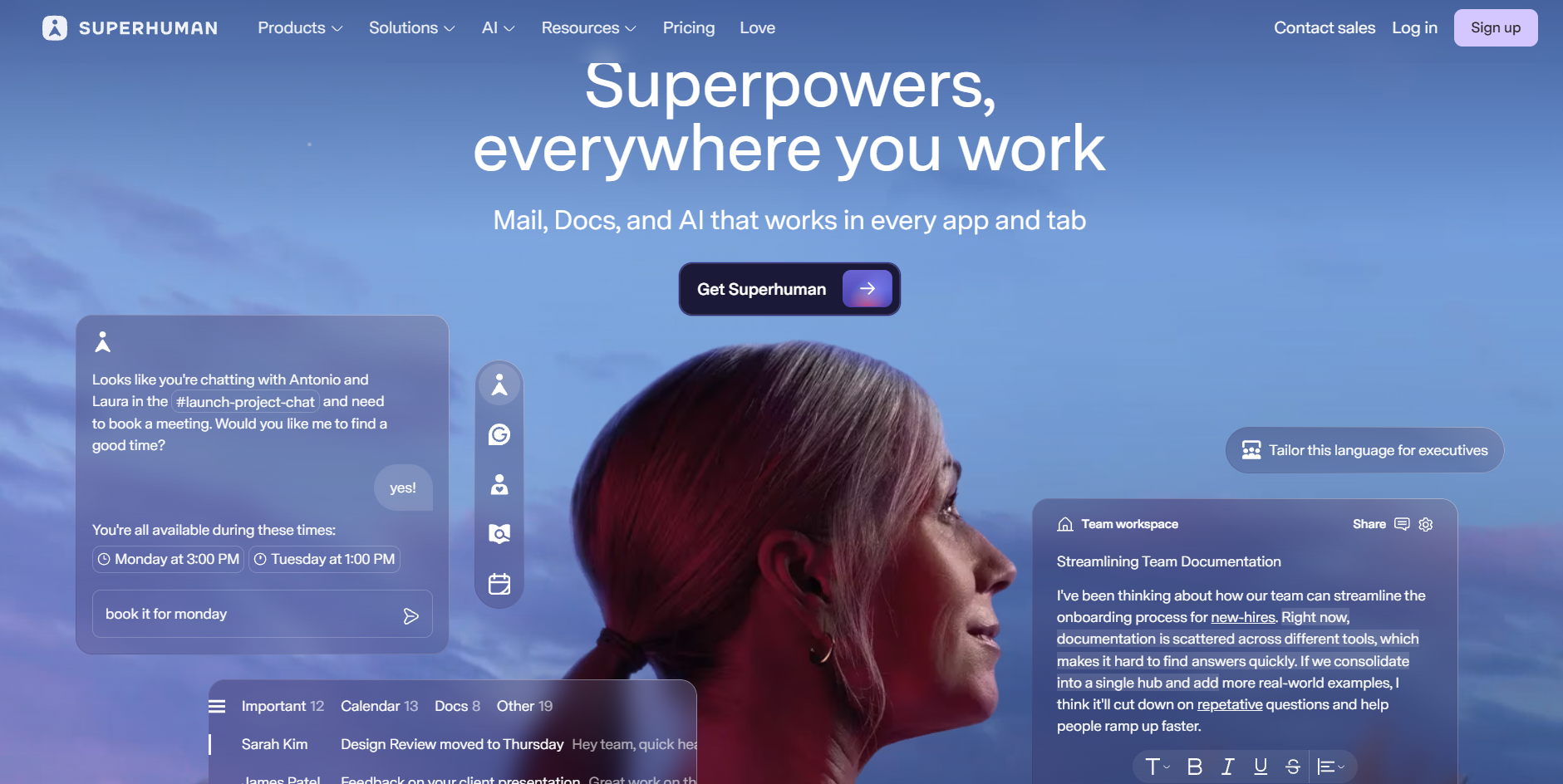
Superhuman replaces standard Gmail/Outlook interfaces with a lightning fast, keyboard centric UI.
Superhuman’s provides an extensive shortcut palette like a command line interface and productivity features.
For example, this top AI tool for executive assistants“opens in under 100 milliseconds,” and all navigation (search, compose, triage) is done via keystrokes.
Features:
- Superhumant has “Snippets”, send later, undo send, and offline support.
- You can schedule meetings directly from email without leaving the composer.
- AI features include one click email summaries and suggested replies.
- The iOS and Android apps mirror many shortcuts (swipe gestures, floating account switch button, etc.) for seamless mobile usage.
Pricing:
- Superhuman is very expensive.
- The Starter plan is $25/user/month and Business $33/user/month(billed annually).
- Users report the $30+ cost is only justified if you spend many hours in email each week and there are no lower cost tiers or ads to subsidize the cost.
Pros:
- Superhuman users love its speed and polish.
- The high level of keyboard automation (command palette, shortcuts) lets experts mail extremely quickly.
- Many call it the fastest email experience, e.g. every function (archive, reply, snooze) occurs instantly without waiting.
Cons:
- it’s expensive for limited additional functionality beyond standard apps.
- Privacy concerns are also raised such as Superhuman tracks opening very closely.
- Steep learning curve (all shortcuts UI requires practice), no unified inbox across multiple accounts (each inbox separate), and mobile app limitations.
7. Coda
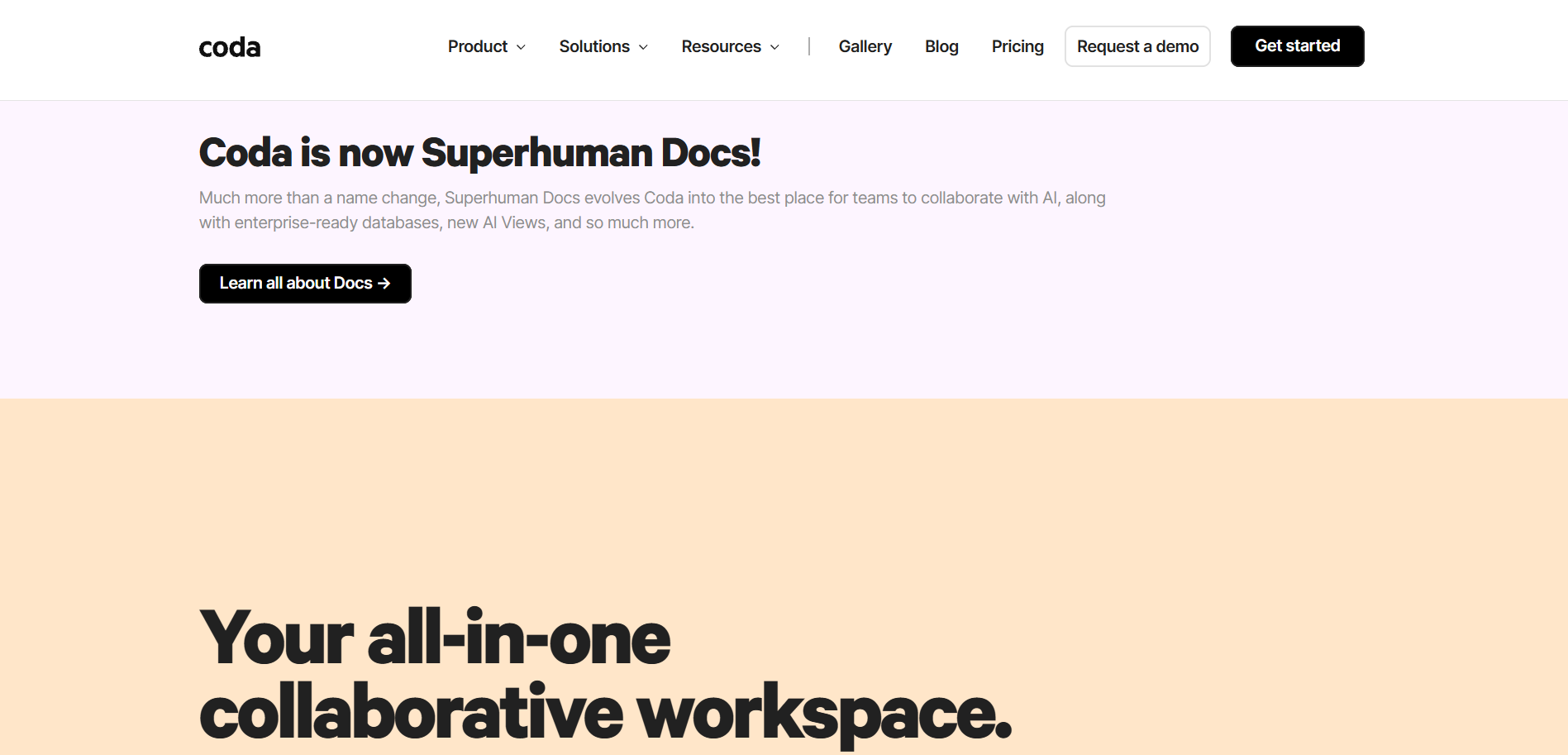
Coda is an all in one doc/spreadsheet platform launched in 2017 by ex-Google/Khan Academy executives.
This AI tool for executive assistants lets users build documents that function like apps, combining text, tables, and visualizations with programming logic.
In Coda you can create project trackers, interactive dashboards, and custom workflows, essentially anything from a spreadsheet or simple database to a miniature CRM or task manager.
Features:
- Coda’s power comes from its flexible building blocks.
- Documents can contain tables with spreadsheet formulas, buttons that trigger actions, and Packs that integrate with external services (e.g. pulling live data from calendars, Slack, GitHub, or OpenAI).
- It has a formula language that can reference entire tables and ranges, making it far more powerful than Notion’s databases.
- There’s also Coda AI for writing assistance. Collaboration features include comments, conditional formatting, and linking between docs.
- Coda offers templates and a “Gallery” (like an app store) where users share pre-built docs.
Pricing:
- The Free tier lets small teams create unlimited docs (with some size limits).
- The Pro plan is $10 per Doc Maker/month (annual), removing doc size limits, adding version history, custom branding, and access to more automation and Packs.
- The Team plan is $30 per Doc Maker/month, adding unlimited automations, advanced controls (doc locking, folder permissions), and team support.
Pros:
- You don’t even need formula expertise to create powerful tables and workflows.
- Highly flexible and versatile, allowing for sophisticated knowledge documentation without significant upfront procurement costs.
Cons:
- Navigation and layout can be non intuitive.
- Mobile app limitations are often cited:
- several Redditors say the iOS/Android apps are weak,terrible… a huge dealbreaker for some long time Notion fans. Exporting data can also be cumbersome (no straightforward full doc export).
III. The New Role of the Executive Assistant: From Gatekeeper to Strategic Architect
With AI taking over repetitive tasks, the Executive Assistant’s role evolves.
A. Insight Over Input
Instead of compiling reports manually, EA’s now analyze them.
Example:
If an AI tool for executive assistant generates an automated spending report, the executive assistant can then spend their time:
- Identifying patterns
- Compare vendor rates
- Recommend process improvements
They become a contributor to strategic decisions not only logistics.
B. Curator of the Executive’s Attention
The modern EA’s most important job is not scheduling, it is protecting cognitive bandwidth.
With AI tools for executive assistant filtering email, setting meeting priorities, and predicting overload, the EA becomes the architect of the executive’s personal productivity ecosystem.
They design an environment where the leader works only on what matters.
C. The Human Layer of Trust and Judgment
AI tools for executive assistants draft, predict, and organise but it cannot replace emotional intelligence or business intuition.
The Executive Assistant becomes:
- The editor
- The relationship manager
- The ethics and security guardrail
They ensure tone, context, and confidentiality stay protected.
AI amplifies the Executive Assistant; it does not replace them.
IV. Challenges and Skills Needed for the Future EA’s
Adopting AI comes with hurdles.
1. Trust and Accuracy
AI output must be reviewed. A wrong date, name, or assumption can damage relationships. Verification remains essential.
2. Customization and Model Training
AI becomes powerful only when it learns the executive’s style, vocabulary, and decision patterns. This requires setup, iteration, and patience.
3. Data Ethics and Security
EA’s need strong understanding of:
- Access control
- Compliance standards
- What can and cannot be shared with external AI systems
The best AI tools for executive assistants like Thunai Brain, are built for enterprise privacy, are gaining preference for this reason.
Skills every future-ready EA needs
1. Prompt writing. Clear instructions beat long paragraphs. Try: "Summarize this thread into 5 bullets and flag the decisions." Tools like Thunai learn your tone over time, so prompts get shorter and results get better.
2. Workflow automation. Instead of copying tasks between apps by hand, connect them. A meeting recorded in Thunai can generate action items, assign them in Asana, and send a follow up email automatically.
3. Training the AI. These tools learn from what you feed them: past emails, tone, and decision patterns. Over time, they start anticipating needs instead of just reacting.
4. Judgment and emotional intelligence. No AI can sense when a message needs a softer tone, or when a meeting should be moved delicately. That's still a human job.
5. Privacy awareness. Know what data is safe to upload and which tools meet your compliance standards. This is why enterprise grade privacy built into platforms like Thunai matters.
6. Staying curious. The best EAs keep asking what else the tool can handle, and what repetitive step they can remove next.
Thunai: the all in one AI executive assistant
Thunai is an agentic AI platform built for operational and customer support work. It pulls in your documents, videos, CRM data, and calls transcripts into one place the "Thunai Brain." From there, it runs specialized agents for voice, chat, and email.
It supports over 150 languages and is built with high profile AI backers.
Key features:
- A voice agent that handles live calls in 80+ languages, and auto generates tickets and summaries
- A chat agent that answers with context, not scripts
- An email agent that reads and replies in context
- Enterprise integrations with CRM and helpdesk tools, plus analytics dashboards
- Unlimited seats on every plan
Pricing: Thunai starts free, with 100 AI credits and one agent. Paid plans start around $7 to 9 per user per month, scaling up based on usage and also have custom pricing for premium enterprises.
What we like: Strong automation, real multilingual support, and a fast setup. Teams describe it as feature rich with solid integrations.
Where to watch: Thunai is newer, so third party reviews are still limited. It works best for high volume, enterprise use. Like any AI, it can struggle with sensitive, emotional situations that still need a human touch. It also depends on a well maintained knowledge base to perform well.
Reclaim your day, automate the busywork, and let Thunai handle the rest. Book your demo now..
FAQs in AI Tools for Executive Assistants
Will Thunai replace Executive Assistants?
No. If anything, it makes EAs more essential. Thunai takes over the repetitive work so assistants can finally focus on strategy, communication, and protecting the executive’s time without drowning in admin tasks.
How long does it take to see a real difference?
Most people notice a shift in the first 2 to 4 weeks. The more it learns your style and patterns, the more powerful it becomes.
Can AI personalize communication to match my executive's tone?
Yes. AI can learn writing style, tone preferences, sentence structure, formality level, and common phrases but it may require a bit of training or examples to get it right.
Is my data safe?
Yes. Thunai was built with enterprise privacy as a requirement, not a feature. Information stays protected and confidential.
Who benefits the most from using it?
Executives, managers, and assistants juggling constant communication, frequent meetings, and heavy decision-making. If your workday always feels full but never finished Thunai is for you.


.png)