
Are you still putting workflows together by hand, one Slack message and one spreadsheet update at a time?
By 2026, low-code and no-code platforms power a majority share of new enterprise applications.
Which is why, this guide breaks down the seven platforms leading the market in 2026, and exactly how to line one up with your team.
What Is No-Code AI Automation?
No-code automation uses visual, drag-and-drop interface tools to connect multiple pieces of software or apps together for execution of digital workflows without anyone having to write code.
No-code platforms work behind the scenes by handling the authentication, OAuth handshake, and JSON parsing in the form of human-readable modules.
By 2026, this concept has gone far beyond if-then statements.
You set a Trigger - a new lead hitting your CRM - and a set of Actions that follow it, like sending a welcome email and pinging sales in Slack.
- By 2026, that definition has stretched well past simple if-this-then-that logic. Modern platforms now ship with AI-native nodes that read unstructured input - a messy support email, a call transcript - and make probabilistic routing decisions on their own.
- No-code has quietly become the coordination layer underneath autonomous AI agents. These now let non-technical teams run workflows that used to require a dedicated engineering sprint, all without a single line of code.
- That distinction matters when you're looking at platforms in 2026. A tool that only runs pre-mapped paths handles today's workload just fine. But it stalls the moment a customer email doesn't match any of the templates you built for it.
- The platforms worth paying for now reason through the exception instead of erroring out on it.
.webp)
No-Code vs Low-Code vs Workflow Automation
The three terms are used often with the same intent in vendor marketing, and making a mistake while choosing one is the very reason why teams fall into shadow IT or six months of needless engineering costs.
- No-Code Automation: Visual-only, no coding at all. For analysts, marketers, sales operations. Similar to Zapier, Thunai, Make, Airtable.
- Low-Code Automation: Visual tools, but allows a code node for JavaScript, Python, or SQL if native modules are not enough. Intended for IT administrators and data engineers. Similar to n8n, Power Automate
- Workflow Automation (iPaaS): Enterprise collaboration with governance, auditing, and interdepartmental processes. For architects and compliance people. Similar to Thunai, Workato, Celigo, Boomi.
When No Code Works Best: No code beats low-code on speed because it bypasses the backlog altogether. But it is instantly stuck if the user has to do something the visual modules won't allow.
When Low Code Works Best: The main use case for low code is the developer who wants a shortcut. But workflow automation makes it into mission-critical situations where the stakes are too high to have an issue with a broken process.
Why Teams Are Using No Code Automation
The move toward no-code is more than a trend - it's genuinely a budget conversation.
A conversation where teams are being asked to move faster with less headcount. To handle this, automation is one of the few investments with a return you can see right away.
- Faster Deployment and Setup: Processes that previously required weeks of sprint planning and QA are being mapped out and deployed in hours. This allows RevOps to make changes to lead routing at will, rather than having to wait for IT.
- Less Time in Development: The offloading of simple API integrations allows developers hours to be used towards primary product development rather than linking Salesforce and Slack.
- Fewer Costly Errors or Issues: The automation of repetitive and voluminous tasks reduces the human errors that quietly incur unnecessary costs in the form of clean-up, compliance issues, and churn.
- Amateur Developers Supported: 2 percent of businesses are already testing AI agents. If marketing and HR can build their processes independently, IT is no longer the bottleneck to the entire business.
The Best No-Code Automation Tools
The no-code market is split into many parts in 2026. There is no single best platform, only the best fit for your setup. Here's how the six leading self-serve platforms stack up on paper before we go deeper on all seven.
1. Zapier
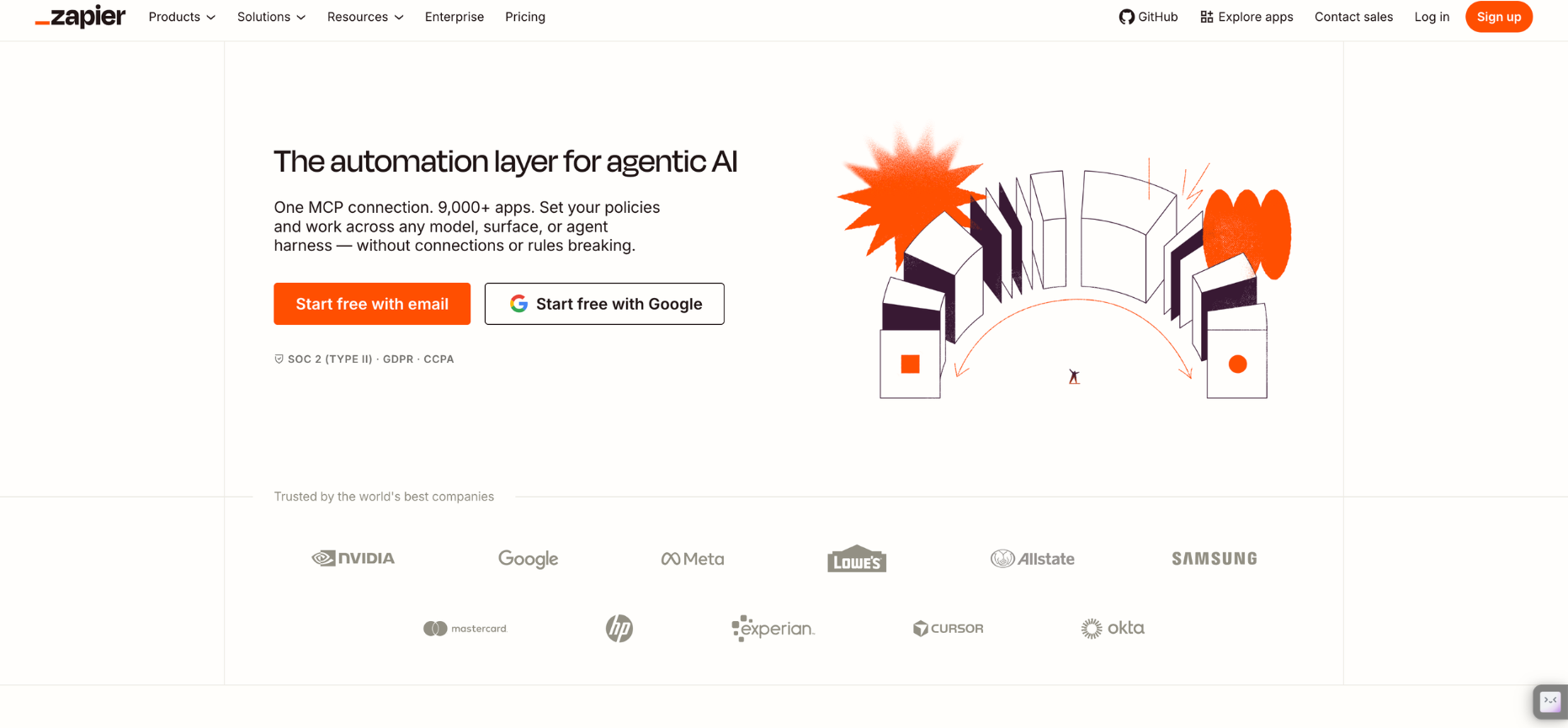
Zapier is still the most connected and overall best no-code platform on the market, built around a simple trigger-and-action setup that needs almost no onboarding.
Its biggest advantage is scale: over 9,000 native integrations mean almost any obscure SaaS tool already has a pre-built connector waiting.
- The Benefits: Zapier Central and MCP let outside AI models safely tap into that entire app directory without hard-coding API keys.
- The Limitations: Billing is per-task, not per-workflow. A five-step Zap running 150 times a month can use up an entire subscription tier, and overage jumps to a 1.25x multiplier. Hit three times your limit, and workflows pause entirely until the next billing cycle.
2. Make

Formerly Integromat, Make drops Zapier's straight line entirely in favor of a free-flowing visual canvas built for branching logic, routers, filters, and data grouping.
- The Strength: Native HTTP and webhook modules connect to almost any undocumented API, and its credit-based billing doesn't punish complex, multi-step scenarios the way task-based billing does.
- The Limitation: The learning curve is real, and polling triggers quietly burn credits every time the system checks for new data, even when there is nothing new to find. Support tickets can also sit longer than at heavier, sales-led platforms.
3. Thunai

Thunai is the best CX automation no-code tool on this list. Instead of only triggering actions between apps, Thunai manages and supports your whole customer service experience.
With features like Thunai's contradiction resolution engine (in Thunai Brain) and AI agents for voice, chat, and email that talk in more than 200+ languages, it is a reliable option for CX and customer success teams.
On the whole, Thunai acts as a real-time layer built specifically for customer experience and operations. In doing so, it helps by supporting teams in real time with real-time agent assist.
- The Strengths: Its Real-time Live Agent Assist listens across voice, chat, and video at the same time, nudging human agents with compliance guidance while automated workflows handle 70-80% of Level 1 queries without a human touch.
- The Limitations: This is enterprise-first, custom-priced technology, built for CX automation and support workflows more than any other automations.
4. N8n

n8n targets the builders who feel boxed in by purely visual tools.
This top no-code platform also doubles as a low-code platform in source-available, fair-code that pairs node-based building with real code nodes for JavaScript or Python.
- The Benefits: Pricing is per-execution, not per-step, so a workflow with dozens of nodes and loops still counts as one run - and self-hosting avoids licensing fees entirely.
- The Limitations The interface can intimidate non-technical users, and self-hosting demands real DevOps skill for maintenance, database upkeep, and security patching.
5. Power Automate
Microsoft's Power Automate is one of the top no-code automation tools built for companies already living inside the Microsoft stac.
This no-code software bridges modern cloud automation with older desktop RPA in one platform.
- The Benefits: Native depth into Teams, SharePoint, Excel, and Dynamics 365, plus an AI Builder that extracts data from invoices and receipts at 95%+ accuracy.
- The Limitations: Many genuinely useful connectors - HTTP, SQL, Salesforce - sit behind premium tiers, making the true cost of ownership harder to predict upfront. Unattended RPA bots add a separate, steep line item on top.
6. Workato
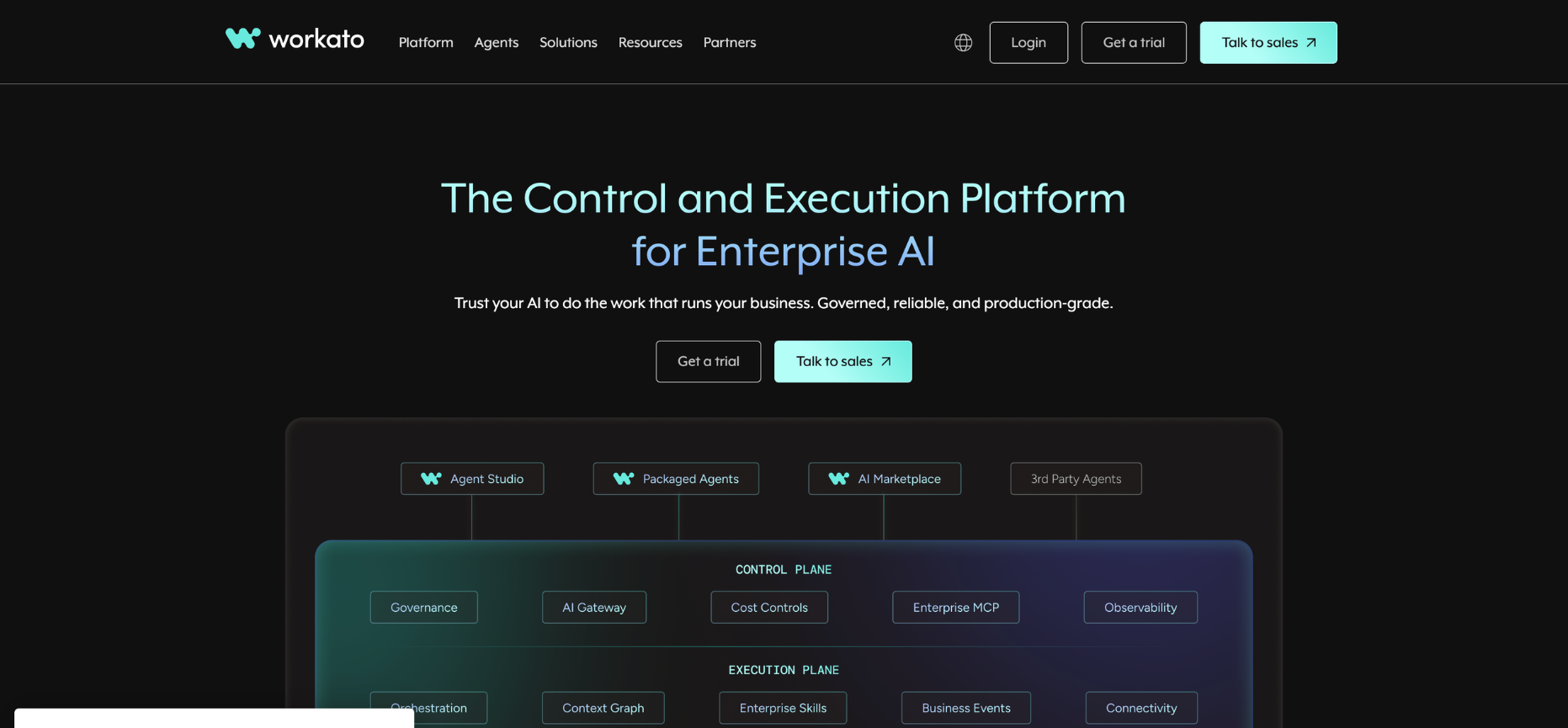
Workato leads the enterprise iPaaS category outright, having held the top Gartner Magic Quadrant position for eight straight years.
This is the top iPaaS or automation tool for coordination built for entire companies, not individual departments.
- The Benefits: Agent Studio governs AI agents with deterministic Enterprise Skills, while the MCP Gateway ensures AI tools only ever touch business data through policy-based access controls.
- The Limitation Pricing is custom and sales-led. This is the right call for Fortune 500 governance needs, and overkill for a ten-person team automating lead routing rather than quote-to-cash.
7. Airtable
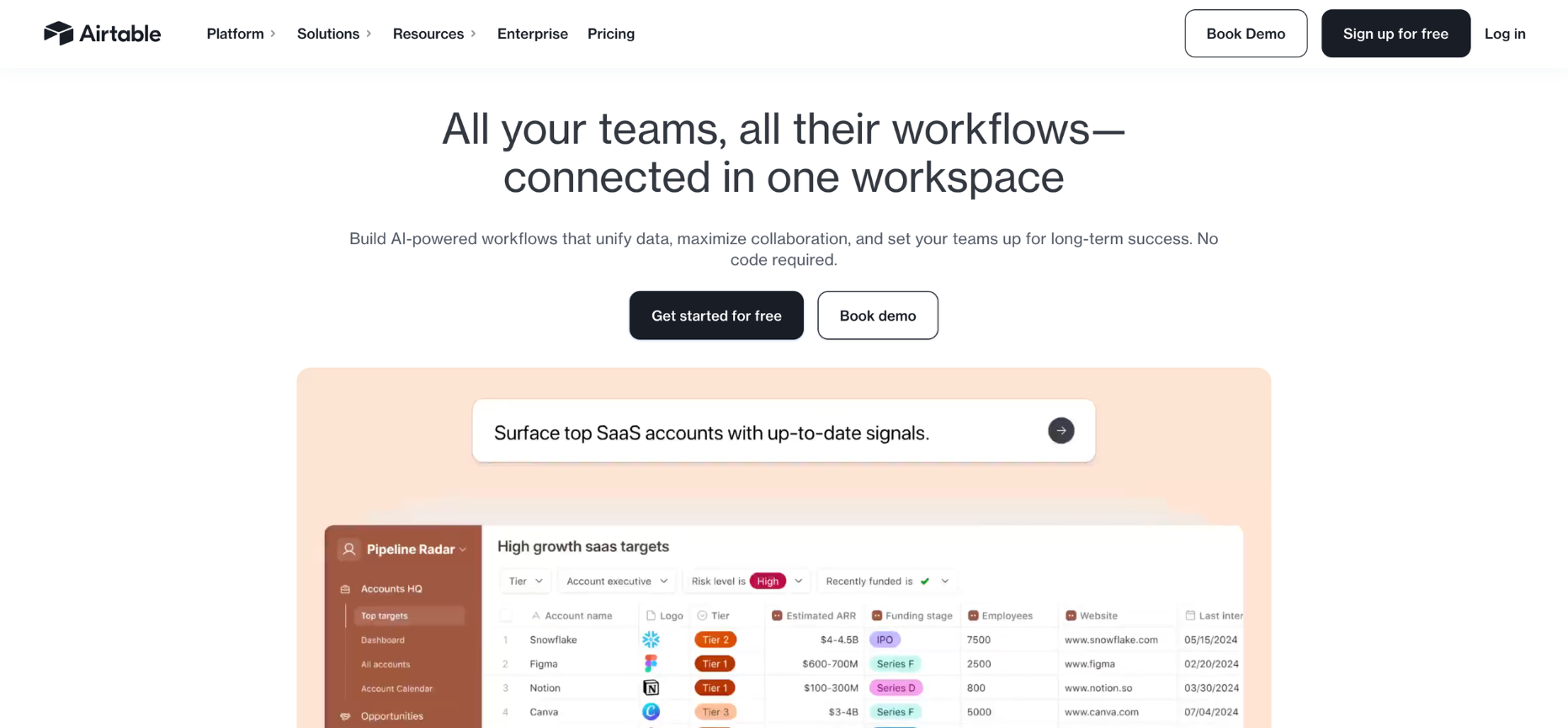
Airtable blends the familiarity of a spreadsheet with the structure of a relational database, then layers an automation engine directly on top of that data.
- The Benefits: Airtable AI (Omni) generates entire base structures, automations, and dashboards. All of this from a natural-language prompt, dramatically shortening time-to-value for non-technical teams.
- The Limitations: Seat-based pricing escalates fast. A 15-person editor team on the Business plan runs well over $8,000 a year before a single automation is even built, and view-only users still count toward the seat count.
How to Choose the Right Tool
Choosing the wrong setup doesn't just waste a subscription, it creates shadow IT, runaway costs, or a compliance incident waiting to happen. Weigh these four criteria before signing anything.
- Size and Total Cost of Ownership: Per-task billing (Zapier) is predictable for simple triggers but hard to manage at high volume. Per-credit (Make) forgives multi-step routing. Per-execution (n8n) rewards long, loop-heavy workflows. Per-seat (Airtable) punishes large headcounts sharing one workflow.
- Security and Access Control: Once automations touch financial or customer data, RBAC, DLP policies, and SSO connections stop being optional. Lighter tools often lack the workspace controls needed to prevent accidental data exposure.
- Data Residency and Deployment: Regulations like GDPR and HIPAA dictate where data can legally live. Self-hostable options like n8n keep credentials inside your own VPC. Isolated enterprise setups like Thunai guarantee regional residency and keep client data out of shared model training.
- AI and Agentic Support: A platform that only bolts on a generic chatbot node is already behind. Prioritize tools that give you logged, human-in-the-loop checks on AI decisions, not just an API call to a language model.
( these four checks against your actual 12-month roadmap, not just this quarter's use case)
Where No-Code Hits Its Limits
No-code sells speed, but every platform on this list hits a ceiling eventually. Here's where the cracks actually show up in practice.
- Visual Spaghetti: Three-to-five step sequences look clean. Nested conditional routing and complex array logic can turn into twenty tangled nodes doing what ten lines of code would handle, and debugging that mess becomes its own job.
- Vendor-Dependent Connectors: If a CRM changes its API or a niche tool has no native connector, the non-technical user is stuck. Workarounds exist, but setting up a webhook payload is basically coding again.
- Silent Scale Failures: High-frequency polling triggers can drain quotas without warning, causing a billing shock at the worst possible moment.
- Governance Gaps: Citizen developers stitching together community-built plugins can introduce prompt injection risks, and PII leaks that lighter platforms simply aren't built to catch.
Moving Beyond No-Code: Custom + Hybrid Automation
Enterprise design in 2026 increasingly blends the easy access of no-code with the steadiness of custom-built systems and specialized AI. This is a hybrid model that combines several tools instead of relying on just one.
Thunai adds real-time context from live calls, CRM events, and support tickets. That steady stream of fresh data is exactly what keeps an automated action from going stale.
This layered system gets you the speed that made no-code attractive in the first place.
Want to see what this looks like up close? Book a free demo!
FAQs
What is no-code automation?
No-code automation is the use of visual, drag-and-drop platforms to connect different apps and automate workflows without writing code. Complex backend work, like API authentication, data formatting, and conditional logic, gets turned into modules anyone can configure
How does no-code automation cut costs?
Mainly through labor optimization. Automating routine work like data entry or lead routing cuts the human hours needed to keep basic operations running, and it lowers reliance on expensive engineering time. A marketing operator can now ship in hours what used to take an IT team weeks.
What's the difference between no-code and workflow tools?
No-code tools like Zapier or Make are built for individual or team speed, connecting popular apps quickly without any code. Workflow tools, or enterprise iPaaS platforms like Workato, are built to coordinate entire systems, with strict governance, RBAC, and complex connections to legacy or ERP systems. No-code connects apps fast.