
IT directors didn't take this job to spend their Monday mornings re-tuning an intent model that still can't tell a locked account from a lost badge.
Tickets pile up. A Slack thread goes quiet while someone waits on a password reset. Somewhere behind the scenes, a conversational designer is combing through unclassified logs, writing new training phrases, hoping the bot finally learns what "I'm locked out of my laptop" actually means.
That's the reality for a lot of teams running Aisera in 2026. Although it did its job for a while, many IT teams find themselves looking for another option. Which is exactly why we’ve compiled a list of Aisera alternatives
The short answer:
- The service desk world is moving away from old, intent-trained chatbots toward AI that reasons over your actual knowledge base and takes real action on its own.
- Aisera helped a lot of teams deflect tickets, but slow rollouts, heavy upkeep, and rigid taxonomies are pushing IT leaders to look elsewhere.
- Automation Anywhere's November 2025 buyout of Aisera tied its roadmap to RPA work and pushed pricing toward pay-for-work models, which sped up the search for alternatives.
- The right pick depends on your problem: Moveworks and Console for internal IT execution, Rezolve.ai and Freshservice for mid-market service desks, Fin by Intercom and Thunai for customer-facing support, and Kore.ai or Workativ depending on how much control or simplicity you need.
What the Automation Anywhere acquisition means
On November 4, 2025, Automation Anywhere picked up Aisera and folded its AI agents for IT, HR, and customer service into its own Agentic Process Automation setup.
If your shop already runs on Automation Anywhere, this is good news. A request typed into Aisera can now trigger a robotic workflow without any extra middleware sitting in between. But if your team leans on UiPath, Power Automate, or Workato instead, you're looking at overlap, added friction, and a harder case for staying locked into one vendor.
Then there's the human side. Big acquisitions like this tend to pull engineering focus toward backend integration and away from the features customers actually asked for. Threads on G2 and technical forums already show IT teams asking slower questions: will support response times hold up, and will integrations outside the Automation Anywhere family keep getting maintained?
Why teams look for an Aisera alternative
Four things keep coming up when I talk to IT leaders about swapping out Aisera for an alternativw: slow rollouts, heavy admin work, a rigid setup under the hood, and a total cost that's hard to pin down.
- Aisera relies on outdated intent classification, matching user queries to pre-set scripted flows, and passing unmapped questions directly to human support agents.
- This static model demands constant manual tuning to prevent taxonomy drift, forcing teams to continually rewrite rules instead of updating core knowledge.
- Modern AI platforms use language models to reason directly over live company documentation, eliminating upkeep by simply relying on existing knowledge bases.
- Aisera's legacy setup causes four-month rollouts and eighteen-month payback periods, while requiring external RPA tools to execute tasks beyond simple ticket routing.
Intent-based versus knowledge-first architecture
Every platform and Aisera alternative on this list falls on one side of a clear line: how it understands what a user is asking for.
- Intent-based systems — the older style are tools that map words to a fixed list of categories, then follow a scripted path. They need a lot of setup work up front: sample phrases, slot filling, months of training. Ask something outside the script, and you get a fallback message or a ticket routed to the wrong queue.
- Knowledge-first systems flip that. They read your actual documents straight away, using a large language model to reason over the content instead of a fixed tree. When something needs to happen — an access change, a reset, a workflow trigger- the system checks the request against a live model of roles and permissions. After this, it then calls the right API directly, often using a shared protocol to hand off work between specialized agents.
The 8 best Aisera alternatives
Here's how the eight leading top picks for Aisera alternatives stack up, sorted by what each one solves best — from internal IT execution to customer-facing voice and chat.
1. Moveworks — best for large-enterprise IT and HR deflection
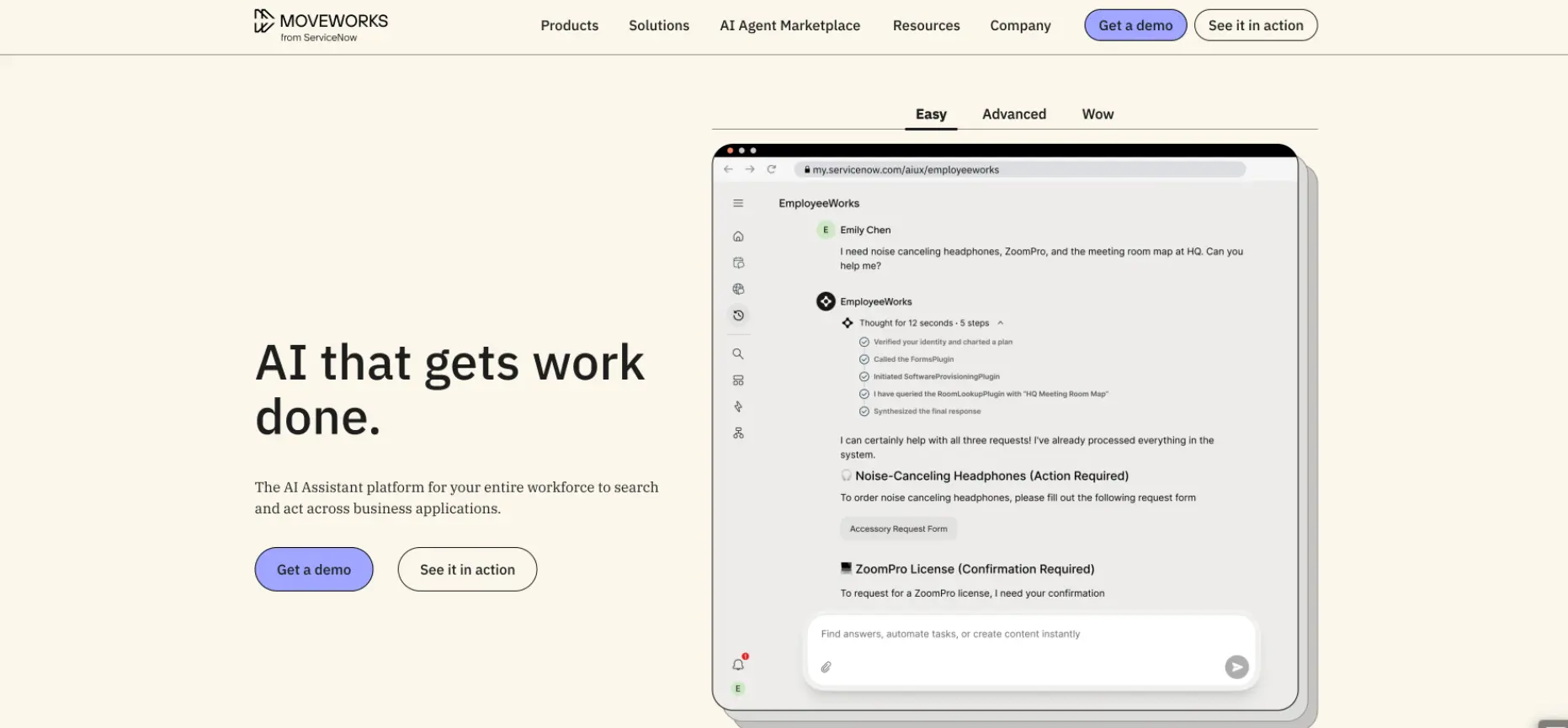
If your shop already runs on ServiceNow, Moveworks is probably the first name on your list, and after its $2.85 billion sale to ServiceNow in December 2025, it now sits baked straight into that platform.
This Aisera alternative comes with a Reasoning Engine that’s upgraded in 2026 with GPT-5.2 capabilities, pairs dynamic slot resolvers with an in-house fine-tuned MPNet embeddings model so answers stay grounded in real documents instead of the model's own guesses.
Features:
- Agentic Reasoning Engine. Reads across ServiceNow KM, SharePoint, Confluence, and Jira to answer questions with real citations, right inside Teams or Slack.
- Direct Task Execution. Provisions software licenses, updates Active Directory groups, and pulls PTO balances through live API links, no separate ticket needed.
- Assistant Builder & Scoped Assistants. Lets admins build custom integrations and lets department leads spin up their own narrow AI agents for specific domains.
Pros:
- Consistent deflection rates between 60 and 75 percent on routine requests, without anyone hand-building an intent model.
- In a December 2025 review, Jatin D went so far as to call Moveworks "very easy to use" and "highly efficient," and noted he had no trouble implementing it despite lacking prior experience with similar tools.
- Folds straight into ServiceNow's AI Agent Studio, which simplifies governance for shops already standardized there.
Cons:
- Admins get limited visibility into the routing logic — users on Reddit call it a "black box."
- Pricing runs $4 to $8+ per employee per month with a $100K+ floor, which prices out smaller teams fast.
2. Kore.ai — best for enterprise conversational AI breadth
Kore.ai gives you the most raw building blocks of anything on this list — a low-code platform spanning more than 35 channels for both internal service desks and outside contact centers.
This alternative to Aisera has Constellation Architecture routes tasks dynamically across more than 15 parallel frontier LLMs, including models from OpenAI, Anthropic, and Google, picking whichever one fits a given query.
Features:
- XO Platform. A hybrid engine mixing statistical models, machine learning, LLMs, and rule-based state machines so you keep deterministic control where you need it.
- IT Assist & HR Assist. Pre-built apps for internal service work, plus SmartAssist for customer-facing automation.
- Dialogue Builder & Prompt Studio. Visual tools for multi-turn conversation paths and fine-tuning LLM output, with role-based access built in.
Pros:
- Real development flexibility — teams can engineer almost any conversational flow they can dream up.
- G2 reviewer Alex O. of Plutus AI Platforms called Kore.ai the leading CAI platform in a five-star review, crediting comprehensive training and an easy-to-use builder for a solution that let his small team automate work that would otherwise require two additional hires.
- On-prem and private cloud options give security teams the control they ask for.
Cons:
- The configuration menus run deep, and non-technical admins tend to lean on professional services just to get moving. As mentioned by Software Engineer Achyuth Kumar K., despite Kore.ai's "no-code" marketing, the interface is so packed with advanced features that it feels cluttered and overwhelming for a beginner.
- Deployment stretches 12 to 20 weeks, with licensing starting in the mid-five figures before scaling into the hundreds of thousands.
3. Rezolve.ai — best bundled agentic service desk for mid-market
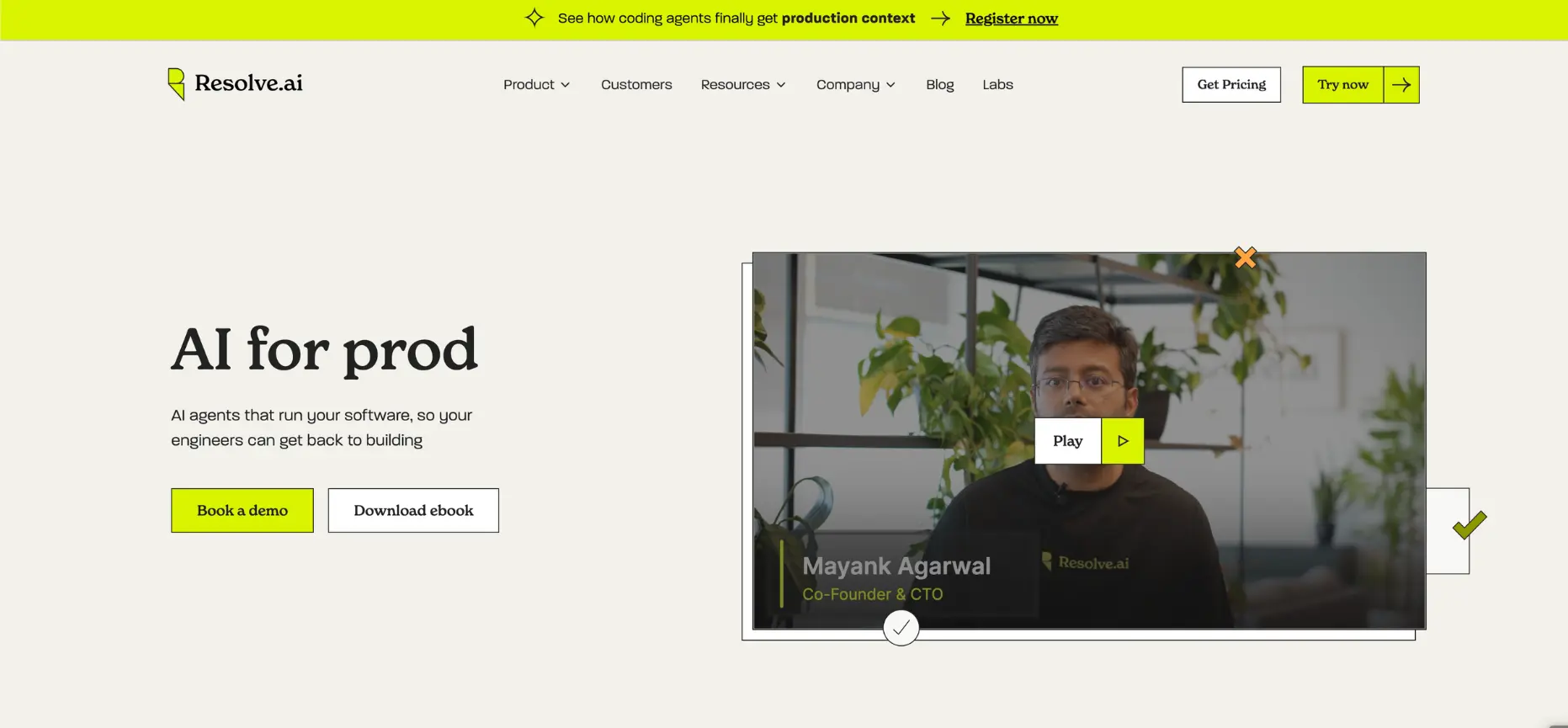
For Microsoft shops that just want a working service desk without stitching five tools together, Rezolve.ai is built to sit natively inside Teams from day one.
This Aiera competitor has a VoiceIQ module that extends the same agentic reasoning to phone-based support, layered on top of native integrations with Jira, Freshservice, SharePoint, and Workday.
Features:
- Teams-Native Front End. Employees report issues, request access, and chat with a live agent, all without leaving Teams.
- Micro-Automation Library. Pre-built workflows for password resets, Azure AD group changes, and hardware requests.
- Built-In Ticketing. Full lifecycle management, SLA tracking, and agent assignment, so you're not bolting on a separate system.
Pros:
- Live in 2 to 4 weeks, one of the fastest rollouts on this list.
- Priced around $2.50 to $3.00 per employee per month, well below enterprise-tier competitors.
Cons:
- Tightly tied to Microsoft 365 — a poor fit if your team runs on Slack or Google Workspace. A G2 user, Nicholas M. flagged a related limitation directly, noting the bot can't send attachments to end users through Teams and that notification links break over time.
- Lacks the deep CAB and CMDB tooling that regulated enterprises often need.
4. Console — best for AI-native IT execution
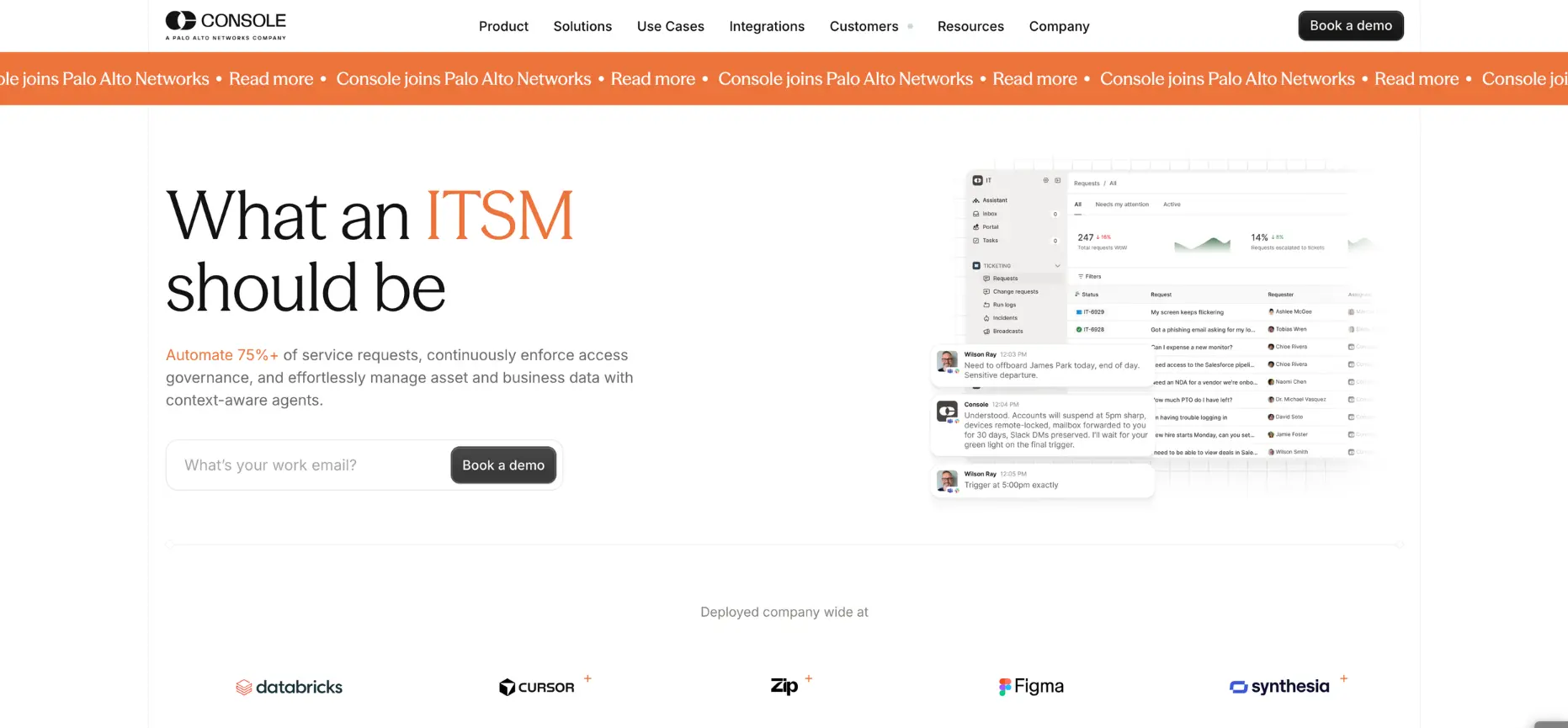
Console skips the chat-and-deflect model completely and just does the work — which is likely why Palo Alto Networks paid roughly $500 million for it in September 2026.
Console is an AI tool where its Enterprise Context Graph checks a request against live identity, device, and role data before executing anything, then routes for manager approval only when policy requires it.
Features:
- Enterprise Context Graph. Links user identity, device health, org roles, and permissions to make safe, automatic execution calls.
- Workflow Playbooks. Admins describe a process in plain language and Console builds the automation, approvals included.
- Conversational Execution Layer. Runs entirely inside Slack or Teams, resolving the request in the thread with no ticket portal involved.
Pros:
- Autonomous resolution rates land between 50 and 80 percent within three weeks of going live.
- Holds a 4.9/5 rating on G2, largely on the strength of its execution speed.
Cons:
- Light on formal ITIL structure, so CAB-heavy, compliance-first orgs may find it too bare-bones.
- Its long-term roadmap is now an open question following the Palo Alto Networks acquisition.
5. Freshservice — best for ITSM-first teams adding AI
Freshservice is the safe pick for teams that still need full ITIL structure to change management, CAB scheduling, asset tracking. This Aisera alternative comes with all of this plus with AI layered on top through its Freddy AI engine.
Freddy AI now ships roughly 45 out-of-the-box automation workflows for ticket routing and pattern-based incident prevention, sitting on top of Freshservice's CMDB for asset tracking
Features:
- Full ITIL Suite. Incident, request, problem, change, and release management, all in one place.
- Integrated Asset Management. Auto-discovers hardware and tracks license compliance, tied straight to open tickets.
- Freddy AI. Copilot drafts agent responses, Self-Service deflects basic questions, and Insights flags SLA bottlenecks.
Pros:
- Fast to stand up for teams moving off older ticketing tools — most report weeks, not months.
- Familiar, accessible interface that technicians pick up with little training.
Cons:
- Per-agent pricing climbs fast as headcount grows, and change management sits behind higher tiers.
- Freddy AI's automation leans on text deflection — it can't yet execute API tasks the way Console can.
6. Workativ — best lightweight IT automation for smaller teams
Workativ is the budget-friendly option, built for small and mid-sized IT teams who need basic automation live in hours, not months.
The Aisera alternative has an App Connector Studio that lets non-technical HR and IT leads wire in internal REST APIs without engineering support, on top of more than 100 pre-built integrations with systems like Workday, UKG, and BambooHR.
Features:
- Pre-Built Recipes. Ready workflows for password resets, license assignment, and account provisioning.
- Conversational Assistant. Deploys in Teams or Slack with interactive buttons that trigger backend automations.
- App Connector Studio. A no-code builder for wiring in internal REST APIs.
Pros:
- Goes live in 1 to 5 days, faster than almost anything else on this list.
- Flat monthly pricing between $299 and $999 keeps costs predictable for smaller teams.
Cons:
- Struggles with anything outside its pre-built workflows — complex or unstructured requests still need a human.
- No real ITIL governance or enterprise search across scattered document repositories.
7. Fin by Intercom — best for customer-facing AI resolution
Fin is built for one job — resolving customer questions outside your walls — and is an alternative to Aisera that does it with almost no setup.
Under the hood, Fin runs on the proprietary APEX 1.0 model, trained on billions of past customer-service interactions and blended with deterministic, step-by-step procedural rules that an administrator writes in plain language.
G2 ranks it the #1 AI Customer Support Agent by review volume.
Features:
- Zero-Setup Ingestion. Crawls your public help center, Notion pages, and PDFs to build a knowledge base automatically.
- Grounded Answer Synthesis. Built on frontier LLMs, answers stick strictly to your documentation with visible source links.
- Omnichannel Handoff. Runs across web, mobile, WhatsApp, SMS, and email, and passes hard conversations to a human with a summary attached.
Pros:
- Teams report 40 to 55 percent autonomous resolution within days of launch.
- Setup is close to instant — point it at a help center URL and it starts answering questions.
Cons:
- Pricing runs per-resolution at $0.99 each on top of a seat fee, so costs swing with ticket volume.
- No internal IT tooling at all — no identity governance, no ITIL modules.
8. Thunai — best for customer-facing agentic AI with knowledge-first setup
For teams whose real bottleneck sits in the contact center, not the help desk, Thunai is the one I'd put at the top of the shortlist.
This Aisera alternative is a multimodal, knowledge-first platform built to handle voice, chat, and email across more than 150 languages, with almost none of the setup weight the others carry.
Its Brain layer pulls voice, video, chat transcripts, and documents into a single self-learning context graph, which is what lets it score 100 percent of contact-center calls for QA and sentiment rather than the small manual sample most teams audit today
Features:
- Thunai Brain. A self-learning knowledge layer that pulls documents, call transcripts, video, and audio into one unified context graph.
- Hyper-Realistic Voice Agents. Natural phone conversations across 150+ languages and dialects, moving well past legacy IVR.
- Automated Call Scoring. Scores 100 percent of calls for QA, compliance, and sentiment, closing the sampling gaps manual audits leave behind.
Pros:
- Live in 1 to 2 weeks, with pricing that starts free and scales from $9 to $79 a month before custom enterprise tiers.
- Native connectors into NICE CXone, Genesys, RingCentral, Amazon Connect, Salesforce, and Zendesk mean it drops into what you already run.
Cons:
- Built for external customer support, not internal ITIL workflows, so it won't replace your IT help desk on its own.
Aisera alternatives compared in 2026 based on usage
Here's the shortlist side by side — focus, market, architecture, rollout time, and how much admin weight each one puts on your team.
Total cost of ownership, including the people cost
The software fee is never the whole bill. What you pay your own people to keep a platform running — correcting misrouted intents, tuning prompts, chasing broken integrations often matches or beats the license cost itself.
Here I'm using a fully loaded $140,000 a year for the engineer or specialist who owns that upkeep.
Platforms built on manual intent mapping, like Aisera and Kore.ai, need someone watching them constantly to stop taxonomy drift and fix broken connections.
Knowledge-first and execution-native platforms push that work onto automated pipelines instead, which is why their three-year totals often land far lower.
Notice what happens with Moveworks: it carries the highest software fee on the list, yet it still lands below Aisera and Kore.ai over three years because it barely touches your headcount. Console, Workativ, and Thunai tell the same story from a different angle.
ITSM or CX: which side is your problem actually on?
Internal IT is about identity, permissions, and getting something done in a business system. That means deep ties into identity providers, device management tools, and Slack or Teams. Success there looks like execution speed, audit trails, and staying inside security policy.
Customer support runs on different rules entirely. It has to protect brand voice, stay accurate, and work across web chat, WhatsApp, email, and phone channels where a wrong answer creates real reputational risk. That aspect is one that naturally needs needs CCaaS integrations, CRM connections, sentiment tracking, and full call scoring, not identity governance.
Designing a 30-day bake-off
The only way to cut through vendor marketing is to run a real, timed proof of concept using your own data.
Here's a four-week rhythm that works well for comparing shortlisted platforms head to head.
- Week 1 – Ingestion and baseline. Connect each candidate to your real knowledge repositories — SharePoint, Confluence, your help center — and clock the exact engineering hours it takes to parse documents and stand up basic channels in Slack or Teams.
- Week 2 – Workflow and execution. Run three test scenarios: a factual policy question, an access request that needs manager approval and backend provisioning, and an out-of-scope edge case to check for hallucination resistance. Track whether setup needs custom scripting or just plain language.
- Week 3 – Shadow blind-testing. Route 200 to 500 anonymized historical tickets through each platform's engine, and let a pilot group of 25 to 50 employees interact with it in an unbranded staging environment. Measure first-contact resolution, accuracy, and latency.
- Week 4 – Maintenance audit and selection. Add up every hour spent correcting misroutes, adjusting prompts, and updating knowledge links during the trial. Extrapolate that into an annual FTE cost, then combine it with the licensing quote to get your real three-year TCO.
When Aisera is still the right answer
None of this means Aisera is wrong for every team. It still makes sense under a few specific conditions.
- If your organization has already standardized on Automation Anywhere, Aisera's conversational layer now connects straight into the Process Reasoning Engine and Mozart Orchestrator without any extra integration work. That's a real advantage if RPA is already your backbone.
- Aisera also earns its keep for large enterprises that want one vendor across IT, HR, procurement, legal, facilities, and customer service, all under a single Master Services Agreement.
- If consolidation matters more to you than picking a specialist for each job, that's a reasonable trade.
Frequently asked questions
1. Was Aisera acquired by Automation Anywhere?
Yes — the deal closed on November 4, 2025. Automation Anywhere folded Aisera's chat agents into its Agentic Process Automation platform, pairing the conversational front end with backend robotic execution. More than 100 of Aisera's AI engineers joined Automation Anywhere to keep building agentic workflows across IT, HR, and customer care.
2. Why is Aisera hard to implement?
Aisera runs on intent structures and taxonomy mapping, which need heavy upfront setup — aligning your ontology, wiring in ITIL catalogs, and tuning classification boundaries by hand. Newer platforms skip most of that by reading your documents directly. Without dedicated integration specialists, most Aisera rollouts take three to six months to reach stable performance.
3. What is the best Aisera alternative?
It depends on the job. Moveworks fits large ServiceNow shops, Console suits teams that want autonomous IT execution, and Rezolve.ai works well for Microsoft-native mid-market service desks. Freshservice is the pick for ITIL-heavy teams, while Fin by Intercom and Thunai cover customer-facing support, with Thunai adding voice across 150+ languages.
4. How long should an AI service desk take to deploy?
Modern knowledge-first platforms usually go live in one to four weeks. Console, Rezolve.ai, and Fin by Intercom connect to your systems through pre-built integrations and start resolving requests within days. Older intent-based systems like Aisera, or a complex Kore.ai build, typically need twelve to twenty-four weeks before they're stable.
5. How do I calculate the true cost of an AI support platform?
Look past the license fee. Add up three things over three years: direct software costs (seats, headcount fees, usage overages), setup and integration services, and the internal labor needed to maintain the platform — usually $130K to $160K per engineer per year. On platforms like Aisera, that labor line often costs more than the software itself.