
Confused about choosing the right Freshdesk alternative? Channel segregation and uncertain AI costs should be reasons enough to reconsider your helpdesk.
All that you require is the adoption of a platform that suits your channels, number of team members, and automation capabilities, irrespective of whether it is an AI-compatible platform to address routine tickets on a voice, chat, and email basis; an enterprise-level platform to handle routing in a tough manner; or just an inbox.
Below are nine of the best Freshdesk alternatives discussed based on cost, AI resolution, omnichannel capability, integrations, and compliance.
Why Support Teams Look for Freshdesk Alternatives
Most leaders start searching for alternatives when their team’s daily workflow feels inefficient. Three challenges keep recurring.
The channels are not integrated: Freshdesk provides a unified inbox; hence, omnichannel support needs the Omni package or add-ons such as Freshchat and Freshcaller.
For businesses that receive hundreds of tickets monthly, unresolved sessions can be numerous and costly, hence the desire to have a Freshdesk alternative with reasonable pricing.
Mid-market organizations face limitations: Skill-based routing and reporting requirements are beyond the scope of the cheaper versions of Freshdesk.

Freshdesk Competitors at a Glance
The market falls into three groups: AI-native platforms, big enterprise suites, and simple shared inboxes. Each Freshdesk competitor has its own pricing and its own way of working.
The trick is to match your biggest problem to the right design. A team with slow voice support needs a different tool than a team buried in email.
9 Best Freshdesk Alternatives
Many other software applications compete in this area, but it depends on your size, your channels, and how much automation you have in place as to which one will be best suited for your purposes. These are the nine that I would consider.
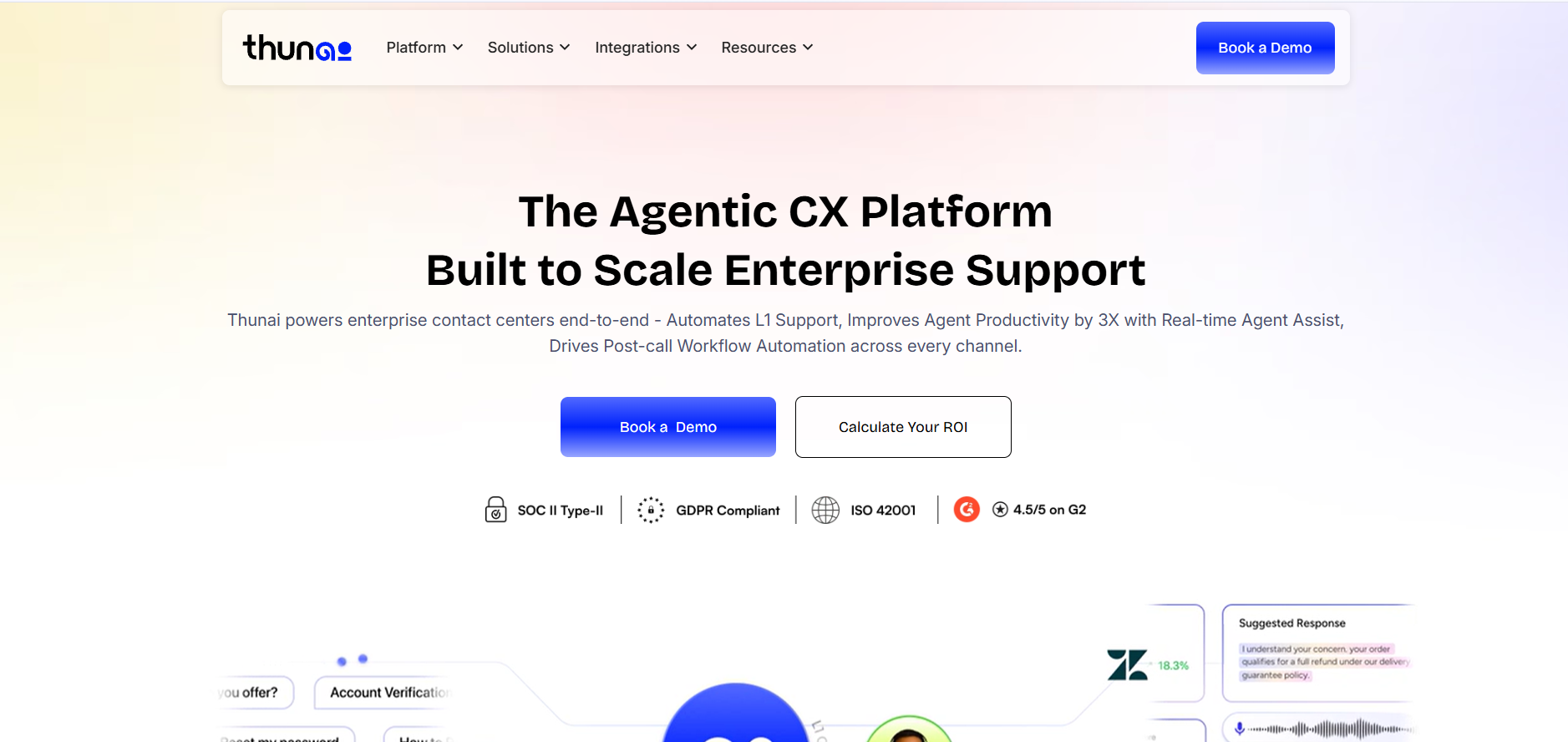
Thunai Omni - Best for Teams wanting an AI-first Tier-1 support replacement across voice, chat, and email.
What it is: Thunai Omni is an artificial intelligence-native omnichannel application designed to unify voice, chat, and email via a single knowledge base called the Thunai Brain. It is designed with artificial intelligence since day one rather than tacking on a chatbot to an existing ticketing application. Serving as an alternative to Tier-1 support, Thunai Omni brings AI agents for common questions along with live assistance for agents and QA for each and every call.
Features:
- Live screen sharing within voice agents
- Real-time agent assist from your knowledge base
- Automated QA scoring of every call against compliance rules
Pros:
- Full context retained across channels
- Sharply reduced handle times
Cons:
- Best suited to routine Tier-1 queries; complex issues still need humans
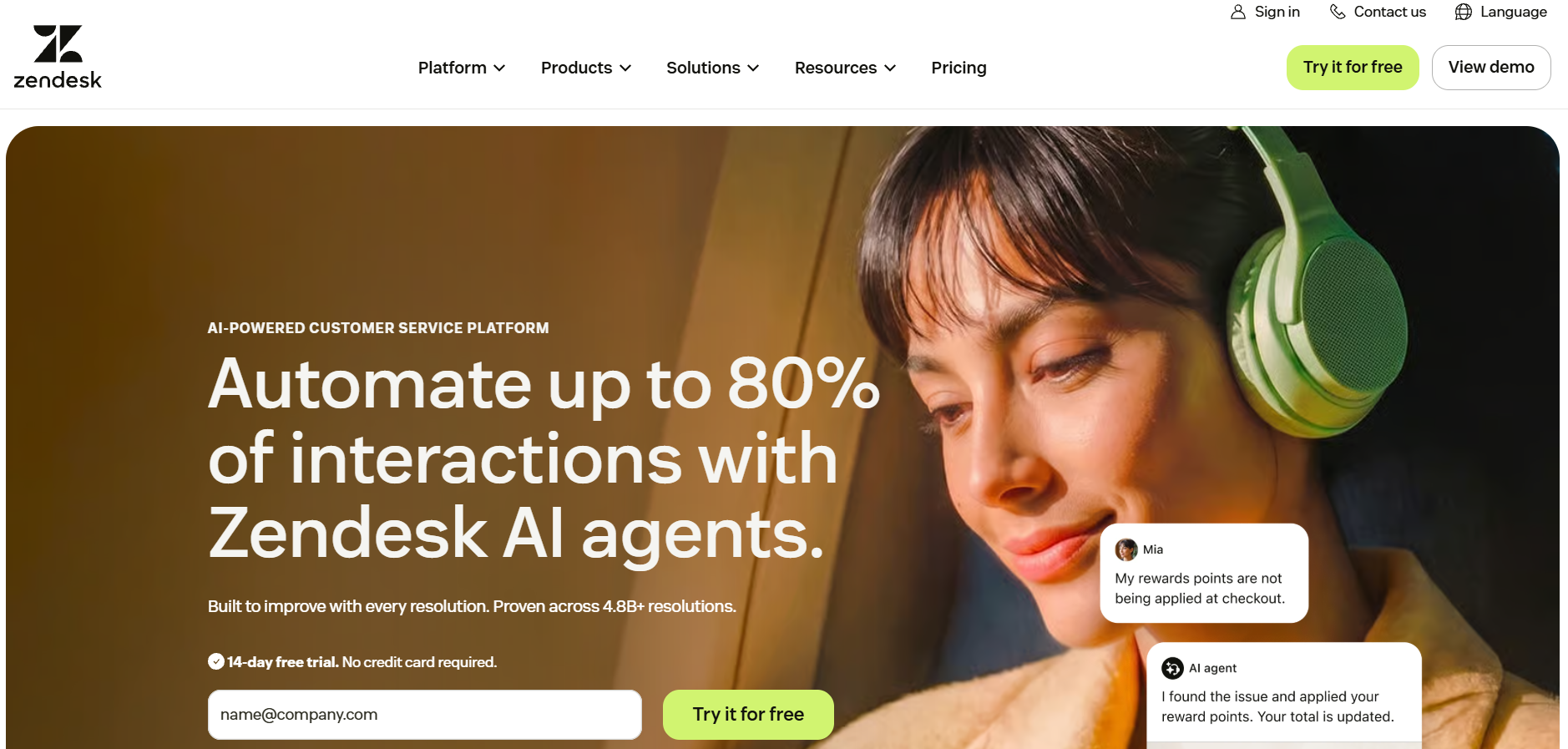
Zendesk - Best for Teams that require an extensive and comprehensive helpdesk solution for large support organizations.
What it is: Zendesk is a fully developed solution for all your customer care requirements. It brings together all your emails, chat, calling, and even SMS services to provide you with full-fledged reporting and skill-based routing.
Features:
- Multi-brand support
- Deep reporting and analytics
- Omnichannel inbox across all channels
Pros:
- Industry-standard, proven at scale
- Highly customizable with custom objects, macros, and rules
Cons:
- Expensive: Higher costs and typically needs a dedicated admin to manage custom objects, macros, and rules.
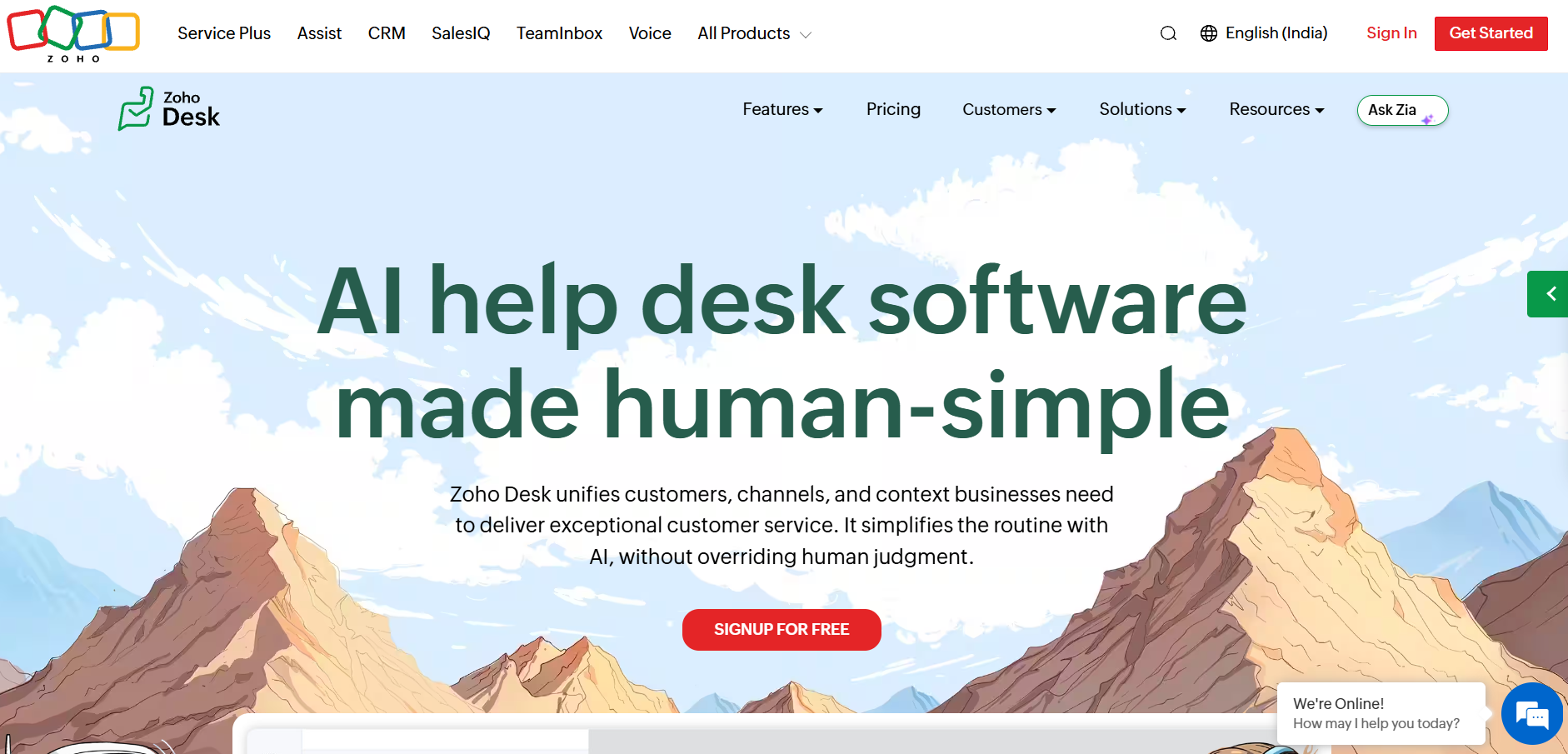
Zoho Desk - Best for Teams with budget constraints, including those who have been working with other applications from Zoho.
What it is: Zoho Desk is an inexpensive multi-channel helpdesk solution that seamlessly integrates into the broader Zoho ecosystem. Starting plans are $7 per user per month, and more advanced plans include Zia, the AI-powered assistant developed by Zoho. It is equipped to deal with SLAs, routing, and knowledge base effectively.
Features:
- Multi-channel support
- SLA management
- Ticket routing
Pros:
- Low entry price from $7/user/month
- Reliable SLA, routing, and knowledge base tools
Cons:
- Voice AI is weaker than newer AI-native platforms
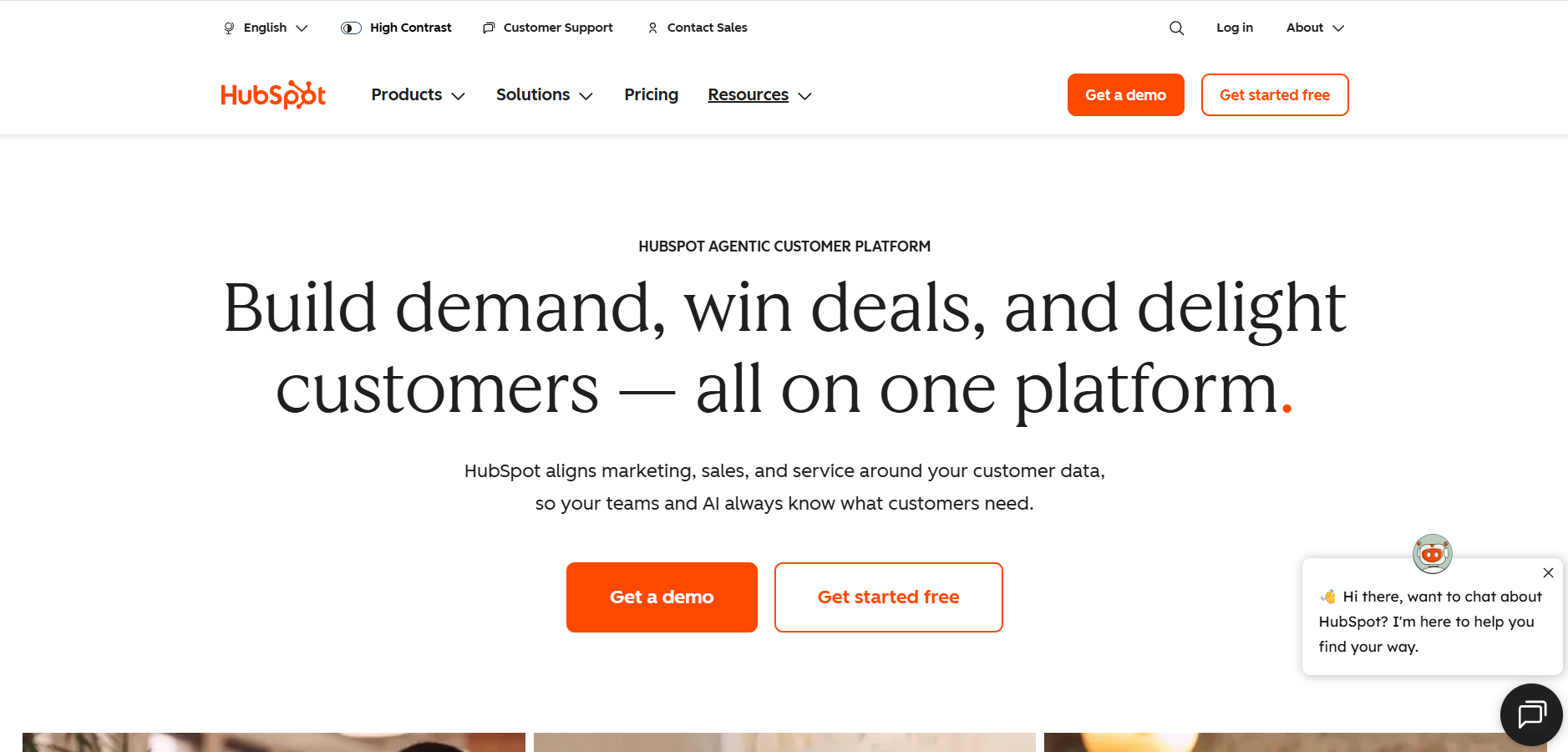
HubSpot Service Hub - Best for Companies that use HubSpot and are looking for a customer support solution that integrates with the sales and marketing information.
What it is: The Service Hub by HubSpot is the platform that helps you support your customers inside the HubSpot CRM. Thus, tickets will appear right next to the revenue data. The sales, marketing, and customer support teams have a single view of the customers starting with their first interaction until the service stage.
Features:
- Native CRM integration
- Support tickets alongside revenue data
- Multilingual knowledge base (higher tiers)
Pros:
- Complete customer story in one place
- Strong alignment across support, sales, and marketing
Cons:
- Costly as a plain helpdesk, with weaker complex multi-channel routing
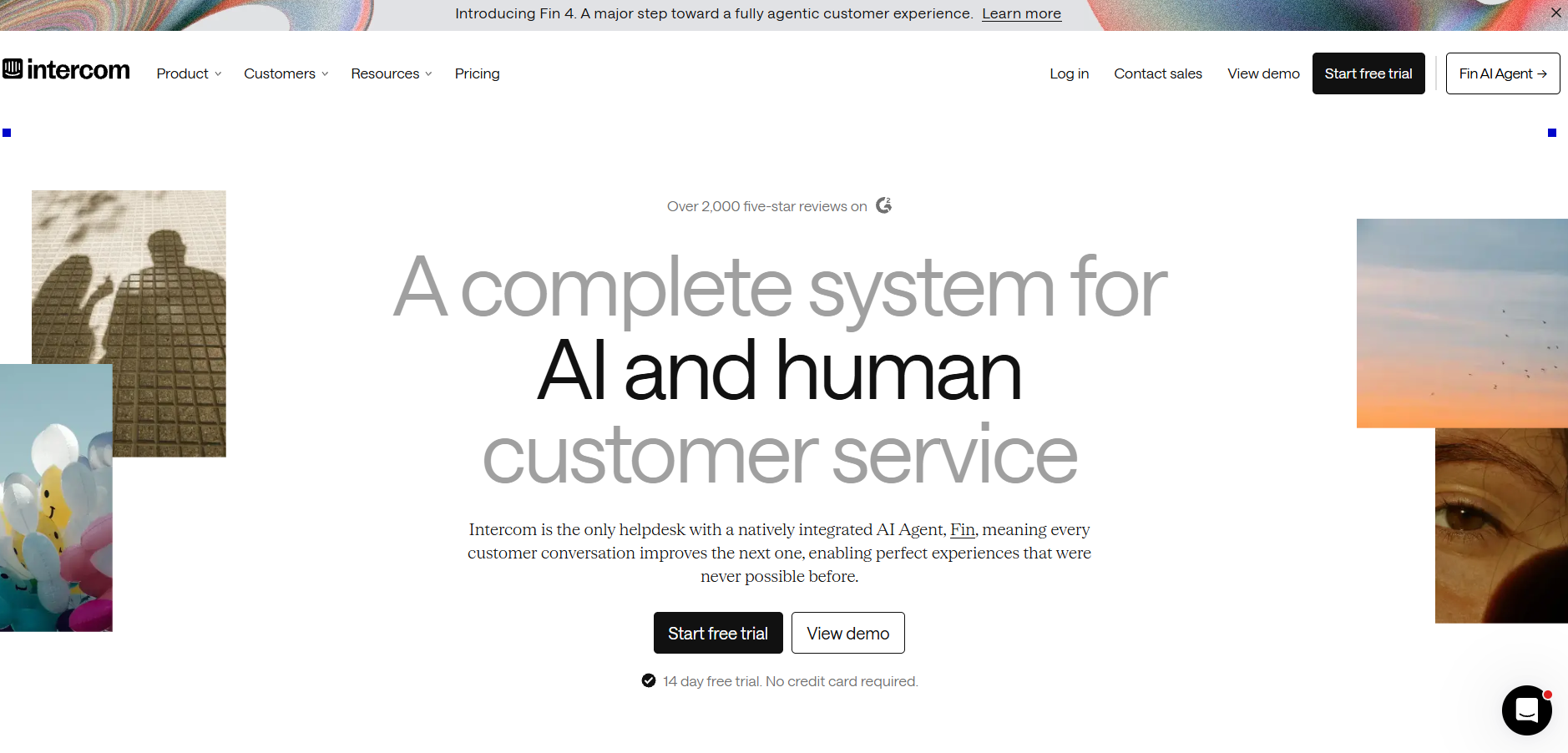
Intercom - Best for Conversational support teams that put chats first and value AI agent integration.
What it is: Intercom is a conversational support system famous for the Fin AI agent that makes easy work of chatting. Pricing for a seat ranges from $29 for Essentials to $132 for Experts, while Fin charges an additional $0.99 per resolution on all plans. Ticket volume can make those usage charges exceed even the seat costs.
Features:
- Conversational, chat-first support
- Tiered plans from Essential to Expert
- Per-resolution AI billing on all plans
Pros:
- Fin resolves routine chats effectively
- Flexible plan tiers to match team size
Cons:
- Usage fees can outweigh seat costs, with 10,000 resolutions a month costing almost $10,000
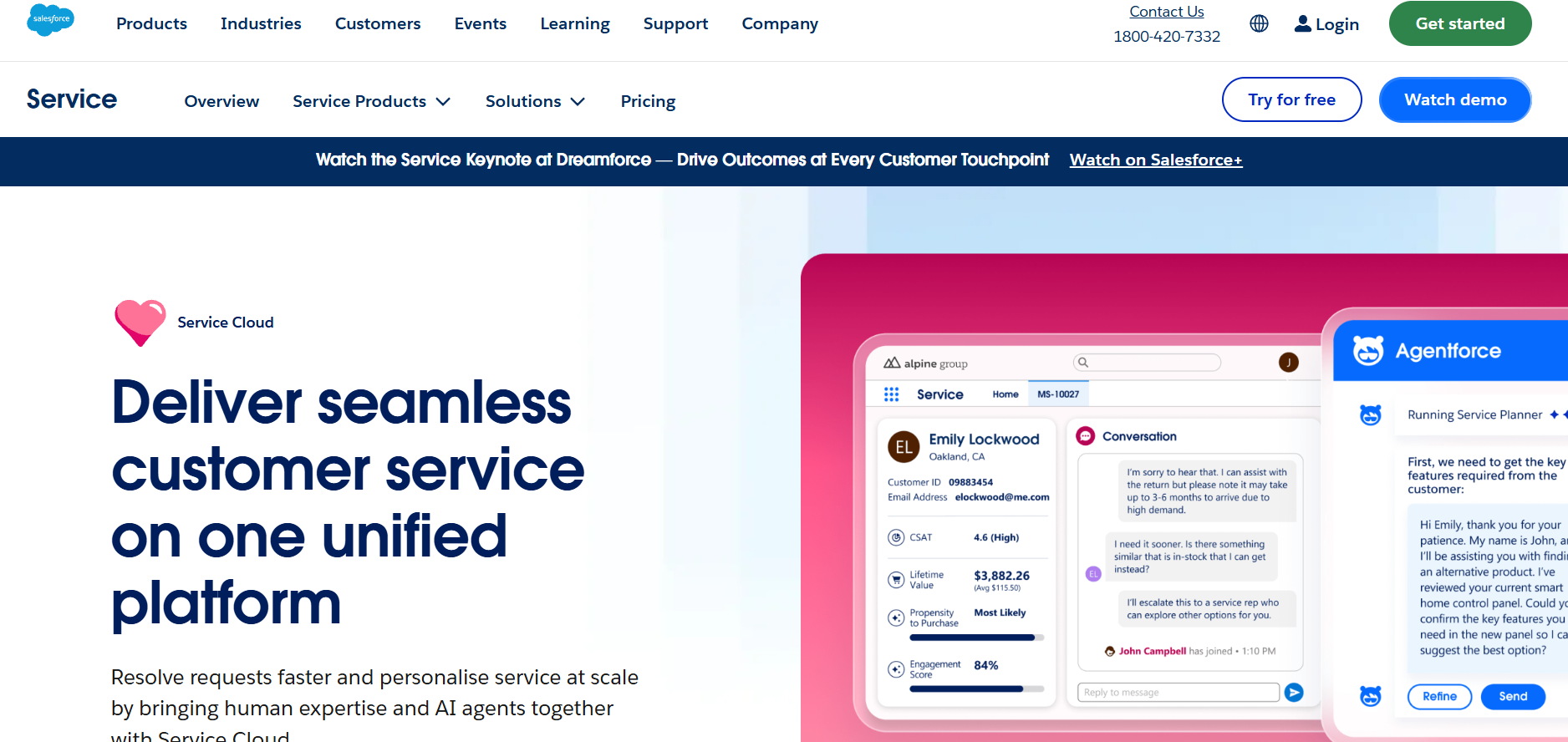
Salesforce Service Cloud - Best for Extremely large organizations that are using Salesforce CRM and need advanced two-way syncing between support and sales.
What it is: Salesforce Service Cloud is an enterprise support tool designed for extremely large organizations, with two-way syncing to the Salesforce CRM to help support cases close sales deals. The Data Cloud connections enhance the customer picture. Implementing the solution is no small feat, and omnichannel capabilities require the Digital Engagement add-on at $75 per user per month.
Features:
- Two-way Salesforce CRM sync
- Case-driven influence on sales deals
- Omnichannel via Digital Engagement module
Pros:
- Deep, bidirectional link between support and sales
- Rich customer data through Data Cloud
Cons:
- Complex rollout, often needing outside consultants, with total cost too high for teams under 50 agents
ServiceNow Customer Service Management - Best for Enterprises that have complex IT and service requirements and compliance needs.
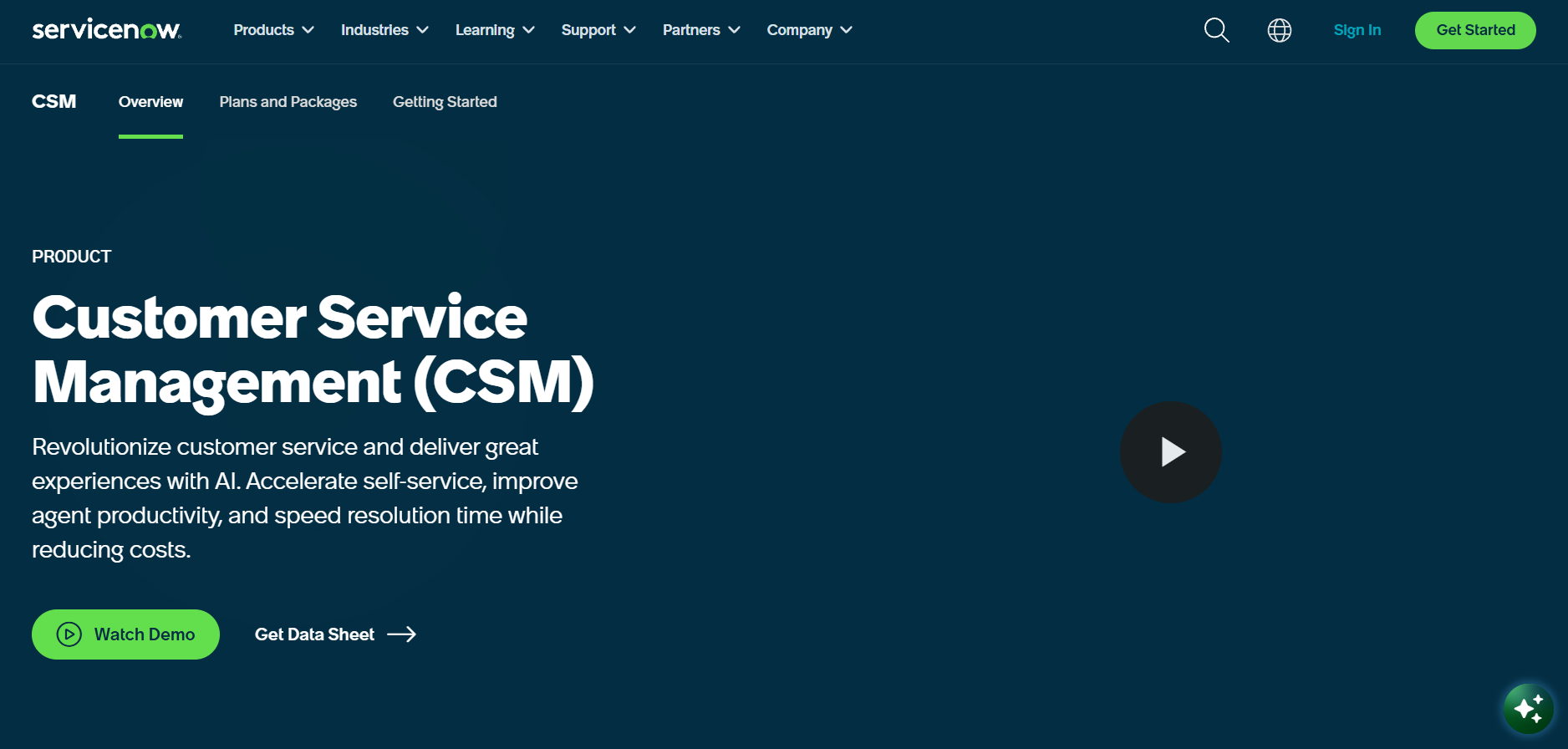
What it is: ServiceNow Customer Service Management is a customer support application that is a part of the huge ServiceNow suite. The strength of the platform lies in the areas of problem management, asset management and change management that enables the customer support to be aligned with overall IT processes. The lengthy implementation time renders the product suitable for Fortune 500 companies.
Features:
- Problem, asset, and change management
- Unlimited Virtual Agent chats
- Built for complex IT and service workflows
Pros:
- No per-resolution charges for Virtual Agent chats
- Well suited to heavy compliance environments
Cons:
- Lengthy setup, often taking months
Help Scout - Best for Small teams and startups who want an easy and humane shared inbox for email and live chat.
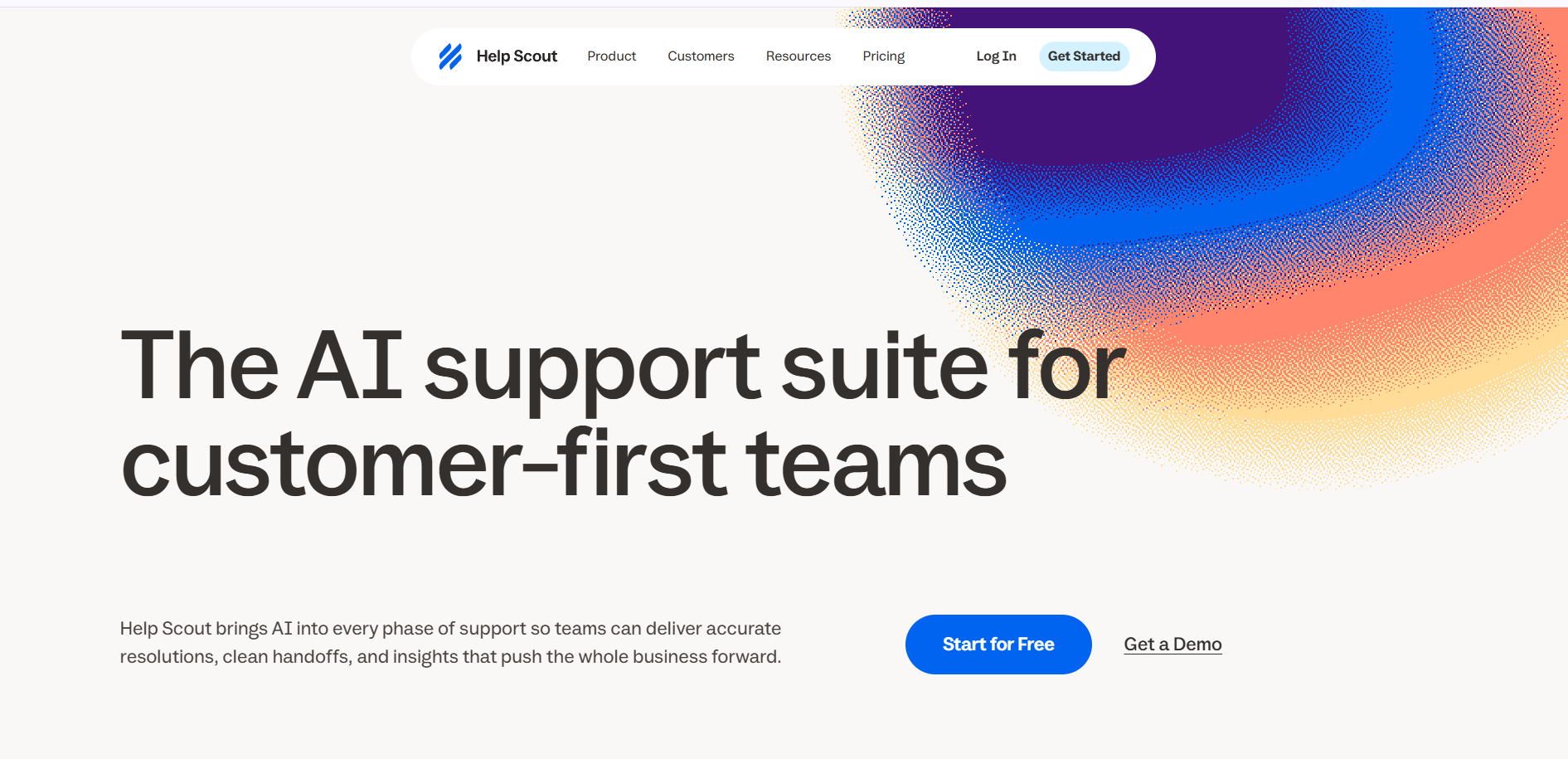
What it is: Help Scout is a beautiful shared inbox built on top of email and live chat and provides a personalized experience for assisting your clients. The free account is good for 5 users, whereas the Standard plan costs $25 per user per month.
Features:
- Shared inbox for email and live chat
- Standard plans at $25 per user per month
- AI Answers add-on, billed per resolution
Pros:
- Clean, easy-to-use interface
- Free tier suits small startups
Cons:
- No native voice or community forums
Kustomer - Best for Online businesses and consumer direct companies that require a customer-centered perspective on every engagement.
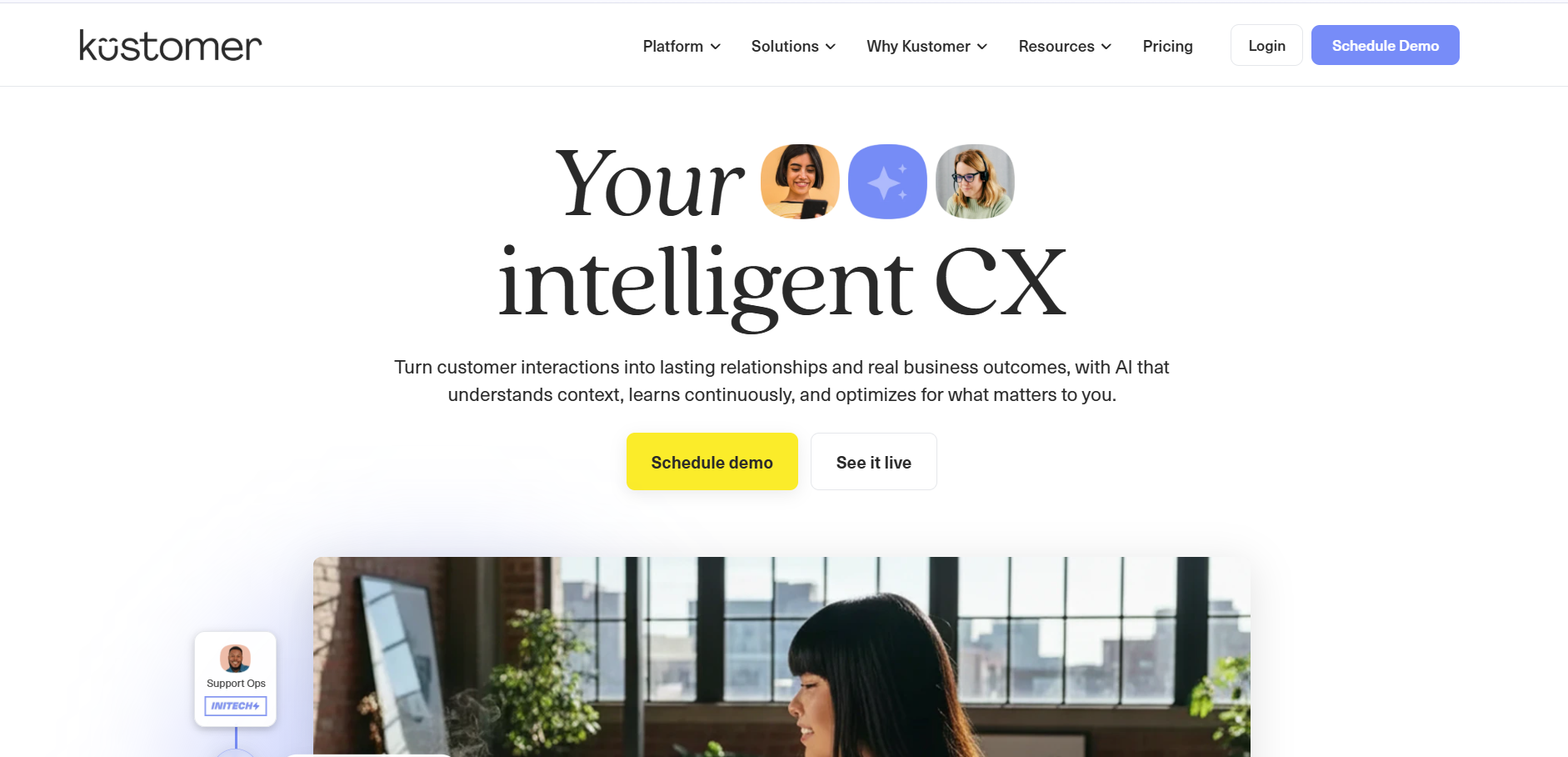
What it is: Kustomer is a support system that eliminates the need for tickets by creating a customer’s complete timeline. All messages, purchases, and visits are visible within the same timeline for agents to understand the entire history at once. Integration with the order system helps in solving post-sales problems effectively.
Features:
- Unified customer timeline
- Deep order system integration
- In-conversation shipping address changes
Pros:
- Complete customer history in one view
- Purpose-built for e-commerce and DTC workflows
Cons:
- Less suited to brands outside e-commerce and direct-to-consumer retail
Freshdesk vs Zendesk vs Intercom: Key Differences
These three tools are what most fast-growing businesses compare. It helps to know how they differ in cost and design, as this can prevent an expensive error.
Freshdesk vs Zendesk
In essence, Freshdesk vs. Zendesk is all about speed and depth. Setting up SLA policies, the Help portal, and ticket forms for Freshdesk takes just a few hours for a support manager. Zendesk takes longer and will most likely require the involvement of an administrator.
Price comes next. The price for Freshdesk Growth is $19 for each support agent monthly. On the other hand, Zendesk Support Team goes for $19 as well, but without the omnichannel workspace feature. For voice, chat, and email, it requires Zendesk Suite Team for $55 per month.
This is the key point that separates Zendesk from Freshdesk. As the size scales, the difference increases as well.
Intercom vs Freshdesk
The Intercom vs. Freshdesk choice comes down to chat versus tickets.
- Intercom: Chat and Real-time. Essential is priced at $29 per seat, while Fin is charged at $0.99 per resolution.
- Freshdesk: Traditional email and ticketing approach. Freddy AI Agent comes with 500 sessions for free, thereafter charging $49 per 100.
Freshdesk bills for every session, solved or not. Intercom only bills when the AI closes the issue without a human. High-volume chat teams pay more with Intercom, but they get one of the best chat tools around.
Freddy AI vs AI-First Support Platforms
AI integration into a legacy solution hardly works as well as a solution that is built around AI. Freddy was integrated into an 18-year-old ticketing platform.
It functions more as a co-pilot and summarizes tickets and creates replies, but does not execute the processes itself. Session-based pricing negatively affects your ROI when the resolution rates are low. For an in-depth comparison, see our Thunai vs Freddy AI comparison.
The new solutions like Thunai function on an entirely different level. The AI is already integrated into the routing process, voice, and QA. In legacy solutions, the answers are provided based on keyword research.
AI native solutions use semantic knowledge graph technology. These solutions support multi-turn dialogue, execute tasks in interrelated CRMs, and solve from 55% to 70% of the inbound traffic.
How to Choose an Alternative to Freshdesk
Picking an alternative to Freshdesk takes careful math. The subscription is only the start. The real cost includes migration downtime, AI overages, and upkeep on integrations.
AI Resolution Rate and Self-Service Deflection
Deflection numbers can fool you. A customer abandoning the chat is not a success story. Concentrate on measuring AI resolutions, that is, those tickets that get completed without any human intervention.
If your AI handles 50% of the tickets and lowers the satisfaction score by 15 points, then the automated solution is damaging your reputation. Get the vendors to show you proof of accuracy, not numbers.
Omnichannel Coverage, Including Voice
The customer switches from one channel to another, moving from chat to the phone call. But if the phone representative doesn't see the chat, it means that you have failed to implement omnichannel properly.
Voice is key. The Salesforce Service Cloud would need to buy expensive Digital Engagement and Voice add-ons. With Thunai, voice, chat, and email come native, along with screen sharing during the call.
Integrations, Migration Effort and Total Cost
Your helpdesk must read and write data to your CRM on its own. Without two-way sync, agents waste time copying details.
Migration is risky too. Moving tickets, articles, and customer records takes strong API throughput. Add up seats, required add-ons, and AI usage. To estimate your real numbers, try the CX ROI calculator.
Security and Compliance
Personal and, at times, even health information is stored in tickets. All mid-tier or enterprise-grade systems should support SOC 2 Type II and GDPR compliance.
In healthcare and fintech, HIPAA and data masking are a must. AI vendors should also show that their public models are not trained on your customer data.
Ready to see AI-first support in action? Book a Demo and watch one platform handle voice, chat, and email.
FAQs About Freshdesk Alternatives
What Is the Best Freshdesk Alternative for Mid-Size Teams?
The size of the team varies between 50 and 150 people and requires efficient routing, but not a complex setup. Zendesk provides great reporting and workflow capabilities. For automating huge numbers with voice and chat, consider tools that are native to AI, such as Thunai. For an email-based team that needs simplicity, consider Help Scout.
Is Zendesk Better Than Freshdesk?
Zendesk gives you more depth. Freshdesk gives you better value. In a Freshdesk vs Zendesk review, Zendesk wins on custom rules, custom objects, and large-scale channel unification. Freshdesk wins on fast setup and lower, steadier pricing.
Can I Add AI Agents Without Migrating Off My Helpdesk?
Yes. If a full migration feels too big, you can put a standalone AI agent in front of your current helpdesk. Fin, for example, offers a standalone product that works with Freshdesk, Zendesk, or Salesforce. The AI tries to solve the issue first.