%20(1).webp)

What Is Real-Time Agent Assist?
Real-time agent assist is AI that listens to a live call or chat and gives agents the right answer while the talk is still happening, not after it ends.
Unlike a plain knowledge base search, agents don't have to stop and type a query. The system already knows what the customer just said and pulls up the answer on its own.
- It's also different from a chatbot. A chatbot talks to the customer directly. Real-time agent assist stays in the background and only talks to the agent, giving them what they need without ever taking the talk away from them.
- Think of it as a co-pilot whispering in the agent's ear, reading the same policy papers, pulling up the same account history, and never getting tired or forgetting a rule.
- In short: real-time agent assist listens to a live interaction and surfaces guidance, answers, and next-best-actions while the conversation is happening, so the agent never has to go hunting alone.
Why Contact Centers Need Real-Time Assistance Now
Customers expect instant, correct answers on the first try, and agents are drowning in tribal knowledge that only lives in one veteran's head.
Here's what's actually pushing teams toward real-time agent assist:
- Rising customer expectations. Customers want instant, accurate, consistent answers, no matter which agent picks up.
- Knowledge sprawl. Answers are scattered across knowledge bases, wikis, PDFs, and old Slack threads, and agents waste time hunting for them.
- Agent attrition and burnout. The cognitive load of memorizing scripts and rules is high, and ramp times stretch into months.
- Hybrid and distributed teams. Remote agents can't just lean over and ask the person next to them anymore.
- The cost of bad CX. Wrong answers turn into churn, repeat contacts, and escalations that cost far more than the call itself.
How Real-Time Agent Assist Works
Under the hood of most real-time agent assist, these platforms follow a set path, moving from raw audio to a finished suggestion in a matter of seconds:
- Real-time transcription. Streaming speech-to-text turns voice into text as it's spoken, while chat messages are captured live.
- Speaker and context detection. The system tells agent and customer apart and tracks who said what, so it never mixes up the two sides of the talk.
- Understanding (NLU). The AI reads intent and pulls out the key details from the live stream, not just the keywords.
- Knowledge retrieval (RAG). The system searches your own knowledge base, papers, and past tickets for a grounded answer instead of guessing.
- Generation. An LLM turns that grounded info into a suggestion, a reply, or a running summary.
- Low-latency delivery. The answer lands on the agent's screen fast enough to actually use it mid-conversation
Real Time vs After Call Assist
Real-time or live agent assist works during the conversation, giving live prompts, compliance nudges, and auto-fill while the customer is still on the line.
After-call, or async assist, on the other hand, works once the talk ends, building the summary, the disposition code, and the QA score.
They're not rivals, since the same transcript feeds both, so the smartest setups run them together.
Essential Capabilities to Look for in Real-Time Agent Assist
Not every platform gives you the full set, but here's what the best real-time agent assist tools bring to the table:
- Next-best-action and suggested responses that tell the agent what to say or do next.
- Real-time knowledge surfacing that pulls answers straight from your papers, with a source cited so agents can trust it.
- Live sentiment and escalation cues that flag a frustrated caller before the talk goes sideways.
- Compliance and script-adherence prompts that make sure required disclosures never get missed.
- Auto-summaries and wrap-up notes that cut out manual typing after every talk.
- CRM and ticket auto-fill that updates records without the agent lifting a finger.
- Real-time translation that lets one agent handle a talk in a language they don't speak.
Best Real-Time Agent Assist, Compared
With those criteria in hand, here's how the ten best agent assist leading this market actually stack up.
1. Thunai
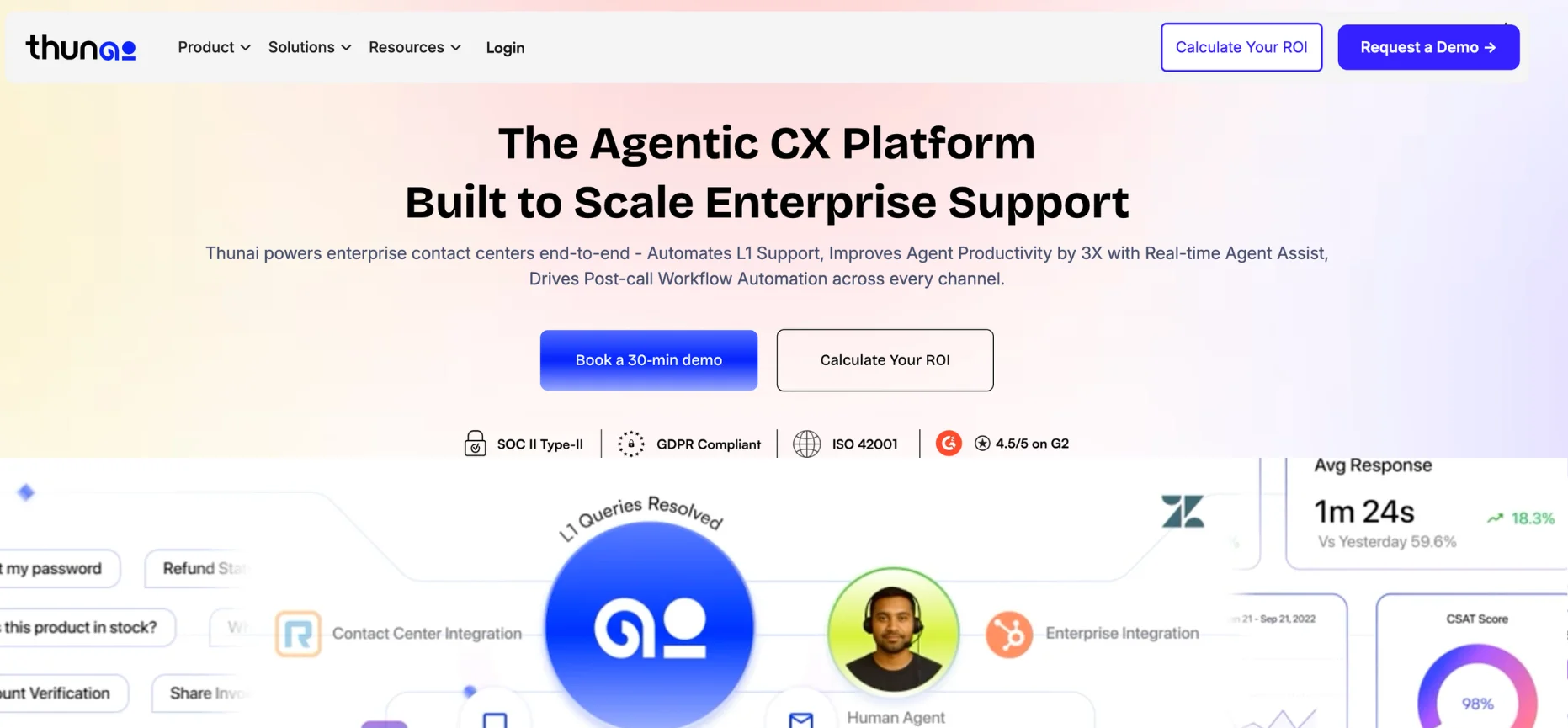
Thunai sits at the top of this list of best agent assist because it's built specifically to close the gap between live conversations and real action.
Capable of assisting users in over 200+ languages with live translation, Thunai is one of the few live agent assist tools that comes with a contradiction resolution engine.
Aside from being one of the stronger real-time agent assist, Thunai is also capable of automating all L1 support with AI voice, chat, and email agents.
Not to mention it comes with AI voice agents capable of screensharing - meaning automating L1 is a lot easier.
Features:
- Thunai Brain. A live, constantly updated knowledge system that pulls from every paper, ticket, and past talk to keep agents grounded in the right answer.
- Real-Time Agent Assist. Listens across voice and digital talks at once, surfaces exact policy terms and upsell cues, and cuts out the need to place a customer on hold to go hunting.
- Thunai Omni: Thunai has a no-code AI agent platform that allows you to build AI voice, chat, and email agents with low-latency responses.
- 100% Call Scoring + QA: Thunai captures your conversations in real time to help score all calls in one unified dashboard. With this, you can also add scoring criteria based on your own internal SOPs and compliance protocols.
- Automated post-call workflows. Writes the summary, updates the CRM, and assigns follow-ups the second the talk ends, cutting out manual after-call work.
Pros:
- Deploys in under two days and connects to Genesys, Amazon Connect, RingCentral, and Salesforce without a rebuild of existing systems.
Cons:
- As an agentic system, teams need to build a little trust in autonomous workflows before handing over the full loop.
2. Cresta

Cresta was built out of the Stanford AI Lab for massive enterprise floors, and it shows.
This is a live agent assist tool whose real strength is behaviorual coaching, using outcome models to tie specific agent moves to results like CSAT and sales conversion.
Features:
- Real-time coaching prompts that lift mid-tier agents on the spot instead of waiting for a manager's after-the-fact review.
- Knowledge Agent sidebar that listens to the talk and delivers cited answers as it unfolds.
- Conversation Intelligence for deep post-call analytics layered on top of the live guidance.
Pros:
- Backed by major venture firms, with enterprise clients reporting 5.5x higher containment rates.
Cons:
- Transcription can get shaky on bilingual callers or heavy accents, occasionally sending agents an irrelevant prompt.
- Is more on the expensive side.
- Has restricted volume and is also well out of reach for smaller teams that Thunai serves at a flat rate.
3. Balto

Balto was the first company to bring dedicated agent assist to market, and it still leads on pure real-time execution.
This live agent assist is built around a closed loop, where a missed compliance step on a live call flows straight into coaching without any manual work.
Features:
- Live compliance checklists and mandatory disclosures that surface exactly when needed, not after the fact.
- Dynamic rebuttals for sales and retention talks.
- A native QA loop that connects every live flag straight to the coaching inbox.
Pros:
- A 4.8-star G2 rating, the highest of any tool in this comparison, and a fast four-to-six-week rollout.
Cons:
- Experienced agents sometimes find the scripted prompts too rigid for natural, relationship-building talks.
- It's voice-first, so teams wanting one brain across chat and email will need to look at Thunai instead.
4. Observe.AI

Observe.AI came at this from the opposite direction, starting as a post-call QA platform before adding a real-time module.
That QA-first DNA still shows in how deep its analytics run. On the whole, this is one of the stronger real-time agent assist - for post-call coaching and better training for teams.
Features:
- 100% interaction auditing at a reported 95 percent accuracy on intent and risk.
- A 2026 Companion Agent that adds agentic capability on top of the analytics base.
- Real-time module for live prompts alongside its QA scoring.
Pros:
- A 4.6-star G2 rating and praise for replacing manual QA sampling entirely.
Cons:
- Because real-time was bolted on later, linking a live flag to coaching takes more manual setup than Balto's native loop.
- A strict 100-seat minimum locks out smaller teams that Thunai's flat pricing welcomes in.
5. Level AI

Level AI leans on true natural language understanding instead of basic keyword matching.
This real-time agent assist lets teams know what a customer actually means, not just the words they used.
Features:
- AgentGPT, a knowledge engine trained specifically on contact center language.
- Auto-QA and Voice of the Customer analytics alongside live assist.
- Agent screen recording for full visibility across voice, email, and chat.
Pros:
- A 4.6-star G2 rating and strong marks for its analytics dashboards and BI integrations.
Cons:
- Some teams find it hands-off during complex talks, lacking the one-on-one live nudges a tool like Balto gives.
- Implementation averages three months, well past Thunai's under-two-day setup.
6. Uniphore

Uniphore has one of the longest track records here, evolving from a speech analytics company into a full Business AI Cloud.
This real-time agent assist combines conversational AI, automation, and a customer data platform in one stack.
Features:
- U-Assist for real-time guidance and emotion tracking.
- U-Analyze for call scoring and analytics.
- A native CDP, gained through its acquisition of ActionIQ, giving agents a unified customer profile.
Pros:
- Strong at unifying scattered data silos across massive, multi-site deployments.
Cons:
- Implementation often runs six to ten weeks and needs specialist technical resources, a heavier lift than Thunai's two-day rollout.
- Pricing is opaque, with integration fees that can add up fast.
7. Google Cloud Agent Assist
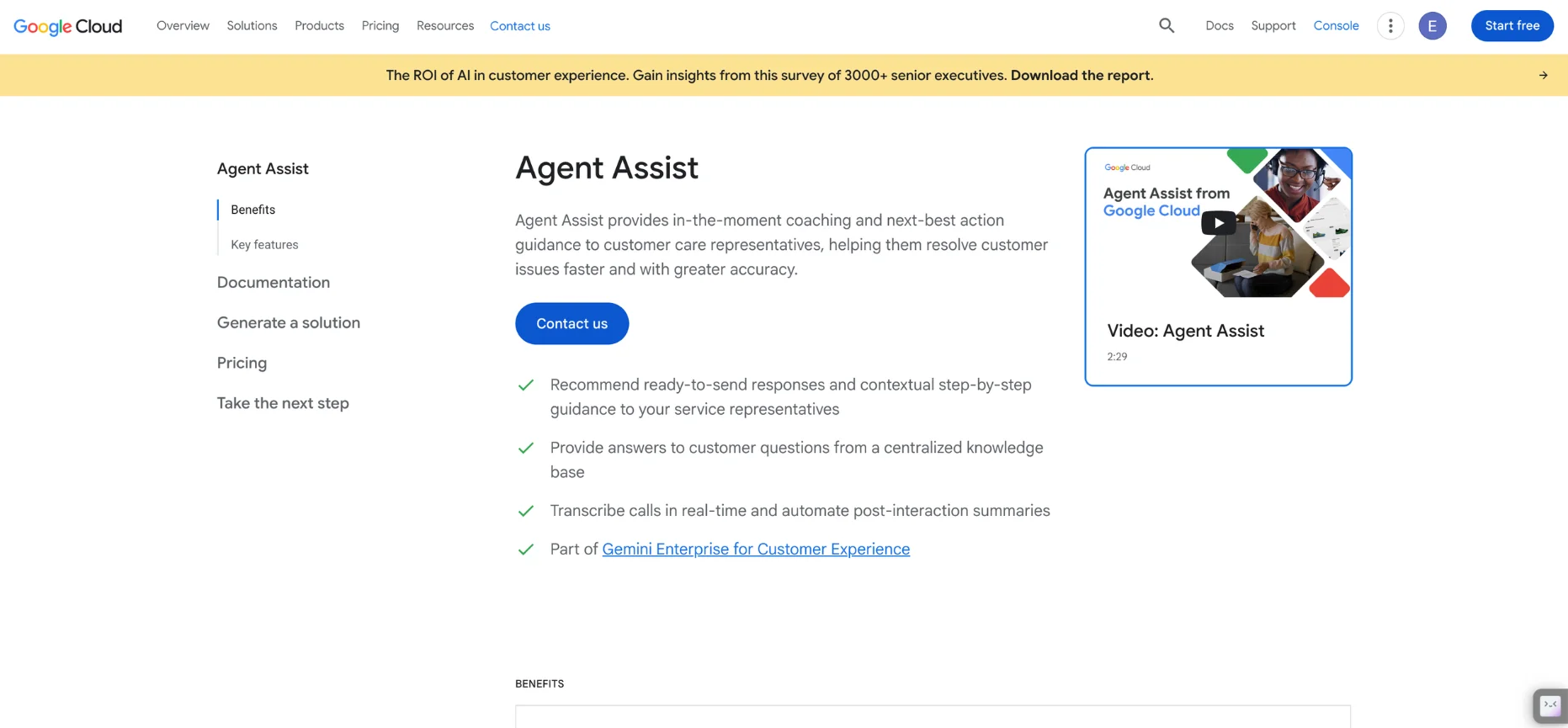
For engineering-led teams already living in Google Cloud, Agent Assist plugs into Dialogflow CX and Gemini to build a highly custom setup from the ground up.
Features:
- Consumption-based pricing down to the minute of voice or the message of chat.
- Lag-free live suggestions once properly configured.
- Automated post-call summaries with high fidelity.
Pros:
- Excellent speech-to-text accuracy and a 4.1 G2 rating for its interface.
Cons:
- Results depend entirely on how clean your internal training data is, and without real GCP expertise, teams risk hallucinated data retrieval.
- It's a set of building blocks, not a ready platform the way Thunai is out of the box.
8. Amazon Connect

Amazon Connect strips out seat minimums and long contracts entirely, running on a pure pay-as-you-go model powered by Amazon Q for real-time suggestions.
Features:
- Amazon Q in Connect, a generative assistant for knowledge surfacing and next-best-action.
- Infinite scalability on AWS infrastructure.
- Post-call summarization built into the same suite.
Pros:
- No upfront hardware commitments and a stable, browser-based interface, backed by a 4.4 G2 rating.
Cons:
- Multi-factor billing across tasks, emails, and SMS makes costs hard to predict.
- Setup usually needs outside professional services to align the AI with real workflows, unlike Thunai's self-service rollout.
9. Talkdesk Copilot
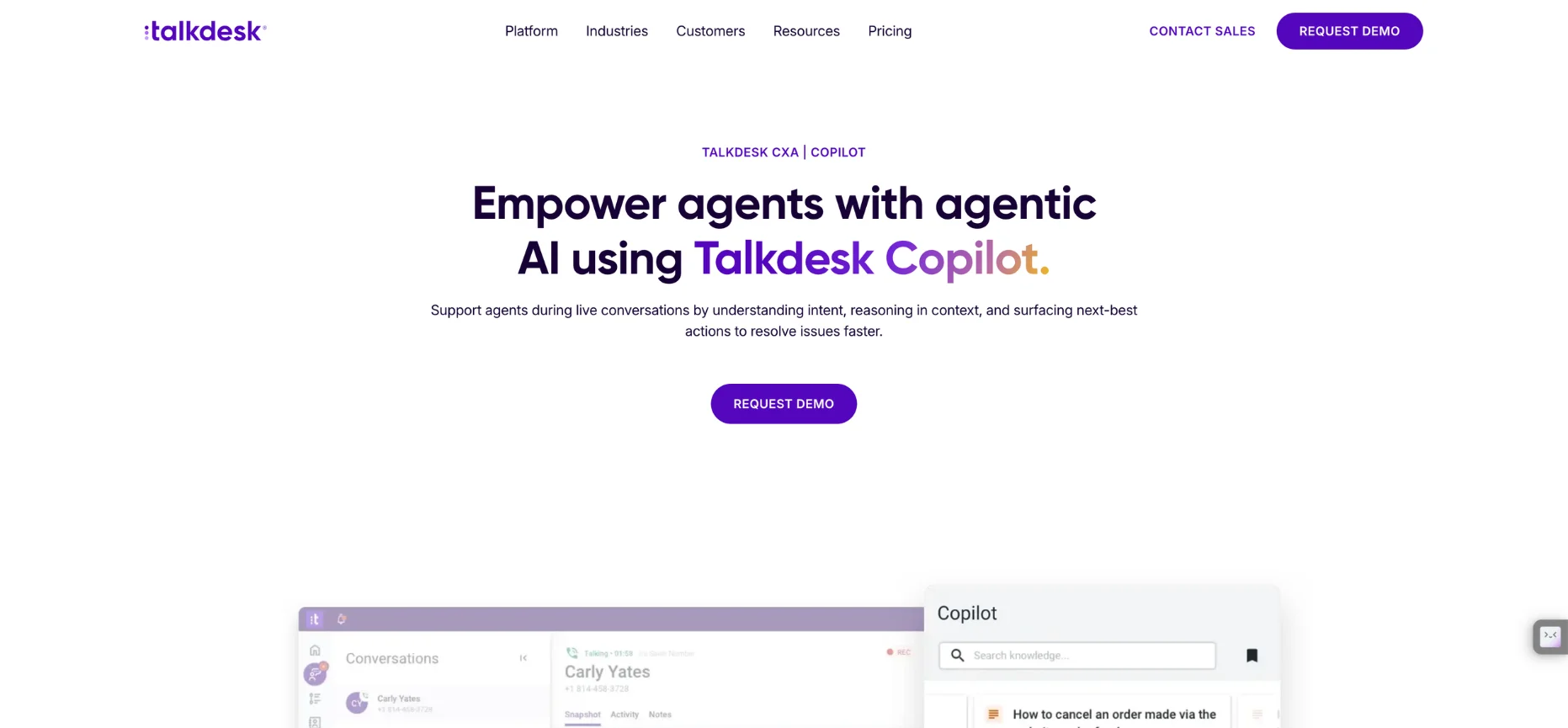
Talkdesk built its agent assist natively into its CCaaS platform, giving teams a single pane of glass across voice, digital, and routing.
Talkdesk is capable of doing this without stitching together separate tools. Not to mention, it also has VoIP, making it one of the best real-time agent assist for a complete solution.
Features:
- Next-best-action recommendations pulled straight from connected knowledge bases.
- Automated wrap-up summaries.
- A unified interface across phone, text, and webchat.
Pros:
- An intuitive interface that makes switching channels genuinely easy, with a 4.4 G2 rating.
Cons:
- The native AI can feel underwhelming next to standalone specialists, and its knowledge base search is occasionally clunky.
- Starts at $85 a user a month, on top of the base CCaaS bundle, well above Thunai's flat rate.
10. NICE Enlighten Copilot
NICE CXone is a massive, cloud-native platform, and Enlighten Copilot is the real-time AI layer sitting inside it.
Nice Enlighten Copilot is a real-time agent assist that covers live guidance alongside full workforce management.
Features:
- Live behavioral guidance and response suggestions.
- Proactive web search built into the assist layer.
- Deep workforce management integration, including AI forecasting.
Pros:
- Enterprise-grade security and a 4.3 G2 rating for scalability.
Cons:
- A steep learning curve and a heavy footprint that needs dedicated administrators to manage.
- Pricing runs $71 to $249 a month per agent before add-ons, stacking up fast next to Thunai's simpler model.
Benefits of Using Real-Time Assistance in Contact
The payoff of real-time agent assist lifts three groups at once:
Agents
- Lower cognitive load, since the AI carries the weight of script recall and rule lookups.
- Faster ramp time, with some teams cutting new-hire onboarding by 30 to 50 percent.
- More confidence on hard, edge-case talks.
Customers
- Shorter waits and fewer holds while an agent hunts for an answer.
- Consistent, accurate answers no matter who picks up.
- Fewer transfers and fewer repeated explanations.
The Business
- Average handle time drops 20 to 30 percent, and first contact resolution can lift 8 to 15 percent.
- Cost per call can fall by as much as 50 percent in well-run deployments.
- Broader QA coverage, since the AI can review far more talks than a human team ever could alone.
What t Your Team Needs to Look For: Evaluation Criteria in Live Agent Assist
- Latency and transcription accuracy, especially on accents and noisy audio.
- Channel coverage across voice, chat, email, and true omnichannel.
- Knowledge grounding, meaning RAG answers that cite a real source instead of guessing.
- Integrations with your CRM, CCaaS or telephony, and helpdesk.
- Analytics, QA, and coaching depth once the talk ends.
- Security and compliance, including SOC 2, data residency, and PII handling.
- Deployment speed and pricing transparency.
Why Thunai Comes Out on Top in Terms of Real Time Agent Assist
Thunai gives you prompts and instant answers grounded in your own SOPs, files, and web pages added- this is through RAG, so agents aren't left guessing (Not to mention our own contradiction resolution engine)
Thunai also has SOC 2 and GDPR compliance, which matters if you're running talks in finance, healthcare, or insurance. And better yet, it is ISO 42001 and certified.
The results speak for themselves. One enterprise deployment mapped over 10,000 business accounts automatically and cut ticket triage time by 60 percent.
Want to see how Thunai supports your team in real-time? Book a free demo!
FAQ on Real-Time Agent Assist
What's the difference between agent assist and a chatbot?
A chatbot talks to the customer directly. Agent assist stays in the background and only talks to the human agent, giving them the answer instead of replacing them.
Agent assist vs. conversation intelligence — what's the difference?
Agent assist works during the live talk. Conversation intelligence looks back after thousands of talks to spot trends, score QA, and guide coaching.
Does real-time agent assist work for both voice and chat?
Yes. The strongest real-time agent assist platforms, including Thunai, run the same brain across voice, chat, and email at once.
How does real-time agent assist reduce AHT?
By surfacing the answer instantly instead of making agents search, teams typically see average handle time drop 20 to 30 percent.
Does it integrate with my CRM or CCaaS?
Most real-time agent assist platforms connect to tools like Salesforce, Genesys, and Amazon Connect, though the depth of that connection varies a lot by vendor.
Is it secure for BFSI or regulated industries?
Look for SOC 2, GDPR, and HIPAA coverage along with real-time PII scrubbing before you trust a tool with regulated talks.