
Aircall earned its reputation by making cloud calling feel as easy as email. Setup takes days, not months, and its CRM marketplace is genuinely hard to beat.
But the moment your team doubles, opens a second region, or needs live coaching, the math changes. Add-ons stack up, support tickets linger, and the reporting you need sits behind another upgrade.
In this guide, we'll compare the top Aircall competitors by team fit, calling power, AI, integrations, and real pricing, so you can make the right move before your next renewal.
Why Teams Outgrow Aircall
Aircall is not a bad product. It is a polished, integration-first calling platform trusted by more than 23,000 businesses. The trouble starts when a growing team stops fitting the pricing model and workflow assumptions it was built around.
Here are the four friction points that push sales and support leaders to compare Aircall competitors:
- Pricing That Compounds. Essentials starts at $30 per license per month on annual billing and Professional at $50, but both require three licenses. Add Analytics+ at $15, extra numbers at $6 each, and AI Assist Pro at $49, and a single seat can pass $114 per month.
- Routing and Scale Ceilings. Smartflows and ring groups handle simple queues well, yet support teams that need skills-based routing, workforce management, or strict SLA reporting often outgrow them quickly. The Custom plan, required for API access and SSO, starts at 25 licenses.
- AI Locked Behind Add-Ons. Live transcription and real-time coaching sit inside AI Assist Pro, while the AI Voice Agent bills by the minute after 50 free minutes. Teams that expect AI as a standard feature feel that gap fast.
- Reliability and Support Friction. Reddit threads on r/hubspot and r/ChoosingVendors describe dropped calls, robotic audio, and support tickets that take days to answer. These reports are anecdotal, but they appear often enough to matter at renewal time.
Smaller teams feel it first, because the three-license minimum sets a monthly floor of $90 on Essentials and $150 on Professional. A ten-user Professional team with departmental numbers and Analytics+ lands near $680 per month, or about $68 per seat, before any AI add-ons.
Integration depth remains Aircall's real strength, with 250+ connections including Salesforce, HubSpot, Zendesk, and Intercom. If those connections are your top priority, the real question is not whether to leave Aircall, but what you are willing to trade away if you do.
Aircall Alternatives Compared
Not every Aircall competitor solves the same problem, and comparing them like for like is how buyers end up overpaying. Before you read the table, separate the field into three categories.
- Phone-system alternatives such as CloudTalk, JustCall, OpenPhone (Quo), and Dialpad replace Aircall's calling, SMS, and CRM logging at a similar or lower cost, with fast setup.
- Contact center platforms such as 8x8, Talkdesk, and Genesys add workforce management, advanced queues, and omnichannel journeys, along with heavier pricing and implementation.
- AI layers such as Thunai sit on top of an existing phone system instead of replacing it.
The table below compares all eight on the criteria that matter most to growing teams. Prices are published starting points from vendor and review sources, so verify current pricing and feature availability on official vendor pages before you build a shortlist.
8 Best Aircall Alternatives
1. CloudTalk

Since being founded in 2016 in Bratislava, CloudTalk has gone from being a click-to-call widget to being an AI-driven call platform for growing SMBs and mid-market organizations.
This is one of the enterprise call center solutions that is the closest replacement for Aircall and the only one with all-inclusive pricing (with a bill that is easy to understand).
This Aircall alternative is a good option for sales and support teams requiring international calling and CRM integration.
Features:
- Global Numbers and Number Rotation. The local numbers in over 160 nations include automated number management and number rotation services to prevent carriers from labeling prolific outbound dialers as spam.
- Integrated Dialers. AI Dialer, Power Dialer, Parallel Dialer, and Voicemail Drop dialing tools come integrated into the system rather than residing behind expensive add-ons that would allow reps to dial more prospects per hour.
- Inbound Routing and CRM Workflows. The IVR, call queueing, and transcription services integrate natively with major CRMs like Salesforce and HubSpot to give customer service teams flexible routing options at no additional cost.
Pros:
- Pricing in the range of $12 to $19 per seat per month undermines Aircall’s $90 three-seat minimum and keeps expenses predictable as you grow.
- Transparency in pricing ensures that international numbers and AI-based dialer come with the package and are not additional modules on top of the license.
- Parallel dialing and number reputation management trump Aircall’s sequential power dialing for outbound teams.
Cons:
- Inbound routing across multiple channels may lag behind enterprise contact centers.
2. Dialpad

Dialpad is a platform that combines voice, video, messaging, and customer engagement powered by a proprietary Voice Intelligence technology.
If AI transcription and live coaching are the reasons you are switching from Aircall, Dialpad definitely deserves your attention.
That said, for this top Aircall alternative, the pricing depends on four product lines
Features:
- Voice Intelligence (Vi). In this Aircall replacement, transcripts are done in real time as well as post-call summaries and AI Scorecards; therefore, the transcript is included in the native application.
- Product Line Modularity. Connect handles internal calling and meetings, Support omnichannel calling and sentiment analysis, and Sell offers a Power Dialer and AI Live Coach Cards.
- Autonomous AI Agents. Voice and text agents can manage customer service conversations from end-to-end on a pay-per-conversation basis using credits.
Pros:
- Transcription and live coaching offered by the native application, and not a third-party one like Aircall's gated AI Assist Pro are much better for teams who would like conversation intelligence built into their calls.
- Connect subscription pricing starts at $15 per user/month annually, while Sell comes at the price of $39/month; therefore, the costs of entry remain modest.
- Integration of internal video meetings with a maximum of 150 participants and external calls will allow avoiding different services such as Zoom.
Cons:
- The licensing is fragmented, as Connect and Support have separate seats, and usage fees and recovery fees for regulation of about $1.99-$5 per user may make the costs much higher.
- Credit pricing for AI Agents occurs after a discussion with sales.
3. JustCall
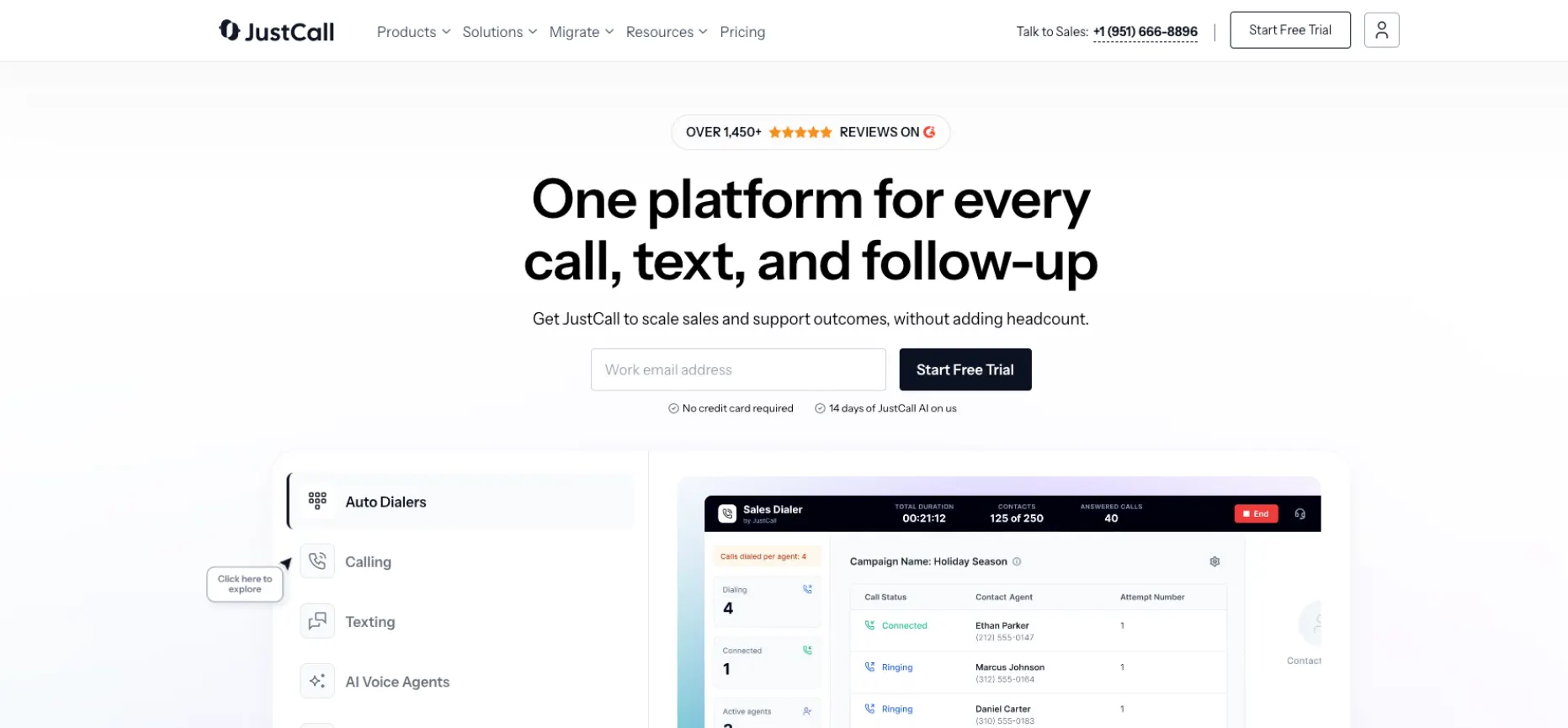
JustCall is another cloud phone and SMS solution specifically for outbound sales and CRM automations.
This Aircall competitor is ideal for SMBs whose sales reps spend all day in HubSpot or Salesforce, with an option to eliminate manual data entry, as well as an opportunity to try out AI voice agents on a trial basis.
This is probably one of the best Aircall alternatives when CRM automation becomes more important than the interface.
This is a tool that also works well when a large number of calls and SMS interactions need to be entered properly into your CRM.
Features:
- Workflows for Outbound Calling. Advanced dialing and channel-specific SMS integration make sure that all calls and messages are automatically logged directly to the CRM without user intervention.
- More Than 70 Built-in CRM Integrations. OOB (out-of-the-box) logging is supported for the most popular sales and customer service CRMs, ensuring quick setup and clean reporting for managers.
- Flexible AI Voice Agent. The Lite plan for the AI Voice Agent costs $99 per month with 100 minutes included and an additional $0.99 per minute over the initial 100 minutes.
Pros:
- Outstanding out-of-the-box CRM logging makes it a strong fit for outbound teams that value clean records.
- The $99 AI bundle lets teams experiment with voice agents without a large upfront commitment.
- Bundled minutes keep AI spend predictable for the first 100 minutes each month.
Cons:
- Out-of-the-box CRM logging makes it very appealing for outbound teams who care about logging.
- The cost of $99 for the AI bundle is low enough to enable experimenting without a large financial ris
4. Thunai
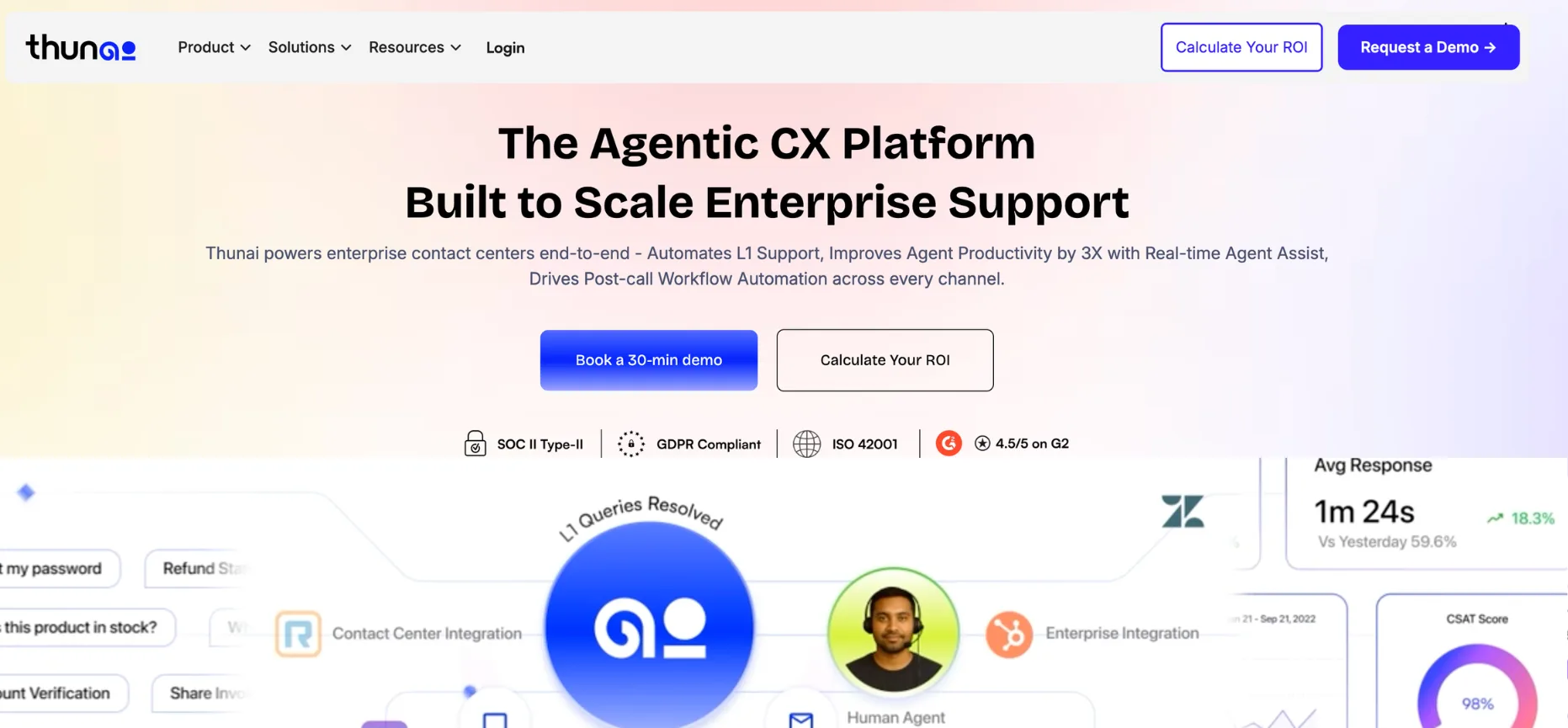
Thunai is not a replacement phone system, and that is exactly the point.
This enterprise contact center software is an agentic AI layer for contact centers that turns your knowledge base into autonomous Level 1 agents and live assistance on top of the telephony you already use.
Buyers who only want to replace Aircall's routing should look elsewhere. That said, Thunai also comes with AI voice agents capable of real-time translation and an AI knowledge base capability that automatically updates itself.
Features:
- L1 AI Resolution. Human-like agents operate in more than 150 languages and perform visual guidance, photo capture, location sharing, and secure payments.
- In-Call Agent Guidance. Real-time, contextual guidance during the ongoing call ensures that the human agent gets precise information without being directed to the knowledge base.
- Post-Call Workflows. Summaries of the case, CRM updates, and audits using AI call scoring are performed automatically after the end of the call and eliminate administrative chores from each and every interaction.
Pros:
- Thunai deflects queries by 80%, reduces average handle time by 70%, and requires less than two days for deployment on average.
- Self-hosting, on-premises deployment, and regional data residency fit the needs of regulated industries like banking and insurance perfectly well.
- The solution replaces Aircall’s expensive AI Voice Agent add-ons without any changes in the routing logic underneath.
- Businesses that implement it to reduce ticket volume usually aim at high-volume L1 tickets such as password resets and order status.
Cons:
- This Aircall alternative depends on a third-party PBX or CCaaS for voice transit and integrates via API with platforms like NICE, Amazon Connect, and Genesys.
- Pricing is custom enterprise quotes only.
5. OpenPhone (Quo)

Now rebranded OpenPhone (formerly called Quo), nd it supports over 90,000 companies with its lightweight virtual telephony solution. This Aircall competitor’s functionality is based on shared numbers and a shared voice and text inbox.
For founders, agents, and micro-teams, it is very similar to a modern messenger rather than a classic PBX.
Consider it an alternative to Aircall Essentials for small teams, not for contact centers.
Features:
- Shared Inbox Telephony. Two-device ringing, shared numbers, and text snippets allow for effortless asynchronous phone calls and texting by small teams.
- AI Receptionist. An AI-powered receptionist answers all calls 24/7 with customizable call flow and AI-generated transcript summaries.
- Business Hours Controls. Rules can be set to stop receiving calls and texts after business hours and save employees' personal time when using their own phones.
Pros:
- The mobile experience and SMS collaboration features are the standout features, and it easily beats Aircall in asynchronous text collaboration for one-to-five team sizes.
- It is very easy to set up for teams without any dedicated IT staff.
- Ideal for startups, independent real estate professionals, and freelancers needing a professional line-sharing feature on mobile.
Cons:
- Skills-based routing, WFM, and SLA reporting features are absent, making it unsuitable for larger customer support teams.
- Reviews indicate poor support for billing errors, inability to customize caller IDs for Canada-specific numbers, as well as app update bugs. The pricing is also unconfirmed.
6. 8x8

8x8 invented the XCaaS solution, which unites business telephony, video, messaging, and contact center services within one proprietary software architecture.
If your team is expanding and needs one vendor for both office workers and customer support agents,
This Aircall alternative eliminates the seams between integrated systems and is designed for teams that want a single contract and one admin interface.
Features:
- Single Software Architecture. Communications and contact center solutions are delivered within one platform, allowing you to bridge silos between customer support agents and specialists working in the back office.
- Contact Center Capabilities. Integrated voice, messaging, email, social, and SMS interactions are stelligent Customer Assistant, and quality management features.
- CRM Integration. Integrate with leading CRM applications such as Salesforce, Zendesk, and NetSuite.
Pros:
- The positives include ease of management, high uptime, and good onboarding. One customer has stated that after switching from Five9 to GoToConnect, he found it to be a better product.
- GoToConnect UCaaS plans start at around $24 per user per month, whereas contact center service costs between $60 to $85 per agent.
- One single provider can serve as an alternative to Aircall, Zoom, and Slack.
Cons:
- The quotes are based on 12 to 36-month contracts. The implementations have an enterprise focus despite small-sized teams.
- Niche integrations are not available, such as Zoho ERP.
7. Talkdesk
Talkdesk is a born-in-the-cloud contact center platform for mid-market and enterprise support teams that have outgrown simple ring groups.
It prioritizes routing logic, SLA reporting, workforce management, and industry-specific clouds over the lightweight simplicity Aircall is known for. It is a natural next step for rapidly scaling support teams whose routing needs have outgrown Aircall's basic ring groups.
Features:
- Advanced Queue Management. Complex multi-tiered queues, strict compliance enforcement, and granular SLA reporting give managers the oversight that basic ring groups cannot provide.
- Workforce Management. Built-in WFM tools support dedicated support centers and BPOs that need to plan and measure agent performance at scale.
- Copilot AI. Copilot detects customer intent and sentiment for smarter routing and gives agents live, step-by-step help during active calls.
Pros:
- Managerial oversight, workflow tracking, and CRM integrations earn consistent praise from G2 reviewers, who also note it can resolve common inquiries autonomously.
- Industry clouds, such as Financial Services Experience Cloud, give regulated industries a tailored starting point.
- Call history and documentation sit together in one place, which keeps records accurate and up to date.
Cons:
- Published pricing sits upmarket at $85 per user per month for Digital Essentials and $105 for Voice Essentials.
- Advanced features take time to master, and some users report occasional connection issues.
- It is overkill for outbound-only sales teams that mainly need a fast dialer.
8. Genesys
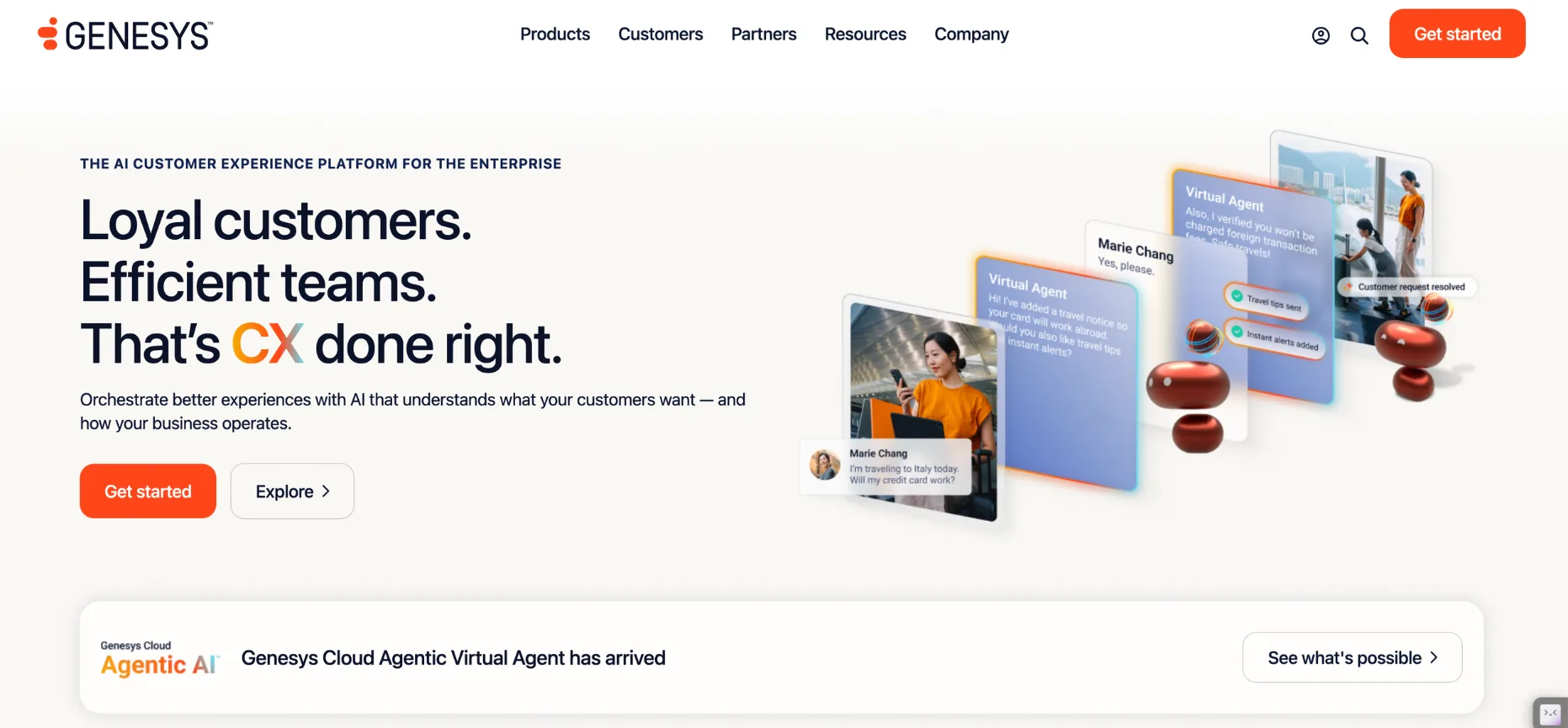
Genesys Cloud CX is a dominant force in enterprise contact centers, built to orchestrate voice, chat, email, and social journeys without on-premise installation.
It operates in a different weight class than Aircall, so choose it only when your support operation has truly enterprise requirements. Expect a real implementation project rather than a quick plug-and-play rollout.
Features:
- Architect Routing and IVR. The visual Architect tool builds extensive IVR flows and complex routing driven by APIs and Data Actions.
- Predictive Behavioral Routing. Callers are matched with agents based on historical outcomes, while automated chatbots hand off cleanly to human workflows.
- Workforce Engagement and AI Orchestration. Voice, digital channels, AI, and workforce optimization live in a single ecosystem and a single dashboard.
Pros:
- Reviewers describe an intuitive interface with a good balance of simplicity and depth, plus solid integration support.
- It consolidates disparate enterprise systems into one view and offers highly customizable routing for multinational teams.
- The architecture lets administrators create and understand complex flows, so large teams can customize journeys without leaving the platform.
Cons:
- Pricing is custom and quote-based, which makes budgeting difficult before you enter a sales process.
- It carries a steep learning curve and heavy IT implementation, particularly for advanced features without developer support.
- Its pricing and complexity make it overkill for teams below enterprise scale.
Aircall Head-to-Head Comparisons
Most buyers arrive at a shortlist of two or three vendors. This decision table links each Aircall matchup to the alternative's strongest differentiator, so you can see exactly where the trade lies.
How to Choose an Aircall Alternative
A good switch starts with your workflow, not a vendor's demo. Work through this checklist before you commit to any phone system or CCaaS platform.
- Call Volume and Mix. Count your daily inbound and outbound calls. Outbound-heavy teams should prioritize dialers, while inbound-heavy teams need IVR and ACD depth.
- International Coverage. Check number availability and fees by country, since some vendors charge extra for international numbers while others include broad coverage.
- CRM and Help Desk Integration. Confirm native connectors for Salesforce, HubSpot, Zendesk, and Intercom, and test call logging during a trial instead of trusting a feature list.
- AI Needs. Decide whether you want transcription, live coaching, voice agents, or full L1 automation, then verify which plan tiers include them.
- Compliance and Deployment. Regulated teams should check data residency, self-hosting options, and how the vendor handles customer data.
- Total Cost. Model the whole bill, including license minimums, add-ons, usage fees, regulatory fees, and contract length.
- Migration Effort. Number porting, retraining, and integration rebuilds take time, and enterprise platforms need IT support, so run a proof of concept first.
Weight each criterion by how much pain it causes today. A sales team losing hours to manual CRM entry should rank integrations first, while a support team missing SLA targets should rank routing and reporting first. Score two or three finalists against the same list, then validate the winner with a pilot group before rolling out.
Only need AI, not a new phone system?
Schedule a free demo to see how Thunai adds autonomous resolution and live agent assist to the stack you already run.
FAQs on Aircall Alternatives
What is the best Aircall alternative in 2026?
CloudTalk is the best overall direct alternative for most sales teams, thanks to native dialers and sub-$20 pricing. Talkdesk suits support teams, Dialpad leads on AI assistance, and Genesys fits large enterprise contact centers. For teams that only want AI on top of their current telephony, Thunai is the better fit than a full replacement.
What is the best Aircall alternative for small businesses?
CloudTalk offers all-in pricing from roughly $12 to $19 per user per month, while OpenPhone (Quo) suits teams of one to five that prioritize shared texting. Aircall's three-license minimum makes its entry cost harder for micro-teams.
How does Aircall pricing compare to competitors?
Aircall runs $30 to $50 per license before add-ons like AI Assist Pro at $49. Dialpad starts at $15 but climbs with usage fees, 8x8 UCaaS starts near $24, and Talkdesk starts at $85. Always confirm current vendor pricing.
Which alternative has the best AI calling features?
Dialpad leads on native transcription and live coaching, JustCall offers a low-cost AI voice agent bundle, and Thunai delivers autonomous L1 resolution plus real-time agent assist for enterprise teams. Aircall also offers AI Assist Pro and a pay-as-you-go AI Voice Agent, but both carry add-on costs.
Should I choose a phone system or a CCaaS platform?
Choose a phone system if you need fast setup, CRM logging, and simple routing. Choose CCaaS if you need skills-based routing, workforce management, SLA reporting, and omnichannel support at scale.
Can I add AI without replacing my phone system?
Yes. Thunai overlays existing CCaaS infrastructure such as NICE, Amazon Connect, and Genesys through APIs. Confirm compatibility with your current platform during a demo before you commit.