.png)

Your team wants to close tickets faster and put AI agents on live calls. Instead, you’re learning a platform that also runs social listening, marketing campaigns, and brand management.
That’s the Sprinklr experience for many support teams like powerful, but with a steep learning curve, quote-only pricing, and slow rollouts.
The fix? Skip the full suite. Simply overlay an intelligent AI component on your current call center infrastructure or select one which is tailored towards support. These are eight options and ways to select your own.
Why Teams Look for Sprinklr Alternatives
The reviews of G2 and Capterra highlight common issues that have been reiterated several times by buyers, and hence require more attention.
- Learning takes time. The usage of the software is simple, but being an expert in it is challenging. The rules, reports, and processes need to be handled by skilled employees with training for several weeks.
- The costs are not clear. Sprinklr has quote-based pricing models, which means that you cannot get an estimate of numbers without a sales discussion. Groups that need only voice and AI services end up paying for social features that they will never use.
- Rollouts take too much time. Connecting social data, marketing channels, and phone systems require a lot of coordination. Support leaders with busy queues cannot wait that long.
None of this makes Sprinklr a bad product. The real issue is fit. A tool built for every channel and every team carries extra weight for a group that only needs a sharp, focused support engine.

Sprinklr Alternatives at a Glance
The 8 Best Sprinklr Alternatives
Your starting point matters. Some teams need to replace an old phone system. Others only need to add smarter AI on top of what they have. Keep that in mind as you read each option.
Thunai - Best for: Teams that want agentic AI now, without a full platform swap
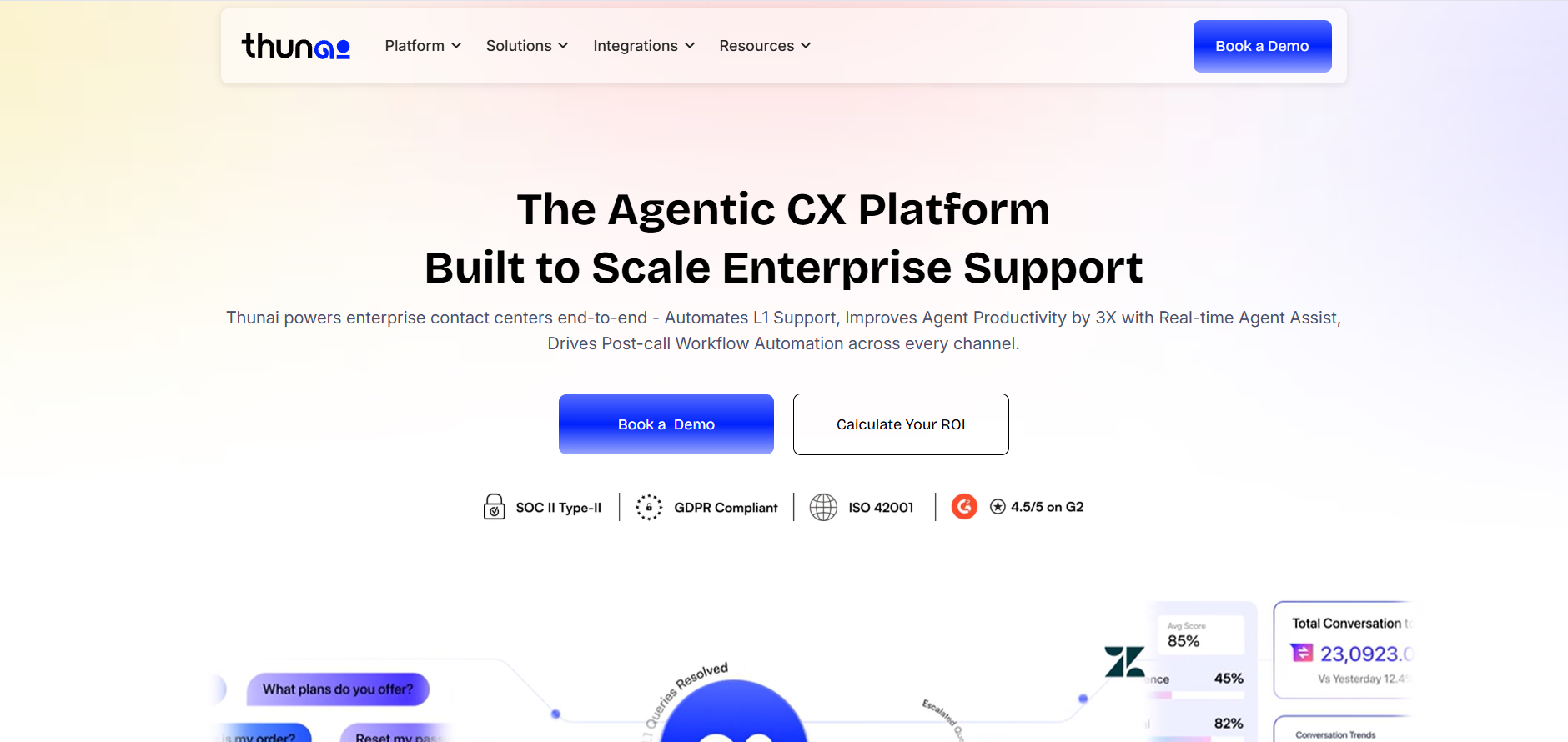
What it is: Thunai is an AI Overlay Solution running in your current contact center that works with existing solutions like Genesys, NICE, or any other PBX through APIs and Model Context Protocol (MCP).
Features: Deploy Voice Bots, Chatbots, Email Bots in Days not Months. Thunai Brain, the central knowledge repository created from your policy documents, uses a contradiction detection engine to detect contradictions within your policies prior to the AI engaging your customers. Thunai's Live Agent Assist listens in, shows the right policy on the agent's screen, and updates the CRM automatically.
Pros:
- Fast setup without ripping out your current platform
- Flags conflicting policies before customers hear wrong answers
- Natural, fast voice responses with instant handoff to a human
Cons:
- Adds a layer to your stack, so you need to plan which ticket types the AI handles first
- Works alongside existing vendors rather than replacing them
Genesys Cloud CX - Best for: Large enterprises that run heavy inbound voice and need strong routing
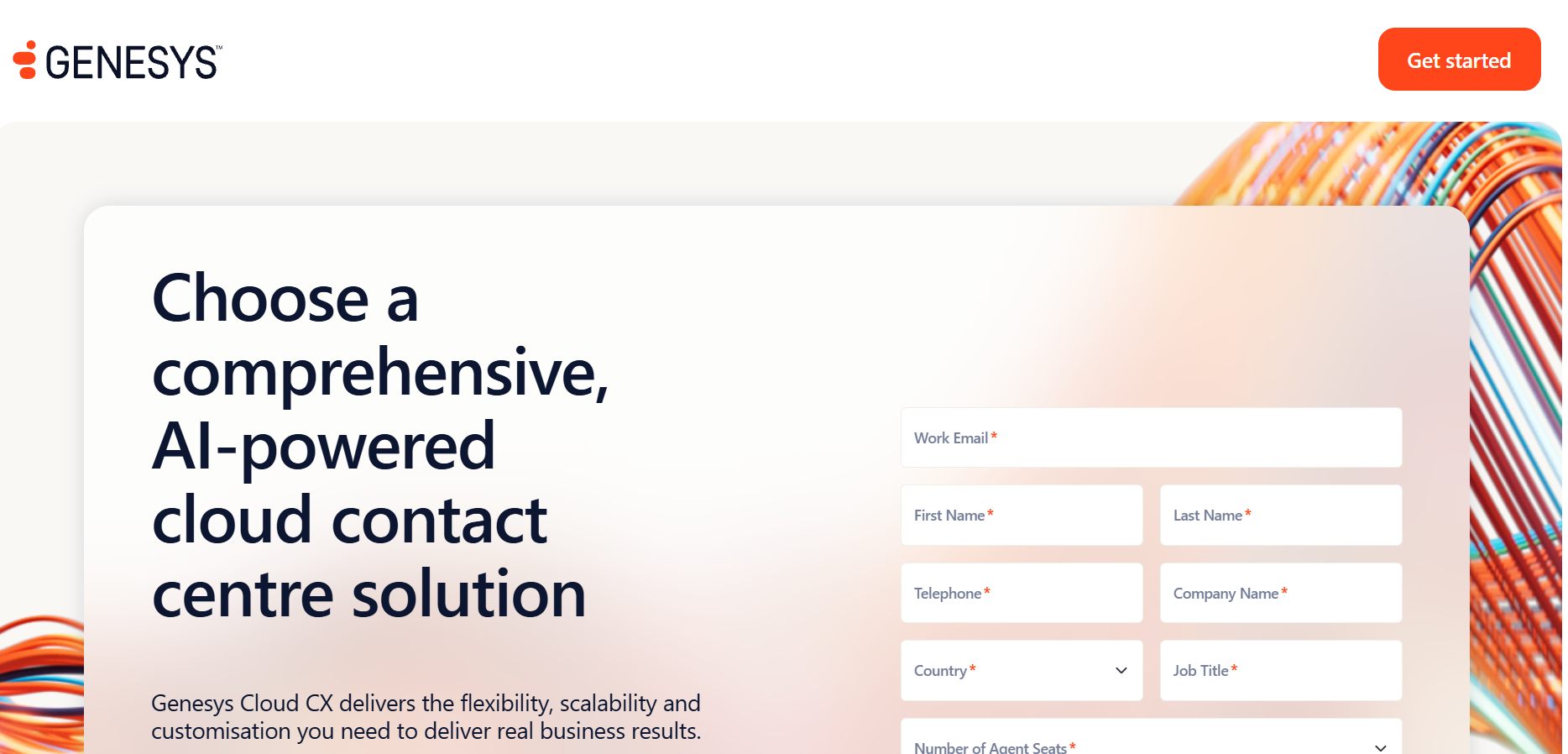
What it is: An established player in the contact center industry with an innovative routing engine that can manage massive amounts of calls and digital interactions in one interface. Looking to compare Genesys to other software solutions? We broke down the top Genesys alternatives in depth.
Features: Predictive Routing routes the call to the appropriate agent according to history, sentiment, and prediction. The administrator creates routing flows within Architect, an intuitive interface that doesn’t require coding skills.
Pros:
- Predictive routing leads to shorter calls and calmer customers
- Drag-and-drop flow building with no custom code
- Built-in AI that saves agents search time
Cons:
- Large system, so setup and admin take planning
- Focused on customer service rather than marketing and social
NICE CXone - Best for: Organizations that put quality and compliance first
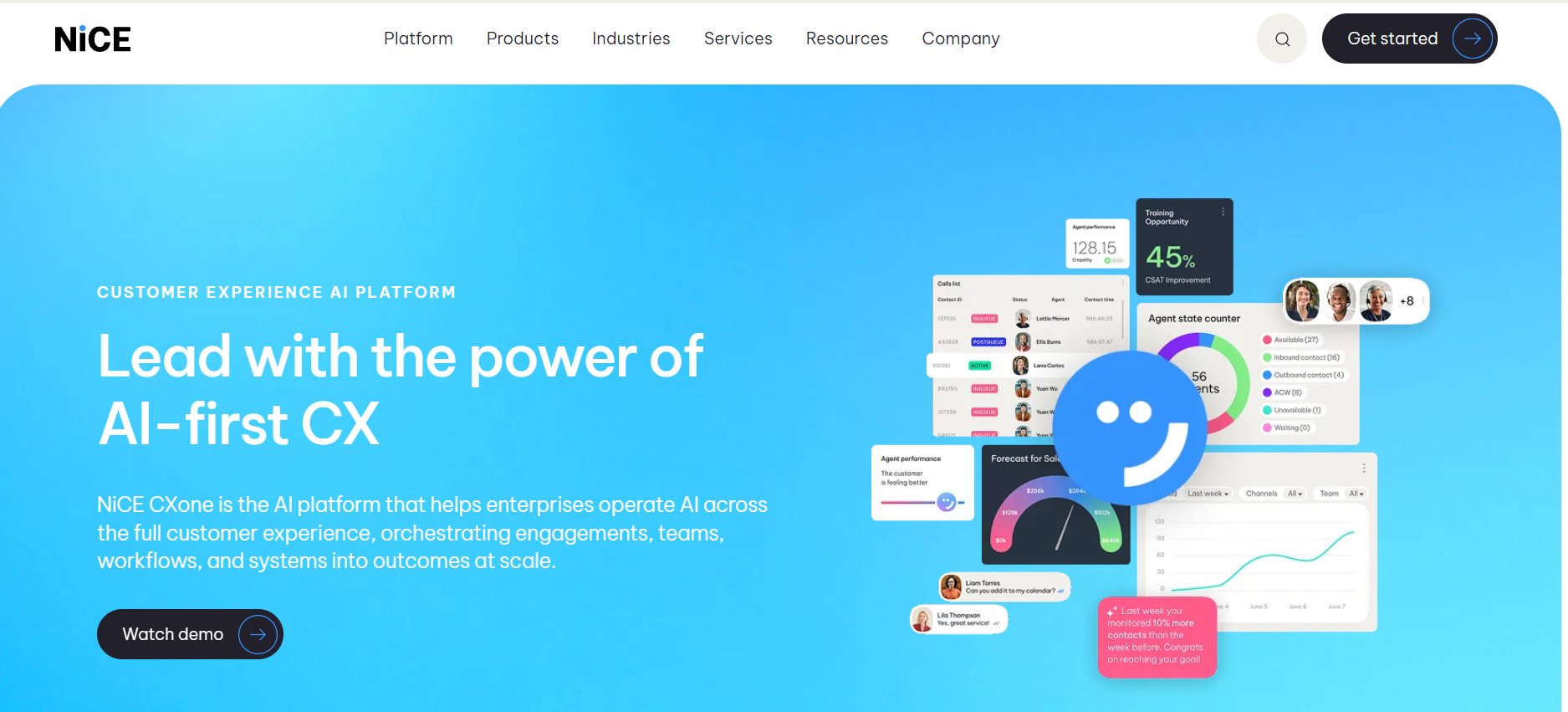
What it is: NICE CXOne is a cloud telephony solution as well as applications for workforce engagement such as coaching, scheduling, and compliance management.
Features: Enlighten AI This is an application that analyzes past interactions thoroughly. The tool identifies the emotional quotient of the agent and provides feedback regarding tonality, speed, and empathy of the call.
Pros:
- Automatic analysis of every interaction eliminates any QA blind spot
- Real-time feedback allows for adjustment of tone and empathy
- Easier audit answers and fairer coaching for regulated teams
Cons:
- Depth of features can feel heavy for small teams
- Quality and compliance focus may be more than teams with simpler needs require
Five9 - Best for: High-volume sales, collections, and proactive outreach
What it is: A vendor known for outbound dialing and contact blending solutions that has been very popular among organizations that have transitioned from legacy on-premises systems to cloud-based systems.
Features: Predictive, Power, and Progressive dialing technology controls the pace of dialing so that agents can spend more time speaking rather than dialing. It helps in ensuring regulatory compliance through the use of solutions such as TCPA. IVAs perform routine voice and chat tasks. Pre-built integrations with Salesforce, Oracle, and ServiceNow by Five9 are extensive. Below are some of the best Five9 alternatives, compared.
Pros:
- Strong dialers that cut agent waiting time
- Built-in support for TCPA compliance in outbound work
- Deep, ready-made CRM and service tool integrations
Cons:
- Some admins say parts of the back end still feel dated
- Focus on outbound and high-volume calling may be less suited to low-volume support teams
Talkdesk - Best for: Mid-market teams that want a fast, simple move to the cloud
What it is: A cloud contact center powered by AI, providing sleek design and quick deployments. Best for businesses of mid-market or enterprise size looking to get advanced routing without a need to change platforms. Consider changing your platform completely, then you should compare Thunai and Talkdesk.
Features: Clouds built specifically for particular sectors such as health care, retail, or finance pre-set for common situations will definitely help you reduce the development time.
Pros:
- Easy setup due to user-friendly interface
- Pre-built industry clouds that reduce build time
- AI Coach builds new hire confidence and supports veterans on tricky cases
Cons:
- Ready-made templates may feel limiting for teams with very custom needs
- Lighter than a full CXM platform, so it may not suit teams wanting a broad suite
Salesforce Agentforce - Best for: Companies deeply invested in Salesforce that want to end data silos
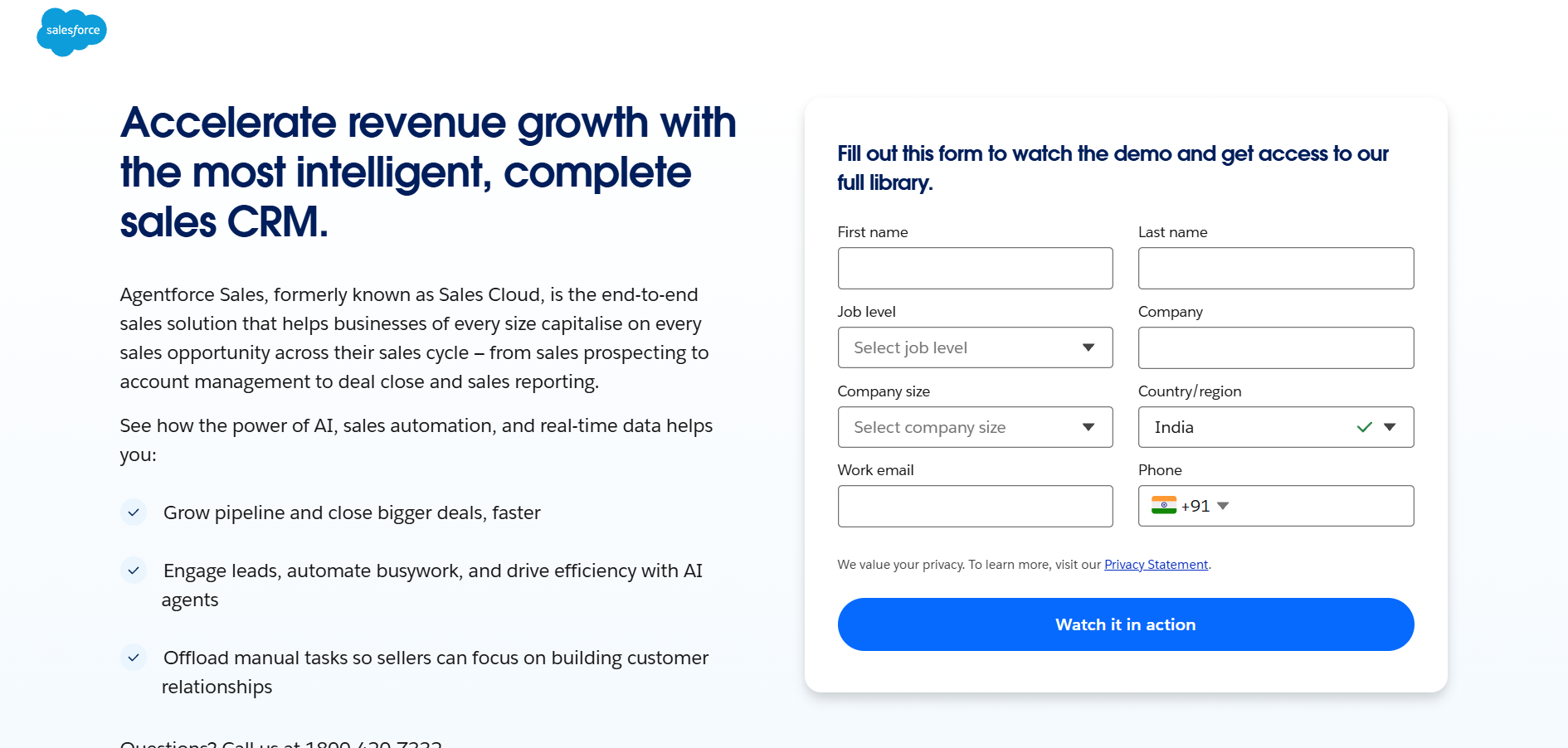
What it is: A contact center built right into the CRM, with voice, digital channels, and AI agents all running on the Salesforce platform.
Features: Calls route through Salesforce, ending the "swivel chair" problem of jumping between a phone tool and a customer database. The AI prepares summary documents and records automatically, eliminating post-call activities. The AI agents of Agentforce take action on live data like modifying booking details or verifying orders without any human intervention.
Pros:
- No switching between phone tool and customer database
- Automatic summaries and record updates keep data clean
- 24/7 self-service across voice and web, with full transcript handoff to humans
Cons:
- Works best if your business already runs on Salesforce
- Less appealing for companies not invested in the Salesforce ecosystem
Amazon Connect - Best for: Developer-led teams that want a custom setup
What it is: Pay-as-you-go contact center that operates on the AWS platform, tailored to the needs of organizations having lots of developers that require creating their own customer experience from scratch.
Features: Pricing model is not based on per seat, but rather minutes used, number of messages and APIs. Usage of Amazon Lex for chatbot using voice technology, Amazon Bedrock for Generative AI features, and lambda function to retrieve data from backend services.
Pros:
- Usage-based pricing avoids paying for idle seats in slow months
- Well suited to seasonal businesses with swinging volume
- Deep AWS integration with full control over the build
Cons:
- Teams own the build and the upkeep
- Teams without strong engineers may struggle
Cognigy.AI - Best for: European firms that need strict data control and smart voice bots
What it is: Conversational AI platform that acts as a brain for voice bots or chatbots, without having to rip up your telephone switches or routing agents.
Features: Provides a capability of moving from menu-driven IVR to conversational agents which are context-aware and can handle multi-turn dialogues. Integrates with the business’ ERP system to make sure that the agents are doing tasks and not just answering queries.
Pros:
- Modernizes IVR so callers skip the button-pressing
- Strong data privacy practices and multilingual support
- Completes real tasks through ERP connections
Cons:
- Focuses only on conversational AI, so it needs a separate phone system
- Does not route live agents, so it works as an add-on rather than a full contact center
Sprinklr CCaaS vs Specialized AI Contact Center Platforms
The market now splits into two ideas.
The suite approach. Sprinklr is the example. Social, marketing, PR, and support all live in one codebase. The upside is shared data.
Marketing sees what support sees, and leaders get one view of the customer.
The downside is weight. Your whole customer-facing team has to move to the system, and that takes serious change management.
The modular approach. Thunai and Cognigy are examples. Instead of buying a new phone system and a new marketing suite, you add AI as a digital labor layer.
Thunai connects to your current contact center through standard APIs and modern protocols.
A bank or hospital could add Thunai on top of older Avaya or Cisco gear and start automating routine tickets without a long migration. Here’s our guide to the top Avaya alternatives.
How to Pick the Right Alternative
Don’t lean on vendor claims. Test the things that matter.
- Work out the true cost
License cost may be just one element on the price sheet. Include setup costs, additional services, API usage costs, and data storage over three years.
Suite providers often embed hidden costs into additional modules; so ask for a full breakdown. Expect that there will be a transition phase where both systems operate simultaneously.
- Test voice speed live
Conversion, speech recognition engine, language models, text-to-speech, and transmission networks add up to latency. Any single one being slow will bring down the entire chain.
Ask vendors for live demos instead of pre-recorded ones. Even better, test with a short pilot using real calls from your queue.
- Check security and compliance
Basic encryption isn’t enough. Search for independent validation, such as SOC 2 Type II, HIPAA, PCI-DSS, and GDPR.
Inquire about the AI’s treatment of personal information. Reputable platforms provide proper guardrails and automatic redaction of PII, so that a language model will not disclose any sensitive data.
Want AI agents on live calls without replacing your contact center? Book a demo.
FAQs about Sprinklr Alternatives
What are some distinctive characteristics of Sprinklr compared to other specialized software for contact centers?
Sprinklr is one unified product that combines social media marketing, brand listening, and customer care. Its competitors usually concentrate on either contact center solutions or AI automation technologies, providing you with more opportunities in call management, routing, and ticket resolution, but not in marketing.
Will AI platforms replace people working as contact center agents?
Certainly not! Products like Thunai and Salesforce Agentforce deal with repetitive requests, such as checking the order status or resetting passwords, leaving agents only tasks that require empathy and reasoning. The transcript of each case is sent together with the case itself.
Why is speed important in AI voice assistants?
Human conversation has its pace. Long delays make people believe something went wrong and continue talking, which makes the call messy with two conversations happening at once. A streaming architecture helps maintain rapid responses and keeps the call natural.
How do platforms prevent the AI from getting things wrong?
They make sure the language model operates separately from the knowledge base. Before the chatbot communicates with the customer, Thunai analyzes any discrepancies in your policies. The chatbot will provide responses based on your company’s authorized data. Otherwise, the chatbot will say that no information is available.
Can I integrate AI without changing the existing contact center?
Yes. Layer technologies such as Thunai and Cognigy are able to interact with the existing systems. You can begin with any use case you want, starting with password resets.