Hold on, do you feel lost when deciding the best alternative for your company Zoom? This issue becomes even harder because of the high costs and fragmented technology, but the solution is quite simple, nonetheless.
There are no magic formulas that can be used universally, so the optimal approach would be to select the best choice for each level – meetings, telephony, contact centers, and AI.
Using this guide, you will not only receive information about the best solutions but will also learn about the total cost of ownership and how to create the intelligent layer above this stack.
Why Businesses Look for a Zoom Alternative
Zoom comes to mind when someone hears “video calling.” Yet, being the largest does not necessarily equate to being the most suitable choice for any organization.
When teams feel that costs become increasingly burdensome, that software becomes incompatible, and video calls break due to poor internet connections, then looking for Zoom alternatives is inevitable.
Cost is usually the first reason:
Zoom’s Workplace Pro plan costs $13.33 per user monthly when paid annually, removes the 40 minutes call limit, and offers 5 GB of cloud storage space.
However, as the organization grows, it requires SSO, managed domains, and branding. These features are available on Zoom’s Business plan, priced at $18.33 per user monthly.
But here is a problem to use the Business plan, an organization must have no less than ten licenses.
Overlapping tools are the second reason:
There are many firms who have already paid for Microsoft 365 or Google Workspace, both of which have good video capabilities.
Having Zoom on top is a double payment for one service. Employees also spend their time switching from one program to another.
Network limits are the third reason:
Zoom implements a constant bit rate that ensures the video remains sharp. A typical 1080p conference call requires 3.8 Mbps.
Some rivals employ an adaptive bit rate depending on the network speed. The rival can run the same at approximately 1.2 Mbps.
In the case of an international group with people from multiple countries, the disparity is what dictates if a call will succeed or fail.

Zoom Alternatives by Use Case
Very few businesses replace everything with one product. Most break their setup into parts: meetings, phones, contact center, and AI. Each part has its own best fit. The table below gives a quick view.
Best Zoom Alternative for Business Meetings
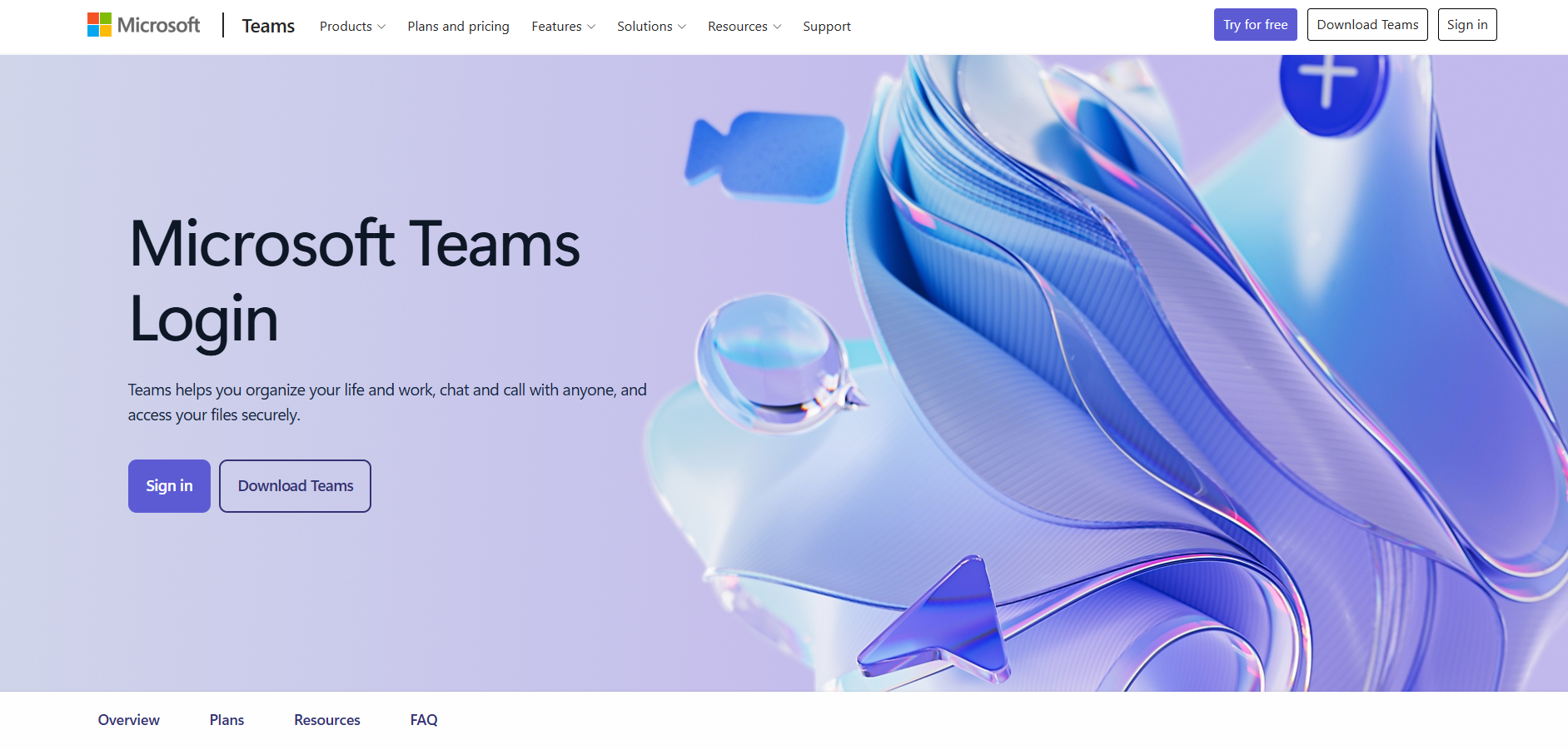
Microsoft Teams - Best for Companies that want to have one place for their internal chats, videos, and documents
What it is: Microsoft Teams is a platform for collaboration used for internal communication.
Features:
- One place for chats, file editing, and video to prevent team members from having to use different tools
- Conversations held by channels, organized by topic, project, or team for future referencing
- Co-editing with the ability to see live cursors to understand what each of several collaborators is typing into the document
Pros:
- Natural platform for internal communication
- Seamless collaborative working on the same document
Cons:
- Internal collaboration tool, not for customer support
Cisco Webex - Best for Highly regulated businesses like banks and government institutions
What it is: Cisco Webex is a collaboration tool designed with a more specific audience in mind.
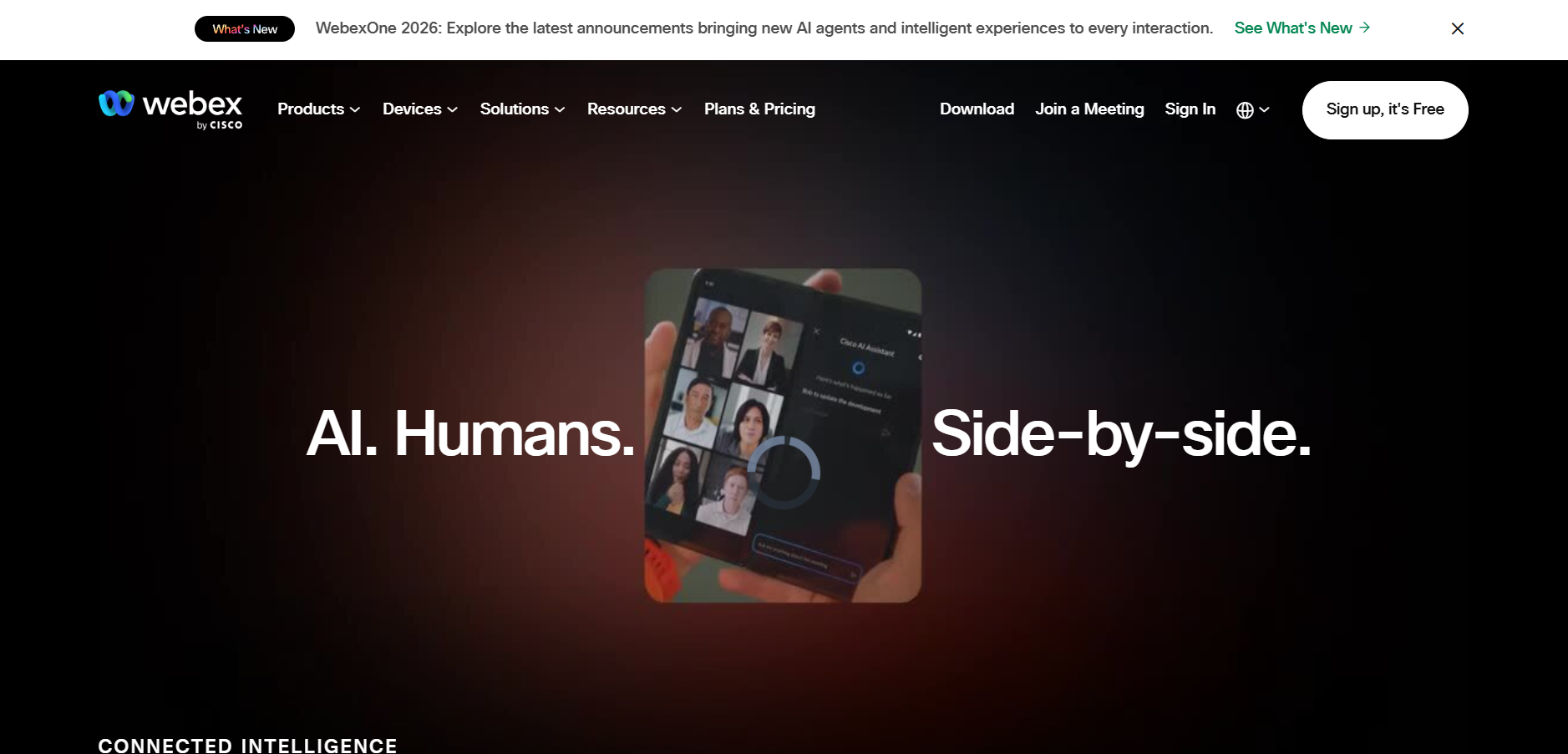
Features:
- User-controlled encryption keys, which provide organizations with full control of their data security
- Excellent background noise suppression, ensuring clarity during calls in loud open office spaces
- A governance-driven approach, which contrasts with Zoom's customer-centric philosophy
Pros:
- Trusted by banks, government offices, and other regulated organizations
- Strong control over security and data
- Reliable audio quality in noisy workspaces
Cons:
- Less convenient to join than link-based tools like Zoom
Google Meet - Best for: Businesses that prioritize speed and ease-of-use over extensive controls, particularly businesses already using Google’s other applications.
What it is: Google Meet is a video-meeting platform which is straightforward and based primarily on the browser.
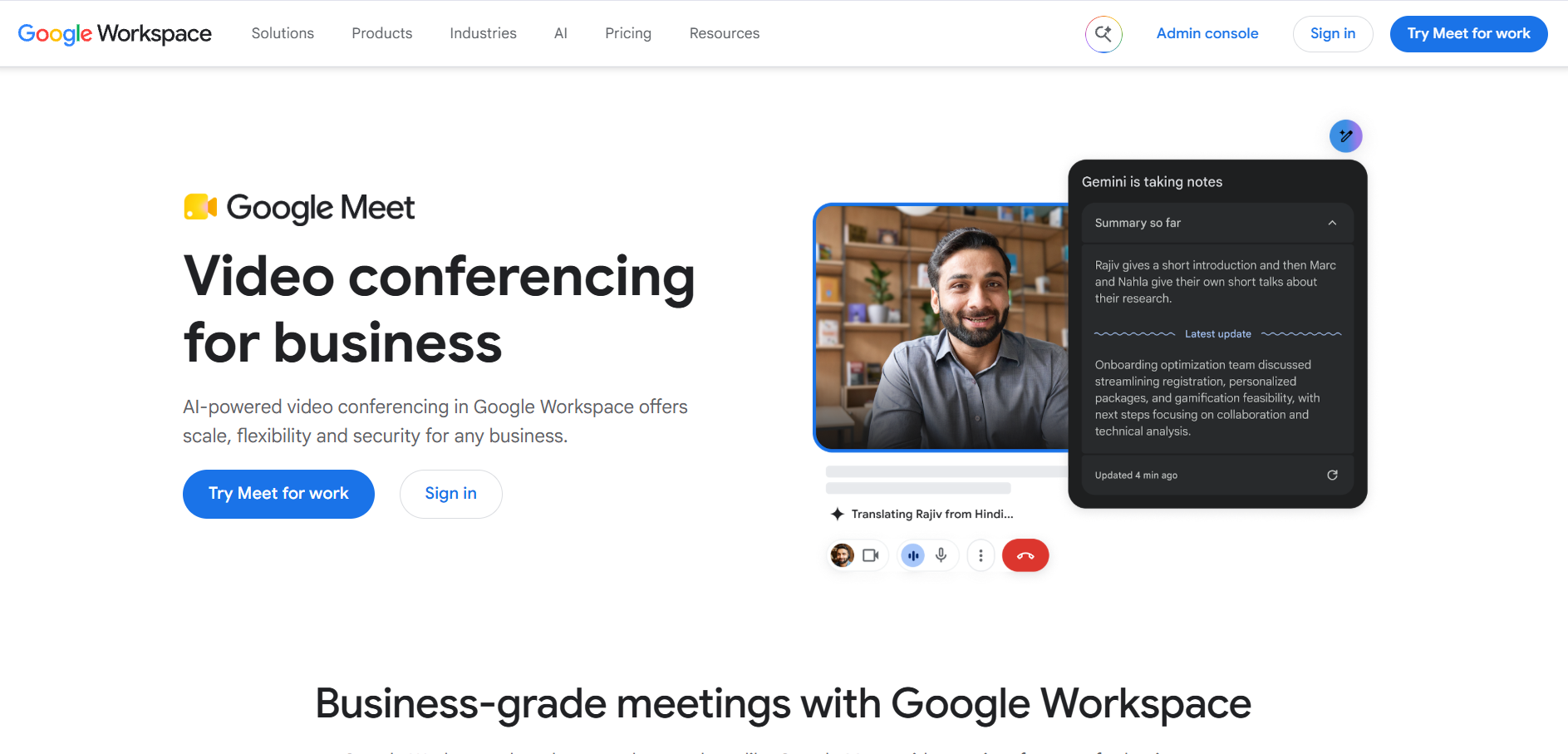
Features:
- Based on WebRTC, making it easy for any guest to join simply by accessing the platform through their browser
- Easy accessibility for outside clients, eliminating any setup process prior to the meeting
- Seamlessly integrates with Docs, Sheets, and Drive
Pros:
- Easy for external guests to join
- Fits smoothly into Google-based workflows
Cons:
- Fewer meeting controls than more feature-rich platforms
Zoom Phone Alternatives
RingCentral - Best for Companies moving away from on-site phone hardware that want a cloud replacement.
What it is: RingCentral is a unified communications platform that leads its market.
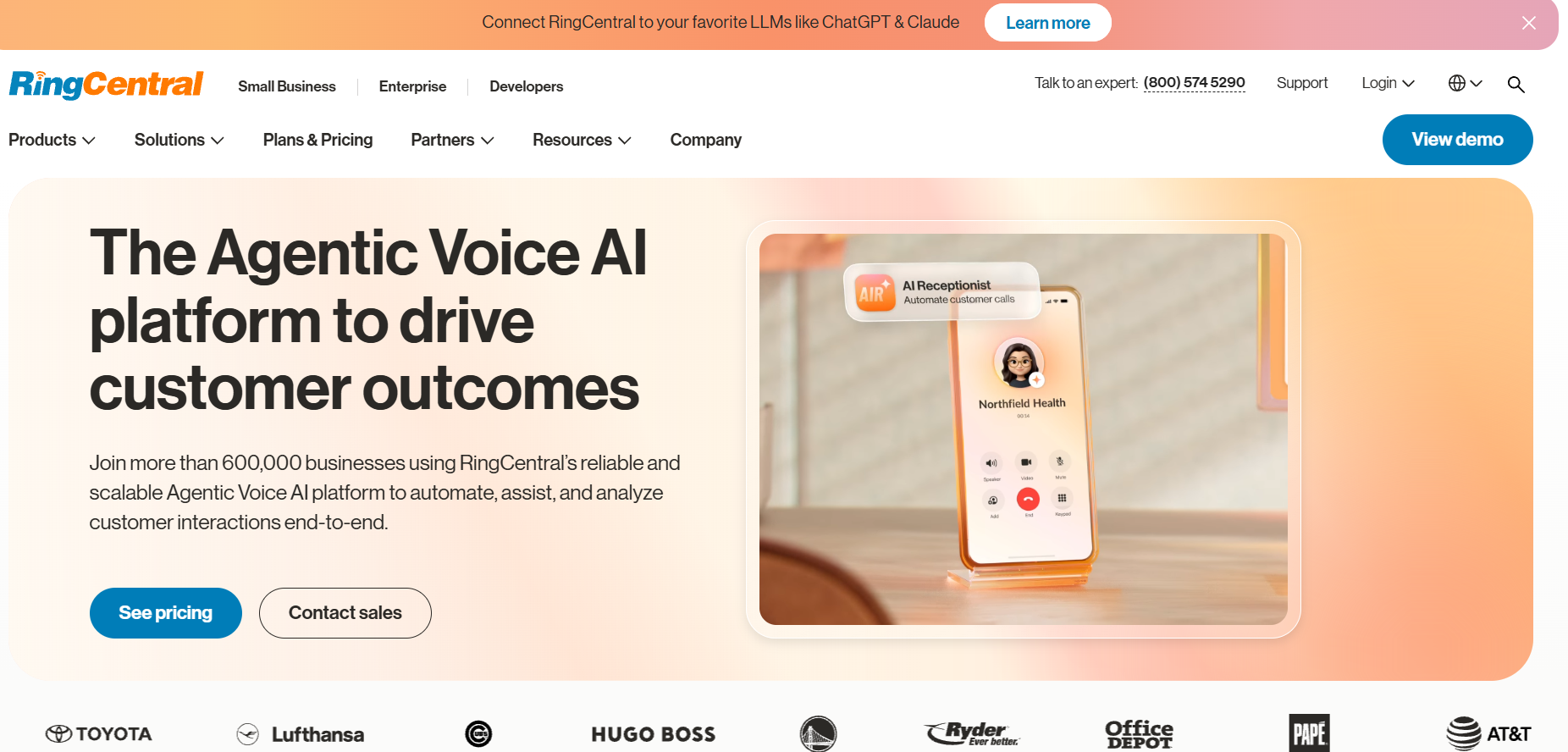
Features:
- Wide carrier coverage with strong uptime, giving teams a dependable phone service across regions
- Advanced call routing and custom IVR menus, replicating the phone setups teams relied on with on-site hardware
- Blended inbound and outbound campaigns through RingCX, letting contact center teams handle both call types together
Pros:
- Market leader in unified communications
- Integrates with popular CRM and helpdesk tools
Cons:
- Focused on telephony and contact center needs rather than lightweight, simple meetings
Retell AI - Best for Outbound sales teams wanting autonomous voice agents running on their existing phone infrastructure
What it is: Retell AI is an AI voice agent platform built for outbound calling.
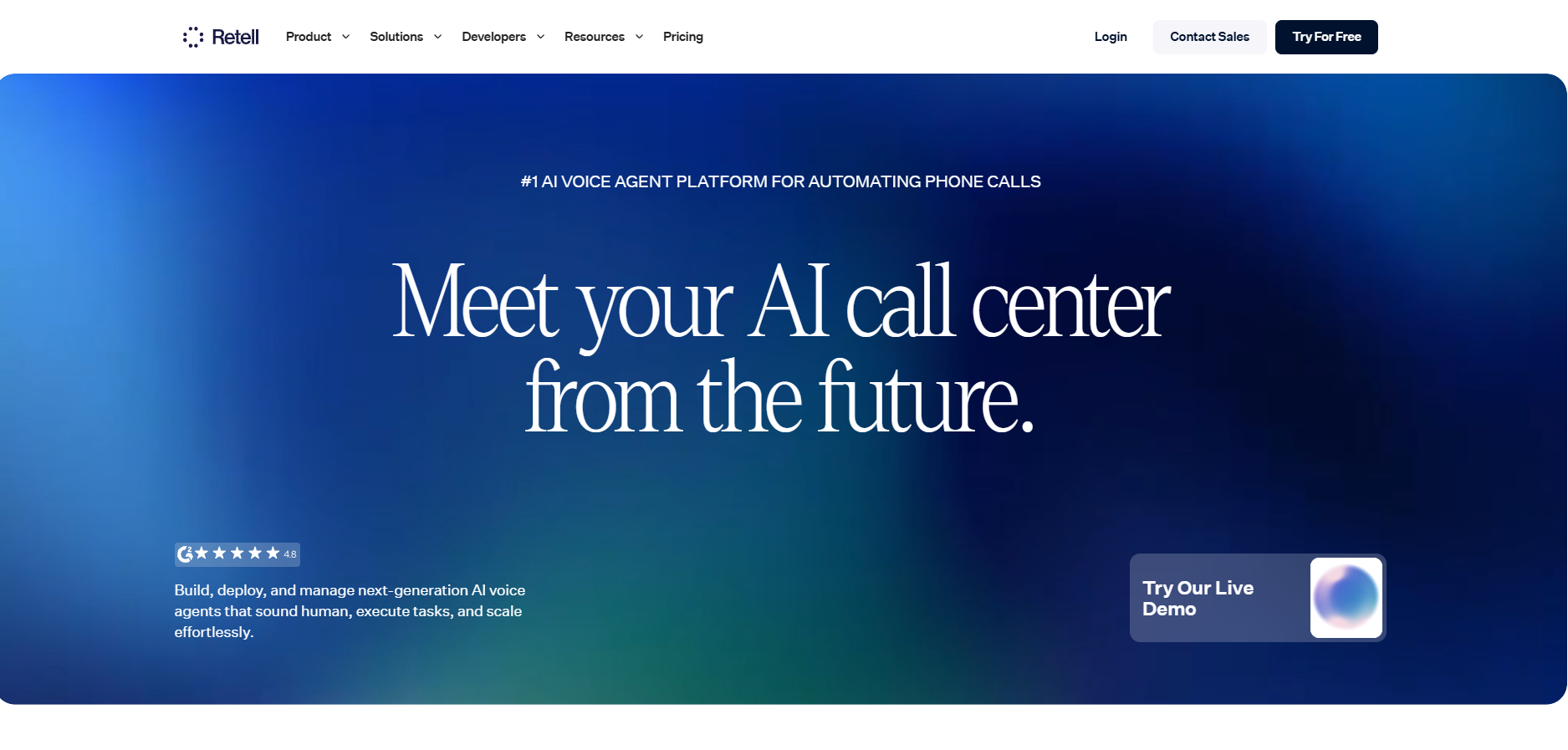
Features:
- Autonomous voice agents that handle outbound sales calls without a human on the line
- Runs over your existing SIP trunks, so teams keep their current phone setup instead of migrating
- Positioned as an alternative to Zoom Phone for teams focused on outbound sales
Pros:
- No full contact center migration needed
- Costs scale directly with usage
Cons:
- Focused on voice agents for outbound use rather than a full multichannel support suite
When you compare alternatives to Zoom Phone, focus on three things. First, check call quality in the regions where your customers and staff are located. Second, confirm that the phone system connects with your CRM. Third, look at what the AI features cost on top of the base seat price, since that’s where bills often jump.
Zoom Contact Center Alternatives
Contact center solutions are entirely different from conventional telephone systems. The contact centers handle vast call volumes, route customers to the appropriate agents, and schedule staffs.
This makes it necessary to have an actual contact center solution platform known as Contact Center as a Service (CCaaS). These are the top Zoom contact center solutions for large businesses.
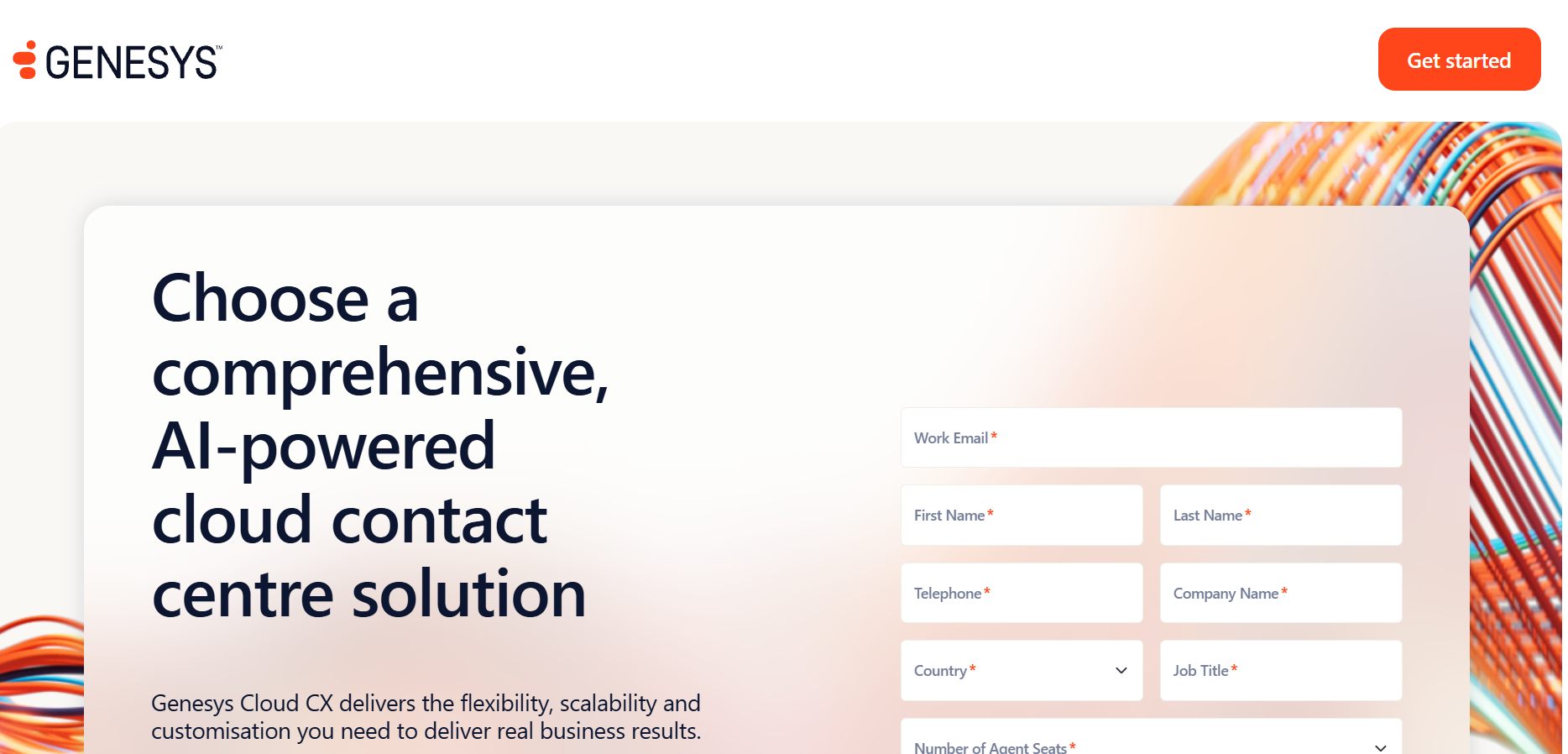
Genesys Cloud CX - Best for Large organizations that require contact center solutions that scale up to high volumes
What it is: Genesys Cloud CX is a cloud contact center solution designed for large corporations.
Features:
- Scale to tens of thousands of simultaneous live sessions, so peak demand does not strain the platform
- One agent queue that pulls voice, email, and digital messaging together for a single working view
- Paid professional services often needed for setup, helping teams configure complex deployments
Pros:
- Proven at very large, high-volume scale
- Unified queue simplifies handling of multichannel journeys
Cons:
- Costly and slow to deploy, with setup taking 9 to 18 months
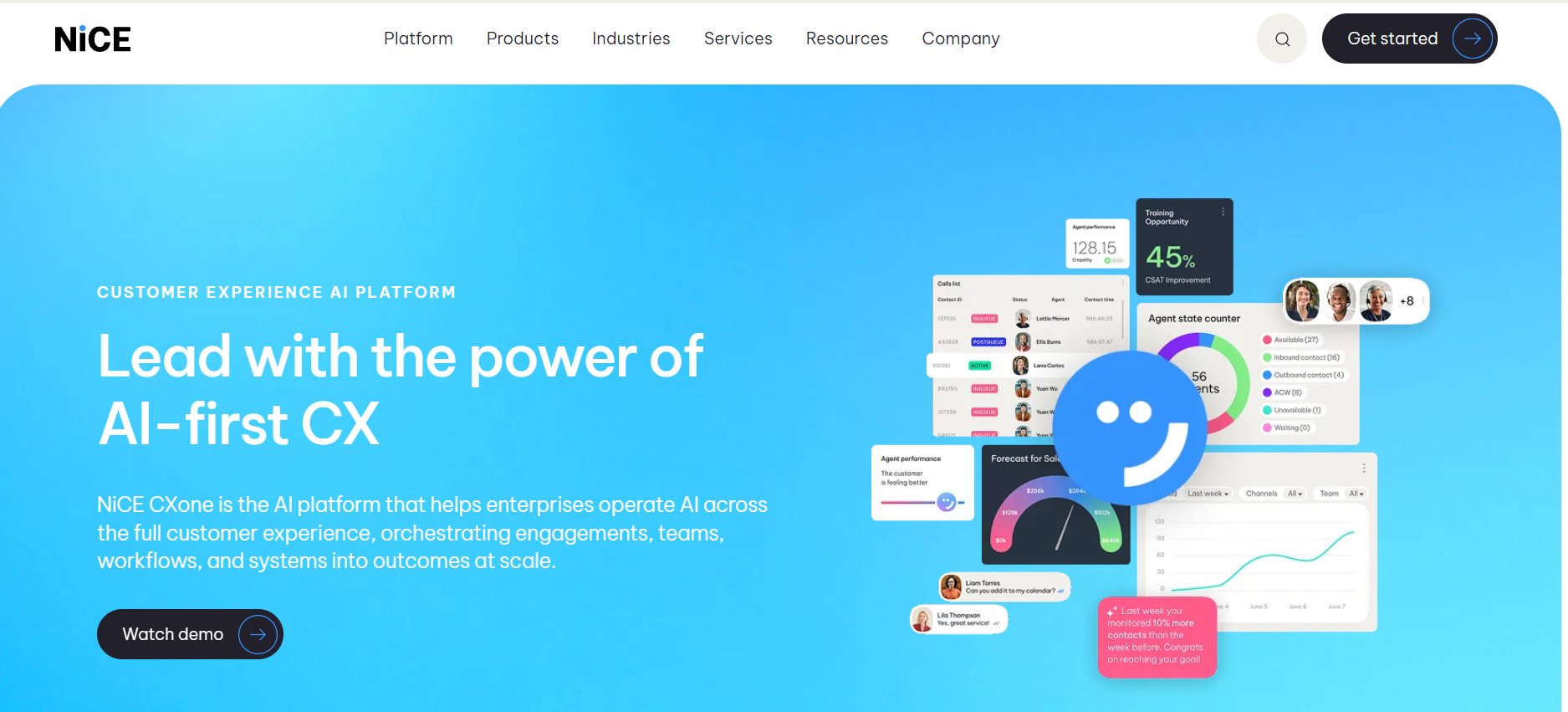
NICE CXone - Best for: Compliance-heavy industries like healthcare and finance needing built-in workforce management and quality automation.
What it is: NICE CXone is a contact center platform built for industries with strict compliance rules.
Features:
- In-built workforce management and forecasting tools ensure all scheduling needs are met in one system
- Automated quality assurance automates quality measurement against compliance regulations through interaction
- Per-seat pricing from $71 to $209, giving the teams the flexibility to pick what works for them
Pros:
- Strong fit for regulated sectors with strict requirements
- Core workforce and quality tools included, not sold separately
Cons:
- Best AI capabilities are locked to the most expensive tier
Amazon Connect - Best for: Companies using AWS who require scalable contact center solutions.
What it is: Amazon Connect is a cloud-based contact center solution ideal for companies who already use AWS.
Features:
- Pay-as-you-go pricing without any commitment or minimum number of seats required
- Pricing per message charged for chats according to number of conversations you conduct
- Fully integrated solution with AWS cloud services you are already using
Pros:
- No need for making any initial investment or signing up for long-term commitments
- Highly customizable solution ideal for developer-led teams
Cons:
- Custom dashboards and reports require skilled AWS developers
Beyond Built-In Meeting AI: Thunai Across Zoom, Teams and Meet
Built-in meeting AI tends to create silos. Zoom AI Companion writes useful summaries and comes included with paid plans, but it can’t pull in a conversation that took place on Microsoft Teams.
Thunai addresses this issue through operating as a layer over your applications. Unlike just fetching information, the Thunai Brain uses data from 50 applications to find discrepancies and give better context.
Thunai also handles the busy work after a call, as it can:
- Update CRM pipelines
- Log prospect notes
- Route helpdesk tickets
From the client’s side, Thunai offers a multilingual voice agent with latency less than 500 milliseconds and 99.9 percent accuracy in speech recognition.
Fast responses ensure that there is natural conversation on a phone call without feeling artificial or robotic.
Because Thunai works across every platform instead of sitting inside just one, your company’s knowledge stays in one place and stays up to date and ready to act on. In order to understand this through an example in Zoom meetings, you may want to check out Thunai AI for Zoom automates transcription, call analysis, summaries, and post-call workflows.
How to Choose the Right Zoom Alternative
Do not go with just the features. Consider compatibility with your system, workflow integration, and costs associated. A three-point checklist works nicely in this case.
1. First, start from what you have:
In case you are working with SharePoint, Active Directory, and Exchange, then you should choose Microsoft Teams.
Everything from file management, chat, and even meetings occurs under one tenant; thus, there is no friction at all. Webex is ideal for you in case you always conduct meetings with outside clients.
2. Cost of use over 36 months:
List price can be deceptive. Teams itself isn’t very costly but getting proper AI will require purchasing Copilot that costs $30 per user per month.
CCaaS solution that initially costs 20% less can ultimately cost you 40% more when API charges, data storage costs and mandatory service hours are added. Always check how much will cost your real call volume.
3. Decide on your specific AI needs:
Simple transcript for each meeting is available from built-in solutions. But if you need CRM entries, auditing 100% of call center calls, and running tasks in various apps you'll need an additional AI layer.
Thunai has a free forever plan and starts from $9 per user per month for other tiers. You keep your current telephony and get powerful AI solutions for much less than complete CCaaS solution will cost.
FAQs About Zoom Alternatives
Are there any free alternatives to Zoom without the 40-minute time limit?
Since most free plans impose the limit on meetings to encourage people to upgrade to paid versions, small businesses can opt for Microsoft Teams Essentials that costs $4 per user per month. If you already use Google applications, Google Workspace Starter would be a better choice.
Does Microsoft Teams consume lesser bandwidth compared to Zoom?
Yes. Zoom has a consistent bitrate requirement of 3.8 Mbps for a group video conference at a resolution of 1080p. On the other hand, Microsoft Teams operates using a dynamic bitrate, which requires just 1.2 Mbps.
Is there any possibility for an AI meeting assistant to be used if several video platforms are used at once?
Zoom AI Companion and Microsoft Copilot are native apps working within their respective apps. For Interoperability, there must be an independent AI layer from the rest of the applications. Thunai syncs up with your calendar and joins meetings in Zoom, Microsoft Teams, and Google Meet.
Do we need to upgrade our telephone system to get cutting-edge AI?
Not necessarily. Installing a new PBX system or a call center will need huge investment and man-hours. Instead of this, what you can do is make use of AI on top of your current system. Thunai supports legacy SIP trunks, Amazon Connect and Genesys. With Thunai, you can enjoy live coaching for agents, automated voice bots and QA, with no disruption to phone lines.