
Why You Can Trust This Review
Every AI collaboration tool on this list got the same five checks. Here's what each one means and why we care.
1. Context handling
- This is the level to which the AI understands your business’s data. The basic RAG system relies on matching up keywords and capturing random text snippets. For straightforward questions, it fails when the answer is based on who authored the document, the document’s latest version, or how two documents relate.
2. Hallucination risk
- A hallucination is when the AI says something false. It might invent a number, a quote, or a promise nobody made.
- The risk climbs with long inputs, like a one-hour meeting transcript. Tools scored higher when they tied answers to verified data and showed their sources.
3. Security and permissions
- Your AI should follow the same rules your people do. If you can’t open a document in the application that created it, the AI shouldn’t give you access to its contents via chat.
- This is particularly important for HR, financial, and legal data.
4. Integration depth
- The value of the tool lies in its ability to connect with what one has. We had an affinity for the tools supporting the Model Context Protocol (MCP).
- It is a protocol that allows AI agents to connect to external applications in a reliable manner. It reduces coding for every connection.
5. Pricing clarity
- Many providers hide the compute fee in the credit system. A low monthly fee gets really big when you start using it.
- We pulled out the cost-per-user where we were able to and highlighted minimums, maximums, and extra fees.

Feature Comparison Matrix
Here's the quick side-by-side. Full reviews follow right after.
The 12 Best AI Collaboration Tools
Thunai - Best for Support and Sales
Overview:
Thunai is a customer experience solution that converts your business know-how into virtual assistants.
All channels like voice, chat, and email operate from the same system, ensuring that your client gets consistent service no matter where they land. The solution consists of three modules: Thunai Omni, Reflect, and Revenue AI. The former performs tasks related to support and lead gen.
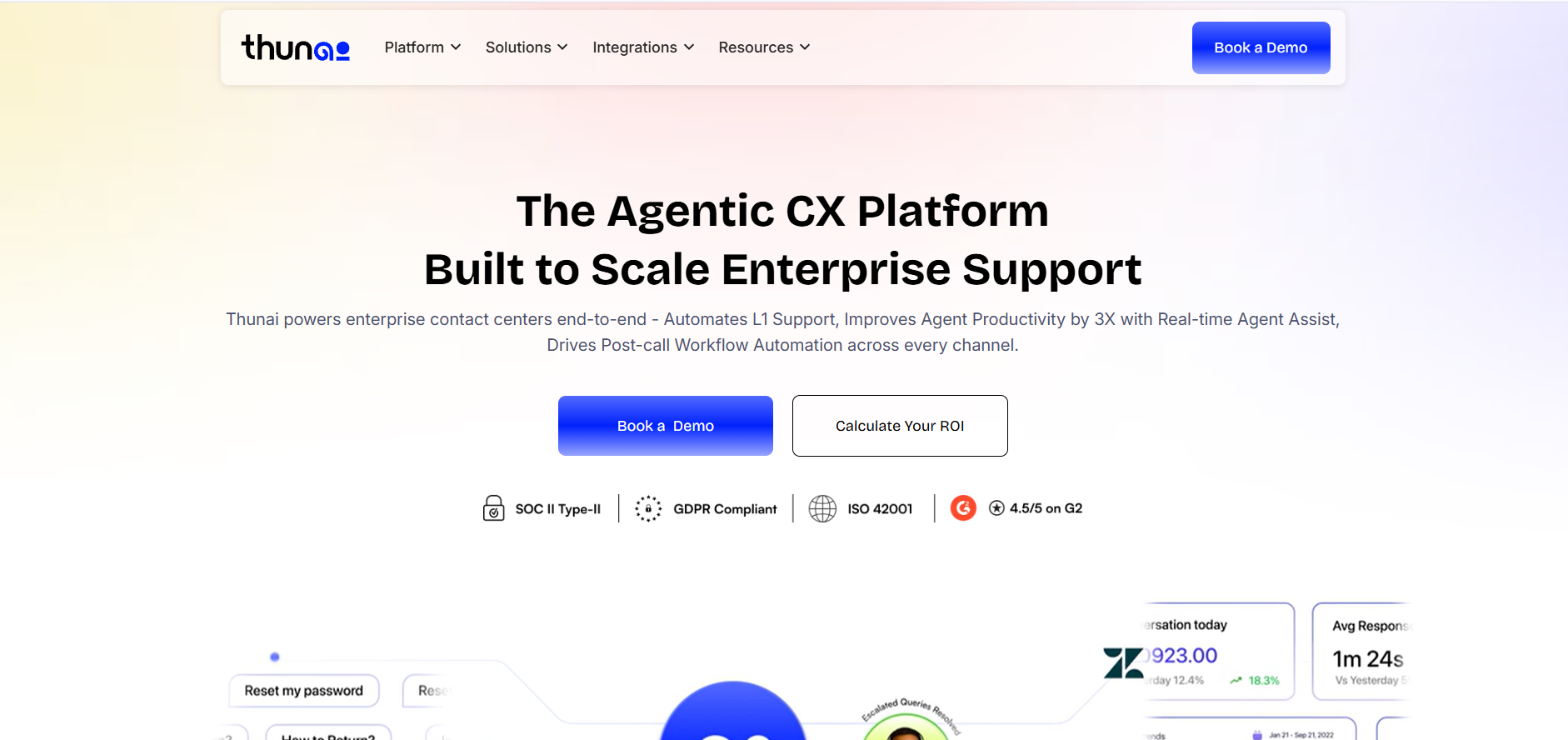
Standout feature: Thunai Brain. This is the core repository that searches for inconsistencies in the company's data prior to using it in the process of supporting clients. For instance, one document states that there's a 30-day return policy while another claims it's 14 days. As a result, two different answers will not be given to two different clients.
Pros:
- Provides recommendations for humans during conversations
- Automatically updates CRM after each call, saving a lot of administrative efforts
- Has a visual workflow creator allowing businesses to build processes without engineering expertise
Cons:
- Requires time for organizing and uploading your data at the very beginning
- Weak and/or poor knowledge base provides generic recommendations
Pricing: The Free plan includes 270 AI credits and runs as a live environment, so you can test real tasks. Paid plans scale with usage, not seats, and every plan has unlimited seats.
Glean - Best for Large Enterprises
Overview:
Glean is made to cater to large enterprises that require only one search experience from their disjointed business information. It integrates with 100+ applications and develops an index, enabling employees to discover relevant information without having to switch platforms. For those considering different enterprise artificial intelligence search solutions, our article on Glean alternatives offers additional options.
Standout feature: Permission-aware RAG. Glean preserves any permissions granted within connected systems, and users will get data that they have permission to access already. This AI collaboration tool includes private Slack channels, Salesforce data access restrictions, and other private data.
Pros:
- Enterprise Graph links documents, individuals, and actions for better search results.
- Permission-based access facilitates data governance within linked applications.
- Centralized search saves time on moving between business applications.
Cons:
- It can take up a lot of IT infrastructure and planning efforts.
- It is concerned with knowledge discovery more than workflow execution.
Pricing: Custom enterprise pricing. Contact Glean for a quote.
Notion AI - Best for Knowledge management
Overview:
AI is embedded in the block editor of Notion itself. AI serves as your research assistant, editor, and database manager. A simple company wiki transforms into something that allows you to pose questions.
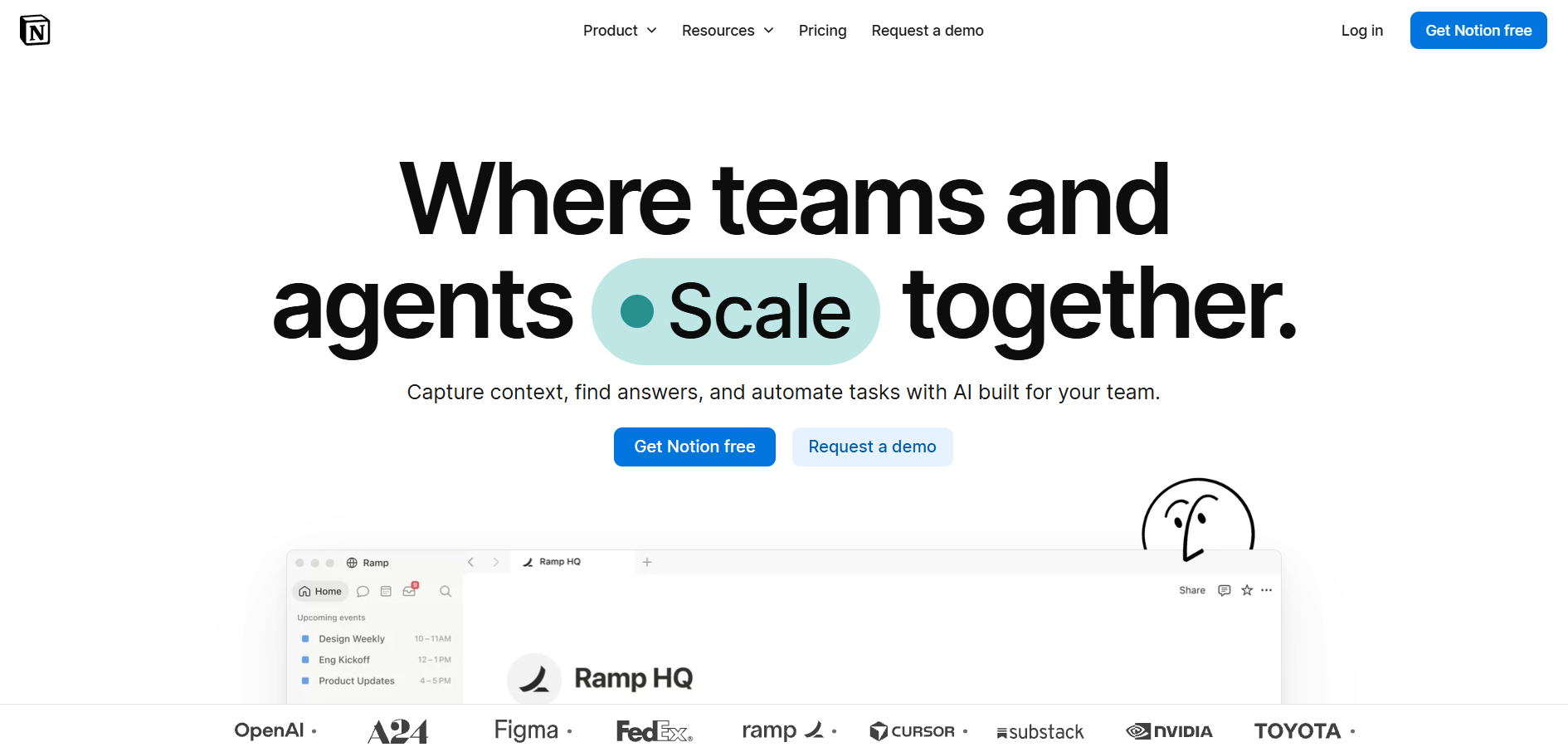
Standout feature: Custom Agents. Custom agents execute complex workflows within your databases. They can extract information from connected apps, draft weekly reports, and update project statuses without being prompted by someone.
Pros:
- Perfect for administrative tasks in Notion, where writing, summarization, and page tidying happen within your workspace
- Gives the ability to switch between popular AI models based on what the task at hand is
- All-in-one workspace; no jumping between tools
Cons:
- Not the standalone cheaper AI add-on anymore
- Full AI capabilities are now available via the paid-for Business tier for the entire team
Pricing: Business costs $20 per user per month, billed yearly. Free users only get a 20-response trial. Custom Agents bill separately at $10 per 1,000 credits.
Slack AI - Best for Engineering and Ops
Overview: Slack AI provides summaries, search, and insights right in your team communication. The purpose of using Slack AI is to alleviate information overload by helping employees to find important updates without having to read each message, thread, or channel.
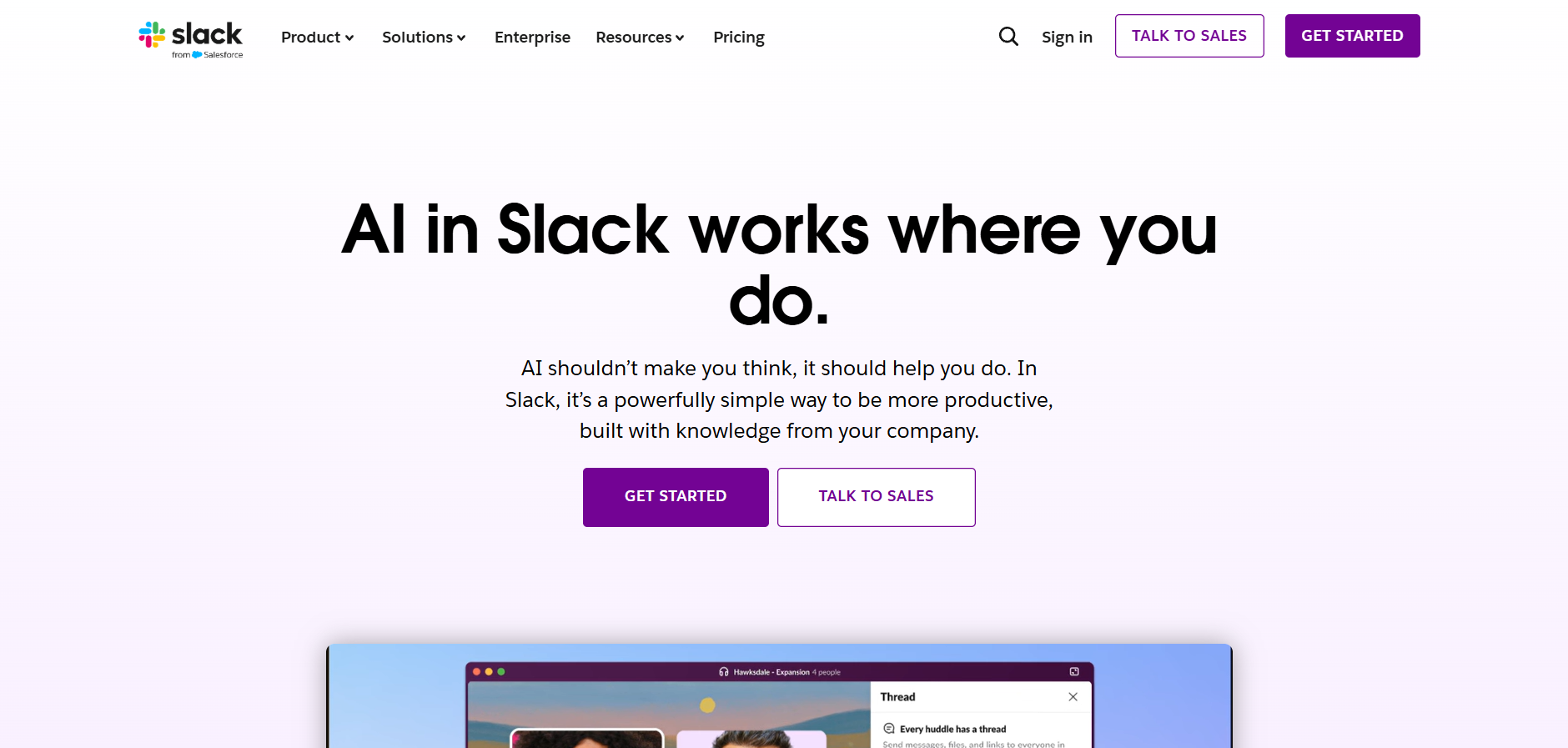
Standout feature: Thread and channel summaries. Slack AI gives you a summary of long threads and channels in a concise form, and also mentions the first message in every summary. The AI collaboration tool makes it easier to understand the situation and to get back on track.
Pros:
- Saves time from going through long threads and updates.
- The summary every day highlights important threads and information.
- AI assistant works in Slack, so there is no need to move from the platform.
Cons:
- Cannot do any research or answer complicated technical questions.
- Doesn’t have external knowledge.
Pricing: Slack AI is included in the Slack Business + package priced at $15/user/month for annual billing.
Confluence - Best for Atlassian users
Overview: Rovo is an AI layer built by Atlassian for Confluence, Jira, and Bitbucket products. Rovo connects issue tracking and documentation, which have a tendency to drift apart from each other.
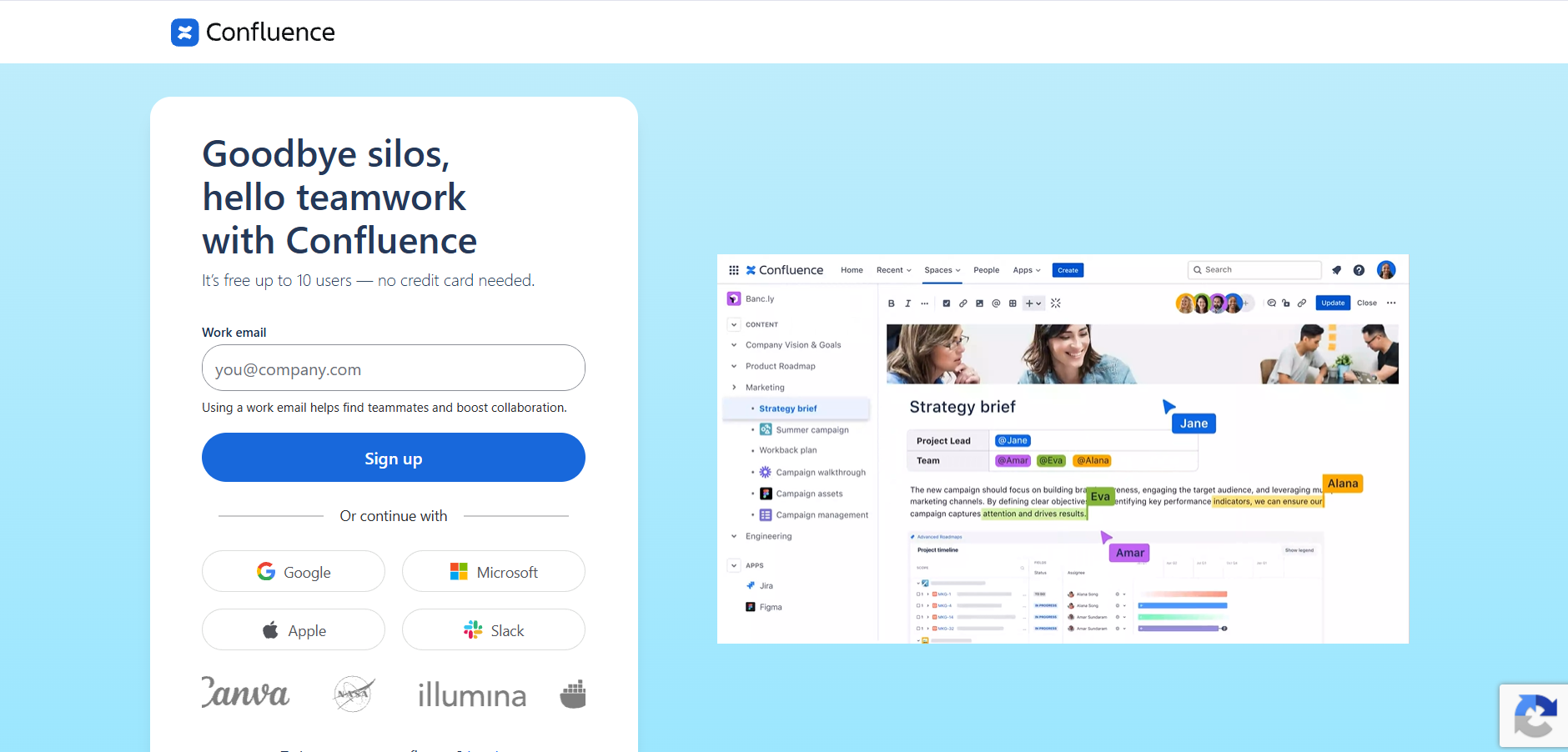
Standout feature: Teamwork Graph. This graph shows how different Jira issues, Confluence pages, and Bitbucket code are interconnected. With this knowledge, Rovo Agents can do tasks such as service tickets without any manual intervention.
Pros:
- Supports MCP in both directions, so outside tools can query Atlassian data
- Atlassian agents can read outside databases
- Works as a solid hub for mixed tool stacks
Cons:
- Strict usage-based AI billing means teams can hit limits fast
- Even failed automation steps use credits, so errors cost real money
Pricing: Confluence Standard costs $5.42 per user per month and includes 25 Rovo credits. Premium costs $10.44 per user and includes 70 credits. Extra credits cost $0.01 each.
Loom AI - Best for Remote Teams, Sales
Overview: Loom makes video updates out of screen recordings for teams to view on their own time. Rather than scheduling another meeting, users can record themselves explaining processes, new product updates, demonstrations, or sales pitches one time only.
Standout feature: Filler word removal. Automatic filler word removal. Loom AI automatically removes all common filler words and unnecessary silences from the video. Thus, you get a much cleaner and more professional video without any editing or video software needed.
Pros:
- Automatically generates titles, chapters, and a summary after the recording.
- Doesn't need any video-editing skills for perfect results.
- Facilitates asynchronous communication and reduces unnecessary meetings.
Cons:
- Fixed tiers for annual users can be inefficient for smaller teams.
- A higher-priced subscription is required to use advanced AI features.
Pricing: The Starter tier is free for up to 25 five-minute videos per month. Business subscription is $18/user/month, and Business + AI is $24/user/month.
Miro AI - Best for Design and Product
Overview: Miro is an infinite digital board for remote working teams to assist in coming up with ideas related to their product, workflow, and visualization. Miro AI will assist in structuring these brainstorming sessions by removing the extra effort of generating action plans.
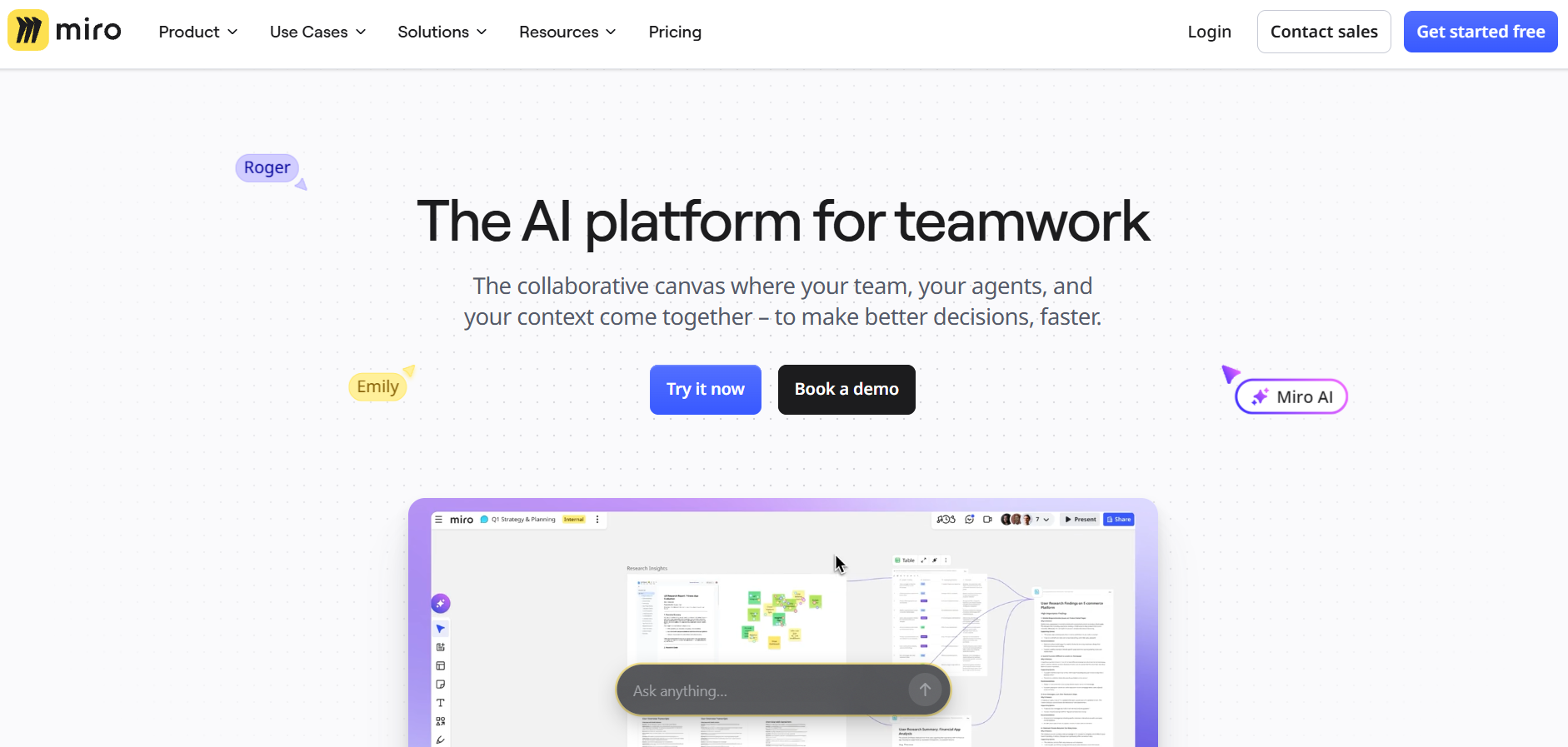
Standout feature: Automatic Clustering. Miro AI will be able to analyze many sticky notes and cluster them according to themes, sentiments, or possible action items. This is one of the AI collaboration tools that helps make patterns visible for teams and make planning easier for them.
Pros:
- Create mind maps based on simple prompts given in natural language.
- Develop systems and customer journey design visual structures faster.
- Help teams to structure early ideas without much effort.
Cons:
- AI functionality remains primarily focused within the Miro workspace.
- Outputs may need manual transfer into project management or development tools.
Pricing: Paid plans start at $8 per user per month for Starter and reach $20 per user per month for Business.
Figma / FigJam AI - Best for Product Designers
Overview: Figma uses AI technology during the design process that helps to help designers transition from the conceptual phase to good-quality interface design. The AI technology in FigJam can be used for brainstorming and ideating, whereas the AI technology in Figma can be used for making designs and improving them.
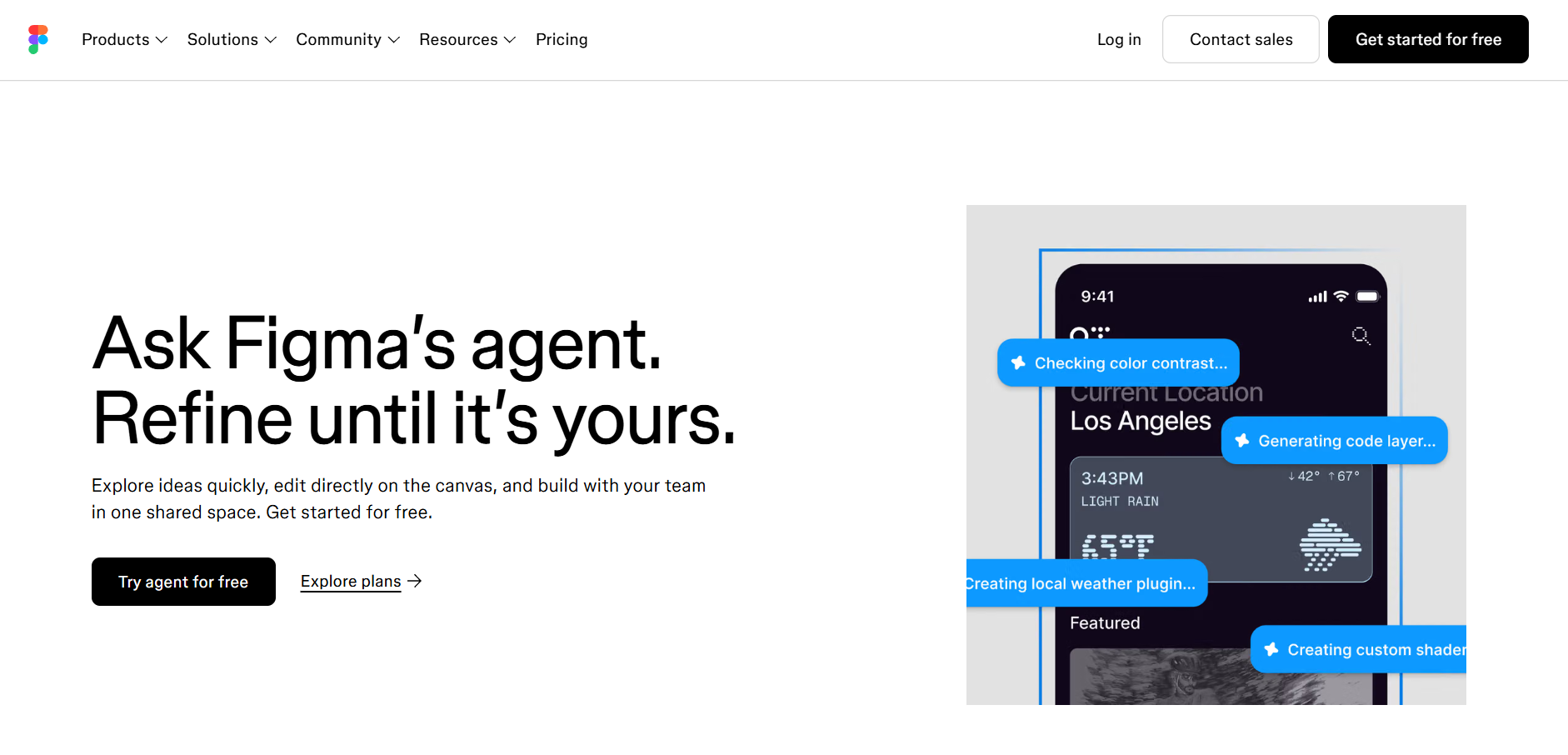
Standout feature: Figma Make. Designers will be able to write a description of their ideas using a natural language prompt. This AI collaboration tool enables designers to generate wireframes, layouts, and variations of components. They can act as the starting point for exploration and editing by teams.
Pros:
- Saves time on repetitive setup and boilerplate design tasks.
- Works together with existing design systems, retaining the visual consistency of designs.
- Helps teams go through conceptual stages and build prototypes more efficiently.
Cons:
- Monthly credits can restrict how often the advanced features can be used.
- Big or recurring changes may require more credits than anticipated.
Pricing: Figma offers the free Starter plan with some limitations. Paid seats vary in price between $3 and $20 per month per user.
Microsoft Loop / Copilot - Best for Microsoft-Heavy Stacks
Overview: Microsoft Loop is an app in Microsoft 365 that uses components, while Copilot is an add-on that offers an AI assistant for writing, summarizing, etc. The two together provide collaboration capabilities in Microsoft’s common applications such as Teams, Outlook, Word, etc.
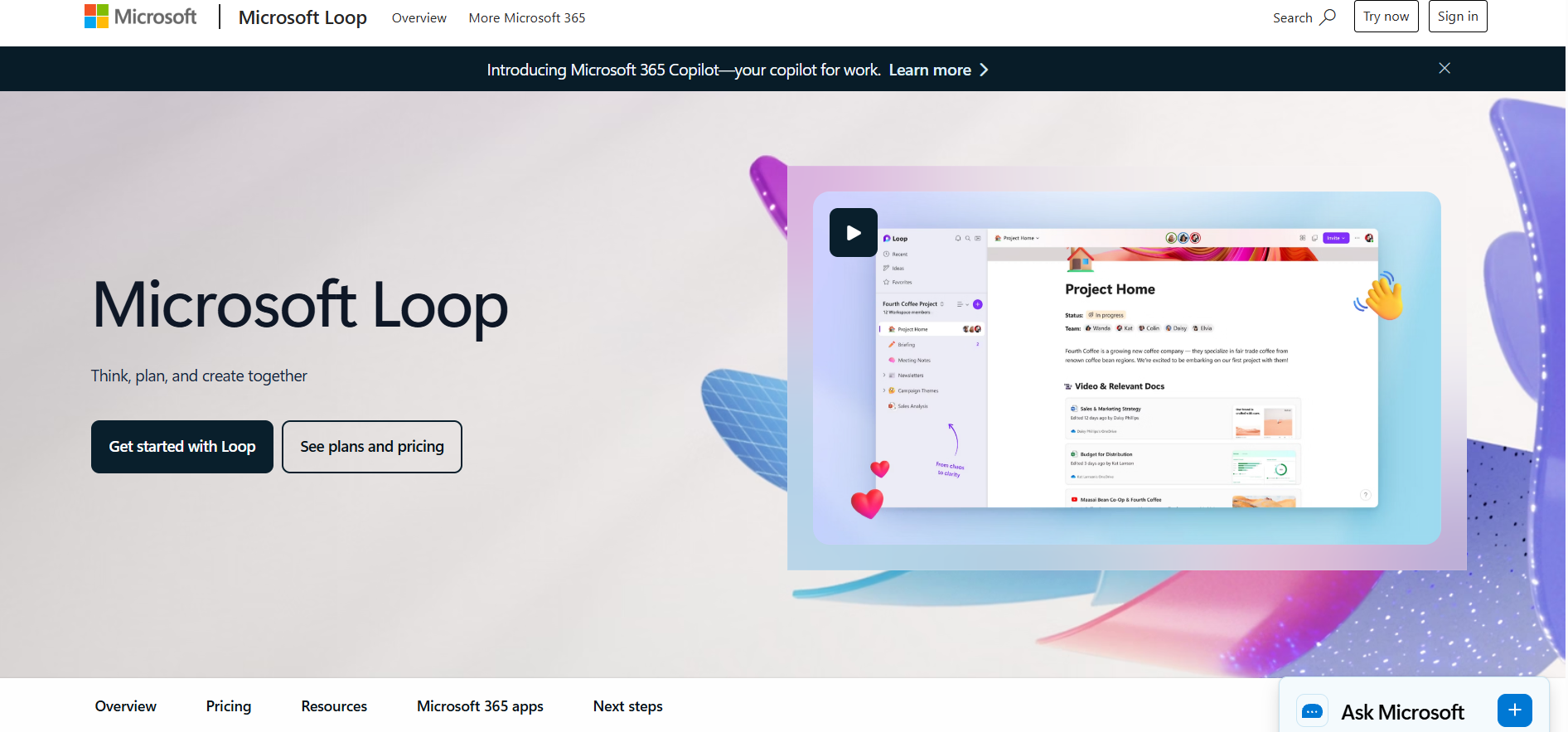
Standout feature: Consistency in multiple applications. Loop components may be utilized in Teams conversations, Outlook emails, and other environments within Microsoft 365, which ensures the consistency of the changes, and users will not have to make duplicates in all applications.
Pros:
- It works seamlessly in businesses built around Microsoft technology.
- It requires very little training for Microsoft 365 users.
- Keeps collaboration updates synchronized between the connected applications.
Cons:
- Can get expensive for company-wide use because of the higher user count.
- In addition to a Microsoft 365 license, Copilot needs another per-user subscription.
Pricing: Microsoft 365 Copilot is priced at $30 per user per month in addition to Microsoft 365.
monday AI - Best for Project Managers
Overview: AI is included by monday.com in all of its products, namely in project management, CRM, dashboard, and workflow automation. The company’s main objective is to assist teams in organizing their work, lowering the level of manual coordination, and creating consistent workflows. This is especially relevant for project managers who work on multiple streams of projects and communicate with many people.
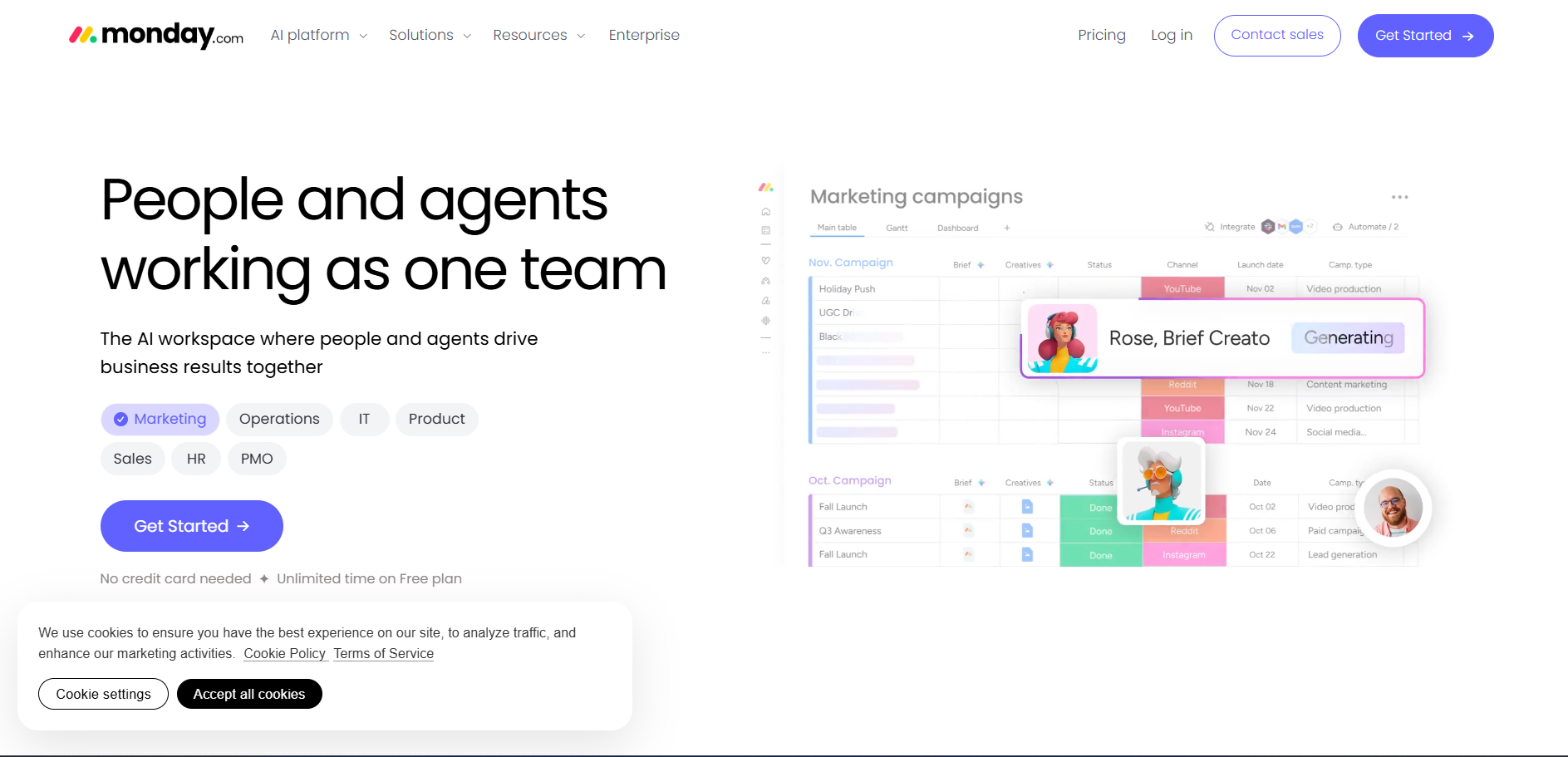
Standout feature: Task Extraction. With the help of the AI collaboration tool from monday, it is possible to process briefs of the project, emails, and other data and extract tasks, their owners, deadlines, and other details. Then the data will be organized within boards.
Pros:
- Converts project information into tasks.
- Ensures consistency of workflows.
- Decreases redundant data entry.
Cons:
- Its rule-based approach can limit flexibility for complex situations.
- It cannot independently rebalance resources when project conditions change.
Pricing: Paid plans range from $10.99 to $24.99 per user per month. Advanced AI features use custom pricing.
Airtable AI - Best for Operations
Overview: Airtable combines relational databases with AI capabilities, helping operations teams organize, analyze, and process structured business information without relying heavily on custom code.
The AI collaboration tool works particularly well for teams managing large datasets, recurring processes, and operational records.
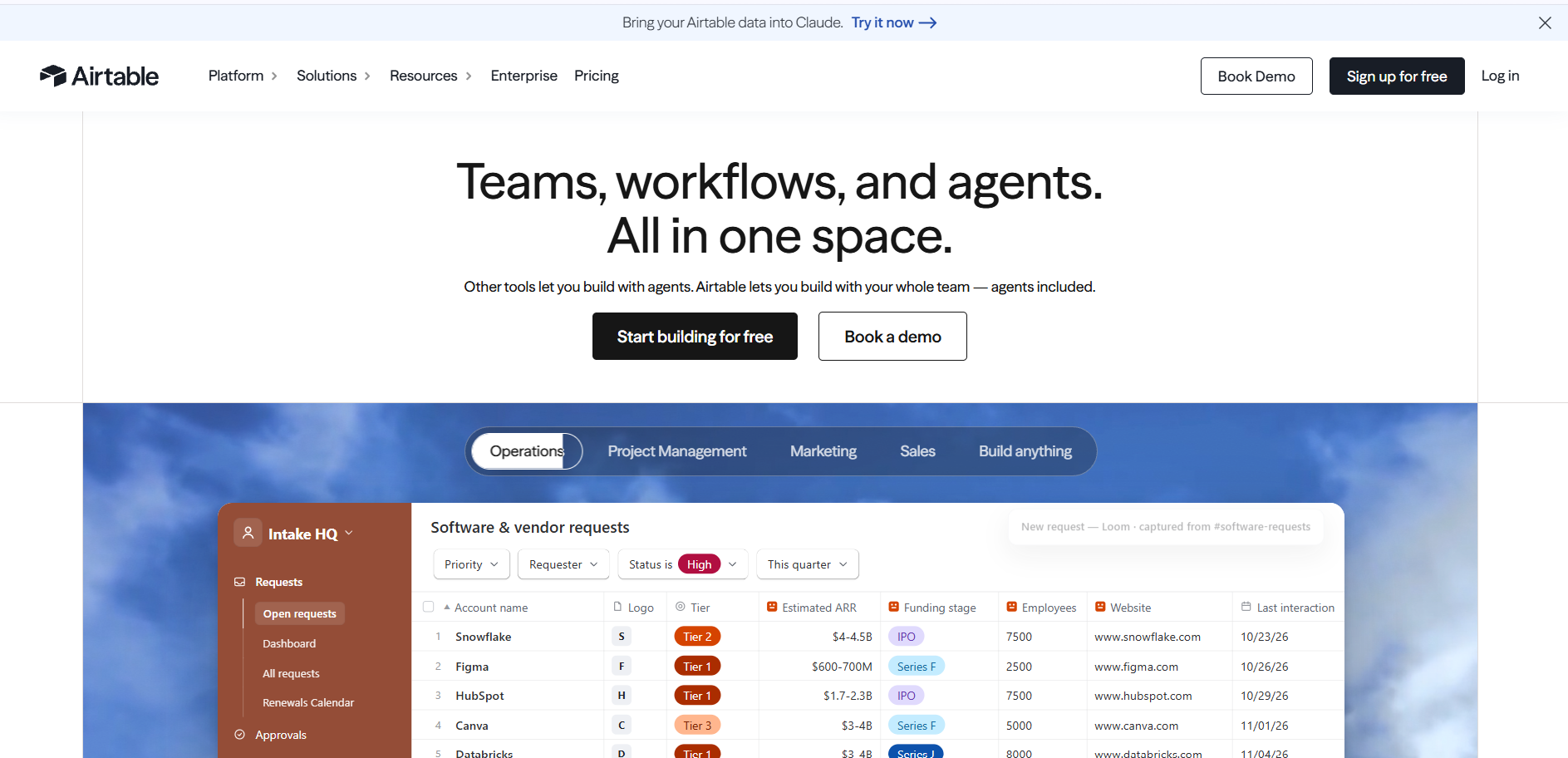
Standout feature: Field-level generation. Airtable AI can analyze information in one field and generate related outputs in adjacent fields. For example, raw customer feedback can be converted into sentiment labels, keywords, categories, or translations across thousands of records, making repetitive data processing much faster.
Pros:
- Processes large volumes of structured information efficiently.
- Reduces the need for custom scripts and external automation tools.
- Automates repetitive classification, enrichment, and cleanup tasks.
Cons:
- Less effective when working with complex, unstructured external documents.
- Delivers the most value when operational data is already stored in Airtable.
Pricing: Paid plans range from $9 to $19 per user per month. Enterprise pricing is customized for organizations with higher AI requirements.
Wrike - Best for Large PMOs
Overview: Wrike is designed for organizations managing complex project portfolios, multiple teams, and interconnected workflows. With this AI collaboration tool, its AI capabilities focus on identifying delivery risks, resource constraints, and potential bottlenecks, making it particularly useful for PMOs overseeing several projects simultaneously.
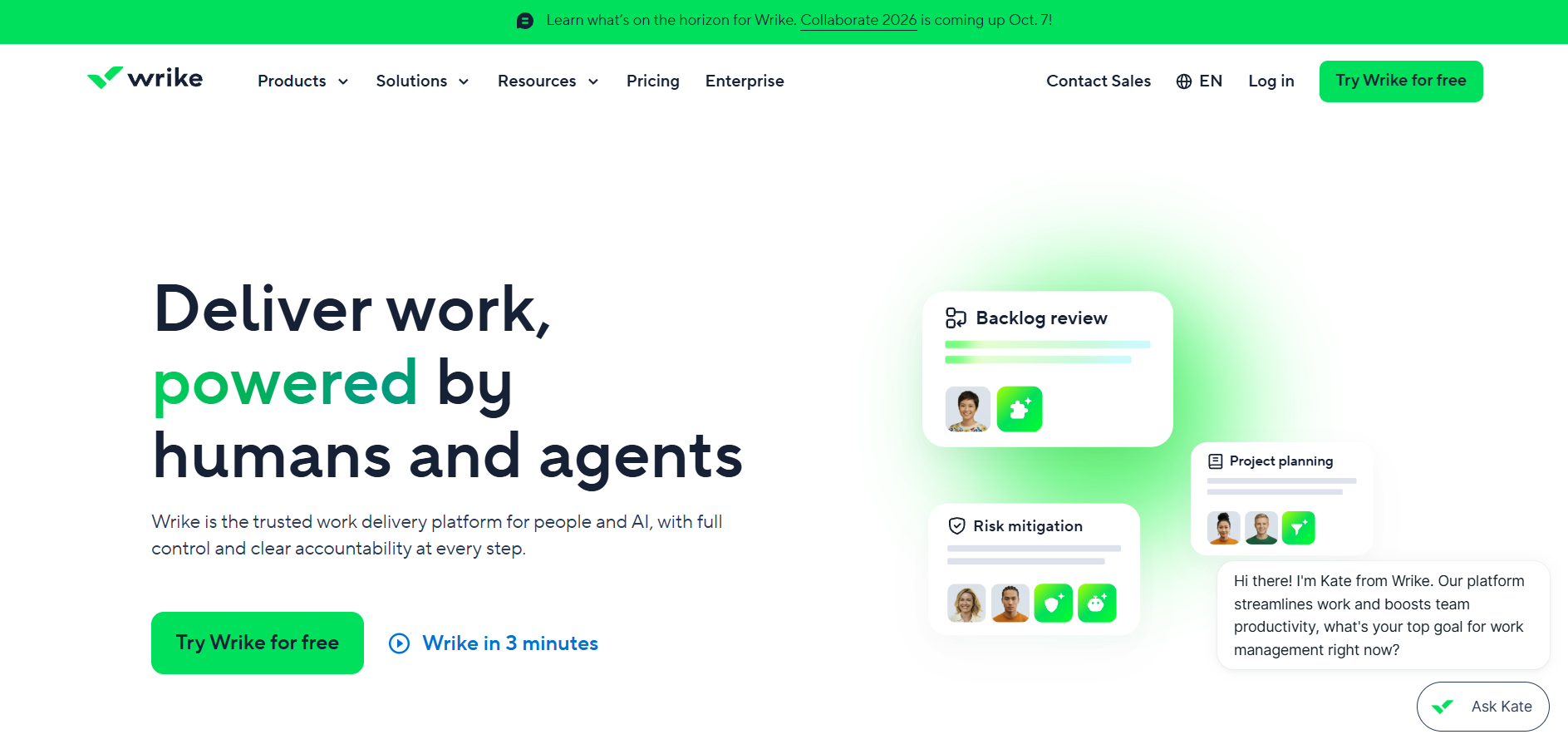
Standout feature: Project risk prediction. Wrike analyzes historical project performance alongside current task progress to identify patterns that could indicate upcoming delays. This allows teams to address issues before they affect delivery timelines.
Pros:
- Supports organizations managing large and complex project portfolios.
- Identifies potential bottlenecks early enough for teams to respond.
- Highlights resource shortages that could affect project delivery.
Cons:
- The interface can feel complex for new or occasional users.
- Advanced predictive capabilities may require additional time and training to use effectively.
Pricing: Paid plans range from $7 to $12 per user per month, depending on the selected plan and billing arrangement.
What Are AI Collaboration Tools?
These AI collaboration tools push software from passive to active. Older tools waited while people typed in data, built workflows, and pulled reports by hand. AI tools use large language models (LLMs) to handle much of that admin work.
They read messy inputs like meeting transcripts, chat logs, and client emails. Then they do something with them: update a database, close a ticket, send a follow-up. The software no longer just stores your work. It helps move it along.
AI Collaboration vs. Project Management vs. Enterprise Search
These three categories overlap, and buyers get tangled up in them. A simple test is to ask what each one is built to do.
- Project management tools (Monday, Wrike) track tasks and timelines. Their AI predicts delays and assigns work.
- Enterprise search tools (Glean) find and cite knowledge. They answer questions but don't act on the answers.
- AI collaboration tools (Thunai, Notion AI) do both. They find the right knowledge, then act on it, like answering a customer ticket or building a wiki page.
Real products blend these roles, so don't expect clean lines. Treat the categories as a guide, not a rule. For a wider view, see our guide to the best AI assistants.
Key Features to Look For in AI collaboration tools
Meeting summaries and async updates
AI collaboration tools can turn a long recording into a short, readable note. Tools like Loom also strip filler words and add chapter markers. Accuracy is the big question here.
Pick tools that stick to facts over smooth writing, because a polished summary that invents a commitment can cause real trouble.
Cross-tool knowledge retrieval.
Teams jump between many apps every day, and a good tool pulls answers from all of them. The industry is leaning toward MCP, which lets agents query outside tools and pass context along.
Rovo, for example, uses it to read Jira tickets, Slack messages, and code repos together. The AI sees more before it answers.
Task extraction and workflows.
The best AI collaboration tools spot commitments inside a document and assign owners from context.
Then they push those tasks into your tracker through an API. No more copying action items by hand after every meeting.
Source links and citations.
Look for tools that show where an answer came from. Slack AI links back to the original messages.
A citation lets you verify a claim in seconds, and that builds trust over time.
Benefits and Real Limits
- The upside is speed
- Teams spend less time organizing work and more time doing it.
- A platform like Thunai can lift support productivity by cutting manual searches and automating post-call CRM updates.
- Small wins stack up too. One summary saves a few minutes, but a few minutes saved many times a week turns into real hours.
McKinsey Global Institute estimated that a searchable record of company knowledge can cut the time employees spend searching for information by as much as 35%.
- The downside is accuracy
- Long transcripts can produce made-up commitments, numbers, and quotes. Models can lose their place in very long inputs and then guess to fill the gaps. That's why we weighed hallucination risk so heavily.
- Treat every AI summary as a draft and review it before you act, especially when money or promises are involved.
- Knowledge graphs fix much of this by mapping how authors, documents, policies, and entities connect, so the AI answers from structure instead of loose text.
- Tool sprawl is the hidden risk
- Marketing buys one AI tool, sales buys another, and engineering builds its own. Data ends up siloed.
- Agents that pass output to each other can multiply mistakes. Overlapping licenses waste money.
- Set clear ownership early: who approves new AI tools, who reviews access, and who tracks cost. For one way to tackle this, read about Meta Muse for enterprise AI.
IBM found that 63% of organizations lacked AI governance policies to manage AI or prevent shadow AI from spreading.
How Much Do AI Collaboration Tools Cost?
Pricing is messy because LLMs cost more to run than ordinary cloud apps. Vendors lean on three models: flat per-user fees, usage-based credits, and enterprise capacity tiers. Each has trade-offs.
Gartner expects over 40% of agentic AI projects to be canceled by the end of 2027, citing escalating costs, unclear business value or inadequate risk controls.
Flat fees are easy to predict, but you pay for every seat, even for people who barely log in. Usage-based credits match cost to activity, though bills can jump in busy months. Enterprise tiers give you custom terms, but you'll negotiate and commit.
The sticker price is rarely the final bill. Watch for these three traps:
- Notion's Business seat is $20, but Custom Agents cost extra at $10 per 1,000 credits.
- Atlassian charges $0.01 per extra credit, even for failed steps.
- Loom's fixed tiers mean a 55-person team pays for 100 seats.
Before you sign, ask each vendor three things. What happens when we pass the usage limit? Is there a seat minimum? Which AI features sit behind a higher plan? Clear answers now save you from nasty invoices later.
How to Choose the Right AI Collaboration Tool
By team size
- Small teams: Notion AI or Loom work well when you want quick value with minimal setup, training, and administration.
- Mid-size teams: Thunai can be a strong option when flexible scaling is important. Usage-based pricing allows teams to expand adoption without committing to large seat counts.
- Large enterprises: Glean is suitable for organizations that need secure indexing across multiple systems, departments, and information sources.
- Consider implementation effort: Larger teams usually need stronger governance, integrations, permissions, and administrative controls.
- Match the tool to growth: Choose a platform that can support increasing users, workflows, data sources, and AI use cases as the organization expands.
By existing stack
- Jira and Confluence: Rovo can be a practical choice because its native integrations work within tools teams already use.
- Microsoft 365: Copilot fits naturally into organizations that rely heavily on Microsoft applications and workflows.
- Slack: Slack AI can be an easy starting point for teams that already use Slack extensively for communication and collaboration.
- Reduce training: Choosing a tool that works with your existing stack means employees spend less time learning another platform.
- Improve adoption: Familiar interfaces and connected workflows can make AI easier to introduce across teams.
- Start with your ecosystem: Existing integrations should be evaluated alongside features, pricing, security, and scalability.
By security needs
- Review data policies: Ask vendors how they store, process, retain, and protect customer data.
- Check model training: Look for clear commitments that customer data will not be used to train AI models.
- Prioritize data retention: A transparent zero-data-retention policy can provide stronger protection for sensitive information.
- Evaluate access controls: Attribute-Based Access Control (ABAC) can provide more granular control over who can access specific information.
- Protect sensitive content: Permission-aware retrieval can help prevent restricted HR, financial, or customer information from reaching unauthorized users.
- Consider regulated industries: Organizations with strict compliance requirements should evaluate relevant certifications and authorizations, including FedRAMP where applicable.
- Assess AI-specific risks: Security reviews should also consider prompt injection, data leakage, permissions, and AI-generated queries.
Ready to see how Thunai turns your company's knowledge into AI agents that support, sell, and update your CRM across every channel? Book a demo today.
FAQs on AI Collaboration Tools
What is the best AI collaboration tool?
It depends on the job. Glean leads in enterprise search. Thunai is strongest for support and sales. Loom is the standard for async video. Start with the problem you need to solve, then match the tool to it.
Are AI collaboration tools secure?
Yes, if they carry audited certifications like SOC 2 Type 2 or FedRAMP. Secure tools use permission-aware RAG, so the AI reads only what you're allowed to see. Read a vendor's security documents before you connect sensitive data.
How much does Notion AI cost?
Full access needs the Business plan at $20 per user per month, billed yearly. Custom Agents cost extra at $10 per 1,000 credits, shared across the workspace.
What is Atlassian Rovo?
Rovo is an AI layer built into Confluence, Jira, and Bitbucket. It uses the Teamwork Graph to connect code, tasks, and docs. You can chat with your data and deploy agents to resolve service tickets.
Do AI meeting summaries hallucinate?
They can. Long, complex meetings raise the odds of invented details. Tools that ground the AI in knowledge graphs and show source links lower the risk. Review summaries before you share them.
What is Model Context Protocol (MCP)?
MCP is an open standard for how AI agents connect to outside tools. It lets agents read and write data across apps without a custom API build for each one.
Is Loom AI free?
The Starter plan is free but limited to 25 videos of 5 minutes each. AI features like filler removal, chapters, and summaries need Business + AI at $24 per user per month.
How does Thunai price its platform?
Thunai is freemium and usage-based, with unlimited seats on every plan. Free includes 270 AI credits. Paid plans run from $9/month (Starter) to $499/month (Premium).