
The AI notetaker is now standard meeting kit. Precedence Research values AI meeting assistants at $1.42 billion in 2026. But popular is not the same as private.
Bots crowd the call, and minute caps cut conversations short. Recordings also travel to servers you do not control.
In this guide, we'll compare AI note taking apps by bot status, processing location, and offline support. In doing so, we also weigh free limits and real pricing, so you can choose the right AI meeting note taker.
Why Professionals Are Rethinking AI Meeting Assistants
Cloud assistants are capable. But capable does not always mean appropriate. Four pain points come up repeatedly:
- Bots That Change the Room. A visible recorder can chill candor on client calls. Ohio State University's Otter.ai privacy advisory steers staff toward university-approved tools that announce recording.
- Consent and Training Risk. Otter.ai, Fireflies.ai, and Granola face privacy lawsuits over recording, voiceprints, or training. Meaning, due diligence matters, although these claims are allegations, not proven findings.
- Free Plans That Run Out. Otter Basic stops at 30 minutes per conversation. Fellow Free allows five AI recordings for life.
- Cloud-Only Dependence. Many tools cannot transcribe without a connection. Weak conference-room Wi-Fi then becomes your problem.
None of this makes cloud tools a poor choice for routine internal meetings. The takeaway is simple: check where your audio goes before you press record.
Quick Picks: The Best AI Note Takers at a Glance
On the whole, the best AI note taker for meetings depends on what you protect most.
- Thunai Edge: An AI note taker app that also acts.
- Otter.ai: An AI note taking app for live words.
- Fireflies.ai: Strong for teams that search past calls often.
- Granola: Your bullets, enriched into AI meeting notes.
- Meetily: For technical users who want to inspect Meetily's MIT-licensed source code.
Five more tools complete the top 10 below.
How We Picked These AI Note Takers
We compared AI meeting transcription software through documentation, pricing pages, and research reviewed in November 2026. Meaning, these picks rest on desk research, not lab tests. We judged secure AI note takers on six criteria:
- Capture Method. Does a bot join, or does the app record your device audio?
- Processing and Offline Use. Cloud, on-device, or hybrid processing determines what survives without internet.
- Accuracy and Speakers. We weighed language coverage and speaker diarization. Whisper, a popular speech model, needs silence filtering. In testing, one study of Whisper large-v3 on non-speech audio found hallucinations on 99.97% of clips.
- Follow-Through. Summaries, action items, and automated follow-ups should save work. But by doing this, a tool should never skip human review.
- Security. We checked SOC 2, HIPAA, GDPR, encryption, model training, and data retention. These are the basics of private AI meeting notes.
- True Cost. Meeting transcription tools differ sharply on free plans. Minute caps and seat minimums vary just as much.
The Best AI Note Takers
Whether you need AI meeting assistant software, AI note taking software, or a simple AI notes generator, match the tool to your workflow. In doing so, remember that the best AI meeting note taker for a freelancer may fail a hospital security review. Prices are per user monthly, billed annually unless noted.
1. Thunai Edge: Best for Private, Bot-Free Notes on Windows and Mac
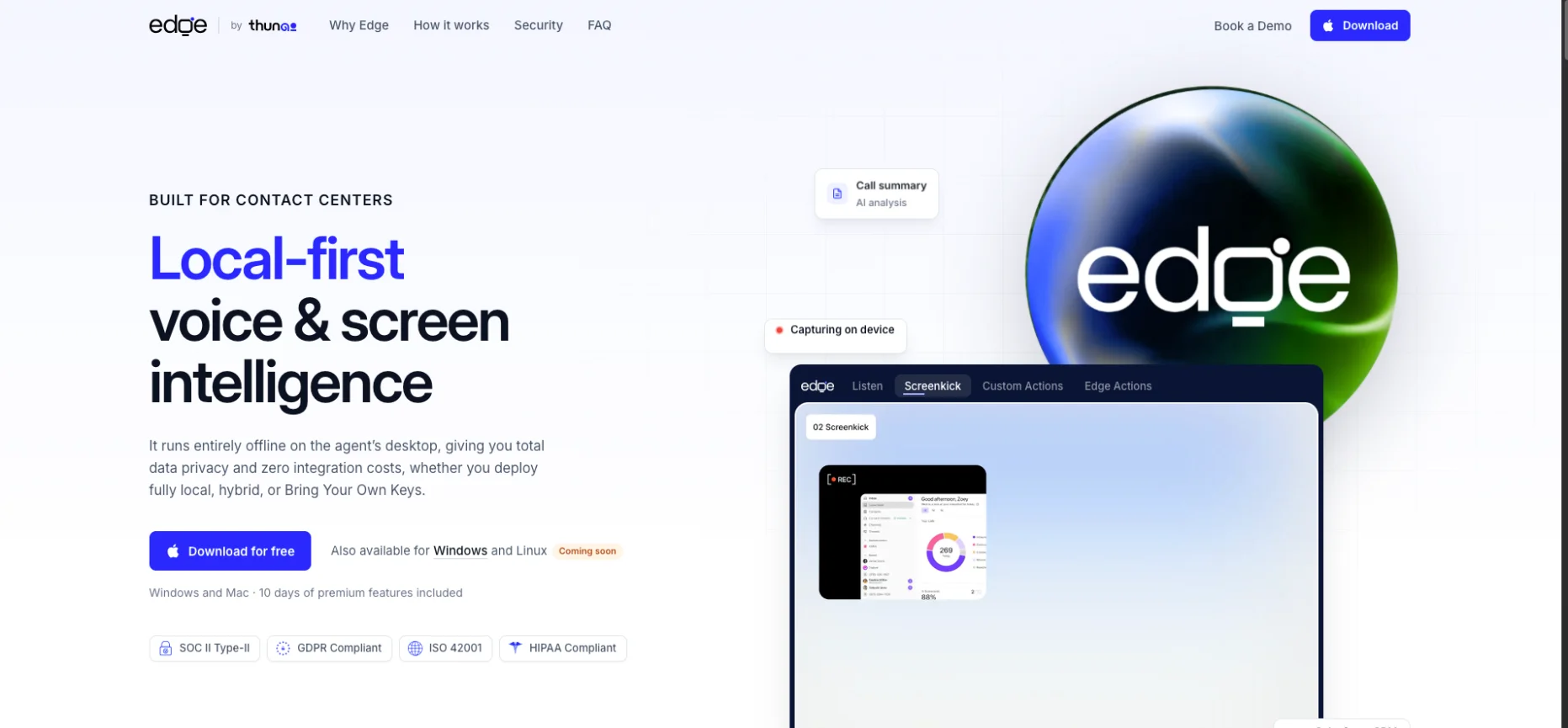
Thunai Edge is local AI transcription software that also summarizes and acts. Professionals, support teams, and regulated organizations can use the app for private meeting notes.
G2 reviewers like the wider Thunai platform for its efficiency, productivity, and helpfulness. Some feel the platform falls short on transcription accuracy and onboarding simplicity, although these comments are not specific to Edge.
This is a reliable AI note taker without a bot for private, offline work on Windows and Mac.
Features:
- Bot-Free and Offline. Edge records desktop audio and microphone input. In doing so, the app asks for your consent. Local AI mode runs on-device AI transcription with Whisper. You can pair local models such as Llama, Gemma, and Mistral.
- Flexible Processing. Choose Local, Hybrid, or bring-your-own-key Cloud AI.
- Edge Actions. Workflows prepare meeting briefs, draft minutes and follow-ups, and track tasks. CRM updates work in Hybrid or cloud-key mode.
Pros:
- On the whole, Edge is free to install with 10 days of premium access. Every plan includes unlimited recording.
- Thunai lists SOC 2 Type II, GDPR, ISO/IEC 42001, and HIPAA compliance.
Cons:
- Newer to market - so documentation is limited
2. Otter.ai: Best for Live Meeting Transcription
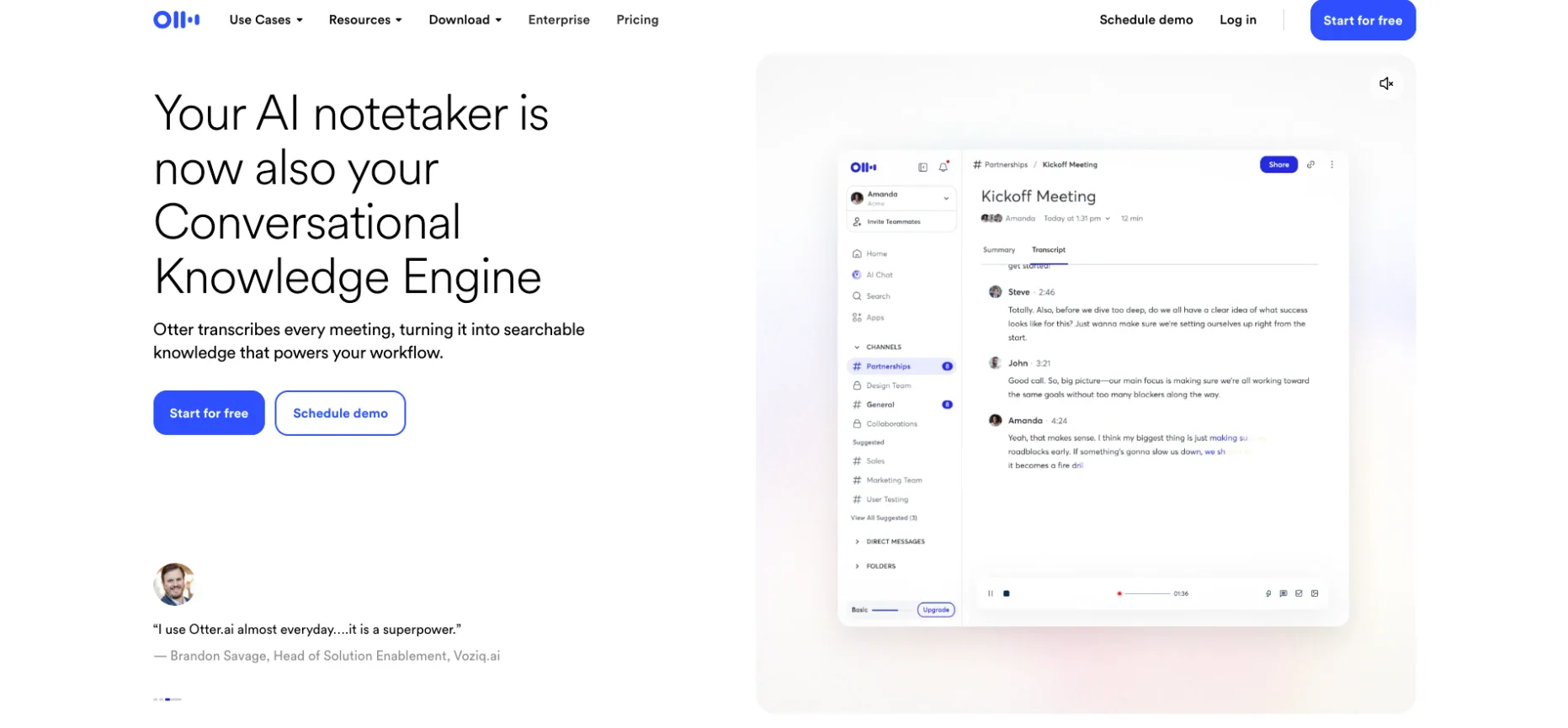
In the grand scheme, Otter.ai is a cloud workspace built for AI meeting transcription and real-time meeting notes.
G2 reviewers like Otter for the value of its transcription. Some feel the tool falls short because of recording issues and accuracy problems with accents, noise, and overlapping speech.
This is one of the best AI note takers for meetings that need live captions and instant Q&A.
Features:
- Capture. Otter Notetaker joins Zoom, Google Meet, and Microsoft Teams. In-app recording uses your microphone instead. Processing is cloud only. Meaning, there is no offline transcription.
- Live Output. Speaker identification labels who said what. AI meeting summaries turn talk into reviewable notes.
- Integrations. CRM connections vary by plan.
Pros:
- Basic is free. Pro costs $8.33 annually or $16.99 monthly. Five Pro users pay about $500 a year on annual billing.
- Live captions and searchable chat speed up review.
Cons:
- On the whole, Basic is tight at 300 monthly minutes, capped at 30 per conversation. Longer workshops will not fit. Lifetime imports stop at three.
- A federal privacy case over recording and training is pending. HIPAA is an Enterprise add-on.
3. Fireflies.ai: Best for Searchable Meeting Records
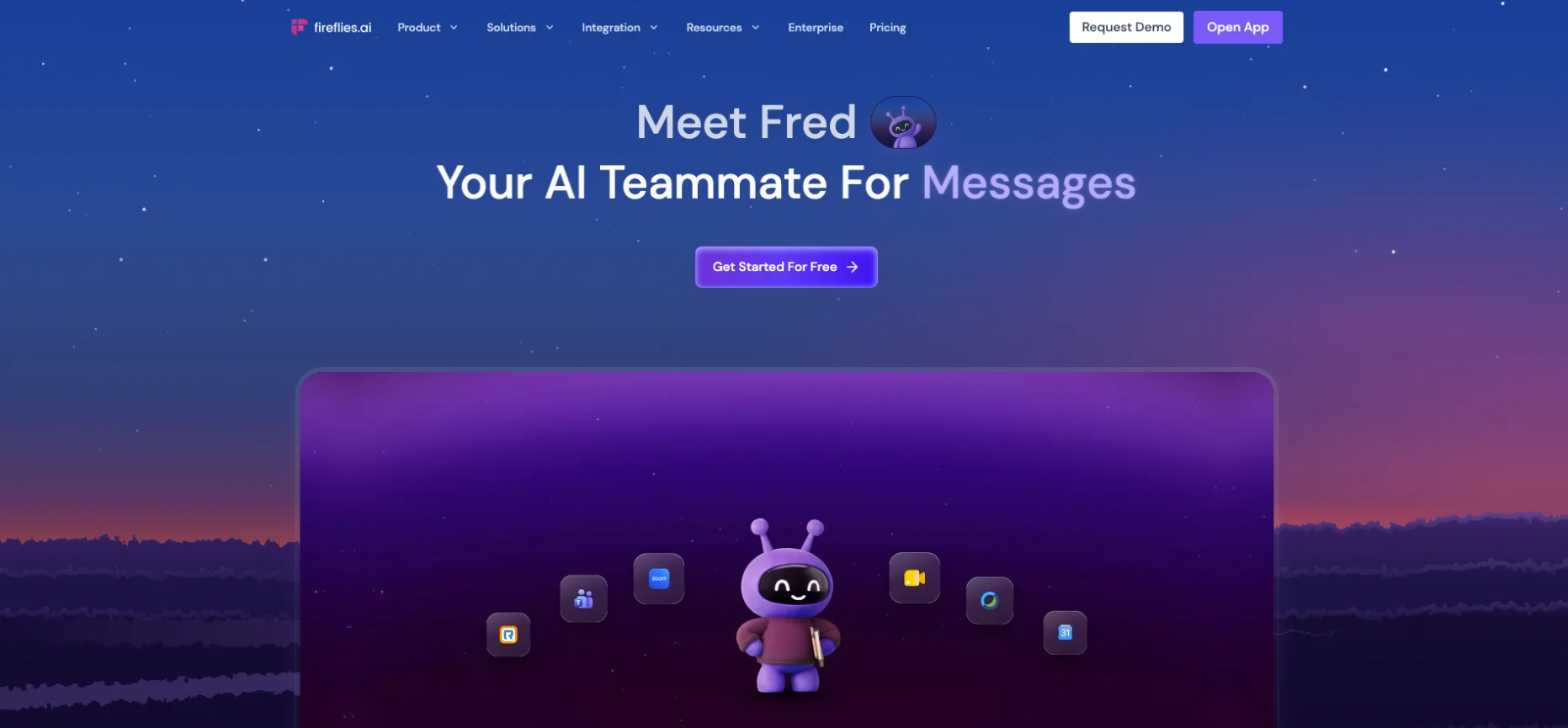
Fireflies.ai turns automated meeting notes into long-term team knowledge.
In the grand scheme, G2 reviewers like Fireflies.ai for its accurate transcription and automated summaries. Some feel accuracy is still lacking in noisy or multi-speaker settings.
This is one of the better AI note taking apps for sales and recruiting teams building searchable libraries.
Features:
- Capture. The Fred bot is the default. Bot-free Chrome and mobile options are also available. Processing is cloud only, without offline summaries.
- Search. Searchable transcripts cover 100+ languages. They pair with AskFred and AI meeting summaries.
- Revenue Tools. With this, teams also get conversation intelligence, meeting analytics, action items, and CRM integrations.
Pros:
- Free includes transcription with limits. Pro is $10 annually, or $1,200 a year for ten seats.
- Language coverage suits global teams.
Cons:
- Free caps storage at 400 minutes per team. Only 20 AI credits are included. Meaning, active teams will likely outgrow this tier quickly.
- HIPAA requires Enterprise. A proposed Illinois biometric privacy suit is also pending.
4. Fathom: Best for Free AI Meeting Notes
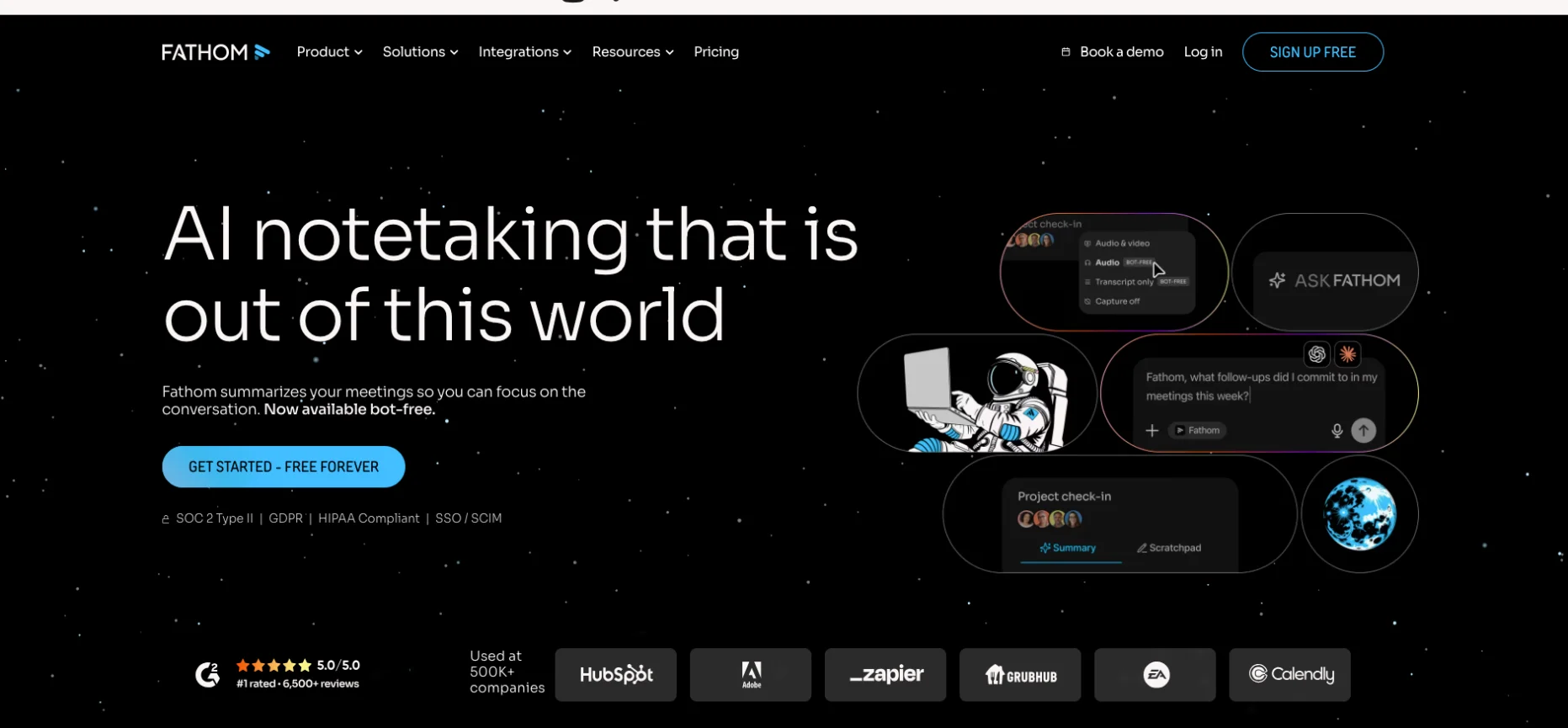
Fathom is a cloud AI meeting notes generator. Solo callers have a free AI note taker worth trying first.
G2 reviewers like Fathom because the tool is easy to use and accurate. Some also report occasional trouble when Fathom joins meetings.
This is the best AI note taker for solo users who want free cloud recording.
Features:
- Capture. On the whole, a bot is standard. Bot-free capture is a Mac beta. Processing is cloud based. There is no offline mode.
- Summaries. Meeting summaries, clips, and search arrive soon after calls.
- Team Controls. Team includes a standard HIPAA agreement. With this, regulated groups get a clearer compliance path. Business adds CRM field sync.
Pros:
- Free advertises unlimited recording and transcription.
- Premium costs $16, and Team costs $15. Ten $25 Business seats total $3,000 yearly.
Cons:
- Free-plan limitations apply to advanced AI. Third-party reviews cite five advanced summaries monthly.
- On the whole, Windows users rely on the bot.
5. Granola: Best for Bot-Free Meeting Notes
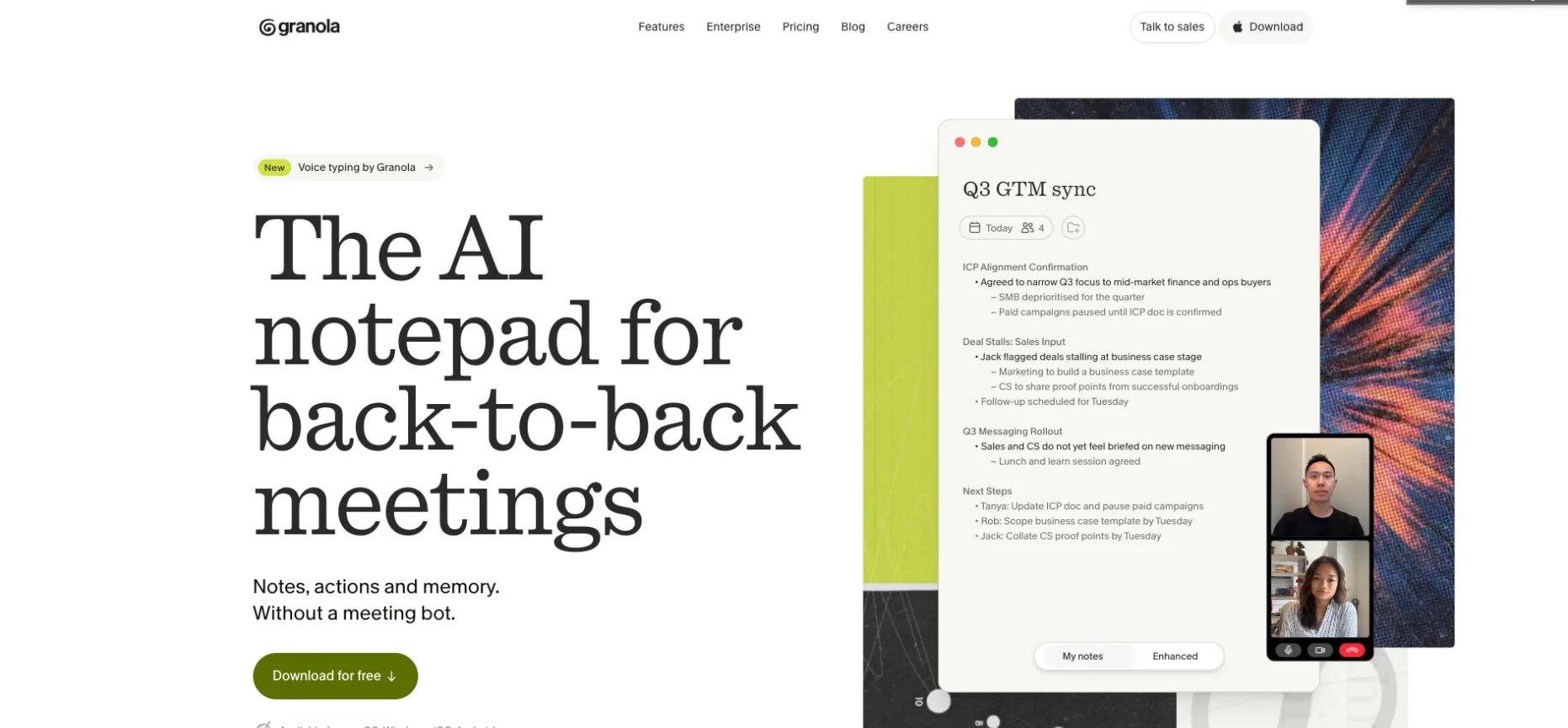
Granola is a bot free AI note taker. The app merges your typed bullets with transcripts.
G2 reviewers like how effortless Granola makes note-taking. Some feel speaker recognition is lacking because results can be inconsistent.
This is a reliable AI note taker without a bot for executives, founders, and investors who type live notes.
Features:
- Capture. Desktop recording picks up system audio and your microphone. With this, you get the “AI note taker no bot” setup many buyers want.
- Processing. Bot-free meeting capture still uses cloud-based processing. Offline transcription is unavailable.
- Notes. AI-generated notes expand your own. Raw audio is deleted afterward.
Pros:
- Basic is free. Business costs $14 monthly. Meaning, ten users pay $1,680 yearly.
- Human-led notes pair with SOC 2 Type II certification.
Cons:
- Basic limits history to 30 days. Non-Enterprise users must also opt out of anonymized training.
- Buyers should also weigh a pending July 2026 lawsuit alleging recording without consent. HIPAA is Enterprise only.
6. Krisp: Best for Noise-Free Meetings and Transcription

Krisp is an AI meeting assistant that began with audio cleanup.
On the whole, G2 reviewers like how Krisp helps them stay focused and revisit meetings later. Some users, however, find the subscription expensive.
This is a reliable AI note taker without a bot for remote teams in noisy spaces.
Features:
- Audio Processing. A virtual microphone and speaker sit between you and your meeting app. They apply noise cancellation and accent conversion.
- Capture. Bot-free capture provides AI transcription. With this, bot-based meeting recording stays optional. Standard transcription relies on the cloud.
- Speakers. Speaker identification may require calendar context or manual tagging.
Pros:
- Core is $8 annually or $16 monthly. Ten users pay $960 a year on annual billing.
- Voice clarity stands out in noisy rooms.
Cons:
- On the whole, Meeting AI offers a seven-day trial rather than an ongoing free plan. Transcripts cover 16 languages.
- On-device transcription is reported as Enterprise only. HIPAA is also Enterprise only.
7. Fellow: Best for Collaborative Meeting Management
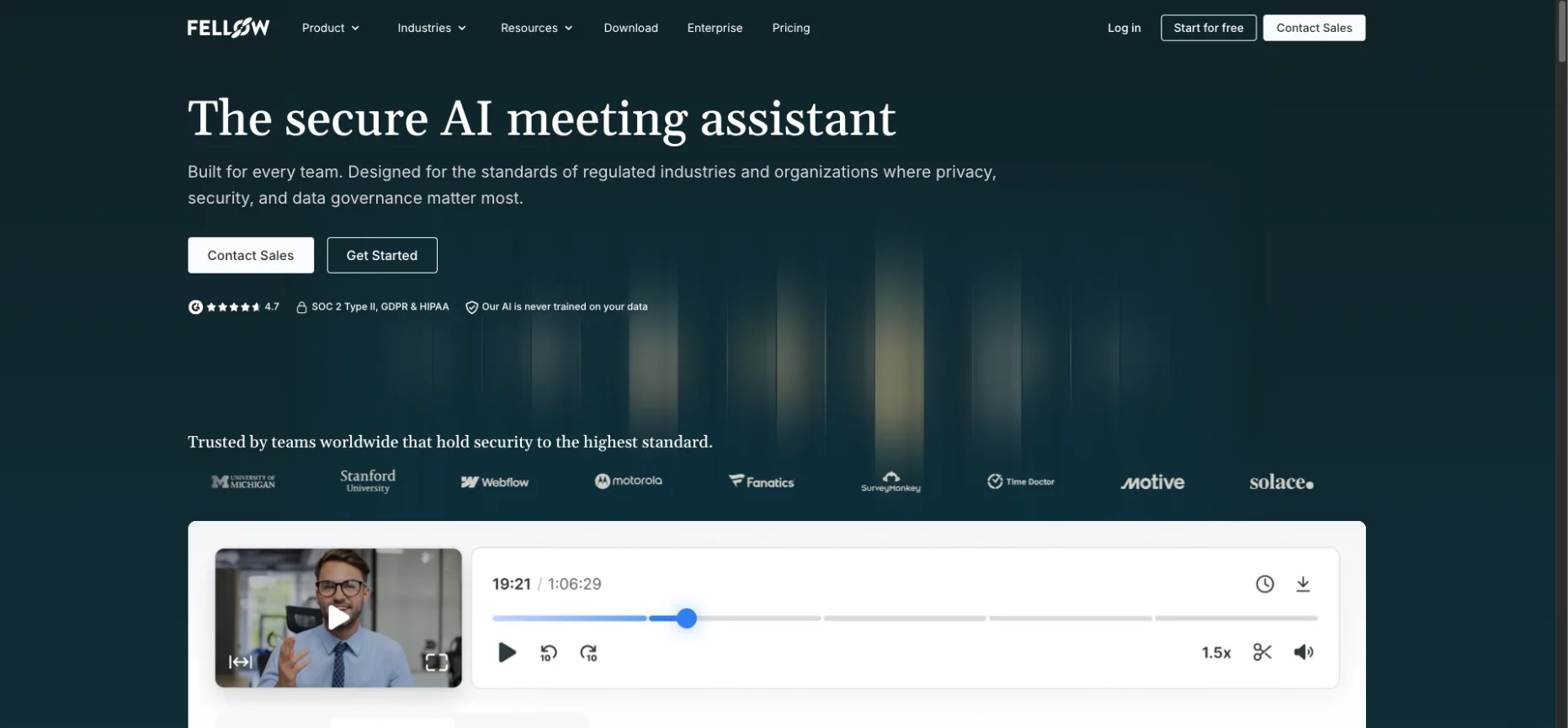
Fellow connects AI meeting notes to the agenda.
G2 reviewers like Fellow for its ease of use and AI integration. Some find that automatic call joining can occasionally struggle.
This is one of the better AI note taking apps for managers running recurring one-on-ones and team syncs.
Features:
- Capture. With this, you get bot, botless, and in-person recording. Processing is cloud based, with no documented offline mode.
- Collaboration. Meeting agendas and collaborative note-taking sit in one place. Assigned action items can lift team productivity.
- Automation. Automated meeting minutes and integrations reduce admin.
Pros:
- Fellow states it never trains AI on customer data.
- Team starts at $7. Ten Business users pay $1,800 a year for unlimited AI recordings.
Cons:
- On the whole, Free is thin, with only five AI notes and five recordings per user, for life. Regular users will need a paid plan quickly.
- Team also meters both at ten per user monthly.
8. Read AI: Best for Meeting Analytics and Summaries
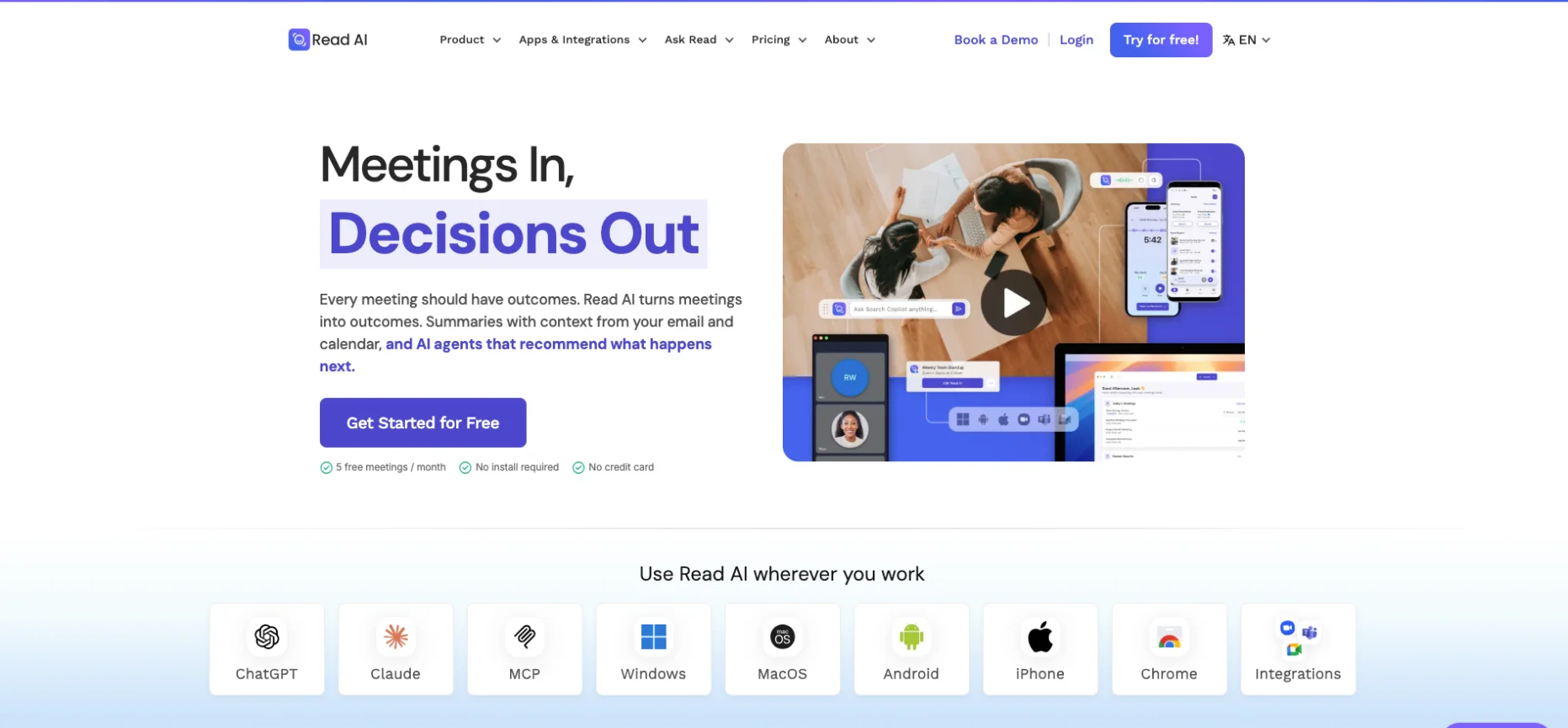
Read AI is AI meeting assistant software. Teams use the platform for meeting intelligence beyond a transcript.
G2 reviewers like Read AI for its action item summaries. Others dislike the automatic meeting joins, citing discomfort and some connection failures.
This is one of the best AI note takers for meetings that benefit from engagement and speaker coaching analytics.
Features:
- Capture. With this, you can record with the bot or the bot-free Windows and Mac apps. You still rely on cloud-only processing, with no offline reports.
- Analytics. Speaker analytics, engagement insights, and sentiment analysis show how conversations unfold.
- Search. Meeting transcription and AI summaries connect with email and Slack search.
Pros:
- Pro is $15 annually, or $1,800 a year for ten users.
- Desktop apps are included even on Free.
Cons:
- Free allows five transcripts monthly, with each meeting capped at one hour.
- HIPAA needs Enterprise+ with five licenses. In the grand scheme, engagement scoring can also make participants uneasy.
9. tl;dv: Best for Meeting Recordings and Highlights

tl;dv is a video-first AI meeting summarizer.
G2 reviewers like tl;dv because the app is easy to use and produces accurate transcripts. Some note that accuracy can vary in complex discussions.
This is one of the better AI note taking apps for researchers and sales teams curating video highlights.
Features:
- Capture. Choose a meeting bot or bot-free desktop recording. Processing happens in the cloud, without offline support.
- Highlights. Searchable recordings and timestamped transcripts keep calls easy to scan. With this, meeting highlights become simple to clip and share.
- Workflow. Automated meeting notes, multilingual support, and paid CRM integrations help teams act.
Pros:
- Free includes recording and transcription. Each meeting is capped at three hours.
- Pro is $18 annually. Ten users therefore pay $2,160 a year.
Cons:
- Full free AI notes cover only your first ten meetings. Meaning, later calls get just ten minutes of notes each.
- Free recordings archive after three days. They are kept for three months.
10. Meetily: Best Open-Source AI Note Taker for Local Processing
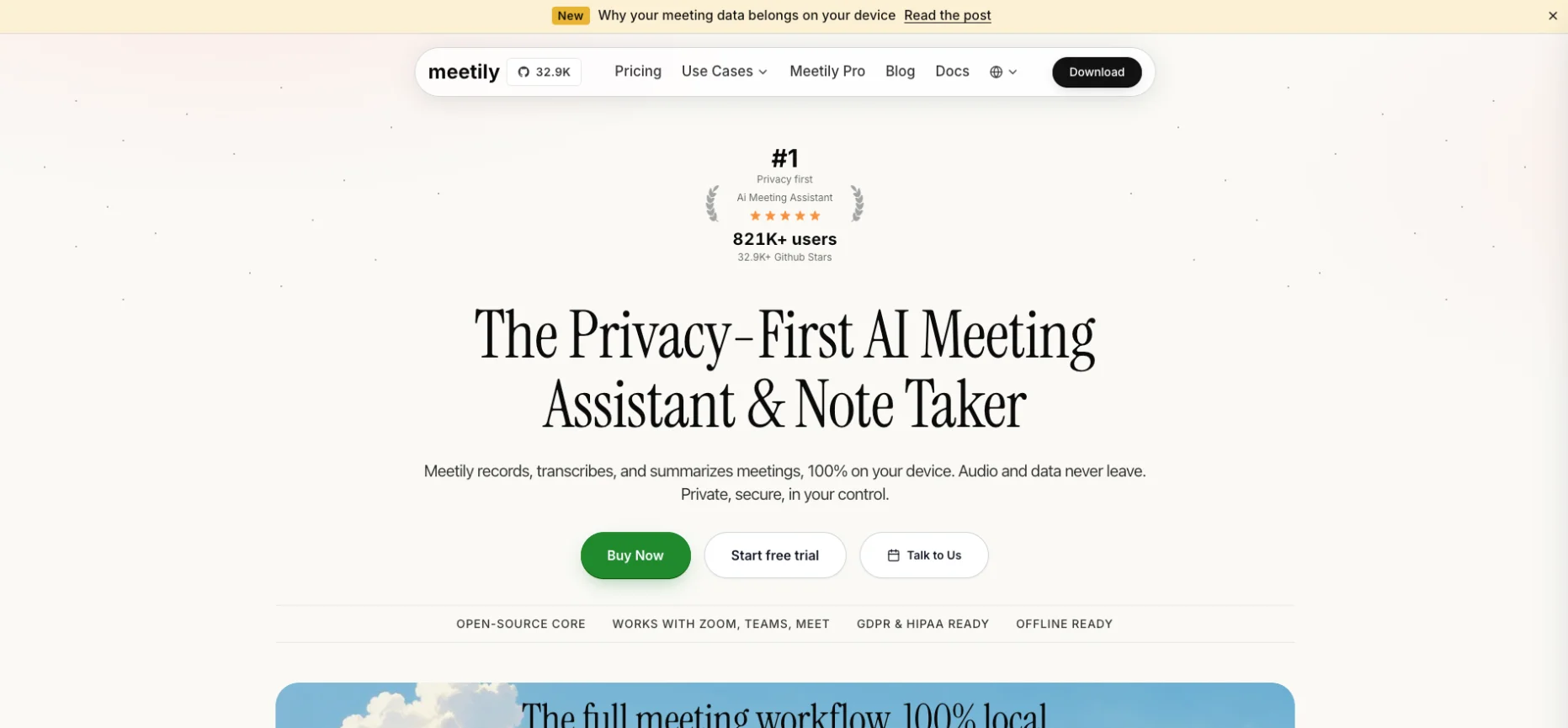
Meetily is an offline AI note taker. The project is built for self-hosting.
Meetily's lone G2 review praises its local processing, solid transcription, and calls without a meeting bot. G2's cons summary flags missing project management integrations, Pro costs, and transcription trouble on older hardware.
This is a reliable AI note taker without a bot for developers who want auditable, local processing.
Features:
- Bot-Free Capture. With this, the app records system audio and microphone input directly.
- Local Pipeline. Open-source meeting transcription uses Whisper models. Parakeet is another option. Ollama handles summaries.
- Data Control. On-device processing supports data privacy. You can also add cloud model keys. But by doing this, you change that privacy boundary.
Pros:
- Community Edition costs nothing and is MIT licensed.
- Auditable local AI transcription software works offline once models are installed.
Cons:
- Linux and NVIDIA CUDA setups require source builds. Native CRM workflows are absent.
- Documentation conflicts on speaker diarization, so test that feature first.
Bot vs. Bot-Free AI Note Takers: Which Should You Choose?
In the grand scheme, an AI note taker without a bot changes visibility, not legal duties. The tool simply records from your device.
When Meeting Bots Create Problems
Bots cause friction on external calls and with regulated clients. Hosts or administrators can also block them. Silent capture raises consent questions too. The complaint in Chamberlain v. Granola centers on that issue, though its claims remain unproven.
How Bot-Free Recording Works
Desktop apps capture system audio for other speakers. Your microphone input covers you. In doing so, these apps rely on operating-system audio tools or a virtual device. You grant permissions. You should also announce the recording. A bot free AI note taker may still upload everything.
For an AI note taker no bot can disrupt, start with processing location. Platform comes next.
Free AI Note Takers: What Free Really Includes
A free AI note taker can mean several things. Meaning, the label may cover a plan, lifetime allowance, trial, or open-source app.
Otter's pricing page shows the catch. This free AI meeting assistant caps each conversation at 30 minutes.
Thunai Edge is a free download with 10 days of premium access. The product page does not say which features remain afterward. Confirm that before relying on the app. In the grand scheme, read the retention, training, and subprocessor terms of any AI note taker free tier before confidential work.
The AI note taker no subscription shortlist includes Meetily's Community Edition and MacWhisper's one-time purchase. Hardware and upkeep still cost money.
Best AI Note Taker by Use Case
Pick an AI meeting assistant or AI note taker app by job. That matters most for private AI meeting notes.
Best AI Note Takers for Sales Calls
Fireflies.ai suits sales call transcription, conversation intelligence, and searchable deal history. The Business plan is $19. Otter.ai fits reps who want live transcripts and plan-dependent CRM integrations. On the whole, Thunai Edge works for reps who want action items without a meeting bot. CRM follow-up automation needs Hybrid or cloud-key mode.
Best AI Note Takers for Customer Support and Contact Centers
Thunai Edge combines call transcription, speaker identification, agent summaries, and screen-based procedure capture. Optional Thunai CX Cloud adds call scoring, live agent help, and team insights. That layer supports customer interaction intelligence. Otter.ai covers live transcripts and speaker diarization. Meaning, your demo should test both for multilingual transcription and any sentiment analysis you require.
Best AI Note Takers for In-Person Meetings
Thunai Edge works as an offline AI meeting minutes generator on laptops. Physical recording devices such as the Plaud NotePin sync to an app for AI notes. The NotePin S launched at $179. Google Recorder offers mobile transcription on Pixel 3 and later. MacWhisper offers offline meeting recording on Macs through Pro.
Best AI Note Takers for Regulated Teams
In the grand scheme, regulated buyers should weigh control first. Thunai Edge offers local AI processing, consent prompts, and Activity Logs. Ask which logs sync to the cloud. Meetily keeps processing local but lacks formal SOC 2 or HIPAA audits. Secure AI note takers still need encryption, access and retention controls, and GDPR review. Vendors handling patient data also need signed HIPAA agreements.
Best AI Note Takers for Windows-First Teams
As a Windows AI note taker app, Thunai Edge pairs offline transcription with follow-ups. With this, you should plan on an 8 GB GPU for local AI models. Krisp provides bot-free desktop recording with cloud transcription on standard plans. Meetily offers a Windows installer for teams comfortable managing local AI models.
How to Choose an AI Note Taker: Checklist
Run AI note taking apps through the same seven questions during a real trial:
- Does it require a meeting bot? Test external calls and administrator controls.
- Can it record meetings without an internet connection? Verify offline support in airplane mode.
- Does it process audio locally or in the cloud? Meaning, check transcription and summaries separately.
- Can it generate summaries, action items, and follow-ups? Check transcription accuracy and speaker identification with your accents and jargon.
- Does it support your meeting platforms and operating systems? Confirm integrations and hardware requirements.
- Are recordings encrypted, retained, or used for model training? Request security evidence. For health data, review HHS guidance on business associate agreements.
- Are free plans sufficient, or is a subscription required? Total free limits, seat minimums, and subscription costs.
Working With a Local-First AI Note Taker: Thunai Edge
On the whole, adopting Edge need not mean replacing everything. The right move depends on conversation sensitivity. Follow-up workload matters too, so note where tasks pile up.
Approach 1: Make Edge Your Primary Note Taker
Use Local AI when offline use and data control come first. A typical meeting runs like this:
- Prepare with a meeting brief.
- Give consent and record. With this, you can switch on Screenkick screen reading if you want visual context.
- Review the transcript, speaker labels, and summary.
- Approve drafted minutes, emails, reminders, and tasks. Sending or syncing them needs a connection.
Ask Edge also answers questions from past conversations and your documents. Be ready to test performance on your hardware.
Approach 2: Keep Your Current Tool and Add Edge for Sensitive Work
Keep your cloud assistant for routine team calls. In doing so, you can reserve Edge for client, legal, or HR conversations. Turn off auto-join for those meetings. Disable cloud models and backup when data must stay local.
Want to see your next meeting become notes and next steps without a bot?
Download Thunai Edge and put its 10 premium days to work!
FAQs on the Top AI Note Takers
1. What is the best AI note taker?
No tool wins every workflow. We pick Thunai Edge for bot-free, offline notes with follow-ups. Fathom is our choice for free cloud recording. On the whole, Meetily is the pick for open-source control.
2. Is there an AI note taker that doesn't join the meeting as a bot?
Yes. Thunai Edge, Granola, Krisp, Meetily, Shadow, and Bluedot offer bot-free capture. Bot-free does not automatically mean offline or private. You may still need every participant's consent.
3. Are free AI note takers safe for confidential meetings?
Not by default. Meaning, verify encryption, retention, model training, subprocessors, and required agreements first. A free plan is not automatically unsafe. A paid one is not automatically secure.
4. Can an AI note taker work offline?
Yes. Thunai Edge in Local AI mode and Meetily with local models can transcribe and summarize without internet. Some recorders also capture offline. But by doing this, they may still wait for a connection before producing notes.
5. Do AI note takers work for in-person meetings?
Yes. Laptop apps, phone recorders, and wearables can capture a room. Get consent and centralize the microphone. Verify names, numbers, and action items.