Nobody buys a voice recorder to worry about the transcription counter.
But here we are, at minute 290 of 300, deciding which meeting deserves a summary.
Plaud made the AI voice recorder feel normal. The card is slim. The summaries are sharp. The hardware is hard to fault.
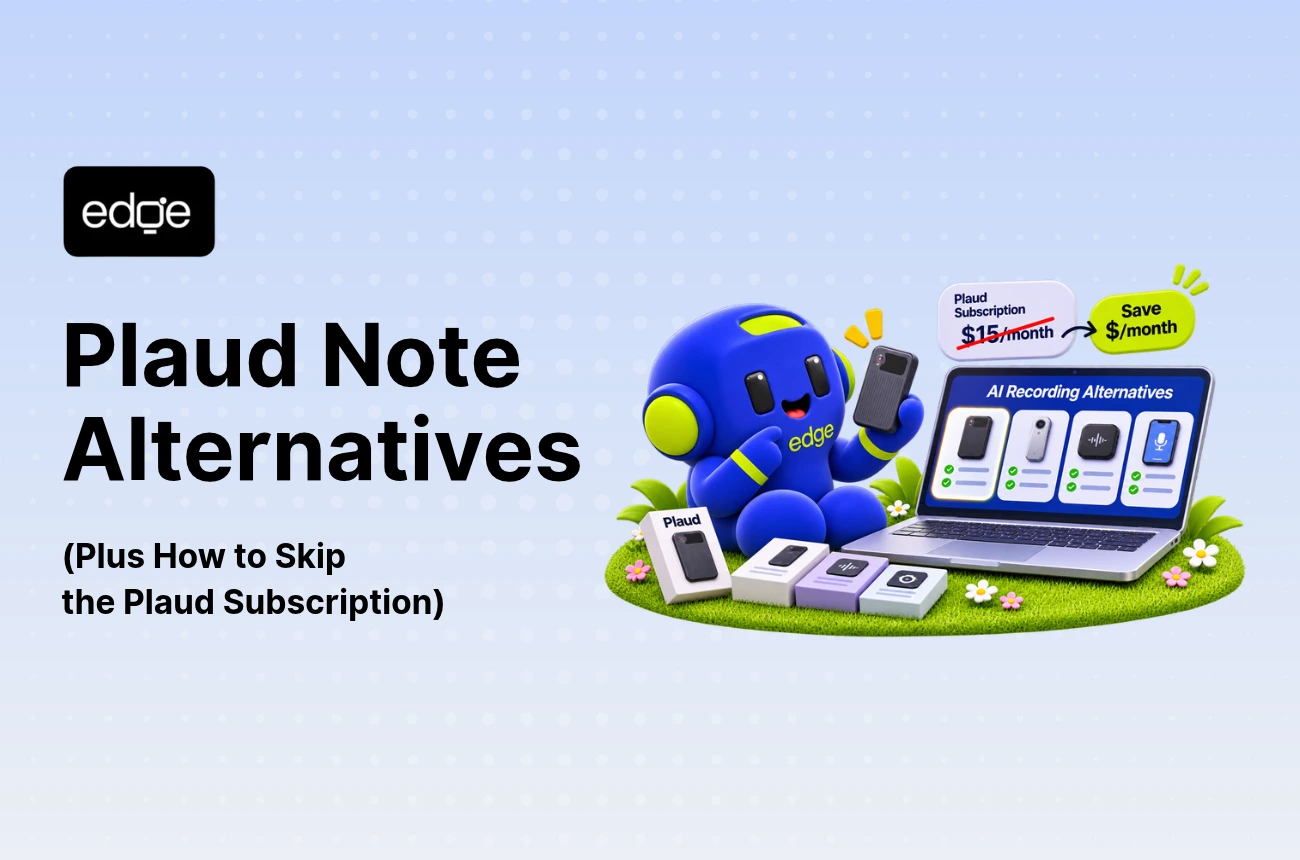
Then the free minutes run out, and a $159 gadget quickly becomes a $400 habit.
The issue is not Plaud. Honestly, the issue is buying the wrong replacement. A phone-call card, a Bluetooth earbud recorder, and a desktop app solve different problems. So this guide sorts every option by what you actually record.
Why People Look for Plaud Note Alternatives
Plaud still wins on hardware. Owners really appreciate the 30-hour battery and the 30 g card. They also like summaries that read cleaner than most people’s own notes.
So searches for alternatives are rarely about quality. Most of the time it is about cost, limits, and fit.
Wherein buyers usually hit one of four walls:
- Transcription Cap: The free Starter plan gives 300 minutes a month. That is five hours. One busy week of calls can burn through it.
- Subscription Creep: Pro costs $99.99 a year. Unlimited costs $239.99. Over two years, a Note Pro plus Unlimited lands near $669. That is more than three times the price of the recorder.
- Cloud-Only AI: Nothing is transcribed on the device. Every recording uploads to Plaud Cloud first. That is a tough sell for lawyers, clinicians, and anyone under an NDA.
- Hardware Friction: The Note Pro reportedly misses calls routed through headphones. The charger is proprietary. Wireless transfer can stall. One r/PLAUDAI thread shows owners openly debating whether the device is still worth it.
How Plaud works
Plaud is an offline recorder bolted to a cloud AI pipeline. Understanding that split explains most of the complaints.
The PLAUD Note device has two MEMS microphones for rooms and a vibration sensor for phone calls. You slide a physical switch between them. The Note Pro steps up to four microphones, a small screen, and automatic switching. Either way, you long-press the button. Audio then saves to 64 GB, even with no internet.
Later, the recorder syncs through the Plaud app on iOS or Android. You can also sync through Plaud Desktop, the Plaud Note PC and Mac client. Desktop captures Zoom, Teams, and Meet without a visible bot. However, personal plans still require a bound Plaud device.
From there, your Plaud recordings upload to Plaud Cloud. Automatic speech recognition handles one main language per file across 112+ languages. Speaker diarization labels the voices. Large language models then turn the transcript into AI summaries, action items, and mind maps. There is no live transcript. Nothing runs on the recorder itself.
Plaud plans and pricing explained
The good news first: you do not strictly need a Plaud subscription. Every device includes the free Starter plan.
Every tier gets the same Plaud Intelligence features, including Ask Plaud and custom templates. According to Plaud’s pricing page, the paywall is minutes, not features.
Once you pass 300 minutes, the device keeps recording. Transcription pauses until next month or until you pay. In my view, Pro is fair value for 5 to 20 hours a month. Beyond that, the math starts favoring other options.
Is Plaud worth it? Pros and cons
An honest Plaud Note review comes down to two questions. How many hours do you record? Do you depend on saved speaker names?
Pros:
- Battery and Build: Thirty hours of recording, 60 days of standby, and a 30 g card. One Note Pro owner gave it five stars after three-hour sessions.
- Summary Quality: Free users get full template access. One owner said the summary was better than what they would have written.
Cons:
- Software Regressions: After v4.0 removed saved voiceprints, one user called the product “effectively worthless” for cross-meeting labeling.
- Reliability and Limits: A long-term user reported that fast transfer rarely works. Add noisy-room accuracy drops and the 300-minute ceiling.
Plaud suits hybrid professionals who record under 20 hours a month. Skip it if you record more. Skip it if you take calls on Bluetooth earbuds. Skip it if you need offline AI.
The best Plaud alternatives
Match the tool to your main recording environment: rooms, phone calls, or computer meetings. Here is the field at a glance.
Comparison Table: Plaud Alternatives at a Glance
1. Pocket
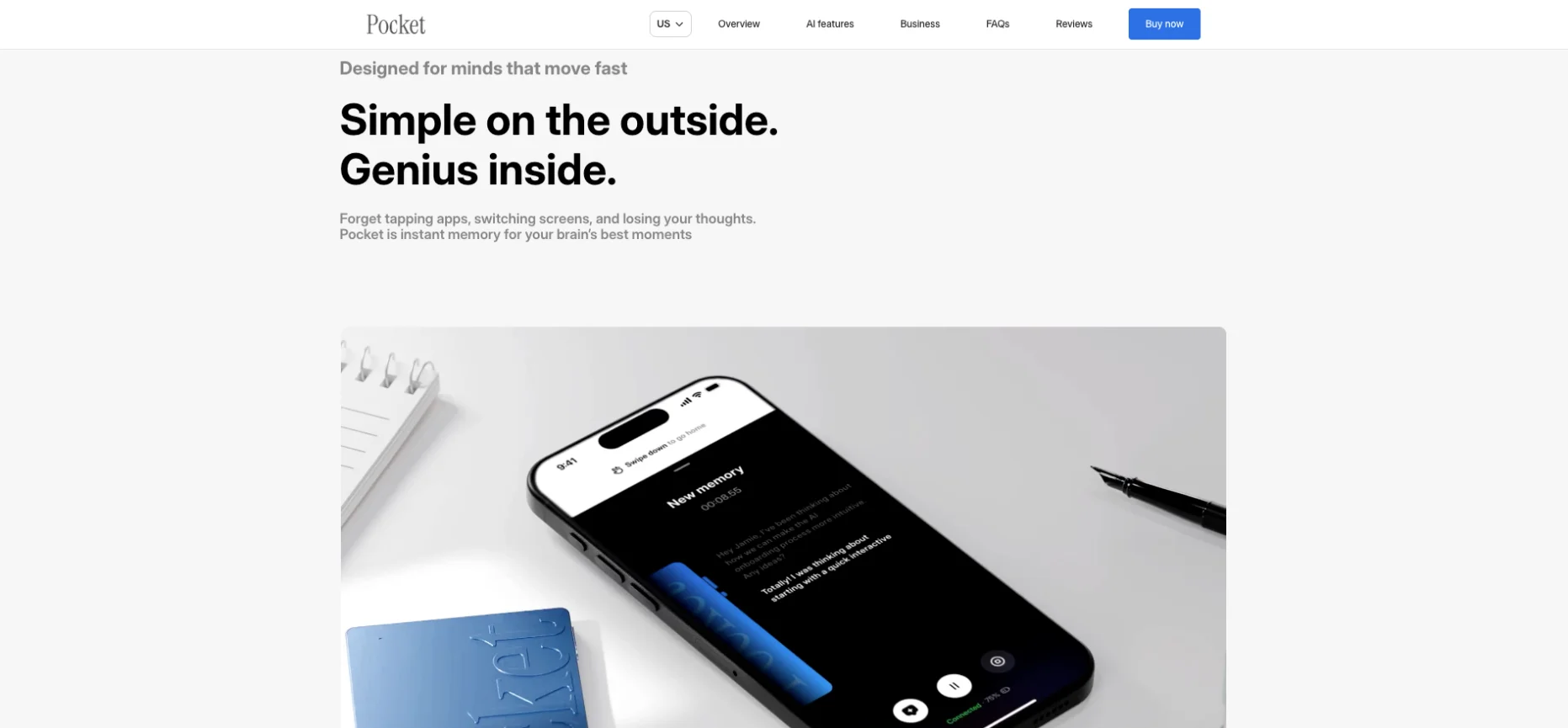
Pocket (HeyPocket) is the most direct card-style rival among devices like Plaud. At $129 (list $199, promos fluctuate), the card costs $30 less than the Plaud Note. Pocket weighs 52 g and charges over standard USB-C.
This is one of the better Plaud alternatives for heavy recorders who export their notes before day 30.
Features:
- Dual-Source Mics: Two room mics (stated range up to 49 ft) plus a contact mic for calls. A manual button switches between them.
- Unlimited Free Transcription: Standard accuracy in 120+ languages. There is no monthly cap.
- Open Workflows: API, webhooks, and MCP support for automation.
Pros:
- Price: Cheaper hardware and no proprietary cable.
- No Wall: Heavy recorders never hit a minute cap. The app also holds a 4.9 rating on both major stores.
Cons:
- Summary Expiry: Free summaries delete after 30 days. Keeping them needs Pro at $239.88 a year. That is more than double Plaud Pro.
- Marketing Backlash: One Reddit thread attacked the “no subscription required” claims. Reviewers also cite shipping delays and buyer-paid returns.
2. HiDock
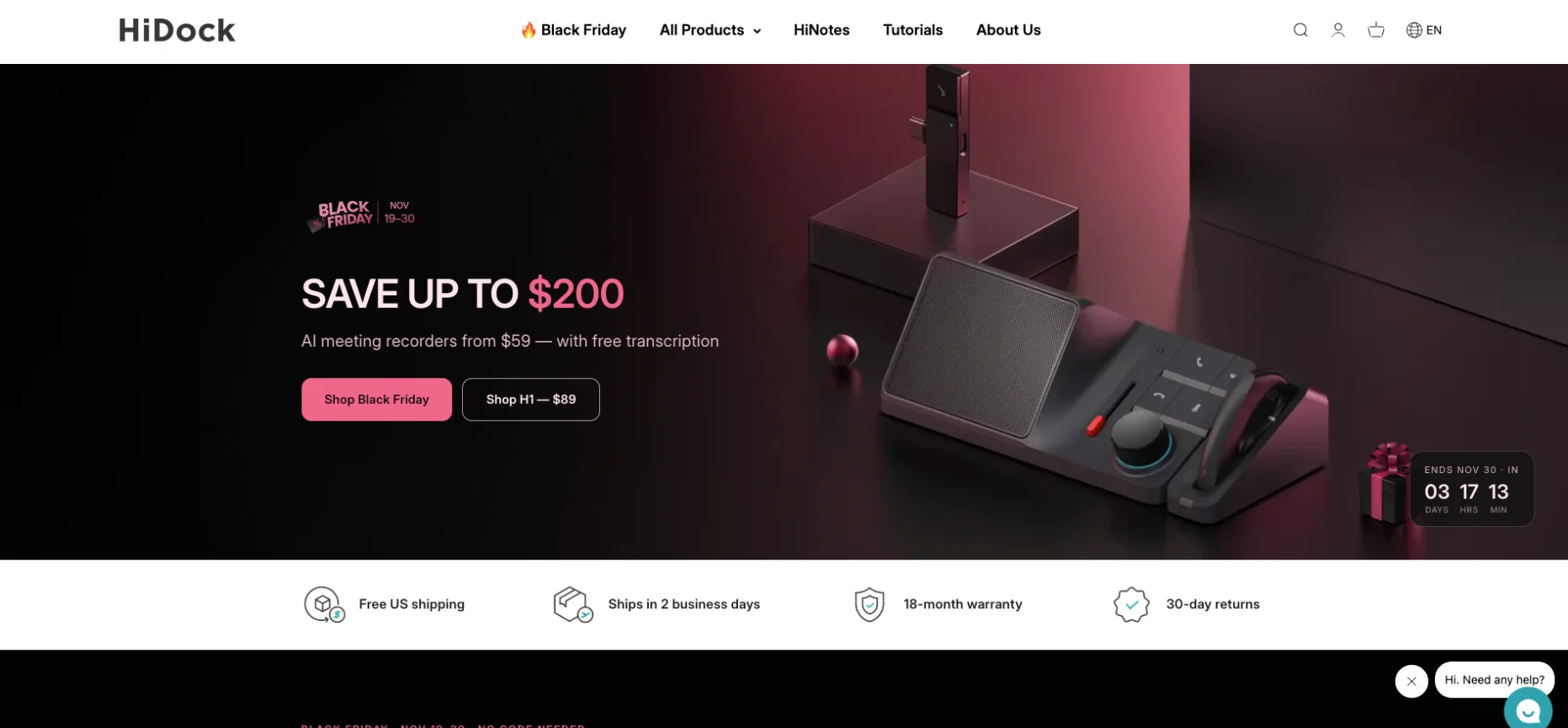
The HiDock P1 ($199) fixes Plaud’s biggest blind spot: calls on Bluetooth earphones. The 12 g HiDock P1 mini ($119, with a $59 Black Friday deal) plugs into USB-C phones for the same trick.
This is the best Plaud note alternative for remote workers who take calls on Bluetooth earbuds.
Features:
- BlueCatch Capture: Records both sides of Zoom, Teams, and Meet calls through Bluetooth earphones, AirPods included. No meeting bot joins the call.
- Room and Whisper Modes: Dual microphones record standalone in person. The stated pickup range is 5 m.
- Lifetime Core Transcription: Unlimited core transcription and summaries in 75+ languages. You also get 300 Pro minutes monthly for speaker ID.
Pros:
- Earbud Capture: The cleanest fix for remote workers who live in headphones.
- One-Time Cost: No subscription is required. Unlimited ($199 a year) is optional and adds Word, PDF, and CSV exports.
Cons:
- Bulk: At 72 g, the P1 is far bulkier than a card. Call capture also needs Bluetooth or USB-C pairing.
- Thin Reviews: Independent reviews are scarce. Notebookcheck also reported restricted access to raw audio files.
3. TicNote

Built by Mobvoi, TicNote undercuts Plaud on hardware and subscriptions. The Lite costs $129.99. The card costs $159.99. The Watch costs $249, and the 4G Pods cost $299.99.
This is one of the better Plaud alternatives for cost-conscious buyers who want double the free minutes.
Features:
- Double the Free Minutes: Every device unlocks 600 free minutes a month. That is twice Plaud’s Starter allowance.
- Cheaper Pro: Hardware owners pay $79 a year for 1,500 minutes on top of the free 600. Software-only buyers pay $199.
- Form Choices: Bone-conduction ear mode for calls. Wrist transcription on the Watch. Phone-free 4G on the Pods.
Pros:
- Accuracy: A two-month tester on r/ProductivityApps trusted TicNote over Plaud and Soundcore.
- Flexible Pay: A 4,000-minute pay-as-you-go pack costs $24.99.
Cons:
- Thin Review Record: Few independent ratings exist so far.
- Cloud and Limits: Transcription needs the internet. The Watch splits files at five hours. Pods battery falls from 22 to about 13 hours with 4G on.
4. Soundcore Work
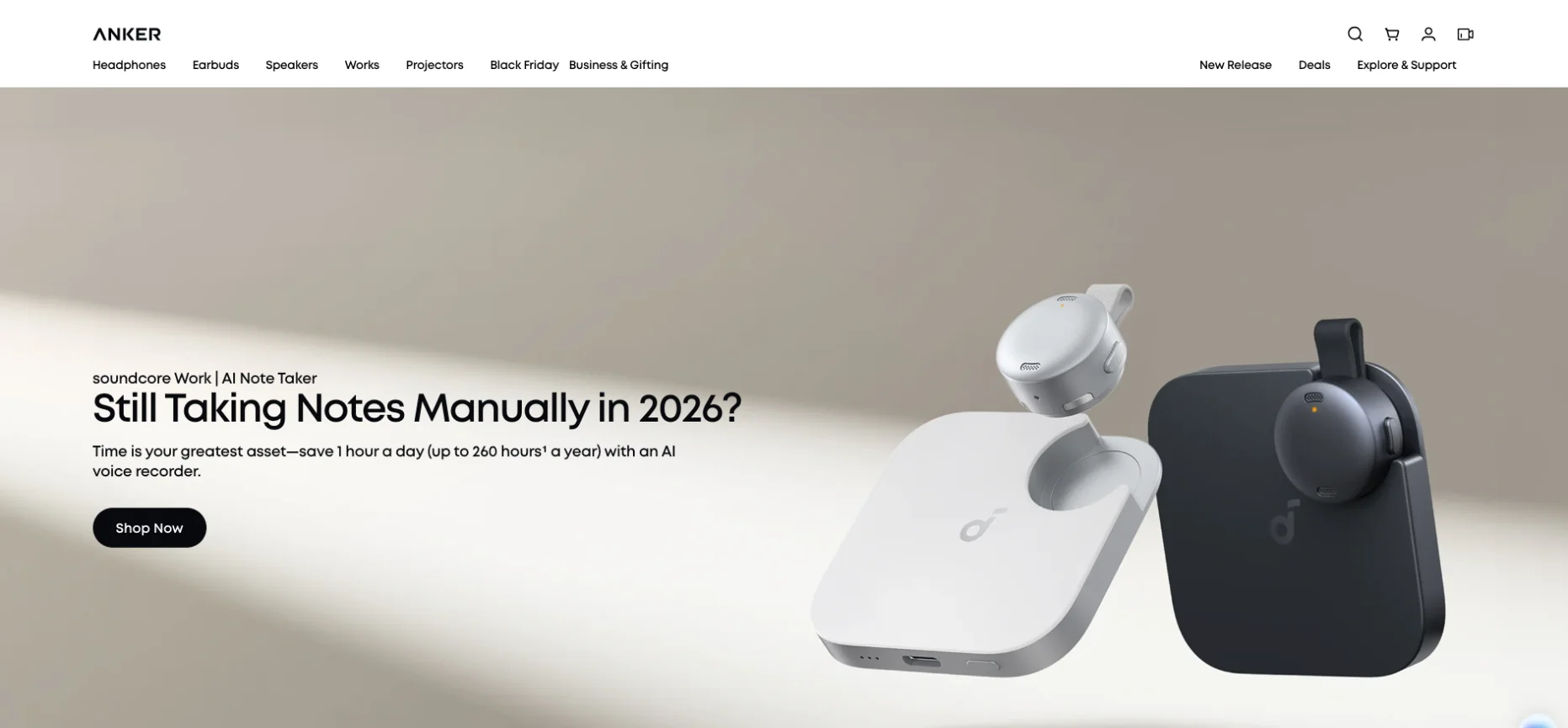
Anker’s Soundcore Work is a coin-sized wearable of about 10 g. The wearable competes with Plaud’s NotePin. Expect $99.99 to $159.99 for 8 GB and up to $169.99 for 64 GB.
This is a reliable Plaud like device software for iPhone users who want a tiny, wearable recorder.
Features:
- Wear It Anywhere: Collar clip, necklace, or the 48 g MagSafe charging case.
- MFi iPhone Workflow: Apple-certified, with automatic background uploads and Find My support.
- Privacy Controls: AES-256 local encryption. Cloud audio is deleted after transcription when Cloud Storage is off.
Pros:
- Tiny and Multilingual: Support covers 140 to 150+ languages. A $50 Typeless dictation credit comes included.
- Smooth iPhone Sync: Cult of Mac praised the streamlined upload workflow.
Cons:
- Calls and Battery: There is no phone-call vibration mode. Battery lasts 8 hours standalone, or 32 with the case.
- Cost and Accuracy: Subscriptions mirror Plaud’s. Cult of Mac scored the recorder 3/5. SoundGuys lists no verified owner reviews.
5. Notta Memo
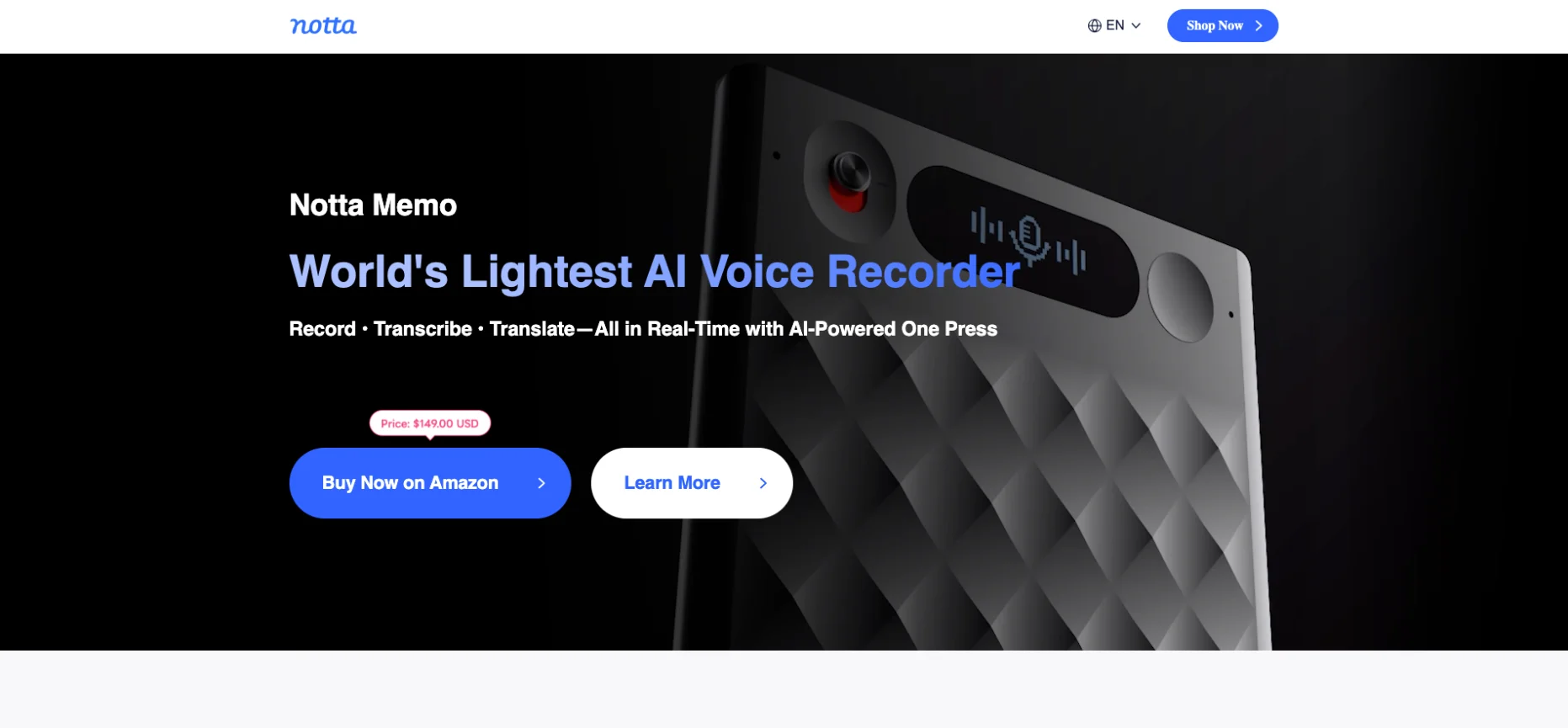
The Notta Memo ($149) is a 28 g card with an OLED status screen. The card earns its place among AI voice recorder alternatives for audio quality and a generous free tier.
This is a reliable Plaud like device software for professionals already working inside Notta’s meeting workspace.
Features:
- Five-Mic Setup: Four MEMS microphones plus one bone-conduction call mic. Storage is 32 GB, and the battery lasts 30 hours.
- 600 Free Minutes: The Hardware Plan doubled from 300 to 600 minutes monthly. You also get 100 AI summaries and no auto-billing.
- Live Tools: Live transcription, translation, and speaker identification across 58 languages.
Pros:
- Audio Clarity: TechRadar Pro’s February 2026 review ranked its capture among the clearest the reviewer had tested.
- Cheap Upgrades: Pro is $97.99 a year for 1,800 minutes. Business is $199.99 for unlimited.
Cons:
- Language Gap: 58 languages against Plaud’s 112+.
- Online and Charger: Notta Memo needs the internet for AI. The base Memo also uses a proprietary charger. The $189 Memo Pro fixes that with USB-C.
Phone and desktop apps instead of a device
Before spending $129 to $199, check whether your laptop already does the job. Plaud Desktop and Plaud Note PC need a bound recorder. These apps do not.
- Granola: Bot-free capture on Mac, Windows, and iOS, with a limited free plan. Granola discards audio after transcription. A wiretap class action filed in July 2026 is pending. This is one of the better Plaud desktop replacements for Mac and Windows users who want bot-free calls.
- Otter.ai and Fireflies.ai: Otter’s free plan includes 300 minutes. Fireflies states that it does not train AI on your meetings. This is one of the better Plaud desktop replacements for English-focused team meetings.
- Krisp and Fathom: Krisp is strongest at noise cancellation. Fathom’s Mac desktop capture is still in beta. This is a reliable Plaud like device software for calls in noisy spaces.
- Google Recorder: A free pick for many Android users. I could not verify its 2026 terms, so check before relying on it. This is a reliable Plaud like device software for quick, solo recordings on a phone.
- Local AI Transcription: Whisper-based apps or Basil AI keep audio on your Mac. This is one of the better Plaud desktop replacements for Mac users who want fully on-device transcription.
My take: hardware wins for cellular calls and one-button capture. Software wins at your desk.
Limitless Pendant and Bee: What Happened
If you are hunting for a Limitless alternative, do not buy the Limitless Pendant. Meta acquired Limitless in December 2025. Meta also stopped selling to new customers and plans to wind down support around December 2026. Amazon bought Bee in 2025 and folded the $49 wearable into its Alexa roadmap. As a Limitless pendant alternative, the NotePin S ($179) and Soundcore Work are the active picks.
Plaud vs Pocket (quick table)
The deciding factors are monthly recording volume and whether you keep notes in the vendor’s app past 30 days.
My advice: pick Pocket if you record over 20 hours a month and export notes before day 30. Pick Plaud if you stay under 20 hours and want notes kept in the app.
How to export audio from Plaud (app and desktop; file formats)
Plaud export audio controls work on every tier, including free Starter. You never have to pay for transcription first. Plaud’s help center covers the v4.0.x flow:
- Sync the recorder so the audio reaches the Plaud app, Plaud Desktop, or Plaud Web.
- Open the recording’s detail page. Exports run from the app or web, not the recorder.
- Tap the top-right menu and choose Export as. On Plaud Web, click the export icon instead.
- Pick Audio (MP3 or WAV), Transcript (TXT, SRT, DOCX, or PDF), or Summary (TXT, Markdown, DOCX, or PDF).
- Save the file or copy it to your clipboard.
Plaud exports one file at a time. For batches, the help center points to Plaud MCP paired with an MCP-compatible AI assistant.
How to transcribe Plaud recordings without a subscription
Plaud’s cap restricts cloud transcription, not recording. Once you hit 300 minutes, keep recording. Then export the untranscribed files.
- Export the Audio: Download the MP3 or WAV using the steps above.
- Upload to Thunai Edge: Edge’s Conversations module accepts manual audio-only uploads. Edge processes them like live recordings. Test one MP3 first, since formats are not spelled out.
- Transcribe Locally: Speech-to-text runs offline on Windows with an 8 GB GPU or on an Apple Silicon Mac. There is no per-minute fee.
- Generate Summaries and Action Items: Action Item Tracker, MOM Sender, and the Follow-up Email Drafter turn the transcript into finished work.
Other routes exist. Whisper desktop apps are free. They can hallucinate during long silences. Plaud’s Extra Minutes pack (6,000 minutes, about $99.99, valid 24 months) avoids renewals. Or switch to HiDock, Notta Memo, TicNote, or Pocket, which lift the free cap. Any of these saves roughly $100 to $240 a year over Plaud Pro or Unlimited.
Plaud privacy: where your recordings are processed
Is Plaud Note secure? Split security from architecture. Yes! Plaud compliance covers SOC 2 Type II, ISO 27001, ISO 27701, GDPR, HIPAA, and EN 18031. Plaud also encrypts recordings and trains on your data only if you opt in. But Plaud is not an offline-AI recorder.
Meaning, every transcript requires uploading to Plaud Cloud. The documentation I reviewed names neither server regions nor LLM sub-processors.
Consent matters more than any certificate. US wiretap laws, Illinois BIPA, and GDPR voiceprint rules all punish recording without consent. In re Otter.AI Privacy Litigation and the Chamberlain v. Granola lawsuit show the exposure. To protect sensitive conversations, tell participants first. Use local AI such as Thunai Edge or Basil AI. Or run Soundcore Work with cloud storage off.
Thunai Edge: The Plaud Note Replacement for Local-First AI
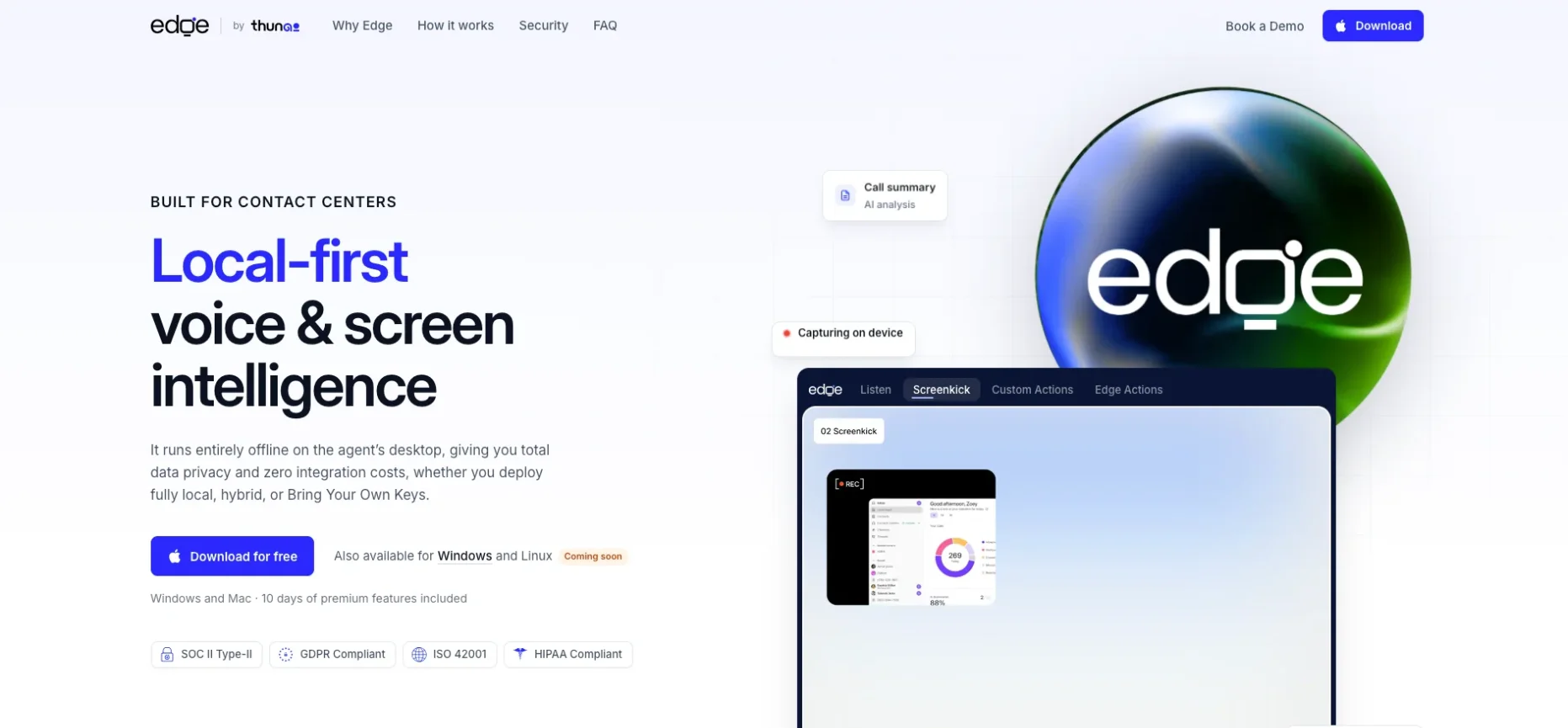
Thunai Edge is a different category from a pocket recorder. Edge is a local-first voice and screen AI desktop app for Windows and Mac (Linux is coming soon). The app listens, reads the screen, and acts. Sales reps, support teams, and regulated desk workers who live on Zoom, Teams, and Meet will get the most from it.
This is one of the better Plaud desktop replacements for sales and support teams that need offline AI and CRM automation.
Features:
- Edge Listen: Captures system audio and your mic natively with no bot. Edge auto-detects meetings and asks for consent before every recording.
- Local AI and BYOK: Speech-to-text, summaries, and an Edge MCP Server run offline. Switch to Hybrid or bring your own key when needed. The platform is SOC 2 Type II audited.
- Edge Actions: Meeting Brief, MOM Sender, CRM Updater, and Slack or Teams notifications. Teach Edge learns tasks from your narrated screen. Opt-in Screenkick adds visual context.
Pros:
- Zero Per-Minute Cost: Local transcription has no minute charge. Install is free with a 10-day premium trial. Paid plans start at $10 per user monthly.
- Finished Tasks: You get follow-ups, reminders, and CRM updates, not just notes.
Want to see Thunai Edge in action - Just click to book a free demo call!
FAQs on Plaud Note and Related Tools
What is the best Plaud Note alternative?
The answer depends on where you record. HiDock P1 fits calls on Bluetooth earbuds. TicNote and Notta Memo double the free minutes. Pocket offers unlimited standard transcription. Thunai Edge fits desktop meetings with offline AI.
Can I use Plaud without a subscription?
Yes. The free Starter plan gives 300 transcription minutes a month. Past that, the device keeps recording. You can still export audio freely.
Is there a free Plaud alternative?
Yes. HiDock P1 includes lifetime core transcription. Pocket offers unlimited standard transcription if you export before 30 days. Otter.ai has 300 free minutes. Thunai Edge is free to install.
Can Plaud record without an internet connection?
Yes, for recording only. Audio saves to 64 GB offline. Transcripts and summaries require syncing to Plaud Cloud.
What is the best offline AI voice recorder?
Card recorders such as Plaud, Pocket, TicNote, and Notta Memo all need the cloud to transcribe. For true offline AI, use local desktop software like Thunai Edge or Basil AI.