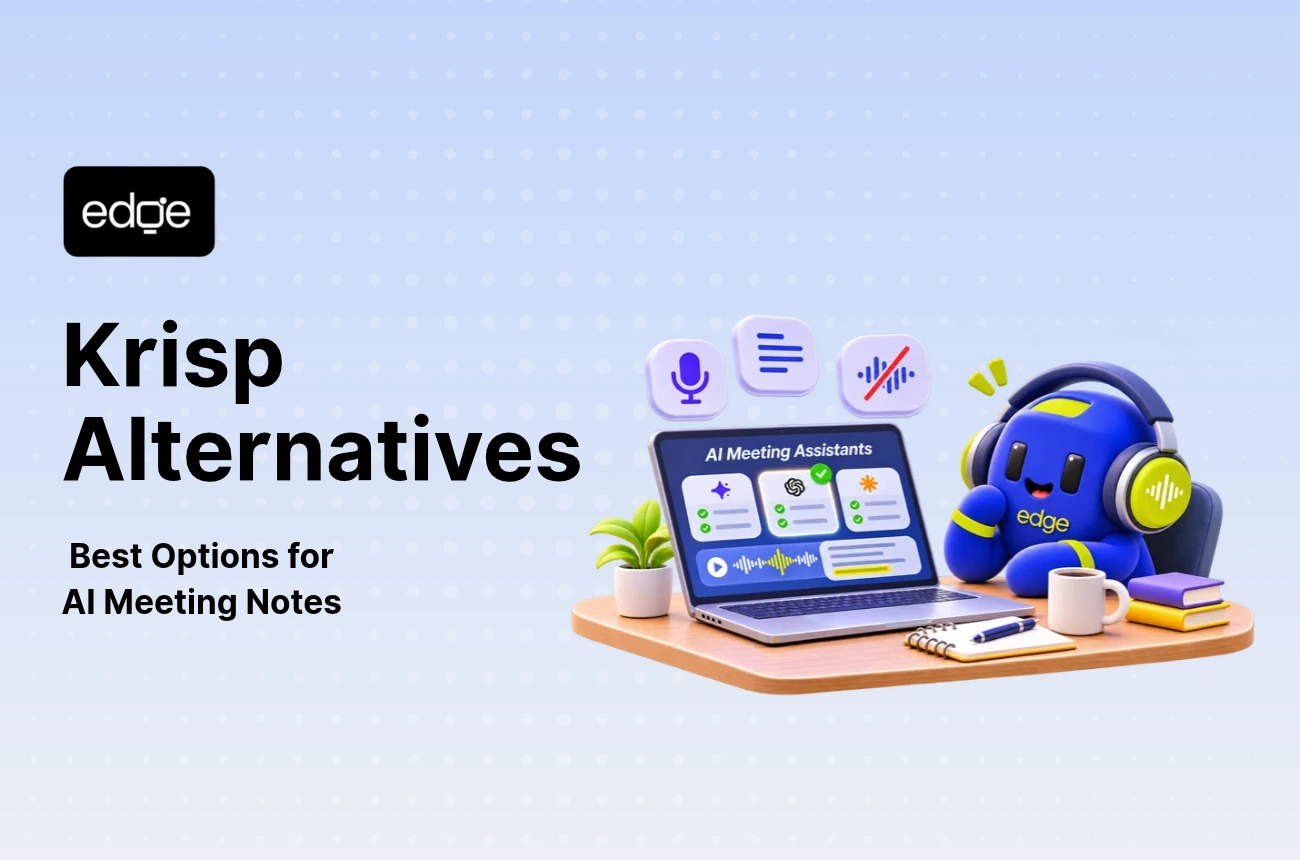

Is your Krisp trial about to run out?
Maybe you signed up for quieter calls, and now you're wondering whether the Krisp AI note taker is what your workday really needs.
If your week is packed with back-to-back meetings, you need AI meeting transcription you can rely on, fewer awkward bots, and follow-ups that don't wait until Friday.
Some people want AI meeting notes software that works offline, while others want shared agendas, a searchable call library, or bot-free AI meeting assistants that don't crowd the participant list.
Either way, it's worth comparing Krisp alternatives before you pay for another seat. The right Krisp alternative depends on how you work.
What Krisp Does Well
Credit where it's due. Krisp built its name on making messy calls sound clean, and it now packs an AI meeting assistant into the same product. If you take calls from kitchen tables, coworking desks, or airport lounges, that mix is genuinely useful.
- Noise cancellation that works both ways. Krisp filters background noise, nearby voices, and echo from your microphone. It also cuts the noise coming from other people on the call. Krisp's noise cancellation page lists supported meeting apps and softphones, including Zoom, Teams, Google Meet, and RingCentral.
- Accent conversion. Krisp can adjust how your accent sounds to others, or how their accents sound to you. Daily limits depend on your plan, so check them if you spend hours on calls.
- Bot-free meeting notes. The Krisp AI note taker captures audio from your device, so no extra guest shows up in the waiting room.
- AI transcription and follow-ups. Paid plans include unlimited transcription, AI summaries, action items, AI chat, and support for 16 or more languages. In-person meeting notes and a mobile app are part of the package too.
- Compliance coverage. Krisp reports SOC 2 Type II, GDPR, HIPAA, and PCI DSS compliance. The fine print matters here: HIPAA agreements are offered on Enterprise for teams with 100 or more seats, and access to the SOC 2 report also sits in the Enterprise tier.
Put simply, if call audio is your biggest headache, Krisp is a strong all-in-one choice. The question is whether its pricing, processing, and follow-up tools match the rest of your day.
Why Look for a Krisp Alternative
- The search for a Krisp alternative often starts with a calendar reminder that the trial is ending. Krisp's audio cleanup is well established, no argument there. Still, regular users can run into limits that shape everyday work.
- Free-plan limitations are the big one. The current pricing page shows a 7-day trial and no permanent free plan. If you only take a few calls a month, that's a short runway before you need to pay.
- Krisp alternative pricing comes next. Krisp's published plans put Core at $8 per user per month billed annually, or $16 monthly. Advanced is $15 billed annually, or $30 monthly, and you'll need it for Salesforce and ConnectWise. Only want quiet calls? There's no separate noise-only plan.
- Then there's cloud processing. Krisp can transcribe English on your desktop, but saved notes live in the cloud, AI summaries and chat run there, and so does transcription in other languages. That deserves a close look if data privacy rules shape your client work.
- Offline AI transcription is another sticking point. Krisp says its apps need to reach its servers, so a dead connection can stop your note taking. Frequent travelers and people on restricted networks may want full local processing instead.
- Last, meeting automation can hit a ceiling. Summaries and action items are a good start, but someone may still have to chase deadlines, tidy up the CRM, and send the recap. Integrations help, yet multi-step follow-up often stays on your plate.
- Put it all together, and it's easy to see why busy professionals shortlist a Krisp alternative that better fits their privacy needs, budget, and workflow.
Krisp Alternatives Compared
To judge Krisp alternatives fairly, sort them by the job you need done. Don't expect one app to win every round. Separate audio cleanup from note taking, and decide where your meeting data can live before you compare features.
The table below compares leading AI meeting note takers on bot-free recording, offline support, AI summaries, action items, integrations, security, and pricing. Free plans differ sharply, so confirm limits such as the monthly minute cap on Otter's pricing page.
Starting prices are in US dollars per user per month, using annual billing where offered, and were checked in November 2026. Treat transcription accuracy claims with care, since we found no independent head-to-head test. Try two or three tools on your own calls, complete with accents, jargon, and background noise.
The Best Krisp Alternatives
Are you looking for the best Krisp alternatives? Weigh three things first: where your audio is processed, how recording starts, and what happens after the call. Those choices shape privacy, local processing, and team collaboration. Below are six options for AI meeting notes and automated transcription, with a look at speaker identification, meeting summaries, and the trade-offs of each
1. Granola - Best for bot-free notes that build on your own jottings

Granola feels like a smart notepad. You type rough points during the call, it listens through your device, and it shapes both into tidy notes. No meeting bot joins, while contextual transcription happens in real time through the cloud. It's a natural fit if you already like writing your own notes.
Features
- AI-generated summaries that blend your typed notes with the transcript, plus saved prompts called Recipes for pulling out meeting action items.
- Bot-free capture for Zoom, Google Meet, and Microsoft Teams on Mac and Windows, with speaker tags and mobile apps for iPhone and Android.
- Audio deletion after transcription, with SOC 2 Type II listed across its plans.
Pros
- Easy to fit into your routine, with a free Basic plan that keeps 30 days of meeting history.
Cons
- It needs a connection to transcribe, and HubSpot and Notion links require the $14 Business plan. Check the privacy settings too, since Granola may train on anonymized data unless you opt out.
2. Thunai Edge - Best Krisp AI alternative for offline AI meeting notes and on-device automation
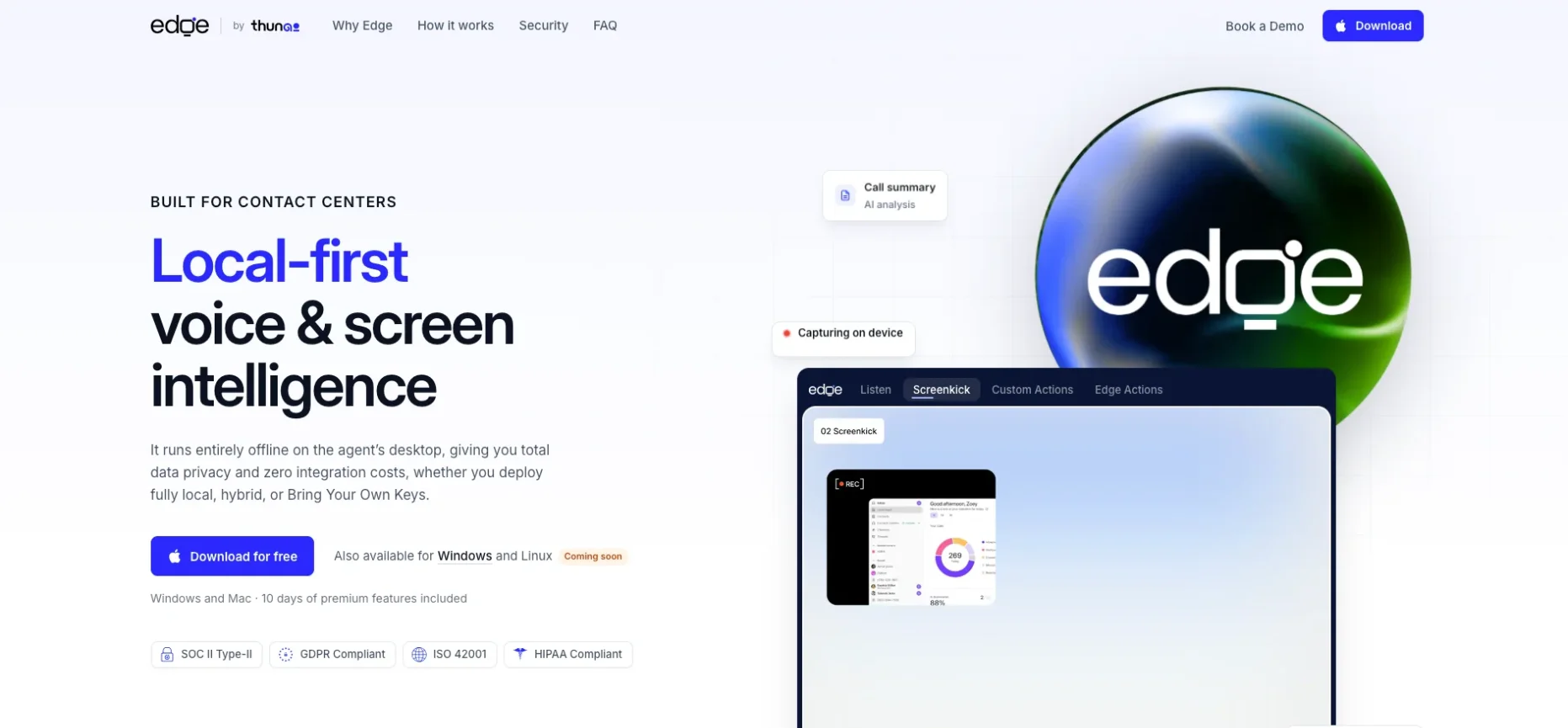
Thunai Edge is the Krisp alternative for people who'd rather keep conversations on their own machine. This desktop app for Windows and Mac records without a bot and, in Local mode, handles speech-to-text, summaries, and insights on your computer. You can also switch to Hybrid mode or bring your own cloud keys when a job calls for it.
Features
- Local AI processing uses local language models such as Llama, Mistral, and Gemma, with Whisper for speech-to-text, so offline AI meeting notes don't depend on a connection.
- Edge Listen captures desktop and microphone audio from Zoom, Teams, Meet, or phone calls. It includes a consent prompt, meeting transcription with speaker labels, and a reminder to stop recording when you leave.
- Edge Actions prepare meeting briefs, send minutes, draft follow-up emails, set reminders, track action items, update CRM records, and notify Slack or Teams.
- Screenkick and Teach Edge turn opt-in screen activity into guided steps and repeatable workflows, with Teach Edge still being finalized. Ask Edge answers questions across your meetings and uploaded files.
Pros
- Keeps core transcription and summaries on your device in Local mode, and Thunai says local AI brings the cost per minute close to zero.
- Takes the admin out of follow-ups, with vendor-reported results of 32% lower average handle time and 2.4 fewer minutes of after-call work per call.
- Free to install, with 10 days of full premium access to test on your own meetings.
Cons
- It doesn't have much documentaion since it is newer to the marker
3. Fellow - Best for team meetings with agendas and tracked action items

Fellow is AI meeting assistant software built around meeting management. It links meeting agendas, notes, and next steps, so team collaboration carries on after everyone hangs up. You can record with a visible bot or go botless through its desktop app. Managers who run frequent one-on-ones will feel at home.
Features
- Shared meeting agendas, pre-meeting briefs, and automated meeting notes for recurring check-ins and one-on-ones.
- Action item tracking that connects to Jira, Asana, ClickUp, and Linear, with Salesforce and HubSpot CRM integrations on Business.
- Transcription in 90+ languages with speaker identification, backed by SOC 2 Type II, GDPR, and HIPAA coverage.
Pros
- Gives managers and teams one place to see decisions, owners, and what's still open.
Cons
- Processing happens in the cloud, and the free plan stops at five AI notes per user for life. Team costs $7 per user a month billed annually and limits each person to 10 AI notes monthly, so heavy callers may need Business.
4. Otter - Best Krisp AI replacement for live, searchable transcripts on desktop and mobile
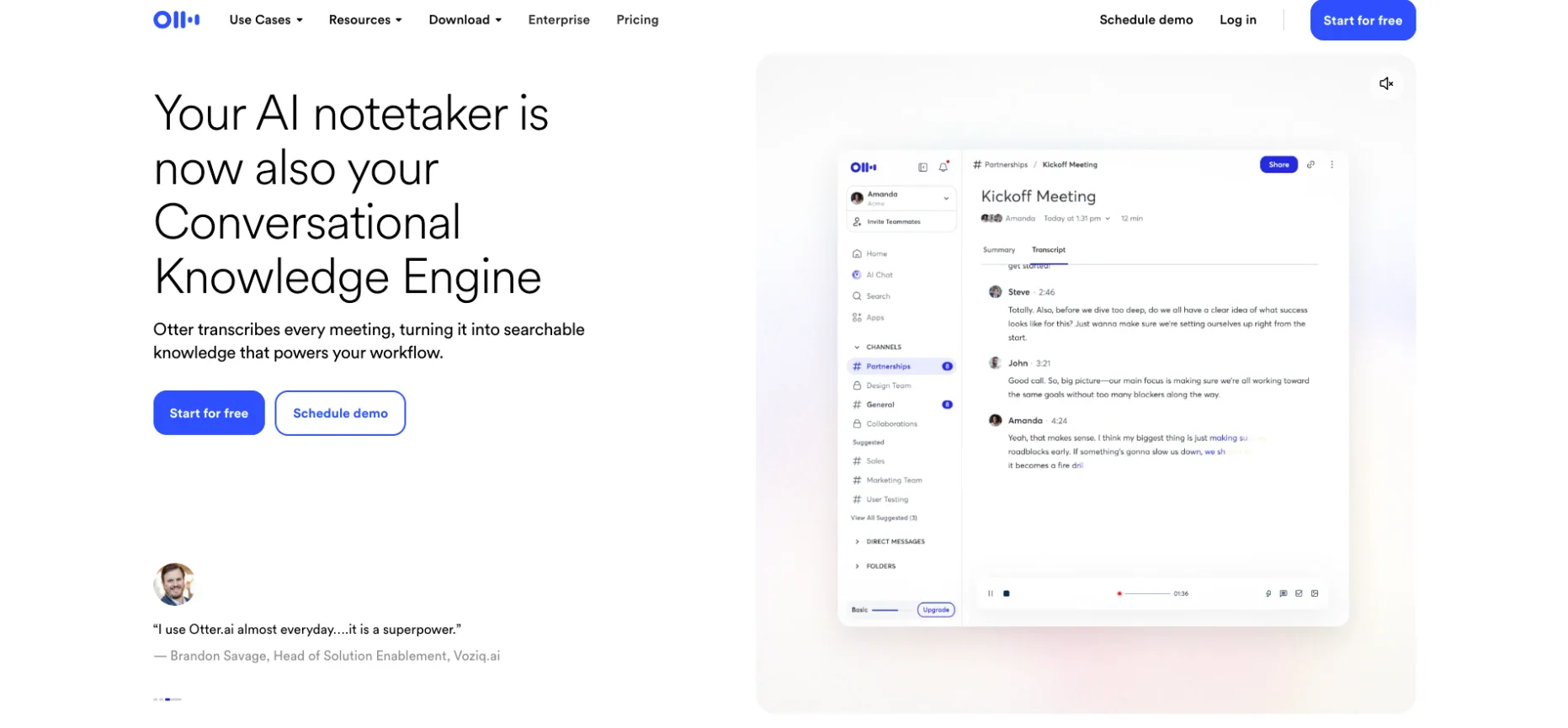
Otter is a familiar name in AI meeting transcription. Words appear as people speak, speakers get labeled, and you can search the record afterward. This Krisp AI alternative is handy for journalists, students, consultants, and anyone who has to find the exact quote without replaying a whole recording.
Features
- Live transcription with speaker identification for Zoom, Microsoft Teams, and Google Meet, with six supported languages.
- AI meeting summaries, action items, and Otter AI Chat for asking questions about past conversations.
- Mobile apps for in-person talks, with Salesforce, HubSpot, and Zapier meeting integrations from the Pro plan.
Pros
- The ongoing free plan includes 300 transcription minutes a month, which can cover light use while you decide whether live transcripts suit your routine.
Cons
- Free conversations stop at 30 minutes, and Otter's bot may appear as a visible participant. Pro costs $8.33 per user a month billed annually but limits Salesforce and HubSpot connections to one user. HIPAA is an Enterprise add-on.
5. Meetily - Best Krisp AI alternative for open-source, local transcription without license fees
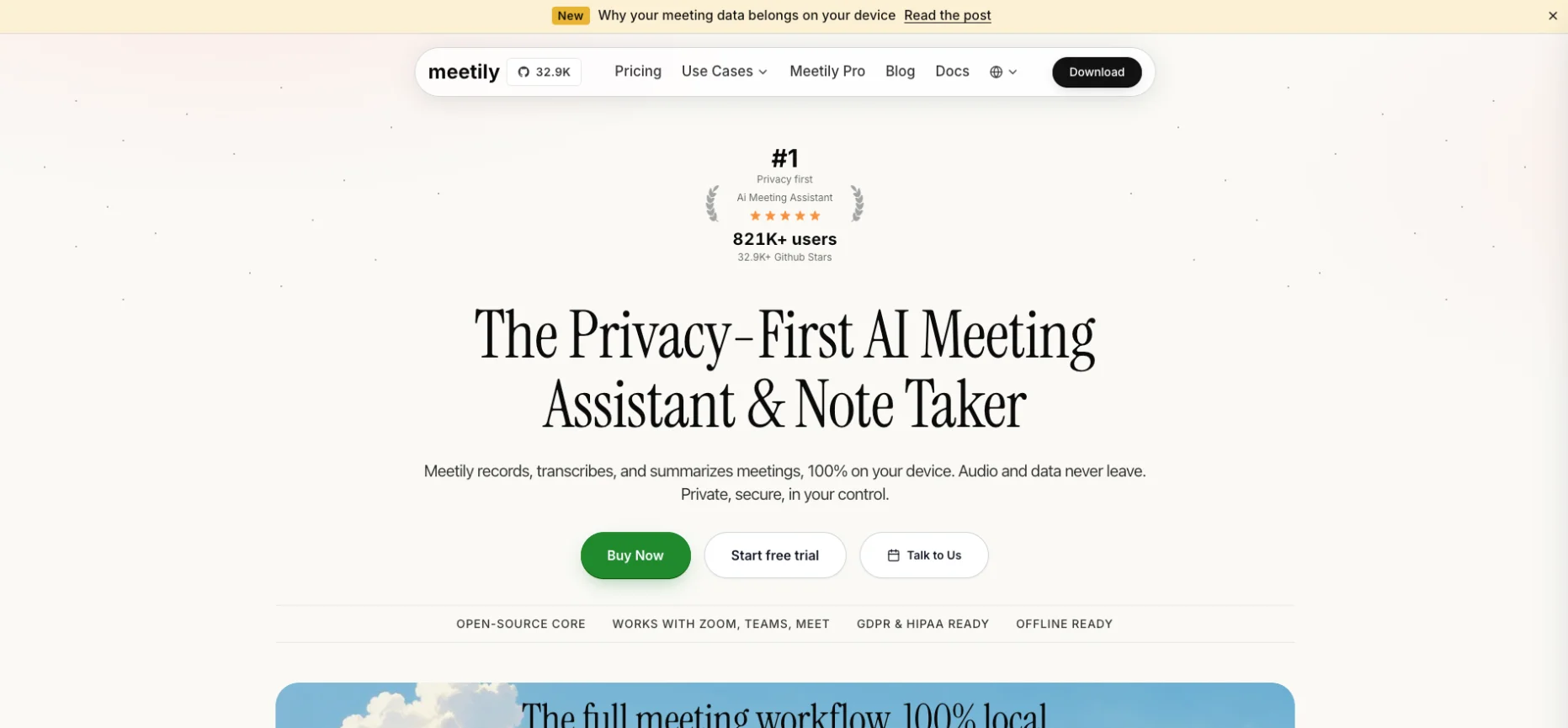
Meetily is for people who like to own their tools. Its Community Edition offers open-source AI meeting notes with bot-free recording on your computer. With local models, your audio and transcripts don't need to leave the device. It rewards a little technical confidence with a lot of control.
Features
- MIT-licensed code on GitHub, with Windows and Apple Silicon Mac installers and a build-it-yourself route for Linux.
- Local transcription using Whisper or Parakeet speech-to-text models, so recorded conversations can be processed on your own hardware.
- Offline processing for summaries through Ollama, with optional cloud providers. Self-hosted deployment for teams is listed under the paid PRO edition.
Pros
- The Community Edition has no license fee, and privacy stays tight when you keep every model local.
Cons
- You handle setup, updates, and hardware, and the Windows installer needs a processor with AVX2 support. The project's README also lists speaker identification as coming soon, and we found no built-in CRM sync.
6. Fireflies - Best for sales teams that want conversation intelligence and CRM sync
Fireflies is AI meeting transcription software for teams that treat calls as a source of insight. It suits sales, recruiting, and customer success groups building a searchable call library. Record through a meeting bot, a no-bot desktop app, a browser extension, or your phone.
Features
- Automated meeting summaries, action items, and search by keyword or speaker, with transcription in 100+ languages.
- Speaker analytics and conversation intelligence, including talk time and sentiment, for coaching and deal reviews.
- CRM integrations with Salesforce and HubSpot, plus an API, an MCP server, and workflow automation through AI Skills.
Pros
- Moves call notes into the tools your revenue team already uses, which cuts copy-and-paste work. There's a free plan to try first.
Cons
- It relies on the cloud, and free storage is capped at 400 minutes per team. Pro starts at $10 per seat billed annually, while conversation intelligence needs the $19 Business plan.
Need Noise Cancellation Too?
Here's the catch that's easy to miss. Switching note takers could mean losing the thing you liked most about Krisp. In the product information we reviewed, none of these six alternatives lists two-way background noise suppression or accent conversion.
Related reading: Microsoft Support: Reduce background noise in Microsoft Teams meetings
You have three practical routes:
- Use built-in filters. Zoom and Microsoft Teams include background noise suppression, and recent Macs offer a Voice Isolation microphone mode in supported apps. This may be enough in a fairly quiet room at no extra cost, so test it during a real call before buying anything else. It won't replace Krisp's accent conversion.
- Keep Krisp for audio only. Krisp lets you disable its Meeting Assistant, so you can pair Krisp noise cancellation with Granola, Meetily, or Thunai Edge. You'll still pay for a Krisp plan, so count both bills. Test your input and output settings first to make sure the note taker hears both sides without echo.
- Upgrade your microphone setup. A good headset improves what any note taker hears. If your computer has a compatible NVIDIA RTX graphics card, NVIDIA Broadcast adds software-based microphone enhancement and noise removal.
Want one app that combines transcription with audio processing and accent conversion? Among the tools covered here, Krisp remains the all-in-one answer. If notes, privacy, or automation matter more, choose your note taker first and solve audio separately.
How to Choose a Krisp Alternative
Picking from the many Krisp alternatives comes down to fit, privacy, and budget. Here's a simple process.
- Start with where your audio can go. If client contracts or company policy rule out cloud processing, shortlist Thunai Edge in Local mode or Meetily. Switch off Wi-Fi and run a test recording. Then ask which logs, backups, or summaries sync online once you reconnect.
- Next, check how recording works. Bot-free capture keeps the participant list clean, but it doesn't remove your duty to be open with people. Tell attendees and get consent as your local rules and company policy require, whichever tool you choose.
- Third, separate noise filtering from note taking. Test your meeting app's own filter before paying for another. If calls still sound rough, keep a dedicated audio tool and choose your notes software on its own merits. Remember to add both subscriptions together when you compare costs per seat.
- Fourth, favor follow-through. A transcript nobody opens saves little time. Pick the tool that gets tasks, recaps, and CRM updates to the places your team already works. Fellow suits agenda-driven teams, Fireflies suits revenue teams, and Thunai Edge suits people who want actions handled from their desktop.
- Fifth, verify the paperwork. A compliance badge isn't a contract. If a cloud service will handle patient information under US rules, the HHS guidance on HIPAA and cloud computing explains why a business associate agreement matters. Confirm which plan includes one, ask for the latest SOC 2 report, and review data retention and model-training terms.
Want meeting notes that stay on your machine and still get the follow-up done? Try Thunai Edge free for 10 days on your next calls!
FAQs
Is Krisp Still Free?
Not on an ongoing basis. Krisp's free plan has given way to a 7-day trial with no credit card, including unlimited transcription and AI meeting notes. After that, subscription pricing starts at $8 per user per month billed annually. For a free AI meeting note taker alternative, consider Granola Basic, Otter's 300 monthly transcription minutes, Fireflies Free, or Meetily Community Edition. Check the limits too: Granola Basic keeps 30 days of history, while Fireflies Free caps team storage at 400 minutes. Thunai Edge offers a 10-day premium trial.
Does Krisp Work Offline?
Not as a complete note taker. Noise cancellation, accent conversion, and English desktop transcription run on your device, but Krisp's AI Meeting Assistant security page says its apps need Krisp's servers, so plan on having an internet connection. AI summaries use cloud processing. Enterprise adds private, on-device transcripts and recordings, though that page doesn't promise offline use. For offline AI meeting transcription with local AI models, choose Thunai Edge in Local mode or Meetily, and keep optional cloud providers switched off. The privacy difference is simple: local tools keep conversations closer to you, while cloud tools send data elsewhere for processing.
Is There a Krisp Alternative for Contact Centers?
Yes. Krisp sells a separate Call Center AI product line, and Thunai AI offers an alternative. Thunai Edge runs on the agent's desktop for AI contact center transcription, call summaries, and CRM integration. The optional Thunai CX Cloud adds live agent assist, call scoring, QA, and team-wide conversation intelligence, receiving only what you choose to send. Run a pilot on real calls to confirm it works with your phone system, CRM, and data rules.