Nobody dials into a client call hoping to explain why a robot named "Notetaker" just joined.
That awkward moment is why Granola won so many fans. This bot-free AI notepad picks up system and microphone audio straight from your desktop. The app runs on macOS and Windows, and it keeps your own typed notes at the center of the summary.
But bot-free is not the same as private. Granola records locally. Then it sends audio to US-hosted cloud servers for transcription and summarization. That means the app needs an internet connection to do its real work.
For lawyers, consultants, finance teams, clinicians, and contact center managers, that gap matters.
So this guide sorts Granola alternatives by where your audio is actually processed. Then you can pick with clarity.
What Granola Does Well
- Granola earned its reputation honestly, so any fair comparison starts there. The app sits quietly on your laptop and picks up audio at the hardware level.
- Granola works alongside Zoom, Google Meet, and Microsoft Teams without ever joining as a participant. Companion apps for iOS, Android, and Apple Watch cover meetings away from the desk.
- One G2 reviewer gave it 5/5. They praised how the app runs on the device without eating up memory or CPU, and how quickly clean notes come out. A Product Hunt reviewer made a similar point. Typed notes staying interleaved with the transcript keep the important lines easy to find.
- Beyond notes, Granola offers real-time transcription on desktop, action item extraction, searchable meeting history, shared folders, and multi-language support. Model Context Protocol (MCP) connections also let outside AI agents look up your meeting context. Speaker identification is included too, but that piece lags behind. The same Product Hunt reviewer called attribution on a four-person call a coin flip.
- In my view, Granola is a strong product for individual professionals. The trouble starts when the buyer is a team, a regulated industry, or an IT department.
Why People Look for a Granola Alternative
Granola's wins are mostly about experience. The complaints are mostly about architecture, policy, and price. Teams that start searching for a Granola alternative usually hit one of four walls:
- Offline Limits. Granola caches notes locally for viewing, but transcription and summarization need a live connection to its cloud models. That fails in air-gapped offices, secure facilities, field work, and flights, where genuine offline meeting transcription is the requirement.
- Data Residency and Training. Transcripts and notes sit on AWS servers in the United States, with no EU residency option, which raises GDPR questions for European teams. On the Free and Business plans, anonymized data can be used for model training unless you opt out manually. A team-wide opt-out exists only on Enterprise.
- Free-Plan Retention. The Basic plan allows unlimited meetings, but only the last 30 days of notes stay visible. Anything older needs a paid plan, which makes it a poor fit for anyone hunting for free AI meeting notetakers with a permanent archive.
- Admin and Cost Cliff. SSO, SCIM, HIPAA-compliant workspaces, and organization-wide deletion policies live on the $35 Enterprise tier, not the $14 Business tier. IT teams also ask for evidence such as SOC 2 reports, so confirm each vendor's current status directly before you commit.
Quality drift adds to the frustration. One Reddit user complained that Granola's notes started arriving as huge blocks of text with no headers or paragraph breaks.
My advice is to split this into two questions. Do you need to avoid a visible bot, or do you need to keep audio off third-party servers? Bot-free tools answer the first. Only local tools answer the second.
Granola Pricing
Granola charges per user, per month, across three tiers. Verify the current numbers on Granola's site before budgeting, since plans change.
- Basic (Free): Unlimited AI meeting notes, AI chat, shared folders, and multi-language support, but only 30 days of meeting history.
- Business ($14 per user): Unlimited history, advanced AI models, centralized billing, the MCP server API, Zapier, and CRM connections with HubSpot, Attio, and Affinity.
- Enterprise ($35 per user): SSO/SCIM, priority support, usage analytics, HIPAA-compliant workspaces, automatic deletion periods, and a team-wide opt-out of model training.
The scaling math shows where mid-market buyers stall. At 10 users, Business costs $140 per month and Enterprise costs $350. At 50 users, that becomes $700 versus $1,750. At 100 users, you are budgeting $1,400 versus $3,500 monthly.
If cost is the driver, free options exist. Meetily and Anarlog are open source and cost nothing beyond your hardware. Otter.ai gives 300 free minutes a month with a 30-minute cap per meeting, and Fellow offers five lifetime AI notes, which is a trial rather than a plan.
Granola Alternatives Compared (Table)
Not every alternative solves the same problem. Some keep everything on your device, some only skip the bot, and some are built for team collaboration. Work out which of those you actually need before signing up for anything.
The table below compares all seven across offline support, processing location, bot-free capture, best use, and price.
7 Granola Alternatives at a Glance
The Best Granola Alternatives
The seven tools below replace Granola in different ways. Thunai Edge, Meetily, and Anarlog process audio on your device. Krisp and Quill focus on bot-free capture, with some cloud help for summaries. Fellow and Otter.ai lean toward cloud-based team workflows. Each profile lays out what the tool does, what holds up, and where it falls short.
1. Thunai Edge

This is one of the better Granola alternatives for contact centers and regulated teams that need offline transcription with desktop automation.
Thunai Edge is a local-first voice and screen intelligence app for Windows and macOS. Contact center agents, enterprise teams, and regulated industries are the target users.
The app records natively on the device with no bot. Transcription and AI models can run locally too. Where Granola is a personal notepad, Edge works more like a desktop assistant that also handles the follow-up work.
Features:
- Local Processing, Your Choice. Capture, speech-to-text, summaries, and insights run on the device. Admins can pick local small language models or cloud models for text, vision, and audio. Edge works fully without Thunai CX Cloud. Nothing syncs unless you choose to send it.
- Edge Actions and Teach Edge. Pre-built agents such as MOM Sender, Action Item Tracker, Calendar Assist, and Reminder Agent take care of the work after a call. With Teach Edge, you walk through a task on screen. Edge then turns it into a repeatable action.
- Filekick, Ask Edge, and Audit Logs. Filekick pulls in PDF, Word, TXT, and Markdown files so Ask Edge can answer from your own material. Activity Logs record authentication, transcription, and AI analysis events, which helps when audits come up.
Pros:
- Privacy You Can Defend: On-device processing and opt-in screen reading mean sensitive calls need not leave the machine. The logs help you back that up.
- More Than Notes: Actions turn transcripts into minutes, reminders, and calendar tasks. Granola leaves that work to integrations like Zapier.
Cons:
- Hardware Demands: Local models need capable laptops. Choosing cloud models brings the data-sharing question back, so IT must sort out each workflow.
- Still Maturing: The Windows build is catching up to Mac. Salesforce and Cisco connections are still in design. Public reviews are scarce.
2. Meetily
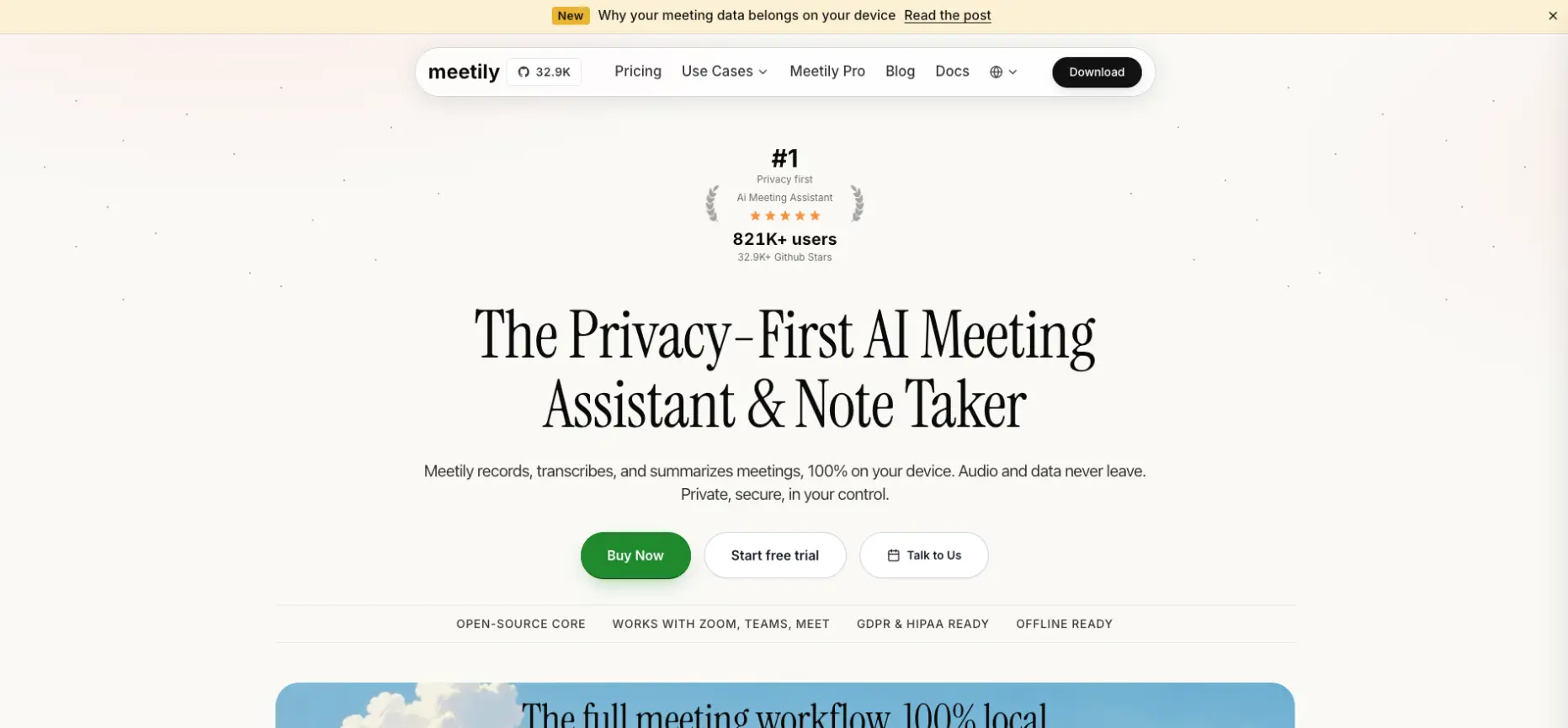
This is the best Granola replacement for privacy counsel, government contractors, and developers who want a self-hosted, 100% local note taker.
Meetily is an MIT-licensed, open-source meeting assistant for macOS and Windows. Everything runs 100 percent locally.
The app records system audio without a bot. Local speech-to-text handles transcription, and a local LLM writes the summary, so no audio leaves your machine. Teams that like to self-host will feel right at home.
Features:
- Fully Local Pipeline. Recording, transcription, and summarization all run on your hardware. No cloud account is needed. Zero data goes out to external providers.
- Bot-Free Capture. Meetily records system audio natively, so no extra participant shows up on the call. Nobody has to ask who invited the bot.
- Open Source and Self-Hosted. The MIT license lets teams inspect, modify, and set up the code themselves. Speaker labeling is the hardest job for any local tool, so try it out on your own meetings.
Pros:
- Zero Subscription: The software is free to deploy. Your only costs are hardware and electricity.
- Verifiable Privacy: The code is open for inspection. That wins over reviewers who will not trust a black box.
Cons:
- Setup Complexity: Smooth performance usually calls for Apple Silicon or a discrete GPU on Windows. Setup is harder than any SaaS app.
- Community Support: Feedback lives on GitHub and technical subreddits, not on G2. Plan on doing your own troubleshooting.
3. Krisp

This is the best Granola alternative for sales teams that need clean audio and bot-free notes on noisy calls.
Krisp began as an AI noise cancellation app. Over time, it grew into a bot-free meeting recorder.
The app acts as a virtual microphone and speaker on Windows and macOS. That lets Krisp work with any conferencing app, including Zoom, Google Meet, and Microsoft Teams. Sales and support reps on noisy lines get the most out of it.
Features:
- Noise Cancellation and Accent Conversion. Both run locally on the device for low latency. Audio stays clean in both directions on every call.
- Bot-Free Transcription and Summaries. Krisp sits at the audio level, so no "Krisp has joined" notice pops up. Transcription, speaker identification, and AI summaries are processed in the cloud. That rules Krisp out as an offline tool.
- CRM Connections. HubSpot and Salesforce integrations push call data into your CRM. Salesforce and advanced admin controls come with the Advanced plan.
Pros:
- Clean Audio: A G2 reviewer said nobody on the other end ever hears their background noise.
- Clear Pricing: Core costs $8 per user per month billed annually, with unlimited transcription. Advanced costs $15.
Cons:
- CPU Load: Real-time noise suppression is expensive. Older machines can lag, produce choppy audio, and spin up their fans.
- Weak Multilingual and Mobile: Transcription accuracy outside English is inconsistent. The phone apps also skip noise cancellation.
4. Fellow

This is one of the top Granola alternatives for teams that want collaborative agendas, action tracking, and Claude-connected meeting history.
Fellow is not a quiet recorder. The platform is built around shared agendas, collaborative notes, and follow-through, and AWS Canada Central hosts it. Managers and teams who want structure more than stealth will like it. A persistent internet connection is a must.
Features:
- Agendas and Collaborative Notes. Teams build agendas before the meeting and take notes together in real time. Transcription and AI-generated minutes sit on top.
- Action Items and Integrations. Assigned actions connect with Jira, Notion, Asana, Slack, and enterprise CRMs. Decisions turn into tracked work.
- Claude MCP Connector. Users can look up their whole meeting history from Claude without switching tools. Business plan buyers also get stronger security and admin features.
Pros:
- Team Collaboration: A Reddit commenter said Fellow has better default collaboration features than Fathom, Fireflies, and Otter. They added that it costs less.
- Fair Entry Price: Team starts at $7 per user per month on annual billing. Business is $15 with unlimited AI usage.
Cons:
- Hard AI Caps: The Free plan gives five lifetime AI notes. Team allows only 10 AI summaries per month, which runs out fast on a busy calendar.
- Cloud Only and Structured: There is no offline mode. The learning curve is steep. Informal meetings feel awkward in a tool built for structure.
5. Otter Desktop App
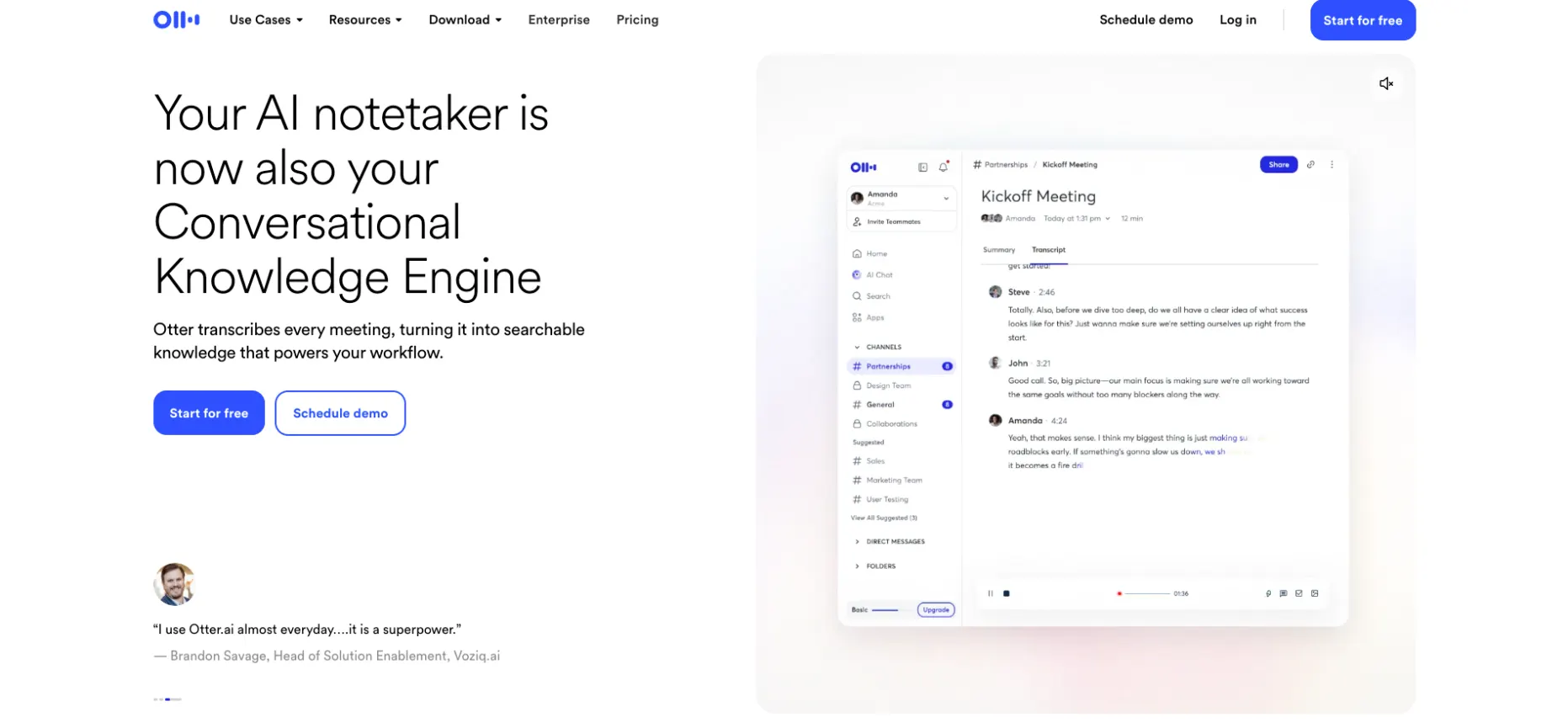
This is one of the better Granola alternatives for internal teams that need exhaustive, searchable verbatim transcripts.
Otter.ai is one of the most recognized transcription tools. The OtterPilot bot joins calendar-linked meetings on Zoom, Teams, and Meet. A desktop app and mobile recording handle in-person conversations. Everything is processed in the cloud, so there is no offline or local option.
Features:
- Live Transcription and Speaker ID. Real-time transcripts label speakers and stay searchable afterward. Teams that want a full verbatim record rely on this.
- Summaries and Action Items. Otter generates AI meeting summaries and automated action items after each call. You can export audio and transcripts to PDF or Word.
- Free-Plan Limits. The free tier offers 300 minutes a month, with a 30-minute cap per meeting. Pro starts at $8.33 per user per month billed annually. Business is $20.
Pros:
- Easy Zoom Connection: A Capterra reviewer who has used Otter for four years still likes how simply it hooks up to Zoom. They also cite good accuracy and real-time transcription.
- Export Options: Another reviewer rated the tool 9/10 for its audio and transcript export formats.
Cons:
- Bot and Legal Exposure: A visible bot creates friction with clients. In re Otter.ai Privacy Litigation also alleges wiretap violations over consent and AI training.
- Accuracy and Support: Reviewers report accuracy topping out near 85 percent. They also flag weak action item detection and slow customer support.
6. Anarlog
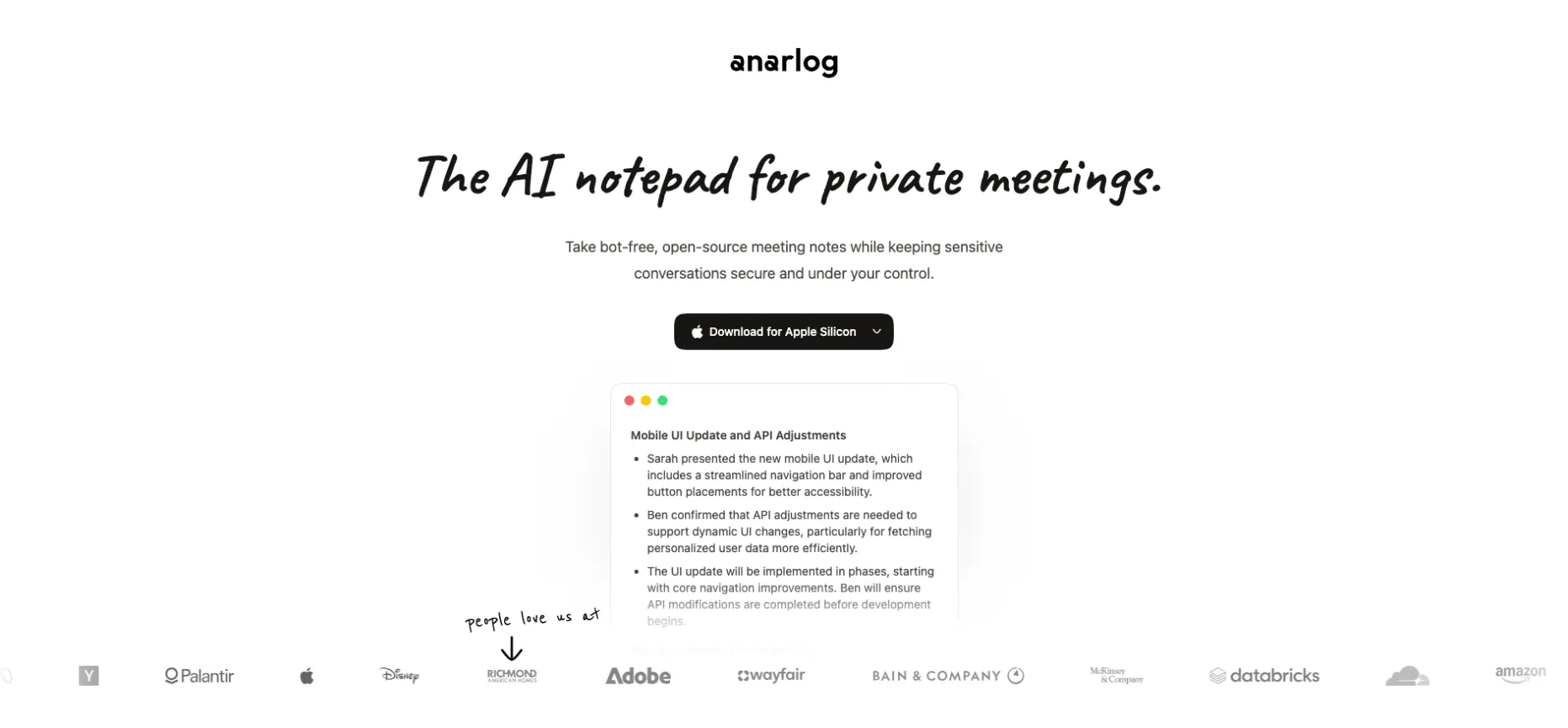
This is the best Granola replacement for users who want a free, fully offline, open-source notepad.
Anarlog is a new open-source meeting notepad. The project markets itself directly as a Granola alternative. The app is built on the Tauri framework with Rust and uses Whisper.cpp for on-device transcription. That setup runs entirely local and offline. Deployment is free.
Features:
- On-Device Transcription. Whisper.cpp models turn speech into text on your own machine. No network connection is required.
- Bot-Free Desktop Capture. Anarlog picks up system sound and your microphone, so no bot joins the call. A r/selfhosted user highlighted exactly this.
- Local AI Summaries. Local models write the meeting summaries. Nothing reaches the cloud, so training and data sovereignty concerns fall away.
Pros:
- Free and Offline: There is no subscription and no internet dependency. That suits air-gapped or travel-heavy work.
- Clear Privacy Posture: A YouTube reviewer described the app as fully offline, with nothing sent to the cloud.
Cons:
- Compute Hungry: You need enough hardware to run Whisper well. Un-finetuned Whisper models show word error rates around 15 to 20 percent. Small quantized versions can make up words.
- Young Project: There are no G2 or Capterra reviews yet. Pilot it on real meetings before you roll it out.
7. Quill

This is the best Granola alternative for in-person and virtual meetings that need templates and fast follow-up emails.
Quill Meetings is a desktop and mobile app on the Microsoft Store and Apple App Store. The app records in-person and virtual meetings on the device without a bot. The developer claims local transcription. Individuals who want templates and tidy follow-ups will like it best.
Features:
- Template Library. Built-in templates produce meeting minutes, summaries, and follow-up emails in the format you prefer.
- Workflow Integrations. Connections to HubSpot, Notion, Slack, and Salesforce automate post-meeting updates.
- Offline Resilience. If processing fails offline, Quill generates the notes once a connection comes back. That hints that some steps still need the cloud.
Pros:
- In-Person and Virtual: An App Store reviewer praised recording in-person meetings and transcribing them on the device.
- Less Editing: Templates cut down the time spent reformatting notes into minutes and emails.
Cons:
- Partial Offline: Quill is not fully offline, so air-gapped teams should look at the local options above.
- Thin Evidence: Public reviews are sparse. Enterprise pricing is not publicly confirmed, so check the store listing and ask the vendor.
Granola vs Otter: Quick Comparison
Granola and Otter.ai are the two names buyers compare first. They represent opposite philosophies.
- Capture Method: Granola records natively from your device, so no bot appears. Otter's OtterPilot joins calendar-linked meetings visibly. A desktop app and mobile recording cover in-person talks.
- Notes Style: Granola blends your bullets with AI expansion for a hybrid summary. Otter aims for a hands-off, searchable verbatim transcript with automated summaries and action items.
- Live Transcription and Speakers: Both transcribe in real time. Reviewers call Granola's speaker attribution unreliable on larger calls. One Otter reviewer put clean-audio accuracy near 85 percent.
- Processing and Legal Risk: Both are cloud-processed, and neither works offline. Both also face 2026 class actions, Chamberlain v. Granola and In re Otter.ai, over consent and default AI training. These are allegations, so check your exposure with counsel.
- Pricing and Retention: Granola's free plan has no meeting limit but keeps 30 days of history. Business is $14. Otter's free plan allows 300 minutes a month, and Pro is $8.33 on annual billing.
- Integrations: Granola offers Zapier, HubSpot, Attio, Affinity, and MCP access. Otter leans on Zoom, Teams, and Meet connections, plus PDF and Word exports.
The verdict is simple. Granola suits client-facing professionals who want discretion. Otter suits internal teams that need exhaustive, searchable records. If neither cloud model passes your privacy review, the local tools above are the real alternative.
How to Switch from Granola to Thunai Edge
Moving from a personal notepad to a local-first desktop assistant is a small project, not a migration nightmare. Here is the order I would follow:
- Export Your Granola Notes. Save notes as Markdown or PDF. On the Free plan, only the last 30 days are visible. Upgrade briefly if you need the full archive.
- Load History Into Filekick. Drag the exported folder into Filekick, which accepts PDF, Word, TXT, and Markdown. Ask Edge can then answer questions from your old notes. Those notes act as reference files, not recorded conversations.
- Install and Check Hardware. Install Edge on Windows or macOS, and confirm each laptop can handle local models. Test Windows machines carefully, since that build is still catching up to Mac.
- Configure Local AI Processing. In the admin console, connect the models your team may use and set access policies. Choose local speech-to-text and local small language models for sensitive work. Keep cloud models for low-risk workflows.
- Enable Offline Transcription. Disconnect from the network and record a test call. Then check Activity Logs to confirm nothing is waiting to sync to the cloud.
- Set Up Edge Actions. Turn on MOM Sender, Action Item Tracker, Calendar Assist, and Reminder Agent. Have an admin connect the calendar. Use Teach Edge to rebuild any custom routines you ran through Zapier.
- Manage Data Privacy. Screenkick works only when switched on per user, and nothing syncs unless you choose it. Tell participants the call is being recorded. Going bot-free does not remove consent duties.
- Run Both for a Week. Compare Edge's transcripts and summaries with Granola's on the same meetings. Then shut Granola down once the results hold up.
Expect three challenges. Older laptops may hold back local models. Zapier links need rebuilding as Edge Actions. Some teams will miss Granola's simple typed-bullet habit.
Want to see Thunai Edge in action - Just click to book a free demo call!
FAQs on Granola AI Alternatives
What is the best alternative to Granola AI?
That depends on what you need to protect. Thunai Edge, Meetily, and Anarlog fit local and offline use. Krisp and Quill fit bot-free capture. Fellow and Otter.ai fit team collaboration. Decide whether privacy or convenience comes first.
Which Granola alternatives work offline?
Meetily and Anarlog run fully locally. Thunai Edge works offline when set to local models. Quill is only partly offline. Krisp, Fellow, and Otter.ai need an internet connection for transcription or summaries.
Are there free alternatives to Granola?
Yes. Meetily and Anarlog are free and open source, but you supply the hardware. Otter.ai offers 300 free minutes a month. Fellow's free plan covers five lifetime AI notes, which works better as a trial.
Is bot-free recording legal without telling participants?
Not necessarily. Bot-free tools remove the visible bot, but consent laws still apply. California's all-party consent rules are driving 2026 lawsuits. Always disclose recording and check with counsel.
Is Granola private enough for regulated work?
Granola processes audio in the cloud and stores data in the United States. On lower tiers, it trains on anonymized data by default. Regulated teams usually need Enterprise controls or a local tool such as Thunai Edge.