
What happens when an AI note-taker records a confidential client call without permission?
For businesses, privacy is no longer optional.
Otter AI's 30-minute recording limit, automatic meeting bots, and cloud-only storage are pushing teams to explore other options.
But which tool offers better control without sacrificing productivity?
This guide compares the 11 best Otter.ai alternatives in 2026, covering pricing, offline recording, privacy, bot-free capture, and AI features to help you choose the right fit.
Why look for an Otter.ai alternative?
Grand View Research puts the AI meeting assistant market at $3.47 billion in 2025. It projects $21.48 billion by 2033, a 25.8% yearly growth rate from 2026.
Other firms give different numbers, since forecasts vary by scope. As more teams adopted these tools, many outgrew Otter's basic model.
Most buyers hit the same three walls: tight pricing limits, pushy bots, and unanswered privacy questions.
Otter pricing and free plan limits
Is Otter AI free? Yes. The Otter AI free plan (Basic) costs $0. But the Otter AI limits make daily business use hard. You get 300 transcription minutes a month.
Each conversation stops at 30 minutes, so a one-hour client call gets cut in half. You also get only three audio or video imports for the life of the account. And only your 25 most recent conversations stay visible.
Otter AI pricing climbs fast as a team grows:
- Pro: $16.99 per user per month, or $8.33 billed annually. You get 1,200 monthly minutes, 90-minute calls, and 10 imports a month.
- Business: $30 per user per month, or $19.99 billed annually. You get unlimited meetings up to four hours, bulk exports, and up to 25 members.
- Enterprise: Custom quote. It unlocks SSO and a HIPAA Business Associate Agreement (BAA) add-on.
Otter also supports far fewer languages than rivals, which cover 50 to 100+. That pushes global teams toward multilingual Otter AI alternatives.
The Otter bot in your meetings (and how to stop it joining)
By default, the Otter AI bot (OtterPilot) reads your synced calendar. It then joins Zoom, Google Meet, and Microsoft Teams calls on its own. That causes real friction.
Kolmogorov Law conducted a July 2026 survey of 500 U.S. employees that revealed that just 34.7% were always consulted before an AI bot participated in their meetings.
In a 2024 Calendly survey, 58% of professionals reported discomfort when an AI bot unexpectedly joins a meeting, while 41% of them alter their words.
Bot-free desktop recording was introduced in April 2026. However, the visible bot is still there by default. Frustrated users switch to bot-free AI Otter options.
Need to stop Otter AI from joining meetings right now? Follow these four steps:
- Turn off auto-join on the web. Log in to otter.ai. Open Integrations → Meetings (or Account Settings → Meetings). Switch auto-join to Meetings I manually select. Then toggle off any upcoming events you enabled by hand.
- Disable mobile and browser triggers. Set auto-join to Manual in the Otter mobile app. Uninstall the Otter Chrome or Edge extension so it stops spotting meeting links.
- Revoke calendar permissions. Disconnect your Google or Microsoft calendar inside Otter. Then remove Otter.ai from your Google Account security settings or Microsoft privacy page.
- Remove the bot from a live call. If the bot is already in a meeting, type stop otter in the meeting chat. It leaves at once.
Privacy questions and the 2025 lawsuit
Is Otter.ai safe for confidential meetings? Not out of the box for sensitive legal, medical, or M&A calls. Otter holds SOC 2 Type 2 certification. It encrypts stored files on US-based AWS servers.
But the Otter AI privacy terms, updated June 16, 2026, say Otter may train its own AI models on de-identified audio and transcripts.
- Only Enterprise workspaces opt out of training by default and offer a HIPAA BAA. Individual users can email Otter's privacy team to ask for an opt-out. But Basic, Pro, and Business plans have no simple self-serve toggle.
- In August 2025, plaintiffs filed a proposed class action. It was later merged into In re Otter.AI Privacy Litigation in a California federal court.
- The Otter AI lawsuit claims Otter recorded non-users without all-party consent and used their talks to train AI systems.
- On August 13, 2026, the court let the core federal wiretap, California privacy (CIPA), and Illinois biometric (BIPA) claims move forward. It dismissed the computer-access claims. You can read the court order yourself. The court has not ruled on liability, and the case is ongoing.
- Separately, a February 2026 ruling in United States v. Heppner warned that sharing privileged talks with third-party AI tools can waive attorney-client privilege.
- That legal backdrop is why privacy-minded teams are moving to local Otter AI alternatives.
Otter alternatives compared
When you compare Otter AI alternatives, where your audio is processed matters as much as the monthly price. This table covers 11 leading Otter alternatives. It shows bot behavior, local AI support, offline use, and pricing.
The best Otter.ai alternatives
What is better than Otter.ai? It depends on what you value most: privacy, zero bots, free limits, or CRM automation. Here is how the 11 best Otter AI alternatives compare.
1. Thunai Edge - Best for private, offline, bot-free workflows
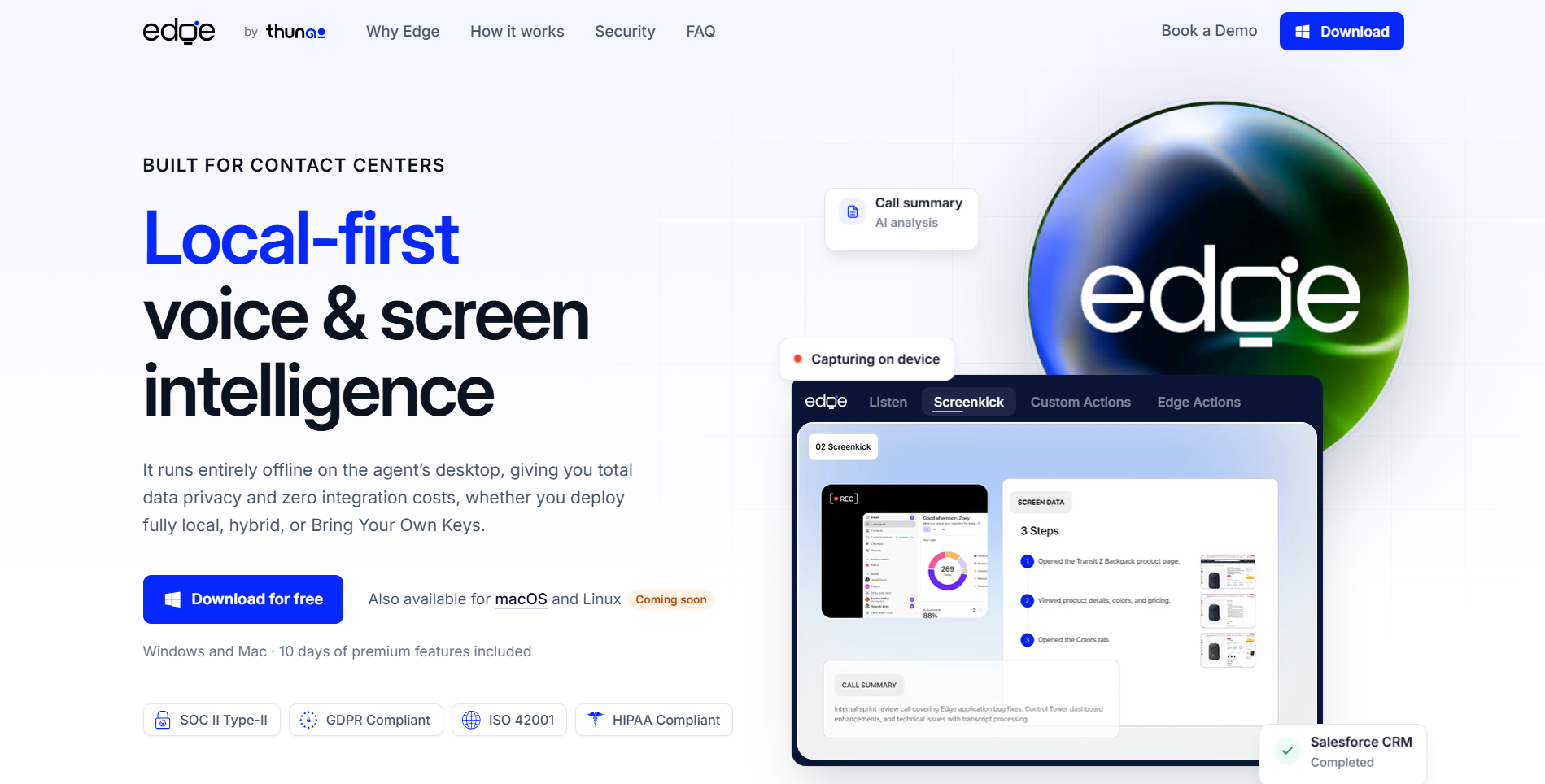
Thunai Edge swaps cloud bots for a local-first voice and screen AI assistant. It runs on Windows and Mac. It captures calls from device audio, with user consent, and works fully offline. Read the Thunai Edge guide for the full launch story, or see how AI note taking works at Thunai.
Features
- Runs Local AI (Whisper, Llama, Mistral), BYOK cloud, or Hybrid modes.
- Screenkick and Edge Actions automate CRMs, SOPs, and notes through a local MCP server.
- SOC 2 Type II, GDPR, HIPAA, and ISO 42001 compliance, with unlimited recording.
Pros
- Cuts handle time by 32% and saves 20–40 hours a week.
- Costs $10/user/mo after a 10-day free trial. It holds 5.0/5 ratings on G2 and Product Hunt.
Cons
- It needs an M1+ Mac or a Windows PC with an 8 GB GPU. Linux support is coming soon. Edge has no standalone G2 reviews yet.
2. Fireflies.ai - Best for CRM-heavy sales teams
Fireflies.ai is a cloud assistant built around AskFred search and 240+ integrations. Unlike Otter, it covers 100+ languages and updates CRMs in depth.
Features
- Unlimited bot transcription on the Fireflies AI free plan, with 400 storage minutes.
- AskFred cross-call search and native Salesforce or HubSpot sync.
- A written anti-training policy and SOC 2 Type II compliance.
Pros
- Is Fireflies AI free? Yes. Fireflies AI pricing starts at $10/seat/mo (Pro, annual). That makes it a popular pick among Otter AI alternatives.
- Deep CRM updates, 240+ integrations, and 100+ languages.
Cons
- Bot-free mode saves no audio or video. Free storage fills fast.
3. Fathom - Best free video recorder and transcript tool
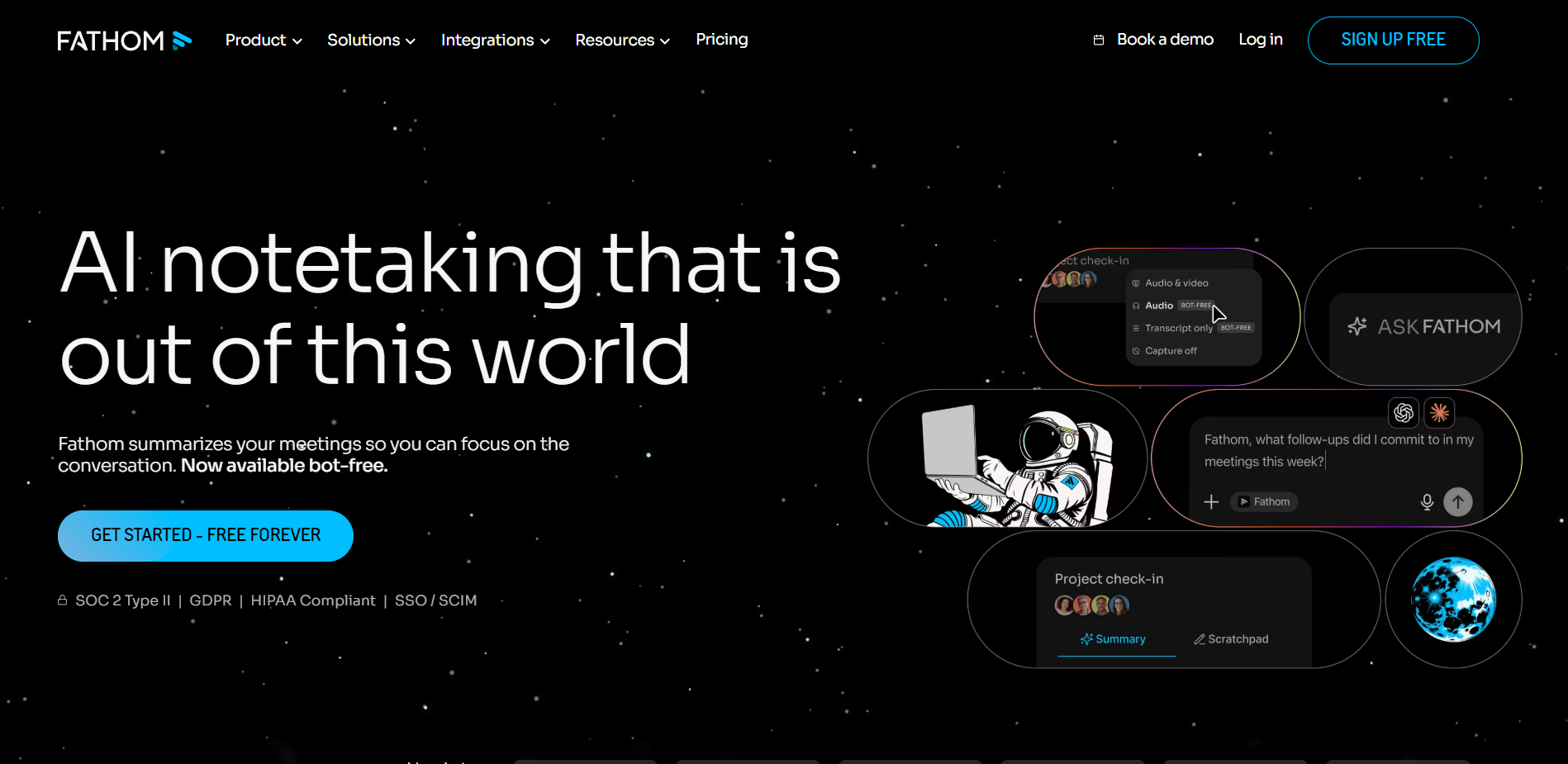
In Fathom vs Otter, Fathom wins on free video. You get unlimited recordings and transcripts. Calls never cut off at 30 minutes.
Features
- The free plan has unlimited storage and five advanced AI summaries a month.
- Ask Fathom cross-call search, highlight clips, and CRM sync on Business.
- SOC 2 Type II, GDPR, and HIPAA BAA options.
Pros
- The strongest free video plan among Otter AI alternatives. Calls never cut off at 30 minutes.
- Fathom pricing starts at 15–16/user/mo (annual). It offers SOC 2 Type II, GDPR, and HIPAA BAA options.
Cons
- It joins with a visible bot by default. The Mac bot-free beta drops clips. Privacy buyers often look for a local Fathom alternative.
4. Granola - Best for bot-free hybrid human-AI notes
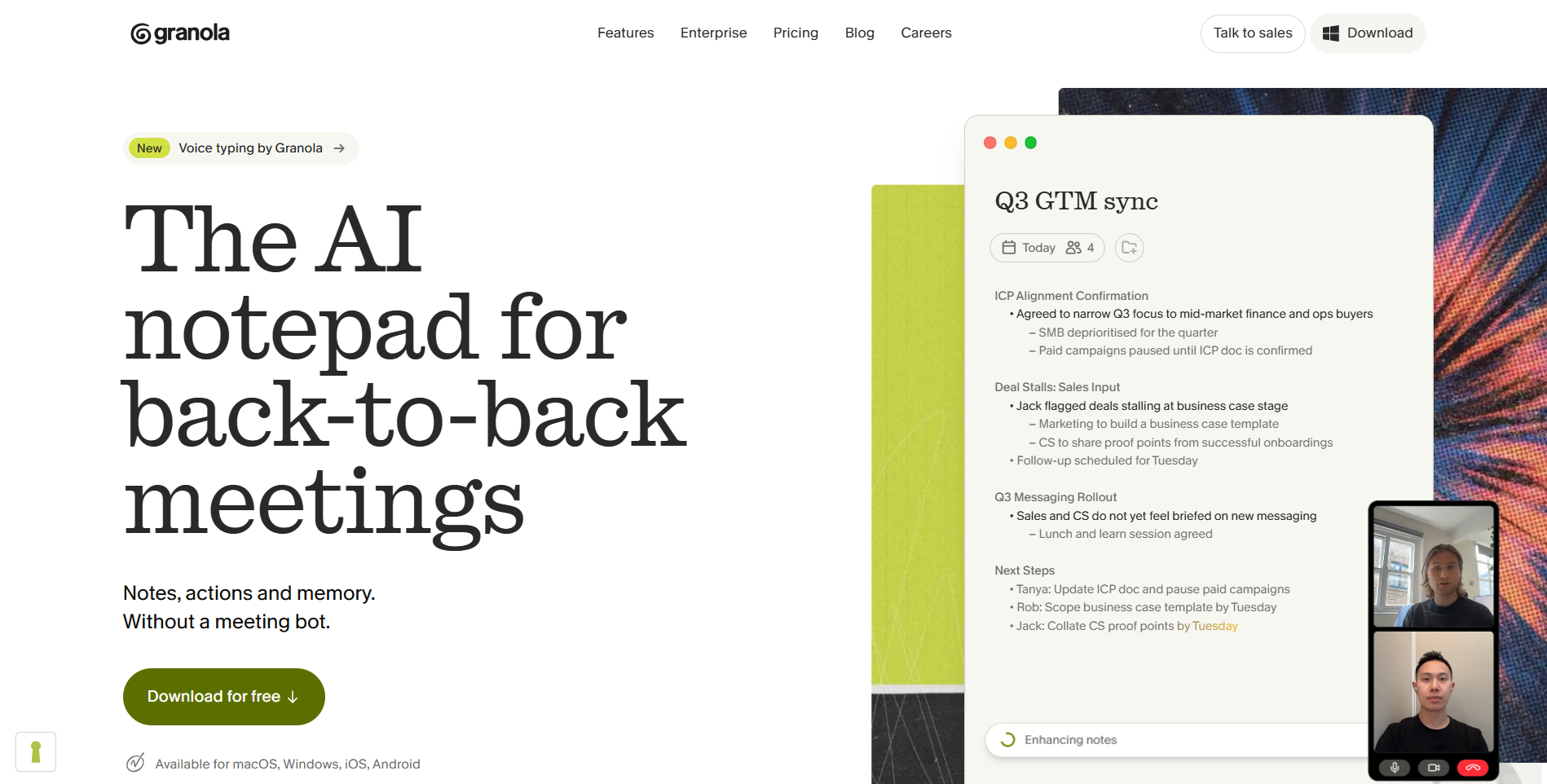
Granola skips bots entirely. You type rough bullets during the call. Granola uses device audio on Mac, Windows, or mobile to polish them.
Features
- Bot-free capture that deletes raw audio right after transcription.
- Pre-meeting calendar briefs and Granola Chat.
- SOC 2 Type II and GDPR compliance, with HIPAA on Enterprise.
Pros
- Unlimited free meetings with 30-day history.
- Bot-free and quiet. It deletes raw audio right after transcription. Business is $14/user/mo.
Cons
- No audio replay. Granola also faces a July 2026 lawsuit over silent recording.
5. Fellow - Best for structured agendas and compliance
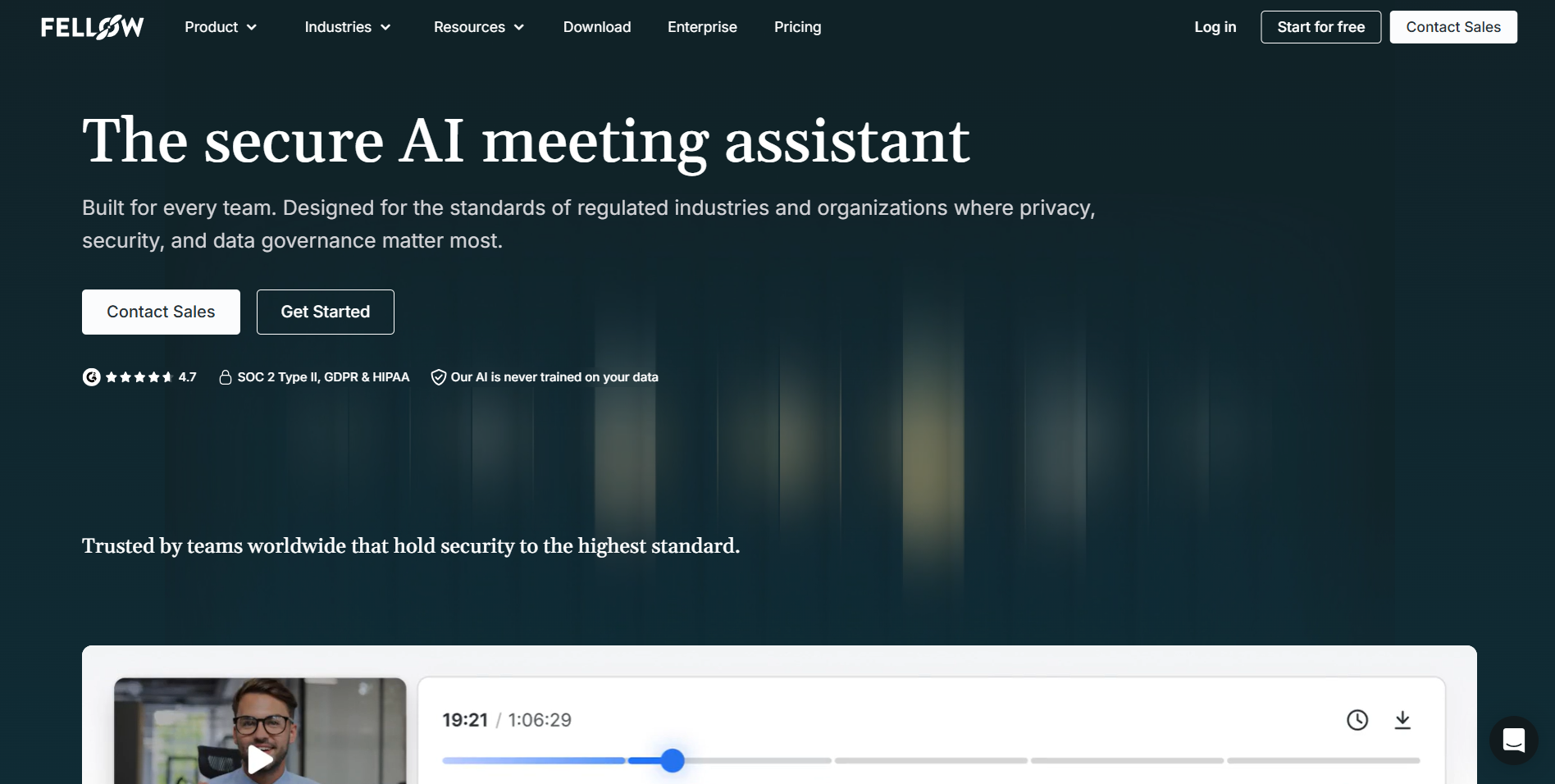
Fellow pairs AI notes with 500+ shared agenda templates and enterprise controls. Unlike Otter, it ties meeting prep to Jira, Asana, and CRMs.
Features
- Optional bot or bot-free capture, with built-in consent prompts.
- Ask Fellow cross-call search and Salesforce or HubSpot sync.
- Zero AI model training, with SOC 2 Type II, HIPAA, and GDPR compliance.
Pros
- Starts at $7/user/mo (Team, annual). That is the lowest starting price in this list.
- Built-in consent prompts and zero AI training make it one of the safest Otter AI alternatives for regulated teams.
Cons
- The free plan caps each user at five lifetime AI notes and recordings.
6. tl;dv - Best for video clips and EU data privacy
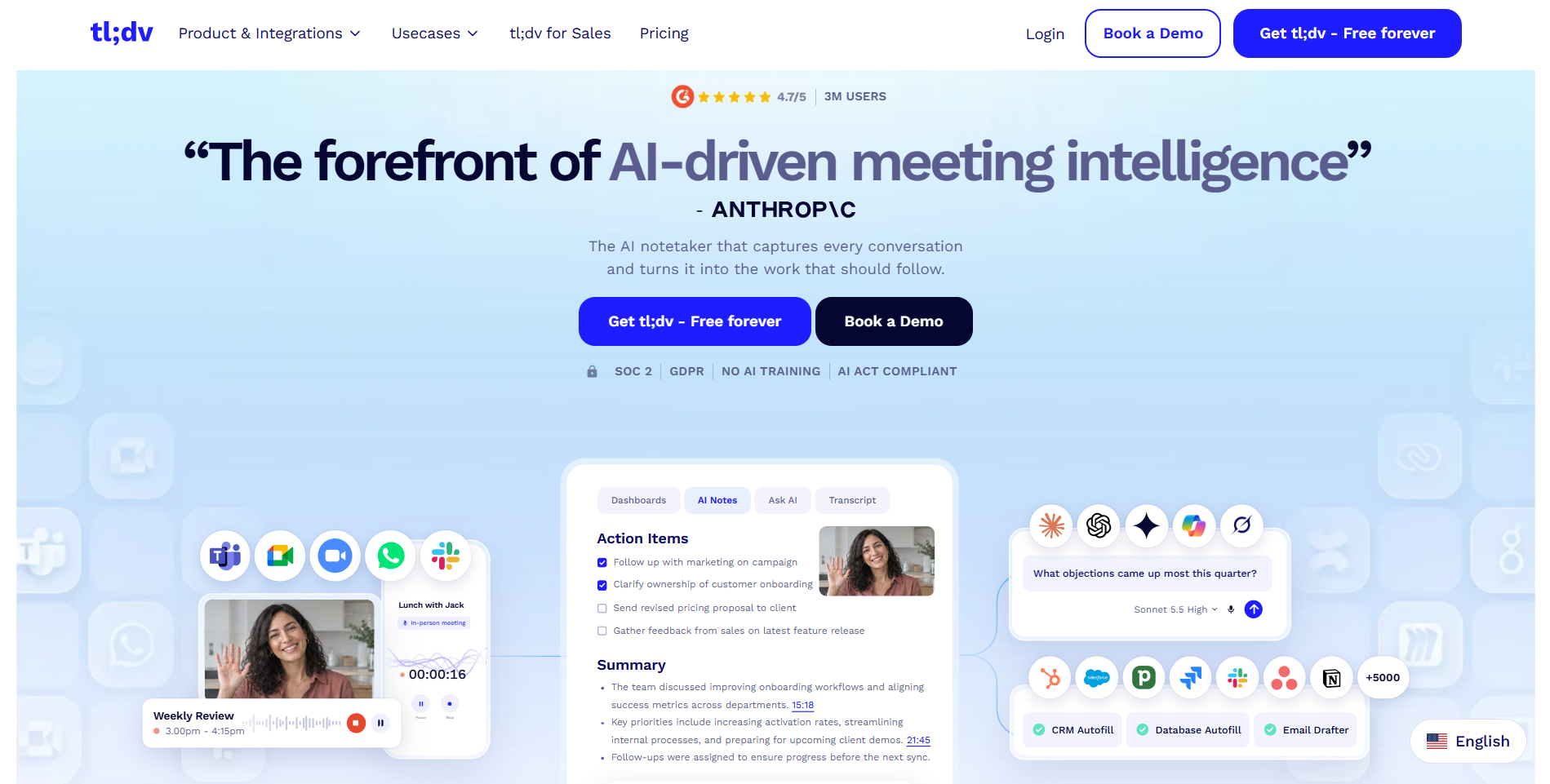
Built in Germany, tl;dv turns meetings into a searchable video clip library. It records with a bot or an audio-only, bot-free desktop app.
Features
- Unlimited free recordings in 30+ to 40+ languages, with 90-second clips.
- Sales playbooks, coaching scorecards, and CRM sync on Business.
- EU hosting, GDPR alignment, and zero AI training.
Pros
- Strong European privacy: EU hosting, GDPR alignment, and zero AI training.
- Unlimited free recordings and a searchable clip library. tldv pricing starts at $18/seat/mo (Pro, annual).
Cons
- Free videos expire after 90 days. Offline teams need another tldv alternative.
7. Read AI - Best for automated call scoring and metrics
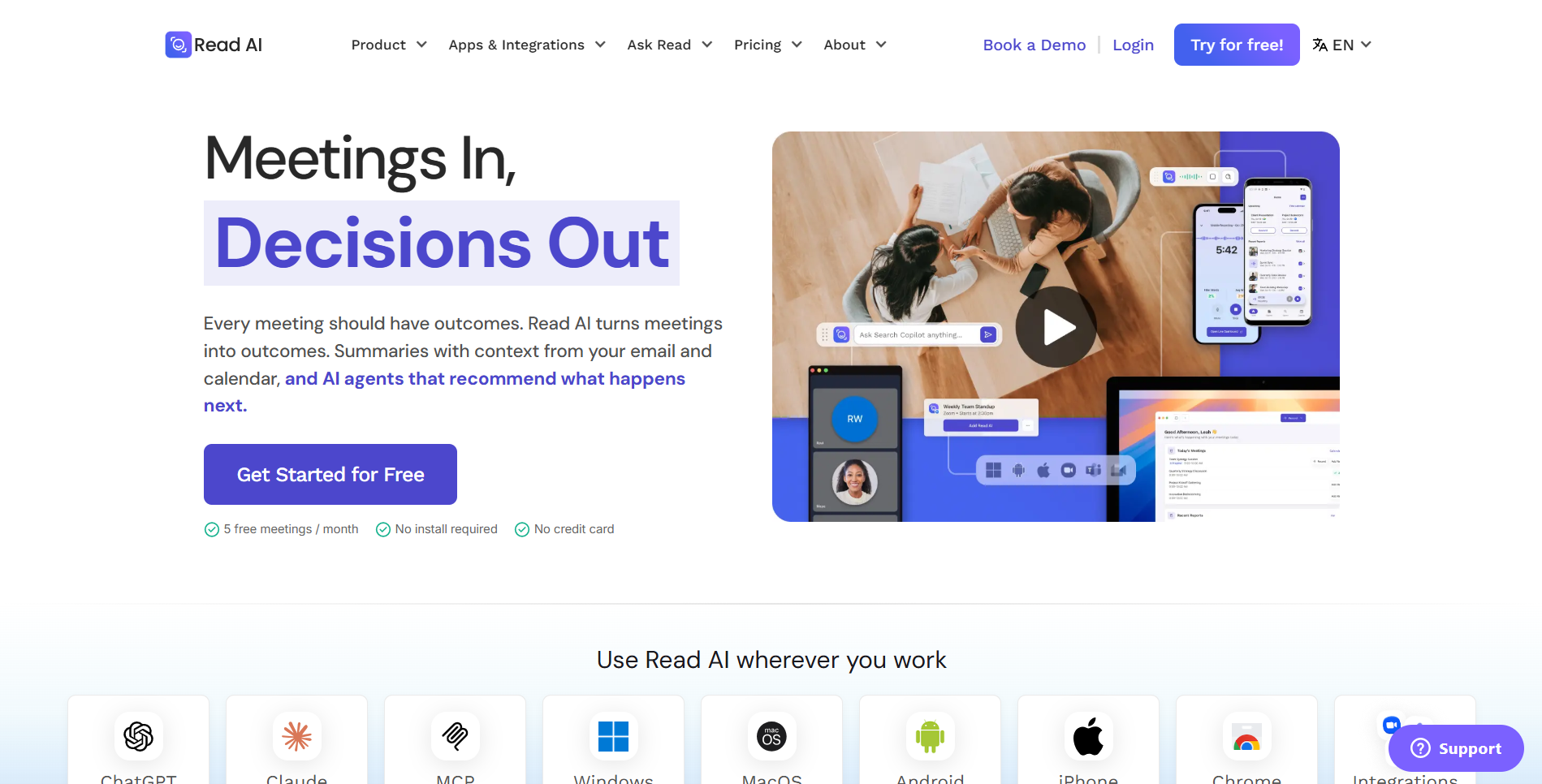
Read AI turns calls into engagement scorecards. It tracks talk time, sentiment, and participant reactions across Zoom, Meet, and Teams.
Features
- Call metrics and automated reports for calls up to four hours on Pro.
- The free plan gives five monthly reports, with a one-hour limit.
- A SOC 2 badge, with a two-year max retention limit.
Pros
- Scorecards track talk time, sentiment, and reactions. It suits analytics-focused Otter AI alternatives.
- Read AI pricing starts at $15/user/mo (Pro, annual). The free plan gives five monthly reports.
Cons
- Web calls send a visible bot. Reports cover 16 languages. Its policy cites legitimate interest for model training.
8. Notta - Best for multilingual transcription and live translation
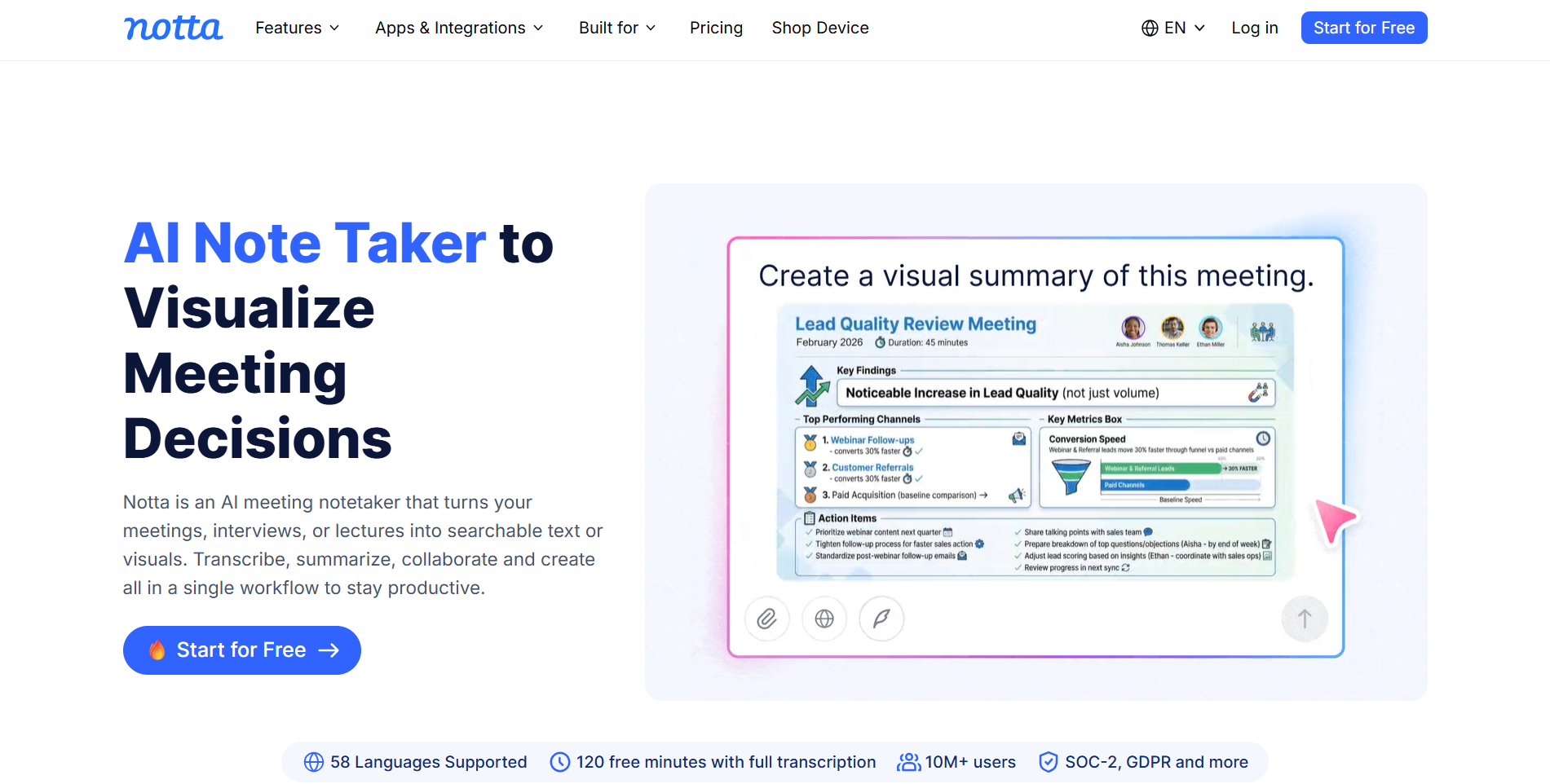
Notta serves global teams. It transcribes 58 languages with real-time translation. It offers bot capture, plus a local desktop Privacy Mode on paid plans.
Features
- Live and post-call translation in 80 languages, plus Notta Brain.
- Offline Privacy Mode processes audio locally on Mac and Windows.
- SOC 2 Type II, ISO 27001, GDPR, and HIPAA compliance.
Pros
- A budget-friendly Pro tier at $8.17/user/mo (annual) for 1,800 monthly minutes.
- Transcribes 58 languages, with live translation in 80.
Cons
- The free plan stops at three minutes per call. Privacy buyers often look for an offline Notta alternative.
9. Tactiq - Best for lightweight Chrome live captions
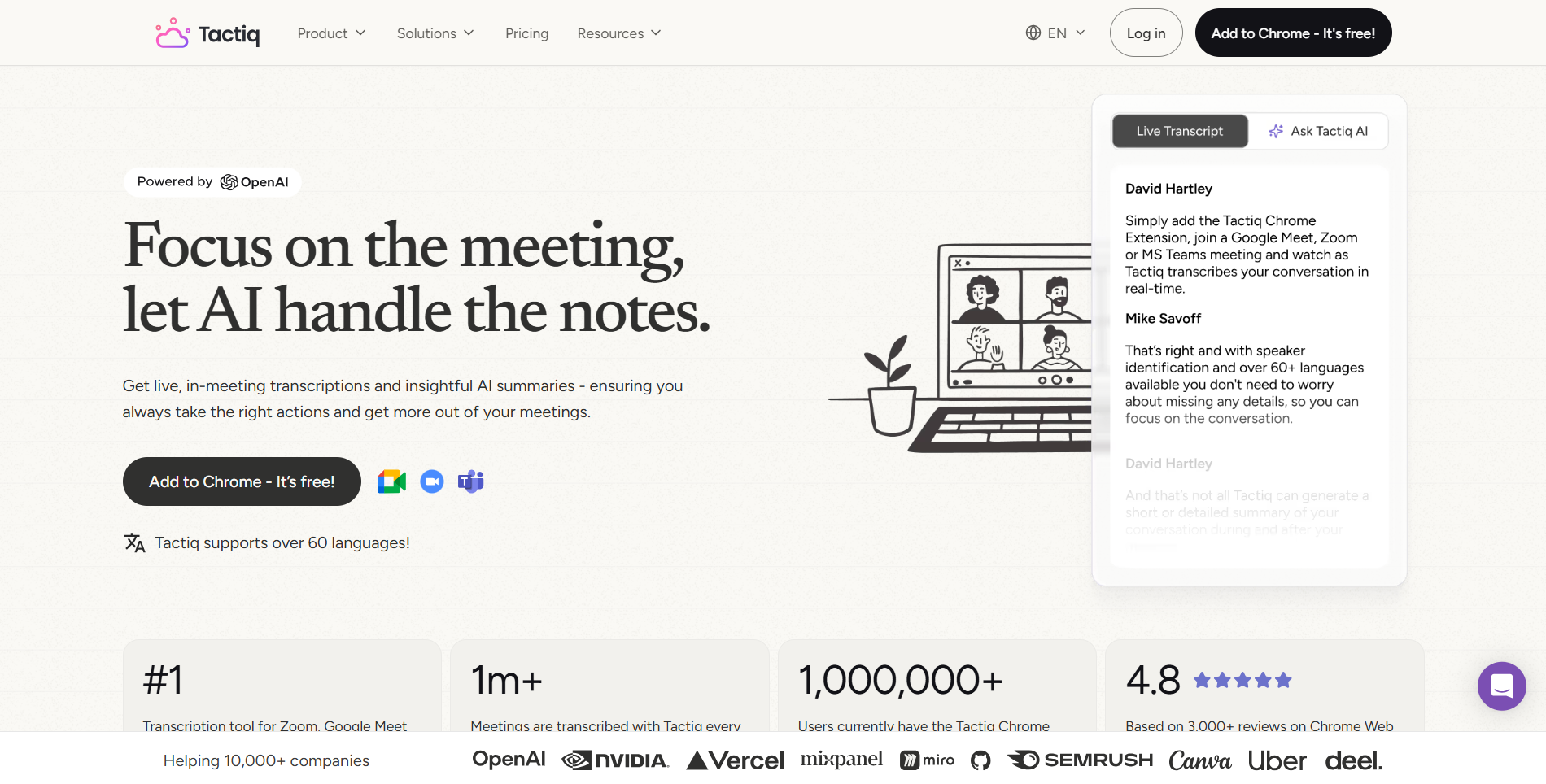
Tactiq is a bot-free Chrome extension and Mac app. It captures live captions without storing audio. It sends notes to Slack, Linear, HubSpot, and Claude.
Features
- Real-time transcripts in 60+ languages inside your browser.
- One-click AI prompts and workflows, with zero audio storage.
- SOC 2 Type II, ISO 27001, GDPR, and HIPAA compliance.
Pros
- Free for 10 monthly transcripts. Pro is $8/user/mo (annual).
- Bot-free and stores no audio. It sends notes straight to Slack, Linear, and HubSpot.
Cons
- No audio replay. Windows desktop users often pick a Tactiq alternative.
10. Krisp - Best for noise cancellation and accent clarity
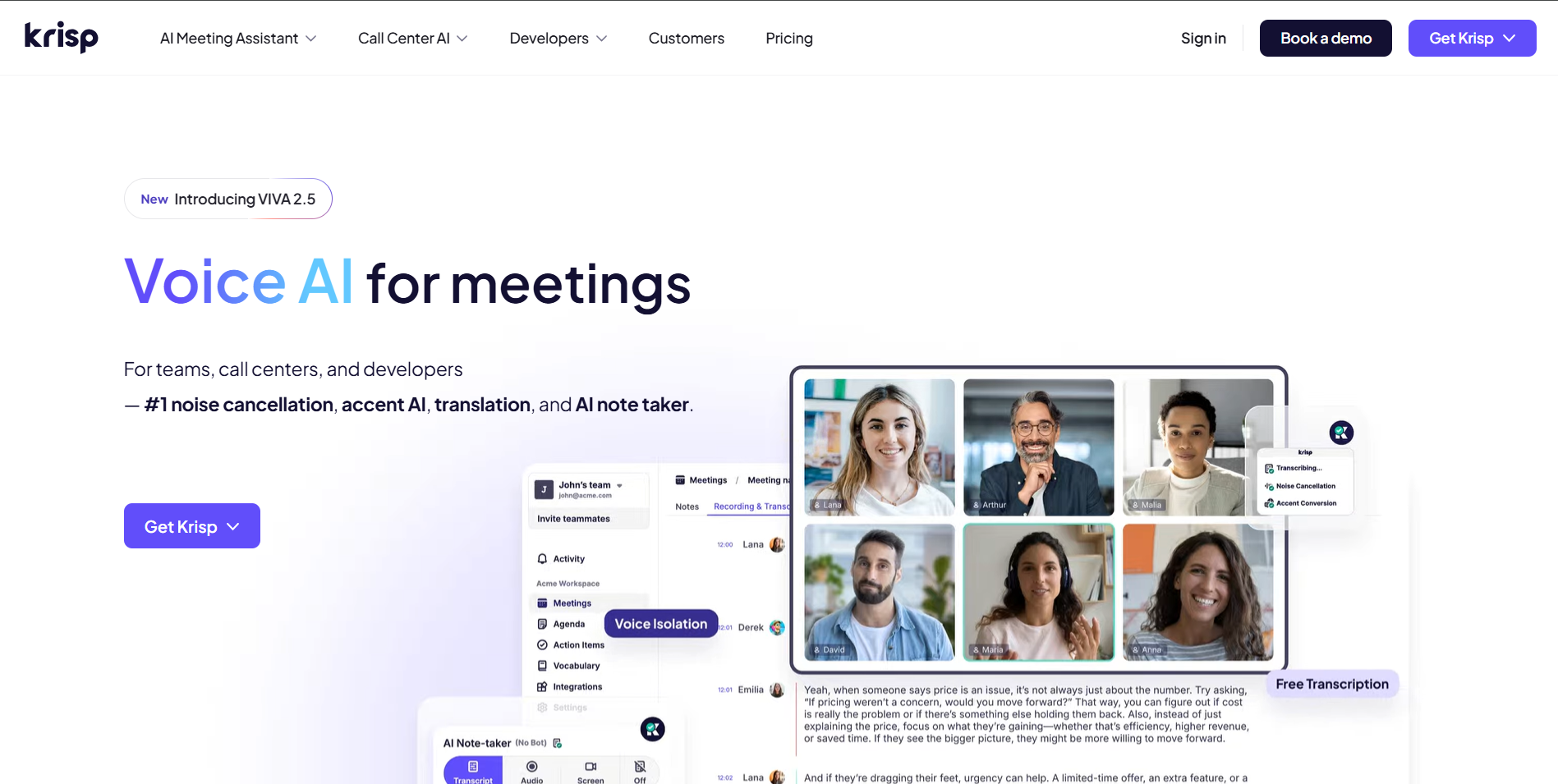
Krisp runs as a bot-free virtual audio device on Mac and Windows. It strips background noise and softens accents live on calls.
Features
- Two-way AI noise cancellation and live Accent Conversion.
- Local English transcription, plus cloud summaries in 16+ languages.
- Universal desktop capture with CRM and MCP integrations.
Pros
- Core starts at $8/user/mo (annual) after a 7-day trial. A capped free tier is also offered.
- Bot-free noise cancellation and accent softening work live on every call.
Cons
- Summaries need cloud access. Insights are shallower than those of dedicated Otter AI alternatives.
11. Meetily (open source) - Best for open-source offline privacy
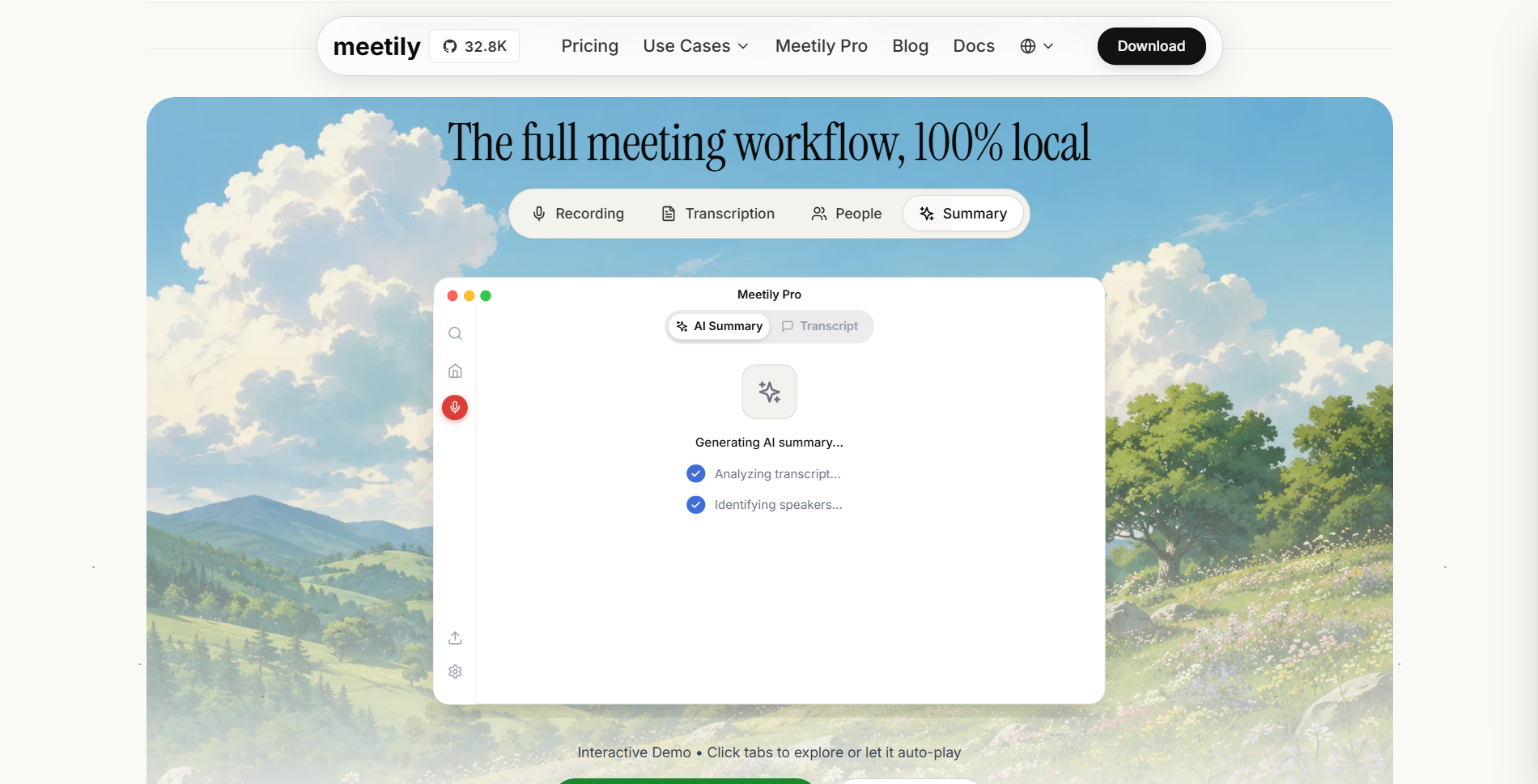
Meetily is an MIT-licensed, open-source recorder. It has 32,000+ GitHub stars and 739,000+ downloads. It captures system audio without bots on Windows, Apple Silicon Macs, and Linux.
Features
- 100% local Whisper and Parakeet transcription, with offline Ollama summaries.
- The free Community Edition needs no account and stays GDPR/HIPAA ready.
- Pro ($10/user/mo, annual) adds speaker IDs, PDF/DOCX exports, and MCP/CLI tools.
Pros
- Full code transparency and zero vendor lock-in among offline Otter AI alternatives.
- The free Community Edition needs no account. Everything runs 100% local and stays GDPR/HIPAA ready.
Cons
- No mobile apps and no Intel Mac support. Speaker labels need Pro.
Otter vs Fireflies: quick head-to-head
Otter vs Fireflies comes down to budget, workflow depth, and data rules. Bot design is not the deciding factor.
On price, Otter's free tier stops every call at 30 minutes (300 minutes a month). Fireflies gives unlimited bot transcription on its free plan, with 400 minutes of team storage and limited AI summaries. Paid annual plans are close: $8.33/user/month for Otter Pro against $10/seat/month for Fireflies Pro.
On capture and integrations, both default to visible cloud bots (OtterPilot and Fred). Both added desktop bot-free capture in 2026. Fireflies pulls far ahead on integrations. It offers 240+ app connections and deep CRM field updates. Otter's list is smaller.
On privacy, Fireflies states in writing that customer data is never used to train AI models. Otter's general privacy policy allows training on de-identified content outside Enterprise. Teams unhappy with both often turn to bot-free Otter AI alternatives.
Fireflies alternatives
Looking for a Fireflies alternative? Maybe the Fred bot feels awkward on client calls. Maybe free storage runs out fast. Maybe cloud-only storage clashes with compliance rules. Strong Otter AI alternatives solve each of these.
- Thunai Edge runs locally and offline on your desktop. It pairs bot-free recording with screen-aware CRM automation at near-zero per-minute cost.
- Fathom gives solo users unlimited free recordings and transcripts.
- Fellow enforces strict enterprise consent and retention controls.
A bot-free Fireflies AI alternative ends participant pushback. You keep the post-call speed.
How to switch from Otter
Moving to private Otter AI alternatives takes under ten minutes. Use this three-step plan:
- Export your Otter transcripts.
- Sign in to otter.ai on a desktop browser.
- Bulk export does not work in the mobile app.
- Open My Conversations, pick the calls you want, and click Export.
- Choose TXT, DOCX, PDF, or SRT. Basic free users export TXT and MP3 files one at a time.
- Business accounts get ZIP bulk downloads.
- Open a few files to check them before you close your account.
- Remove the Otter bot from your calendar.
- Set auto-join to Meetings I manually select.
- Disconnect Google or Microsoft calendars inside Otter.
- Uninstall the browser extension.
- Then revoke Otter's OAuth access in your Google or Microsoft security settings.
- Set up Thunai Edge.
- Download Thunai Edge for Windows or Mac.
- It is free to install, with a 10-day premium trial.
- Pick Local AI, BYOK, or Hybrid mode.
- Allow microphone and system audio access.
- Then run your next Zoom, Teams, or Google Meet call bot-free and offline.
Need help? Follow the Thunai Edge setup guide.
Ready to leave visible bots and 30-minute caps behind? Try Thunai Edge on your next call. Keep every recording, summary, and workflow safely on your own device.
FAQs
Is there a free alternative to Otter.ai?
Yes. Several tools beat Otter’s free plan, which stops every call at 30 minutes. Fathom offers unlimited free recordings and transcripts. Meetily is a free, open-source recorder that works offline. Fireflies.ai gives unlimited bot transcription on its free plan, with 400 storage minutes. Granola offers unlimited free meetings with 30-day history. Thunai Edge is free to install and comes with a 10-day premium trial.
What is better than Otter.ai?
It depends on what you value most. For private, offline, bot-free work, Thunai Edge is the strongest pick. For free video recordings, choose Fathom. For CRM-heavy sales teams, choose Fireflies.ai or tl;dv. For typed notes that AI polishes, choose Granola. For translation, choose Notta, which covers 58 languages.
How do I stop Otter.ai from joining my meetings?
First, switch auto-join to Meetings I manually select in your Otter web settings. Second, set auto-join to Manual in the mobile app and remove the Chrome or Edge extension. Third, disconnect your Google or Microsoft calendar inside Otter, then revoke its access in your account security settings. If the bot is already in a live call, type stop otter in the meeting chat. It leaves at once.
Is Otter.ai safe for confidential meetings?
Not out of the box for legal, medical, or M&A calls. Otter holds SOC 2 Type 2 certification and encrypts stored files. But its privacy terms say it may train AI models on de-identified audio and transcripts. Only Enterprise workspaces opt out by default and offer a HIPAA BAA. The Otter privacy lawsuit is also still ongoing, and the court has not ruled on liability. For sensitive calls, use a local tool such as Thunai Edge.
Is there an Otter alternative that works offline?
Yes. Thunai Edge runs fully offline on Windows and Mac. It uses local AI, so your audio stays on your device. Meetily is an open-source option that also runs 100% locally. Notta offers an offline Privacy Mode on paid plans. Most other tools in this list process audio in the cloud.