
Investing in AI for your support team is a no-brainer!
But paying for it call after call, ticket after ticket, can get out of hand fast.
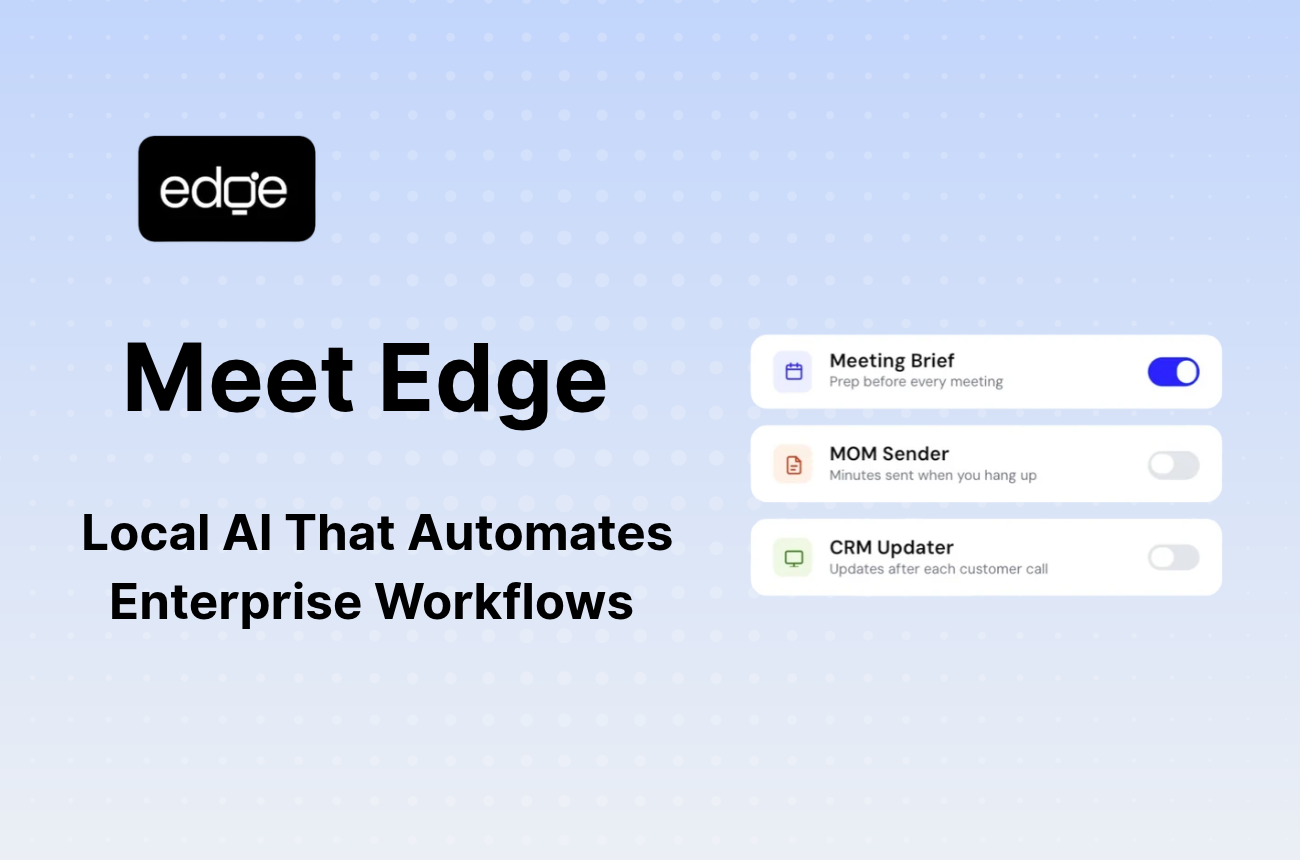
That's why our team at Thunai built Thunai Edge: a local-first AI desktop application that captures conversations, automates workflows, and cuts cloud AI costs for enterprise support teams (with no cloud integrations required)
Here’s what you need to know about Thunai Edge…
What Is Thunai Edge?
Thunai Edge is a desktop AI agent for Windows and macOS. It’s meeting recording software, a workflow automation tool, and a knowledge engine all-in-one — running locally on your agents’ devices through a mix of local AI models and Small Language Models (SLMs). That means you don’t have to send anything to the cloud, which lowers your costs even further.
Thunai Edge helps support teams at companies of all sizes leverage generative AI without paying expensive cloud inference costs.
With it, we help them use their existing workflows (like their CRM, Slack workspace, ticketing systems) and stay compliant by keeping sensitive info about customers away from big tech firms.
Why Enterprise Support Teams Need Local AI
Well, there are just too many meetings and calls recorded these days, and most enterprises haven’t invested enough in supporting their teams with helpful AI features yet. This isn’t because anyone wants to let down their end-users but due to budget constraints and the fact that AI has outgrown its budgets.
Let me explain… The number of conversations grows exponentially with every agent and channel added to the support arsenal. And conversely, the amount of content generated by these interactions also grows – transcripts, summaries, and recommendations based on these conversations will soon become a necessary part of the job.
If this sounds familiar, well, I’m sorry to say it probably won’t be long before your monthly bill reflects the reality of all those meetings and conversations.
Local AI models like Edge help enterprises lower both their cloud inference costs and their compliance risks through the adoption of local AI capabilities. Here are three reasons why:
- Local AI removes per-minute speech-to-text & API costs associated with certain workloads.
- Local AI ensures your most valuable data, such as medical or financial info shared during calls, remains private.
- Local AI models keep the cost of handling customer interactions low regardless of ticket volume.
What Makes Thunai Edge Different?
If you’ve spent time working with modern chatbots or digital assistants, you might remember that some applications provide great insights and learning after the call is over, and others offer helpful suggestions as agents interact with users.
However, none really learn from actual user interactions, much less keep up with changing company policies or agent performance trends.
Thunai Edge is local-first conversation intelligence that works differently:
- Connects what was said to what was actually done.
- Learns continuously from every closed ticket, with no manual curation.
- Delivers context-aware recommendations while the agent is still on the call.
Here's how it works, feature by feature.
1. Record Conversations Without Meeting Bots
Nobody wants to hear from a bot while talking to their customers. We ensure your calls are recorded without meeting assistants or bots involved, then process them locally on-device to enable these powerful capabilities.
But even with this, if you may need additional horsepower - you can still choose to run our AI models in the cloud.
This unique approach to recording allows you to have all the power of a traditional recorder at half the cost, allowing you to:
- Transcribe locally (no charges by minutes)
- Produce call summaries with key moments and action items
- Automatically create and move action items directly to your CRM
2. Edge Actions: Automate Pre-Call and After-Call Work
We offer several edge actions allowing teams to automate some common tasks around pre-call and after-call work.
These include post-call automation, voice to CRM updates, and automated ticket updates using existing CRM & ITSM workflows, without requiring integrations to be built/maintained.
Edge actions allow:
- Agents to receive contextual recommendations throughout the entire duration of their interactions.
- This covers updates to CRMs, Slack, and ticketing tools directly from the desktop and triggers relevant follow-up actions once the call has ended.
- Edge preps agents ahead of and even during the call with the right kind of contextual background.
3. Screenkick: Capture What Agents Actually Do
A transcript only shows what an agent said. It doesn't show what they clicked, searched or typed. Screenkick records agent actions on screen, not just their statements, and links that desktop activity to the conversation data.
You get the full interaction context: how the customer felt, what the agent said and what they did about it. With Screenkick you can:
- Link spoken responses to actual agent actions.
- Understand customer sentiment alongside agent workflows.
- Spot where your best resolvers spend their time.
4. Teach Edge: Turn Expert Knowledge Into Repeatable Workflows
As many of us know, the greatest source of knowledge in a company tends to reside in a handful of individuals. Documenting those processes typically involves spending endless amounts of time.
A “how to write an SOP” guide won’t solve this issue if there isn’t anyone left who actually knows how to write an SOP. By teaching Edge what your top-performing agents do best, Edge creates a map of the most efficient path to resolving issues along with relevant automated workflows.
In other words, we provide you with an easy way to turn your expert knowledge into repeatable workflows by:
- Edge creates resolution intelligence based on actual tickets
- You don’t lose any of your institution’s knowledge if employees decide to leave.
- You’re able to take advantage of workflow mapping, making sure everyone on your team can benefit.
5. Real-Time Decision Assist: Give Every Agent Expert Guidance
Outdated SOPs and stale documents slow down ticket resolution. Real-Time Decision Assist gives agents live, contextual recommendations based on how your team really resolves issues, and it updates its resolution intelligence on every closed ticket.
- Retrieves the right knowledge during the interaction.
- Replaces static documents with guidance that improves with every use.
- Keeps customer support processes consistent across every agent.
How Thunai Edge Reduces AI Operating Costs
Traditional cloud providers bill you for what you do in their systems (each minute of audio, each token, each API request comes with an associated cost).
This can easily result in unexpectedly high costs for organizations running large amounts of AI workloads.
- With local AI inference and the ability to run appropriate workloads locally through SLMs, Thunai Edge eliminates the need to send requests over the network to the cloud. That means significantly reduced cloud API usage, eliminating “per-minute” speech-to-text costs for relevant workloads.
- As a side benefit, this approach provides improved data locality, as well as increased flexibility in which size model should be utilized based on the specific workload requirements, enabling hybrid AI processing.
- Finally, all of this results in much lower costs per customer interaction, allowing you to handle increasingly large volumes of call volume without worry.
Local Models, BYOK, and Hybrid AI Modes
Every enterprise has different rules about where AI can run. Edge gives you three options in one platform:
- Local Models: Download models within the app and run them on the device.
- Bring Your Own Key (BYOK): Connect your own LLM API key from your preferred cloud provider and avoid depending on a single vendor.
- Hybrid Mode: A BYOK supervisor agent orchestrates a local model. It's the most customisable option for enterprise AI deployment.
Thunai Edge vs Traditional AI Meeting Assistants
When searching for “best AI meeting assistant,” or “best meeting recording software”, you’ve’ve likely considered a Granola alternative, Otter AI alternatives, or even Krisp alternatives.
However, all those products are focused on the broader concept of ‘meetings,’ rather than the real-world needs of a support centre.
Let’s compare Thunai Edge against other solutions by evaluating factors that matter to support teams:
- Recording: Bot-free capture with local transcription, and cloud models available if needed.
- Automation: Triggers workflows when the call ends instead of leaving you with notes to act on.
- Privacy: On-device processing and BYOK control over where your data goes.
- Workflow execution: Learns from agent actions and recommends next steps during the call.
Meeting Recording Is Only the Starting Point
Conventional meeting recorder apps prioritize features around transcription, summaries, and searchable notes.
Someone must go through those notes anyway and enter updates to the CRM system, notify their team, etc.
Thunai Edge doesn’t just record your calls - it uses those notes as a jumping-off point for action items.
This local AI tool helps you connect conversations to your agent’s actions and enterprise workflows, updating tickets, suggesting follow-up questions, providing guidance for the next call, etc.
Who Should Use Thunai Edge?
Thunai Edge caters specifically to mid-sized and enterprise teams with 20+ support agents, dealing with large ticket volumes and varying resolution times.
This product suits teams needing a comprehensive yet customizable solution that adapts to diverse operational requirements while ensuring seamless integration into existing processes and platforms.
Get Started With Thunai Edge: It’s Built for Customer Support, Salesforce, Zendesk, Freshdesk, and ServiceNow Teams
We built our software to serve companies who use any of these systems internally: Salesforce, Zendesk, Freshdesk or ServiceNow (Teams).
In short, if your support agents are working inside any of these products, we have developed Edge specifically for them — no more complex integrations.
Edge allows for faster onboarding of agents and helps increase overall efficiency in handling tickets, making life better for everyone involved.
With consistent processes being used across all departments within enterprises, there’s also less risk of losing critical company knowledge when employees leave.
Get started today at Thunai Edge for free!