
RingCentral still anchors the cloud communications market, reporting $676 million in third-quarter 2026 revenue and retention above 99%. But staying power is not the same as keeping every team happy.
Hidden fees pile up, admin consoles sprawl, and AI shows up as a paid extra instead of a built-in tool. Meanwhile, newer platforms deliver transcription, coaching, and even autonomous agents as part of the core product.
In this guide, we'll compare the top RingCentral competitors by team fit, calling quality, AI depth, integrations, and real pricing, so you can decide whether to switch, stay, or add an AI layer.
Why Teams Look for RingCentral Alternatives
RingCentral is a capable, enterprise-grade UCaaS platform, but capable does not always mean efficient. Teams that compare RingCentral pricing against modern business VoIP providers tend to run into the same four pain points:
- AI Priced as an Add-On. RingCentral charges $39 per month for its AI Receptionist and $60 per user per month for conversation intelligence, so the true cost of an AI-ready phone system climbs well past the $20 per user Core plan.
- Surcharges That Swell the Bill. The FCC's Federal Universal Service Charge contribution factor has reached 42.0%, and vendors may pass it through on invoices. Compliance matters too, since 10DLC texting violations can bring carrier fines of up to $10,000.
- Administrative Weight. Reviewers describe a complex, clunky admin experience and support that feels outsourced and slow on tickets. Small IT teams feel that drag every time they set up a new site or user.
- Integration and Contract Friction. Deeper CRM sync often sits behind upper tiers, and strict contract lock-ins make switching feel risky. Teams that live in Salesforce or HubSpot want native sync without paying for a bigger plan.
UCaaS limitations show up fastest in contact center scenarios. A phone system built around company-wide calling, video, and messaging was never designed to deflect routine tickets, score calls, or coach agents in real time, so teams bolt on extra tools and extra costs.
Enterprise communication requirements have shifted as well. Buyers now expect native transcription, CRM-connected workflows, transparent global calling, and clear data governance, not a feature checklist from 2019.
None of this makes RingCentral a poor choice for a large, multi-site company that wants UCaaS and CCaaS under one roof. The takeaway is simple: price the full stack, including add-ons, surcharges, and support, before you renew.
RingCentral Competitors at a Glance
The RingCentral competitor landscape now spans at least 20 vendors, from lightweight virtual numbers to global contact center suites. Rather than treat them as interchangeable, sort them by the job they do best.
Thunai AI, Talkdesk, and Genesys Cloud CX sit outside this list but earn a place in the top 10 below, because they solve problems a phone system alone cannot.
10 Best RingCentral Alternatives in 2026
These ten picks cover business phone systems, VoIP alternatives, cloud PBX providers, UCaaS platforms, CCaaS solutions, and AI-powered communication platforms. Match the category to your team before you compare features, because a great contact center tool is a poor fit for a ten-person sales team, and the reverse is just as true.
1. Dialpad

Dialpad started out as UberConference in 2011 and grew into an AI-native communications platform that has trained its own language models on business conversations since 2018.
For teams that want transcription, coaching, and call analytics without paying extra, Dialpad is the most direct RingCentral alternative for AI-ready calling.
Features:
- Built-In AI. Real-time transcription, AI call summaries, live coaching hints, and sentiment analysis come standard on every plan, so conversation intelligence is not a separate line item.
- Three Product Lines. Connect handles unified communications, Support covers inbound contact center needs with skills-based routing, and Sell adds outbound dialers for sales teams.
- CRM Integrations. Connections to Salesforce, HubSpot, Zendesk, Microsoft Teams, and Google Workspace unlock on the Pro plan, along with API access.
Pros:
- Standard starts at $15 per user per month on annual billing with unlimited US and Canada calling, and a 50-user Pro rollout runs about $15,000 per year.
- G2 reviewers give the platform 4.4 out of 5 across more than 7,600 reviews, and many say new agents need almost no training.
Cons:
- Call quality can slip on cellular data or weak Wi-Fi, so field crews on spotty networks may fare better elsewhere, and SMS depth trails specialist messaging tools.
2. Thunai AI
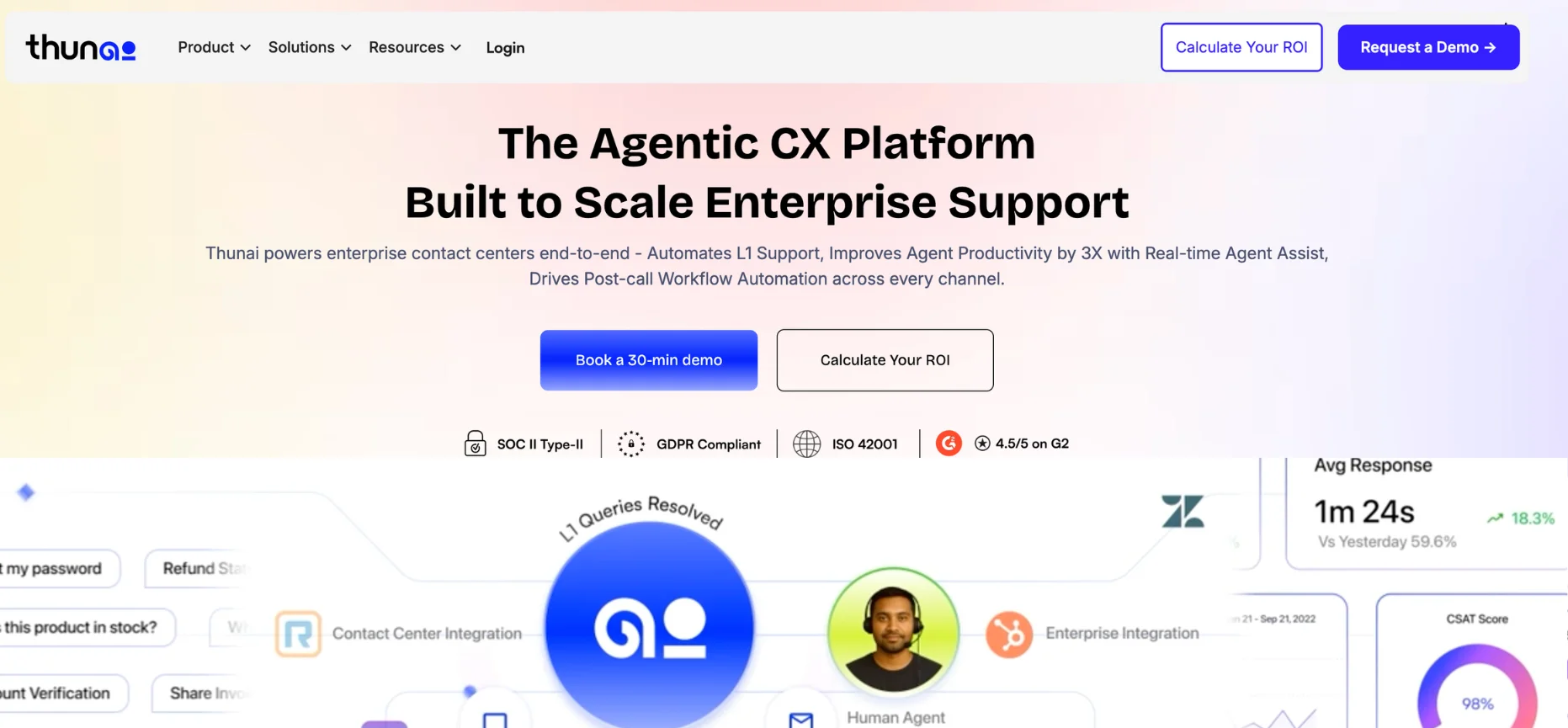
Thunai AI is not a phone carrier, and that is the whole idea. The platform is an enterprise AI orchestration layer built to resolve customer issues autonomously instead of just connecting callers to people.
For high-volume contact centers, e-commerce brands, retail brands, and healthcare providers, Thunai turns an overloaded Level 1 queue into an automated workflow.
Features:
- AI Voice Agents and Omnichannel Support. Autonomous agents work across voice and chat in 150+ languages, with SIP trunking and omnichannel routing handling the connection layer.
- Real-Time Assistance and Call Scoring. Live guidance helps human agents during active calls, while post-call workflows generate summaries, score conversations, and update the CRM automatically.
- Thunai Brain and Integrations. A central intelligence hub flags contradictions in training data, and connectors reach Shopify, Salesforce, Zendesk, Cerner FHIR, and IBM Confluent event streams.
Pros:
- Thunai reports deflecting 70% to 80% of routine L1 queries, cutting resolution times by 40%, and returning roughly $3.50 in value for every $1 spent.
- Governance is strong, with SOC 2 Type II, HIPAA, and ISO 42001 certifications, plus a claimed 95% reduction in AI hallucinations.
Cons:
- Pricing scales by workspace with custom based pricing
3. Talkdesk
Founded in Lisbon in 2011 and now based in Palo Alto, Talkdesk is a pure-play cloud contact center platform for teams that have outgrown general-purpose phone systems. Talkdesk CX Cloud pairs intelligent routing with conversational AI and workforce tools, so it competes head-on with RingCX and Genesys.
Features:
- Intelligent Routing and ACD. Advanced automatic call distribution and omnichannel routing steer customer conversations to the right agent across voice and digital channels.
- AI on the Talkdesk Data Cloud. Multi-agent orchestration, real-time context delivery, and automated quality assurance all run on one shared data layer.
- Workforce Engagement and Integrations. WEM tools and a Service Health dashboard help managers build accurate staffing forecasts, while 100+ integrations sync both ways with Salesforce, Zendesk, and ServiceNow.
Pros:
- Gartner Peer Insights users rate the platform 4.4 out of 5 across 866 reviews and praise its clean agent interface.
- Workforce management is a standout, which makes Talkdesk stronger than RingCX for teams that put staffing precision first.
Cons:
- Enterprise pricing runs about $85 per user per month for Digital Essentials, $105 for Voice, and $145 for Elite, so a 100-seat Voice deployment lands near $126,000 a year before implementation.
- Reviewers warn that the platform is easy to misconfigure without strong admin support, and support can slow down during peak periods.
4. Aircall

Founded in 2014, Aircall was built to bridge cloud telephony and CRM workflows, and the platform still feels like a native extension of Salesforce and HubSpot. Sales and support teams that care more about workflow speed than desk phones often find Aircall a lighter, friendlier alternative to RingCentral.
Features:
- Cloud Phone and Routing. Numbers in 100+ countries, IVR, call routing, shared inboxes, and power dialing cover everyday sales calling and customer support.
- One-Click CRM Integrations. Syncs with HubSpot, Salesforce, Intercom, and Zendesk drive call auto-logging that reviewers describe as highly dependable.
- AI Features. AI call summaries and transcripts come alongside 50 free AI Voice Agent minutes per account each month.
Pros:
- Teams can go live within days, and reviewers say dialing feels as natural as using a personal phone.
- G2 gives the platform 4.4 out of 5 across 1,600 reviews, with strong praise for the simple, uncluttered interface.
Cons:
- Plans run roughly $30 to $40 per user per month for Essentials and about $70 for Professional, with a three-seat minimum that prices out solo operators.
- Native video conferencing and internal team messaging are missing, and users report call lag plus slow support on spam flags and number changes.
5. Vonage
Vonage started out as a residential VoIP provider in 2001 and, after Ericsson acquired it in 2022, repositioned itself around CPaaS. Vonage Business Communications still sells standard cloud PBX, but developer-friendly voice, video, and messaging APIs are the real draw.
Features:
- Programmable APIs. Voice, SMS, and video APIs let developers embed communications directly into proprietary apps and workflows.
- Cloud PBX and Unified Communications. Auto-attendants, VoIP calling, and compatibility with legacy SIP desk phones like Yealink help teams that want to keep existing hardware.
- AI and Contact Center Options. Conversational AI, virtual assistants, and sentiment analysis are available, though getting full value often means technical API integration.
Pros:
- CPaaS flexibility is exceptional for companies with in-house developers, and enterprise IT managers value the platform's core voice uptime.
- Mobile starts at $19.99 per user per month, and Premium at about $29.99 adds CRM integration and desk phone support.
Cons:
- Feature gating is aggressive, since company-wide call recording alone costs $49.99 per month, so confirm international calling rates and every add-on before you sign up.
- G2 scores Vonage at 4.3, but Trustpilot sits at 2.1 thanks to billing complaints, difficult cancellations, and unresponsive support.
6. Genesys Cloud CX
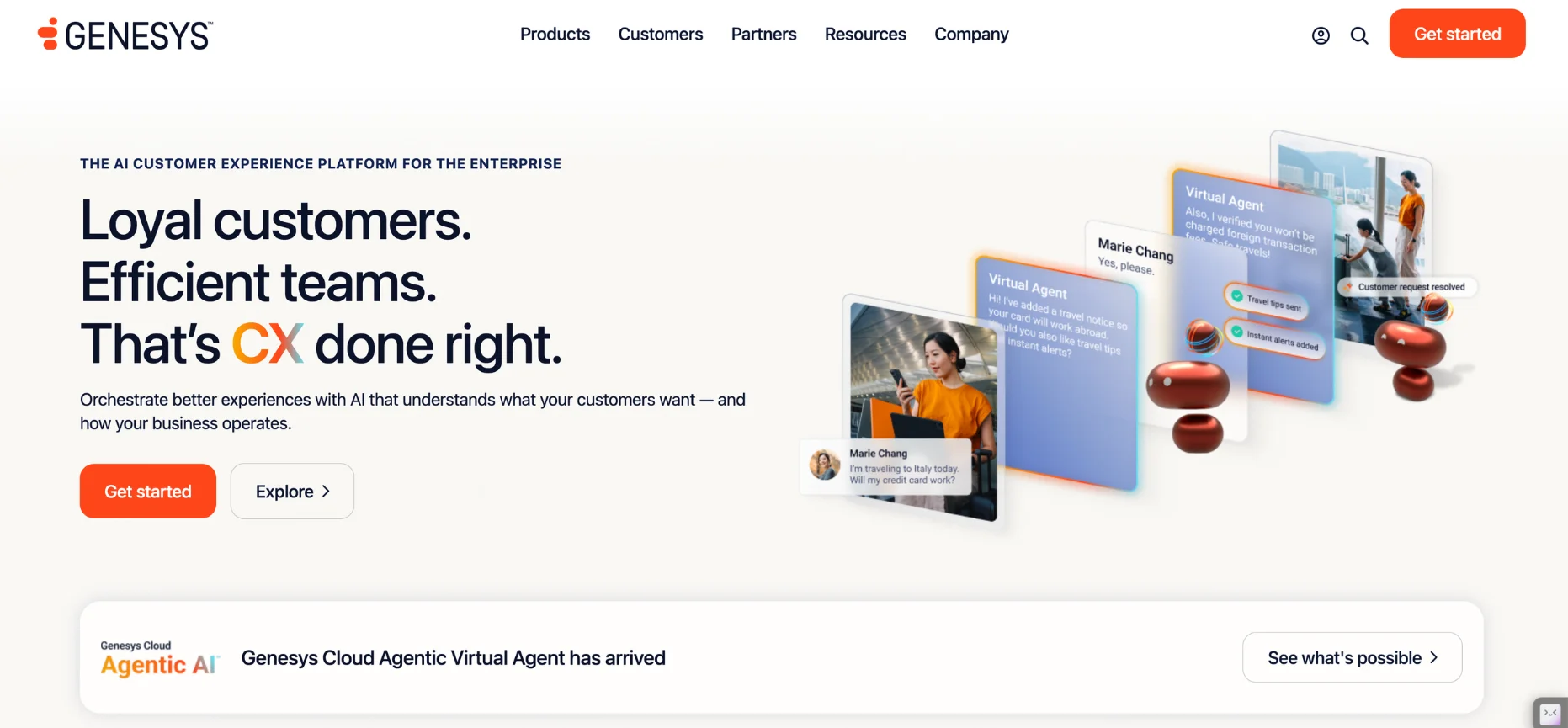
Genesys grew from a legacy on-premises giant into the benchmark for enterprise cloud contact center software, and Genesys Cloud CX routinely leads the Gartner Magic Quadrant. The platform is built for massive, multi-site operations where routing sophistication and compliance matter more than simplicity, so small teams should skip it.
Features:
- Predictive Omnichannel Routing. Elite routing handles complex inbound and outbound voice and digital volumes at the same time.
- Workforce Engagement Management. Built-in WEM delivers AI-driven forecasting, scheduling, and quality assurance.
- Agentic AI and Analytics. Agentic AI orchestration, predictive engagement, and real-time transcription pair with a Salesforce integration that unifies front-office and back-office data.
Pros:
- Gartner Peer Insights rates the platform 4.6 out of 5 across nearly 1,300 reviews, with admins praising its stability under heavy call loads.
- Deep compliance support, including HIPAA and PCI, suits regulated enterprises.
- Routing logic scales to very large deployments without breaking a sweat.
Cons:
- Plans start at $75 per user per month for CX 1 and climb to $95 to $135+ for CX 2 and 3, so a 100-seat team begins near $90,000 a year.
- Implementation takes specialized engineers and long timelines, and professional services can double first-year costs.
7. Quo (formerly OpenPhone)

Quo, formerly OpenPhone, reimagined the business phone as a collaborative app that looks more like Slack than a legacy PBX.
For startups, real estate agencies, and local service businesses that live on text and mobile, Quo separates work from personal life without a single desk phone.
Features:
- Shared Numbers and Messaging. Shared numbers act as team inboxes, with unlimited US and Canada calling, business SMS, auto-replies, and voicemail transcription.
- Sona AI Assistant. Sona answers calls, qualifies leads, and collects appointment details, while AI call summaries and tags keep records tidy.
- CRM Integrations. Native sync with HubSpot, Salesforce, Slack, Zapier, and webhooks plugs calls into the rest of your stack.
Pros:
- Pricing is transparent at $15 per user per month for Starter, $23 for Business, and $35 for Scale, so a 10-person Business team pays $2,760 a year.
- G2 reviewers give the platform 4.7 out of 5 and describe a learning curve measured in minutes.
Cons:
- Quo runs only on web, desktop, and mobile apps, so legacy SIP desk phones are out, and full contact center needs go unmet.
- Sona uses a credit system with 1,000 credits, about 10 calls, included and overages around $0.65 to $1.00 per call, while international calling outside North America carries per-minute charges.
8. 8x8

Founded in 1987, 8x8 is one of the longest-running names in cloud communications, and the company owns its global network instead of reselling someone else's. The platform bridges UCaaS, CCaaS, and CPaaS under one vendor, which suits multinational teams that want back-office and contact center staff on a single system.
Features:
- UCaaS and Cloud PBX. Native PSTN replacement in more than 50 countries comes with HD video meetings and team messaging.
- Contact Center Tier. The X8 plan adds omnichannel routing, workforce management, quality management, and supervisor analytics.
- AI and Integrations. Real-time transcription, call summaries, sentiment scoring, and agent assist are built in, backed by 150+ integrations and strong Microsoft Teams interoperability.
Pros:
- A 99.999% uptime SLA, backed by proprietary global infrastructure, gives IT leaders confidence for mission-critical voice.
- Global calling coverage stands out, with X2 including 14 countries and X4 including 48.
Cons:
- Pricing is quote-only, and buyers should expect annual contract lock-ins plus implementation fees for complex multi-site rollouts.
- G2 gives 8x8 a 4.2, but Trustpilot sits at 2.8, with complaints about offshore support delays, aggressive auto-renewals, and a mobile app that lacks polish.
9. CloudTalk
CloudTalk built a multi-carrier infrastructure to fix the latency and dropped calls that plagued single-carrier VoIP across borders. Aimed at outbound sales floors and international SMB support teams, CloudTalk is the pick when audio quality and dialer power drive revenue.
Features:
- Global Cloud PBX. Local numbers in 160+ countries come with smart IVR and skill-based routing for inbound call management.
- Built-In Dialers. Power, preview, and parallel predictive dialers speed up outbound sales, while multi-carrier failover helps keep calls connected.
- AI and CRM Sync. AI Conversation Intelligence delivers summaries, sentiment analysis, and transcripts, and two-way syncs cover HubSpot, Pipedrive, Salesforce, and Zendesk.
Pros:
- Starter pricing of $25 per user per month plus a $9 AI add-on keeps AI costs far below RingCentral's $39 to $60 fees, and a 50-person team pays about $20,400 a year.
- G2 reviewers rate the platform 4.4 out of 5 and praise the dialers and the reliability of CRM logging.
Cons:
- Voice is the focus, so deep digital CCaaS features such as native social routing and strong video conferencing are missing.
- AI works as a passive assistant rather than an autonomous agent, so teams chasing full automation will need to look beyond it.
10. Nextiva
Nextiva is a well-established business VoIP provider known for reliable voice and US-based customer support. Over time, the company has grown from standard VoIP into a unified communications and customer experience platform, which makes it a steady choice for professional services firms.
Features:
- Unified Communications. Unlimited US and Canada calling, auto-attendants, video meetings, and team chat live in a single app.
- Contact Center Tiers. Engage adds inbound call center features and reporting, while Essential CX unlocks full omnichannel routing for contact center teams.
- AI and CRM Options. Native AI transcription arrives at the top tier, the XBert AI Receptionist is an add-on, and CRM syncs with Salesforce and HubSpot open up on higher plans.
Pros:
- Core starts at $15 per user per month on annual billing, so a 50-person office pays $9,000 a year, and XBert costs a flat $99 per month for 100 sessions.
- G2 reviewers give the platform 4.5 out of 5 and consistently praise voice clarity and the quality of US-based support.
Cons:
- AI transcription is gated to the $75 per agent Essential CX tier, which stings for teams that want AI on a budget.
- The admin portal has a steep learning curve, the desktop app can feel cluttered, and some users report billing and cancellation disputes.
How to Evaluate Companies Like RingCentral
A good evaluation goes past feature checklists. Whether you are weighing business phone systems, cloud PBX providers, or contact center platforms, line up every vendor against the same criteria before you sit through a demo.
- UCaaS vs. CCaaS Fit. Decide whether you need unified communications for internal calling, video, and messaging, or contact center tools such as ACD, IVR, and workforce management. Buying CCaaS for an outbound sales team over-provisions, while basic UCaaS for a 50-seat support floor invites routing failures.
- VoIP Quality and International Calling. Test audio on the networks your team actually uses, check for multi-carrier failover, and confirm number coverage and per-minute rates in every country you call.
- Passive vs. Autonomous AI. Dialpad and Nextiva offer passive AI that summarizes calls and coaches humans. Thunai AI deploys autonomous voice agents that handle the whole call, query the database, and update the CRM without human intervention.
- CRM Integrations and Workflow Automation. Confirm native sync with Salesforce, HubSpot, Zendesk, or Pipedrive, and check whether you must move up a tier just to get it.
- 10DLC Compliance. US businesses texting from 10-digit long codes must register with The Campaign Registry, and violations can bring carrier fines of up to $10,000. Ask whether vendors such as Quo or CloudTalk streamline registration or leave you to sort it out alone.
- True Total Cost. Add base licenses to AI add-ons, call recording fees, regulatory surcharges, implementation costs, and the tier upgrades required to unlock CRM sync.
Replace RingCentral or Add an AI Layer? A Decision Framework
Replacing RingCentral is not the only way to modernize. The right move depends on how deeply the platform is wired into your business and where your biggest pain sits.
Approach 1: Replace RingCentral Entirely
A full rip-and-replace moves every number, device, and license to a UCaaS or CCaaS provider such as Dialpad, Nextiva, or Talkdesk. Choose this route when call quality is failing, surcharges and add-ons are eating the IT budget, or you need native CRM sync that RingCentral's base tiers lack. Be ready for weeks of number porting, retired desk phones, and retraining.
Approach 2: Retain RingCentral and Add an AI Layer
This approach keeps RingCentral as the telephony pipe while Thunai AI handles customer interactions on top. Incoming calls route to a Thunai voice agent through SIP forwarding, and the agent pulls CRM data, resolves routine issues, and hands complex cases back to humans on the RingCentral network. Teams get 70% to 80% L1 deflection without downtime, retraining, or carrier migration.
Choose this route when you run a large multi-site deployment with hundreds of desk phones, a multi-year contract, and a support queue swamped by routine tickets.
Want to see how Thunai AI sits on top of your current phone system and resolves routine calls on its own?
Schedule a free demo to see autonomous L1 support in action!
FAQs on RingCentral Alternatives
1. Who Are RingCentral's Biggest Competitors?
In unified communications, RingCentral's biggest rivals are Nextiva, Zoom Phone, Dialpad, 8x8, Vonage, GoTo Connect, and Microsoft Teams Phone. Aircall competes for CRM-centric sales and support teams, while Quo has become a leading challenger for small businesses that text heavily. In contact centers, RingCX faces Talkdesk and Genesys Cloud CX.
2. What Is the Best Alternative to RingCentral for Contact Centers?
Genesys Cloud CX is the benchmark for large, high-volume contact centers, thanks to predictive routing and built-in workforce engagement. Talkdesk suits mid-market teams that want deep Salesforce sync, Five9 targets large outbound and BPO operations, and 8x8 fits multinationals that want UCaaS and CCaaS together. Aircall works for smaller voice-first support teams, while Thunai AI is the pick for automating Level 1 requests across voice and chat.
3. Is There a Platform Cheaper Than RingCentral?
Yes. RingCentral Core runs $20 per user per month before add-ons, while Quo, Dialpad, and Nextiva all start at $15 per user per month on annual billing. Dialpad includes AI transcription in that base rate, and Ooma Office, Google Voice, Grasshopper, and Phone.com offer lower entry points for micro-businesses. Always add up surcharges and add-ons before you compare.
4. Can I Keep RingCentral and Still Add AI Agents?
Yes. Thunai AI is built to work alongside existing telephony, so you can forward calls from RingCentral to a Thunai voice agent over SIP. The agent handles the conversation, retrieves CRM data, offers real-time assistance to your human team, and resolves routine issues through automated workflows. You keep your contracts and desk phones while you upgrade the customer experience.