
Can your AI actually verify a customer and pass it along to a human, or does it just pretend to look good until it goes wrong?
False information is rare, but when it happens, they are the costliest issue to rectify.
Working with sensitive data like money and personal details may often lead to risk, and passing a conversation to a human can at times result in data entry issues.
In this blog, we’ll reveal the exact alignment checklists and tough questions you must ask vendors.
And better yet, help you learn how to launch an assistant that drives measurable, real-world results.
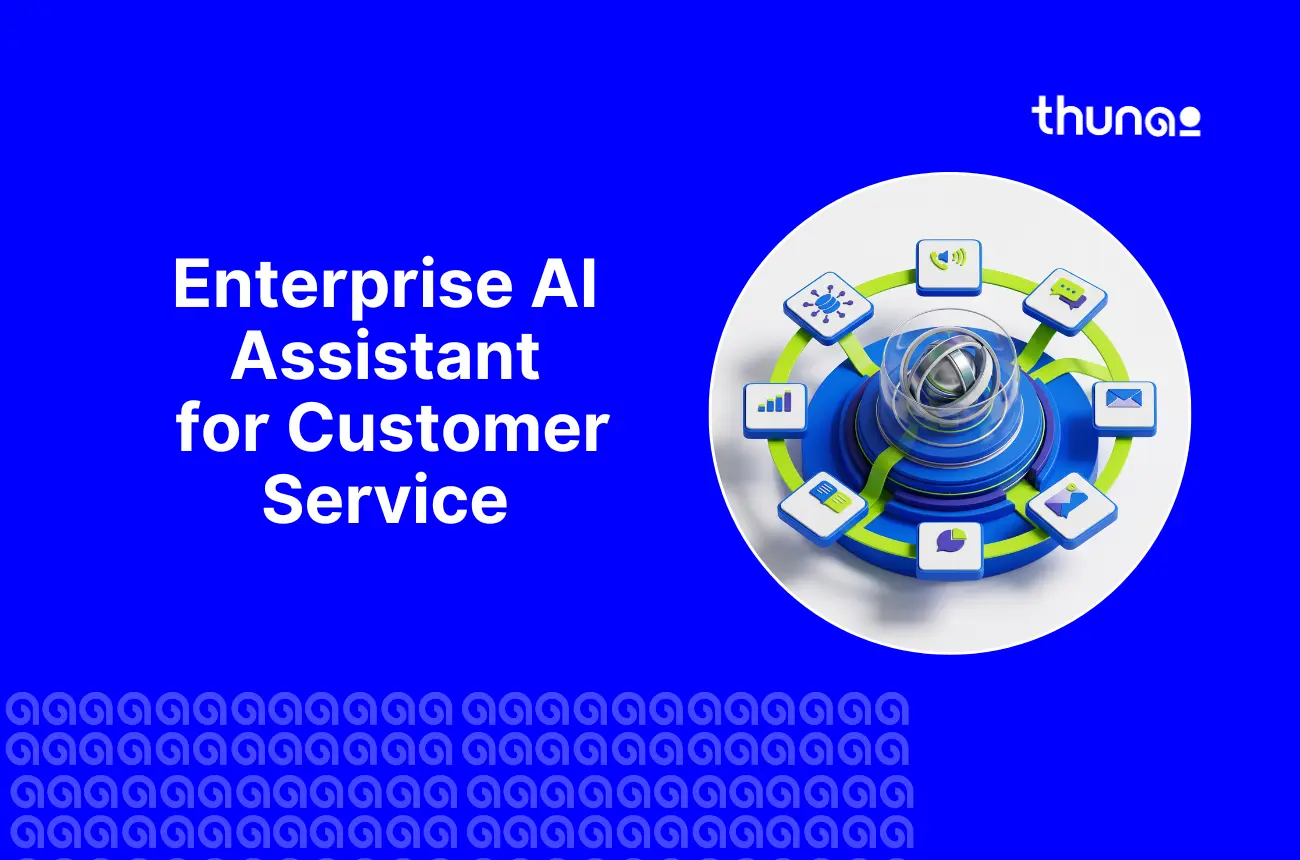
What Is an Enterprise AI Assistant for Customer Service?
An enterprise AI assistant for customer service is a tool that communicates to your customers, not your employees. The tool itself will be able to access data about your organization, including accounts, orders, etc.
Unlike simple chatbots, an enterprise-level AI assistant for customer service will be able to verify information, track its actions, and transfer the customer to a human agent if necessary.
An enterprise AI assistant for customer service answers the people who pay you. These two jobs need very different rules around security, brand risk, and what happens when something goes wrong.
Chatbot, Copilot, Assistant, Autonomous Agent: A Simple Taxonomy for CX
Very few guides explain the distinction between a chatbot, copilot, assistant, and autonomous agent in customer service contexts. Here is how to remedy that situation with two straightforward queries:
- Who does it talk to? Your customers, or your own support agents?
- Can it actually do something? Or does it just reply with words?
Internal vs. Customer-Facing: Why Are the Requirements Not the Same?
Many well-known enterprise AI assistant products are built for employees, helping them search internal documents or get IT help faster. It's a great tool, but it is not the solution to your problem.
If you require something to communicate with your customers, no internal tool will do, even though it may look perfect during the demo.
The reason why they differ so much is that:
- Identity: The employees use single sign-on (SSO) for logging into company systems. Customers must have their own way of authentication.
- Brand and reputation risk: When the internal tool returns an incorrect answer, one employee is misled. In case of incorrect results from the customer tool, the situation may lead to a public complaint or a regulatory issue.
- Regulation: Customer interaction involves financial, health or personally identifiable data, which is regulated.
- Escalation: Employees can easily consult another employee. Customers require a seamless transfer to a human representative.
- Speed and volume: Customer service often means thousands of conversations a day, including live voice calls, where delays are noticed immediately.
The important question to ask in a demo is simple: which one was this product actually built for? A tool built first for employees, then adjusted for customers, usually shows the seams.
As per Gartner's research, 64% of customers prefer companies to avoid AI in customer service, and 53% would consider switching to a competitor over a company's AI use.
The Enterprise Requirements Checklist for CX
Very few guides give buyers a real, usable checklist. Some claim to be a buyer guide or comparison but skip the actual comparison.
Here's a direct checklist you can use when evaluating an enterprise AI assistant for customer service.
How to Evaluate Vendors: The Questions to ask in the Demo?
A feature list looks impressive. However, a demo answer under pressure tells you the truth about the enterprise tool in action. Instead of asking what it can do, ask vendors to show you these things:
- Show the assistant refusing to answer a question it isn't sure about.
- Show a full handoff to a human agent, including all the customer's history and context.
- Show the audit log for a completed action, like a refund.
- Show what happens when two pieces of company knowledge disagree with each other.
Don't skip the money questions either:
- How is it priced per seat, per resolution, per conversation, or per voice minute?
- What exactly counts as a billable interaction?
- What does a failed resolution actually cost you, once it escalates to a human?
Finally, check real integration support. Ask which contact center and CRM platforms are natively connected.
As per Gartner's research, Incorrect output-related complaints account for only 0.34% of AI-handled tickets, yet 71% of CX leaders rank them as a top-three governance risk, because each incident is publicly costly.
What Deployment and ROI Actually Look Like?
Before you turn on any AI assistant for contact centers, baseline these metrics so you can measure real change and your actual ROI, which look like:
- Containment or resolution rate (proportion of calls handled by AI from beginning to end)
- Average handling time (AHT) and after-call work time
- Quality assurance (QA) coverage
- Satisfaction / Dissatisfaction of customers with calls handled by AI
- Cost per contact
When you compare the ROI on Enterprise AI assistants with regular AI phone call assistants, the main difference is those specifically prevent missed-call revenue loss and improve conversions.
In terms of deployment, none of these measures are about the AI model itself, they're about your own readiness.
With deployment, time to value depends heavily on three things:
- How good and organized is your existing knowledge base?
- How much API access can you give the assistant?
- How quickly you can set up secure authentication.
A vendor who promises a perfect result on day one is not being fully honest with you.
What People Mean by Advanced AI Assistants? (And Why That Term Is Misleading in an enterprise context)
If you search for advanced AI assistants, you'll mostly find articles comparing general tools like ChatGPT, Claude, and Gemini for personal use writing, research, scheduling, and general productivity.
As per a 2023 Axios report, 82% of data comes from unmanaged personal accounts, leaving enterprises with little visibility. This is an adherence blind spot that reinforces the need for strict identity and access controls.
In a contact center, that flexibility is actually tricky, like you don't want an assistant that can do anything, but the one that is carefully limited to do exactly what it's approved to do and nothing more.
The model provides language understanding. The enterprise product wraps that model in security, data connections, and rules.
Common Mistakes When Buying an Enterprise AI Assistant for CX
- Buying an internal tool for an external job. Many teams pick a well-reviewed internal knowledge assistant, only to discover it was never built to face paying customers.
- Judging by the demo alone. A smooth demo doesn't tell you how the assistant handles refusal, escalation, or an audit trail request.
- Skipping governance until legal gets involved. PCI-DSS and call recording rules should be checked before signing, not after.
- Giving write access too early. Letting an assistant make account changes before your knowledge base is clean and accurate leads to costly errors.
- Measuring success with the wrong metric. If your vendor's case studies are all about internal productivity, don't expect those same numbers to translate to customer service results measuring your own CX metrics from day one.
As per Gartner’s October 2025 survey, 321 CX leaders found that 91% face executive pressure to implement AI, a reminder that internal urgency can push teams to buy before proper vetting.
Ready to build a customer-facing AI assistant that meets enterprise standards?
Book your slot with Thunai today and deploy an assistant built for compliance, governance, and seamless human handoff not just a repurposed internal tool.
FAQs on enterprise AI assistant for customer service
What is the difference between AI and enterprise AI?
Enterprise AI is the same core technology, but wrapped in the controls a business actually needs, things like access management, data location rules, activity logs, and clear rules for handing off to a human. The AI model itself is rarely what sets products apart.
What is the difference between an enterprise AI assistant and a chatbot? (enterprise AI assistant vs chatbot)
A chatbot operates using a predefined script. The enterprise-level AI assistant connects to your corporate systems, recognizes the client, and in advanced cases performs an action and logs the result of the action.
How much does an enterprise AI assistant cost?
Pricing usually works one of four ways: per seat, per resolution, per conversation, or per voice minute. But the number that matters most is the cost per successful resolution. This includes cases that fail and get passed to a human. A low price per conversation can still cost you a lot if it rarely solves the problem.
Which AI is best for enterprise customer service?
There's no single winner. What matters most isn't the algorithm. It's how well the tool connects to your data, fits your systems, and follows solid governance rules. The real test: Can it access your systems? Does it show its sources? Does it admit when it doesn't know something? Can it hand off to a human smoothly?
What are the top enterprise AI assistants?
The category actually splits into two separate markets. Internal knowledge and IT-focused assistants serve employees. Customer-facing contact center assistants are a completely separate group with different requirements. Comparing tools across both groups using the same feature checklist will give you a misleading shortlist.
How do you build an enterprise AI agent?
Most companies shouldn't build one from scratch. Building means you own everything: the accuracy of answers, safety rules, testing, phone system integration, compliance, and keeping up with model changes over time. Buying means evaluating a vendor on those same responsibilities. Either way, the hard work is in data quality and governance, not in the AI model itself.