
Insurance brokers take 2.5 hours per day doing paperwork, entering claims data, searching for policies, and responding to emails.
In 2026, 77% of insurance firms employ AI agents to make up for this lost time.
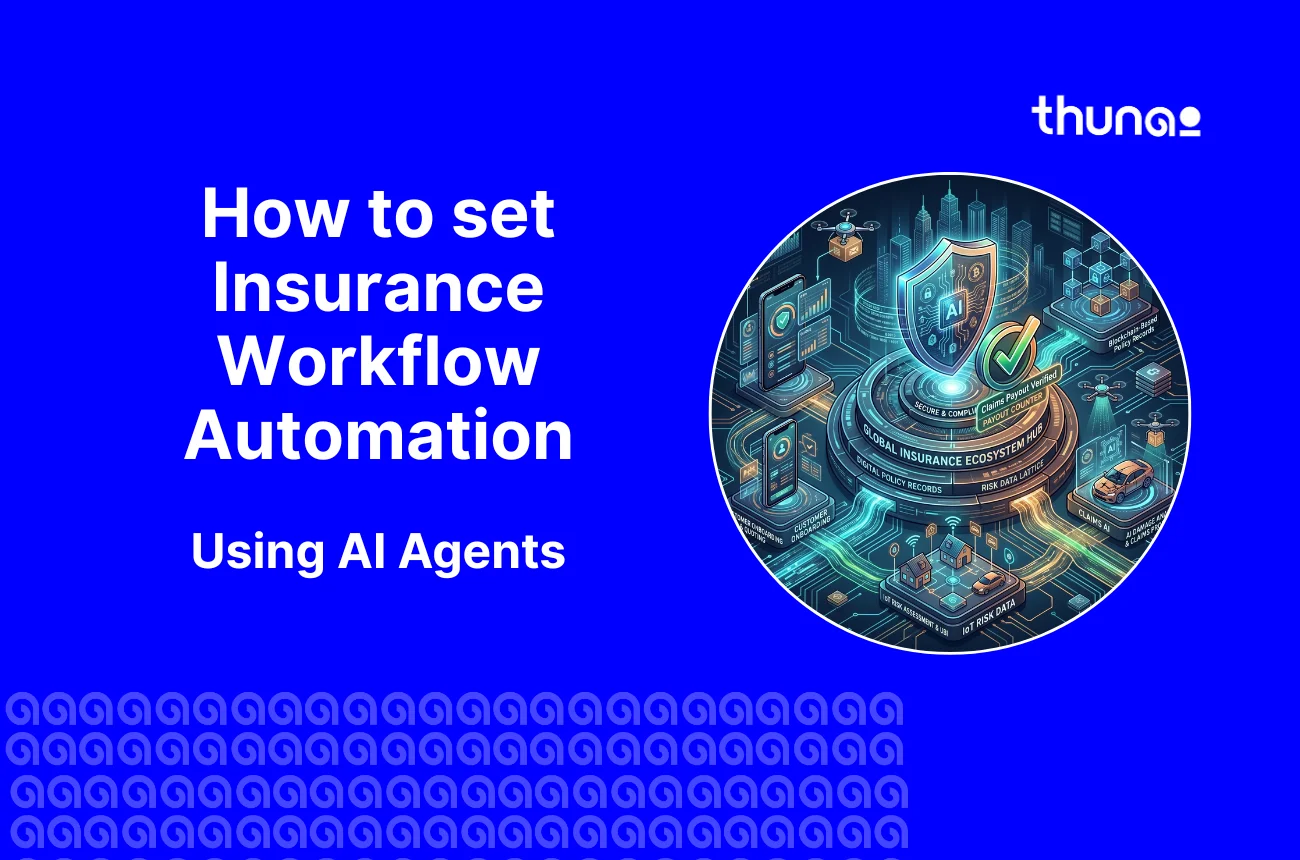
This guide shows exactly how to set up NAIC compliant insurance workflow automation across five core workflows, and how to measure ROI quickly.
If your automation only speeds up broken processes, this guide will show the shift you need: orchestration, not patchwork automation.
Why Insurance Companies Need Workflow Automation Now
- The executive mandate for insurance workflow automation is driven by an unprecedented convergence of economic pressures.
- Loss cost inflation is currently outpacing pricing assumptions, while the volatility of climate-related events is straining historical loss models.
- In this context, a traditional, manual insurance claims processing workflow is a structural risk. Inefficiencies tied to outdated platforms cost organizations a staggering $2.74 trillion annually.
- We need insurance workflow automation to handle the surge events that are becoming the new normal. During a hurricane or catastrophic freeze, our systems must offer infinite scalability, resolving thousands of simultaneous inquiries without putting customers on hold.
- The global AI in insurance market is projected to reach $11.92 billion by 2029, growing at a CAGR of 33.1%, because the cost of human-driven coordination has simply become unsustainable.
5 Insurance Workflows to Automate First (Priority Order)
- Claims FNOL intake:
Before: manual intake, image/email triage, ~73% manual effort.
After: AI voice/email FNOL + IDP extracts facts, reducing manual effort by 73% and enabling straight‑through processing (STP).
Time saved: average claims open time cut from days to hours.
- Policy renewal reminders:
Before: missed renewals and manual calling.
After: automated multi‑channel reminders and signature collection, delivering up to 8x revenue recovery on lapsed renewals.
Time saved: manual outreach down by ~85%.
- Agent follow‑up sequences:
Before: follow‑ups take 5 days on average.
After: AI sequences respond or escalate within 12 minutes, lifting conversion and freeing agents for high‑value calls.
- Customer query resolution:
Before: long hold times and manual case routing.
After: conversational AI deflects ~80% of routine queries (status checks, cover questions), reducing contact center load and improving NPS.
- Underwriting data collection:
Before: underwriters gather docs and phone data manually.
After: agents collect structured facts from customers and third‑party sources, improving pricing accuracy by ~53% and shortening decision time.
Step by step: How to set up insurance workflow automation
Follow the below 8 sequential steps. Skipping any step will lead to automation of a faulty process.
Step 1 : Conduct Workflow Audit (Weeks 1 to 2)
- Create a map of the entire lifecycle of claims and policies.
- List top time wasters, transitions, and manual intervention cases.
- Output: List of prioritization (select one workflow for pilot).
Step 2 : Choose HIPAA/NAIC Compliant AI platform (Week 2)
- Criteria include explainability, audit trail ability, role based access control, ISO/SOC certified.
- The platform needs to be compatible with AMS and handle various channels like phones, emails, chats.
Step 3 : Integrate Your AMS (Week 3)
- Integrate your Agency Management System (EZLynx, Vertafore/AMS360, Applied Epic, HawkSoft) or CRM (Salesforce).
Step 4 : Knowledge base creation on Thunai Brain (Week 3 to 4)
- Provide policies, SOP, claim rules, FAQs.
- Label cases used for IDP training (photos, medical evidence, police reports).
Step 5 : Configuration of AI Agents for each Workflow (Weeks 4 to 6)
- Configure AI agents for FNOL, Triage, Renewal, Support, and Underwriting Intake.
- Implement business rules and decisioning threshold. Log all decisioning.
Step 6 : Setting of Escalation Rules (Weeks 5 to 7)
- Establish thresholds for Human Intervention such as fraud scores, reserve amounts, and unclear documentation.
- Notify Role. Set SLA.
Step 7 : Run a 2 week pilot on one workflow (Week 8 to 10)
- Pilot one high volume workflow (FNOL or renewals).
- Throughput, Deflection Rate, Accuracy, Error type and Agent Satisfaction measured
Step 8 : Measure ROI and scale (Week 11 to 90)
- Utilize below KPIs. Improve your model and replicate for more processes.
- 90 days plan: piloting, optimization, replication of 2 to 3 processes and finally scaling to the whole company.
90‑day Milestones
- Day 0 to 30: audit, vendor selection, AMS connect.
- Day 31 to 60: knowledge base, agent config, escalation setup.
- Day 61 to 90: pilot, measurement, initial scale.
AMS Integration Guide: Connecting AI to Your Insurance Software
Why AMS integration matters: an AI agent must see policy state, claims history, endorsements, and payments to make safe decisions. Build integrations with these common systems:
- EZLynx: key for P&C retail agencies. Integrate to fetch policy numbers, coverages, and renewal dates. Use webhooks for event triggers (new quotes, renewals).
- Vertafore (AMS360, Agency Matrix): map policy IDs and claims to the AI brain. Use secure API tokens and field mapping to sync statuses.
- Applied Epic: enterprise grade AMS ensure rate limit handling and bulk sync for backfills.
- HawkSoft: local agency favorite validate webhook/CSV ingestion for older deployments.
- Salesforce (Financial Services Cloud) & ServiceNow: use for multi‑channel customer records and operational workflows. Sync contact records and cases both ways.
How Thunai’s Multi‑Connect Protocol helps
- Bi‑directional sync: AI reads from AMS and writes status updates, notes, and next‑steps back into the source.
- 35+ connectors: reduce custom engineering and keep legacy systems in place.
- Audit trail: every writeback includes the agent ID, decision reason, and timestamp for compliance.
ROI calculator: what insurance automation delivers by agency size
Use these three scenarios to estimate what automation returns for your team. Figures are based on 200 inbound contacts per day, 7 minutes average handle time, $35/hr burdened labor cost, and 80% AI deflection.
How Thunai Automates Insurance Workflows End to End
Thunai is not a tool that automates individual processes but a full-fledged intelligent process running the whole claims operation. The AI agents for insurance deal with the entire process starting from intake to settlement of the claims without any human intervention.
What sets it apart is orchestration. Instead of isolated automations, Thunai connects every step into a single, self operating workflow eliminating delays, reducing leakage, and ensuring consistent decisions at scale.
The platform manages the whole path through many smart agents:
- Unified Knowledge Brain: Thunai Brain eliminates data silos by creating a single source of truth across policies, claims, and documents reducing errors and improving decision accuracy by up to 95%.
- FNOL Automation: AI Voice and Email agents take the first note of loss. They pull facts from the chat and start the file right away.
- Intelligent Document Processing (IDP): The system pulls data from photos, doctor notes, and police files. It is very precise. Every fact links back to the source so there are no lies.
- Real Time Triage & Routing: The engine uses business rules to send the claim to the right person. It looks at how bad the damage is and what the policy covers.
- Proactive Chasing: If a signature is missing, the AI finds the gap. It calls the broker or client right away. It does not wait for a human to see the error.
- Thunai Multilingual AI: Facilitates real time and context-aware conversations to enable insurers to automate claims processes and offer their support regardless of the language barrier.
- Two-Way CRM Synchronization: Using the Multi-Connect Protocol (MCP), Thunai ensures that claims status is updated at all times within Salesforce or ServiceNow and that everyone sees the whole picture.
| Component | Functionality | Strategic Value |
|---|---|---|
| Thunai Brain | Unified knowledge graph | Reduces AI hallucinations by 95% |